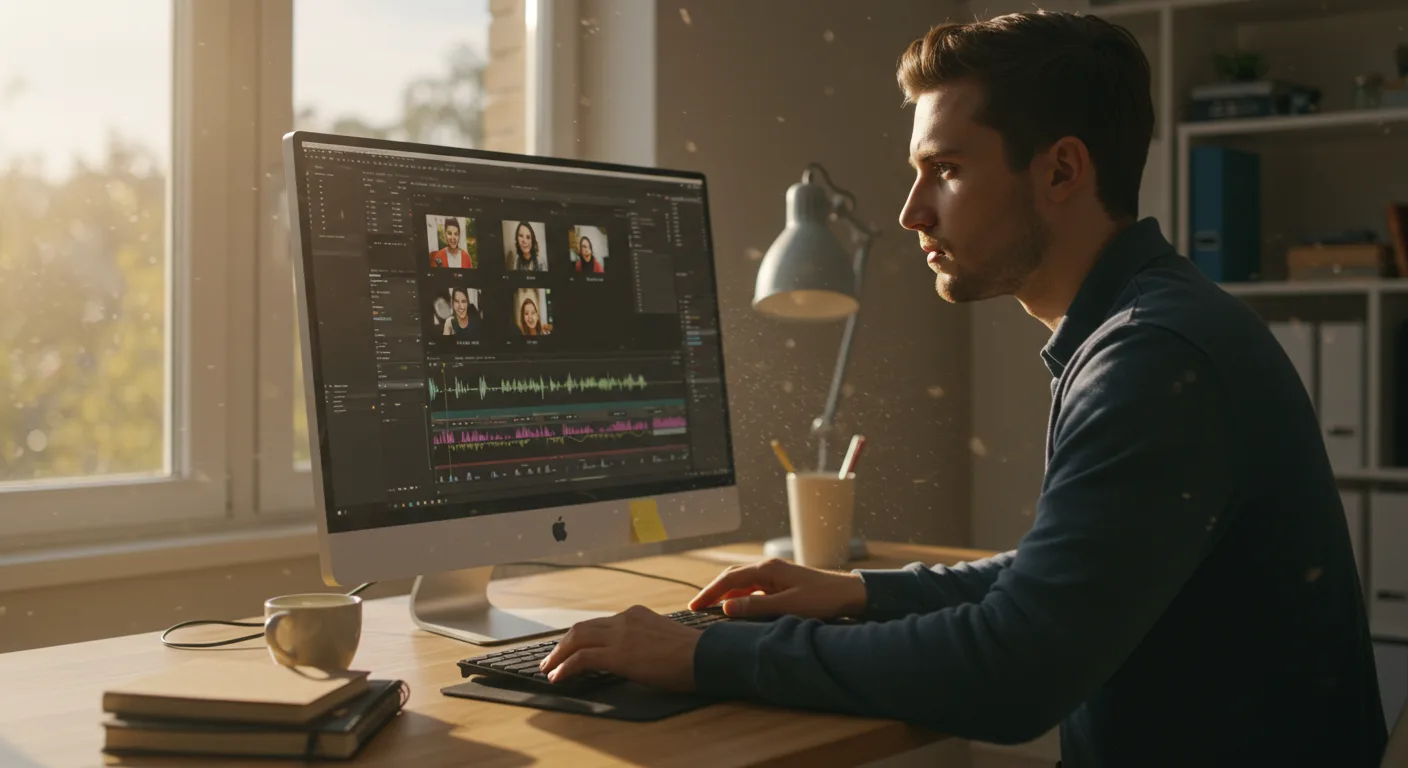
Unlocking Marketing Potential with Video Editing Software Tutorials
Video content is king in 2026, and marketers need to create engaging videos to stand out. But what if you lack formal video editing training? Fortunately, numerous tutorials on video editing software are available, offering a path to professional-looking marketing videos. Are you ready to transform your marketing strategy with the power of video?
Choosing the Right Video Editing Software for Marketing
Selecting the right video editing software for marketing is paramount. The best choice depends on your skill level, budget, and specific needs. Here’s a breakdown of popular options:
- Beginner-Friendly Options: For those new to video editing, user-friendly software like iMovie (for Mac users) and Microsoft Movie Maker (though officially discontinued, older versions are often still accessible) are excellent starting points. These tools offer intuitive interfaces and basic editing features, perfect for creating simple marketing videos.
- Intermediate Options: If you’re ready for more advanced features, consider CyberLink PowerDirector or Filmora. These programs offer a wider range of editing tools, effects, and transitions, allowing for more creative and polished videos.
- Professional Options: For seasoned video editors or those seeking professional-grade results, Adobe Premiere Pro and Final Cut Pro are industry standards. These programs offer unparalleled control and customization options, making them ideal for complex video projects.
Consider your team’s current skill set and the types of videos you plan to create when making your selection. Don’t be afraid to start with a simpler option and upgrade as your skills and needs evolve.
Many software companies offer free trials, so take advantage of these to test different programs before committing to a purchase. Explore the available tutorials for each software option to get a feel for its interface and features.
A recent survey by TechRadar Pro found that 78% of marketing professionals believe that user-friendliness is the most important factor when choosing video editing software.
Finding High-Quality Video Editing Tutorials
Once you’ve chosen your software, the next step is to find reliable video editing tutorials. Fortunately, a wealth of resources are available online. Here are some of the best places to find high-quality tutorials:
- Official Software Websites: Most video editing software companies offer comprehensive tutorials on their websites. These tutorials are often the most accurate and up-to-date, as they are created by the software developers themselves.
- YouTube: YouTube is a treasure trove of video editing tutorials. Search for tutorials specific to your software and the type of video you want to create. Look for channels with a large following and positive reviews.
- Online Learning Platforms: Platforms like Udemy, Coursera, and Skillshare offer structured video editing courses taught by experienced instructors. These courses often cover a wide range of topics, from basic editing techniques to advanced visual effects.
- Industry Blogs and Websites: Many marketing and video production blogs offer tutorials and tips on video editing. These resources can provide valuable insights into creating effective marketing videos.
When evaluating tutorials, look for clear explanations, step-by-step instructions, and practical examples. Pay attention to the instructor’s credentials and experience. Choose tutorials that align with your skill level and learning style.
Mastering Essential Video Editing Techniques
Regardless of the software you choose, certain video editing techniques are essential for creating effective marketing videos. These include:
- Cutting and Trimming: This involves removing unwanted footage and shortening clips to create a more concise and engaging video.
- Transitions: Transitions are used to smoothly connect different clips. Common transitions include fades, dissolves, and wipes. Use transitions sparingly and choose ones that are appropriate for the tone of your video.
- Adding Text and Graphics: Text and graphics can be used to add context, highlight key information, and reinforce your brand identity. Use clear and legible fonts, and ensure that your graphics are visually appealing.
- Color Correction and Grading: Color correction involves adjusting the colors in your video to create a more consistent and visually appealing look. Color grading is a more advanced technique that involves manipulating colors to create a specific mood or atmosphere.
- Audio Editing: Audio is just as important as visuals. Ensure that your audio is clear and free of distractions. Adjust the volume levels of different audio tracks to create a balanced and professional sound mix.
Practice these techniques regularly to improve your skills and develop your own unique editing style. Experiment with different effects and transitions to see what works best for your videos.
According to a 2025 study by HubSpot, videos with optimized audio and visuals have a 34% higher engagement rate than those without.
Leveraging Advanced Features for Marketing Videos
Once you’ve mastered the basics, you can start exploring the advanced features in video editing software to create more sophisticated marketing videos. These features include:
- Motion Graphics: Motion graphics are animated graphics that can be used to add visual interest and dynamism to your videos. Use motion graphics to create engaging intros, outros, and lower thirds.
- Visual Effects (VFX): VFX can be used to create realistic or fantastical effects that enhance your video’s storytelling. Use VFX sparingly and ensure that they are seamlessly integrated into your footage.
- Keying (Chroma Key): Keying, also known as chroma key or green screen, allows you to replace a background with another image or video. This is a powerful technique for creating professional-looking videos on a budget.
- 3D Animation: 3D animation can be used to create realistic or stylized 3D models and environments. Use 3D animation to create product demos, explain complex concepts, or add visual flair to your videos.
- Multicam Editing: Multicam editing allows you to edit footage from multiple cameras simultaneously. This is a valuable technique for creating dynamic and engaging videos of live events or interviews.
These advanced features require more time and effort to learn, but they can significantly enhance the quality and impact of your marketing videos. Invest in learning these techniques to elevate your video marketing strategy.
Measuring the Success of Your Video Editing Efforts
Creating compelling video content is only half the battle. It’s crucial to measure video editing performance to understand what resonates with your audience and optimize your future videos. Here are key metrics to track:
- Views: This is the most basic metric, indicating how many people have watched your video. Track views across different platforms (YouTube, Facebook, your website) to understand where your video is performing best.
- Watch Time: This measures the total amount of time viewers have spent watching your video. A longer watch time indicates that your video is engaging and holding viewers’ attention.
- Audience Retention: This metric shows how much of your video viewers are watching. Analyze the audience retention graph to identify points where viewers are dropping off.
- Engagement (Likes, Comments, Shares): These metrics indicate how viewers are interacting with your video. A high engagement rate suggests that your video is resonating with your audience.
- Click-Through Rate (CTR): If your video includes a call to action (e.g., a link to your website), track the CTR to see how many viewers are clicking on it.
- Conversion Rate: Ultimately, you want your videos to drive conversions (e.g., leads, sales). Track the conversion rate to see how effectively your videos are achieving your marketing goals.
Use analytics tools like Google Analytics and platform-specific analytics dashboards (e.g., YouTube Analytics, Facebook Insights) to track these metrics. Analyze the data to identify areas for improvement and optimize your video editing strategy.
A/B test different video editing techniques (e.g., different transitions, text styles, music) to see which ones perform best. Continuously experiment and refine your approach to maximize the impact of your video marketing efforts.
Conclusion
Mastering tutorials on video editing software is a game-changer for modern marketing. By choosing the right software, finding reliable tutorials, and mastering essential editing techniques, you can create engaging videos that capture your audience’s attention and drive conversions. Remember to leverage advanced features and measure your results to continuously improve your video marketing strategy. So, start exploring those tutorials and unlock the power of video for your marketing success today!
What’s the easiest video editing software for beginners?
For beginners, iMovie (for Mac users) and older versions of Microsoft Movie Maker (for Windows) are often recommended due to their intuitive interfaces and basic features.
Are there free video editing software options available?
Yes, several free video editing software options exist, such as DaVinci Resolve (free version), OpenShot, and HitFilm Express. These offer a good range of features without a price tag.
How long does it take to learn video editing?
The time it takes to learn video editing varies depending on your goals and dedication. You can learn the basics in a few weeks, but mastering advanced techniques can take months or even years.
What are some essential video editing techniques for marketing videos?
Essential techniques include cutting and trimming, adding transitions, incorporating text and graphics, color correction and grading, and audio editing.
How important is audio quality in video editing?
Audio quality is crucial. Clear and well-balanced audio significantly enhances the viewing experience and makes your video more engaging and professional. Always prioritize good audio recording and editing.



