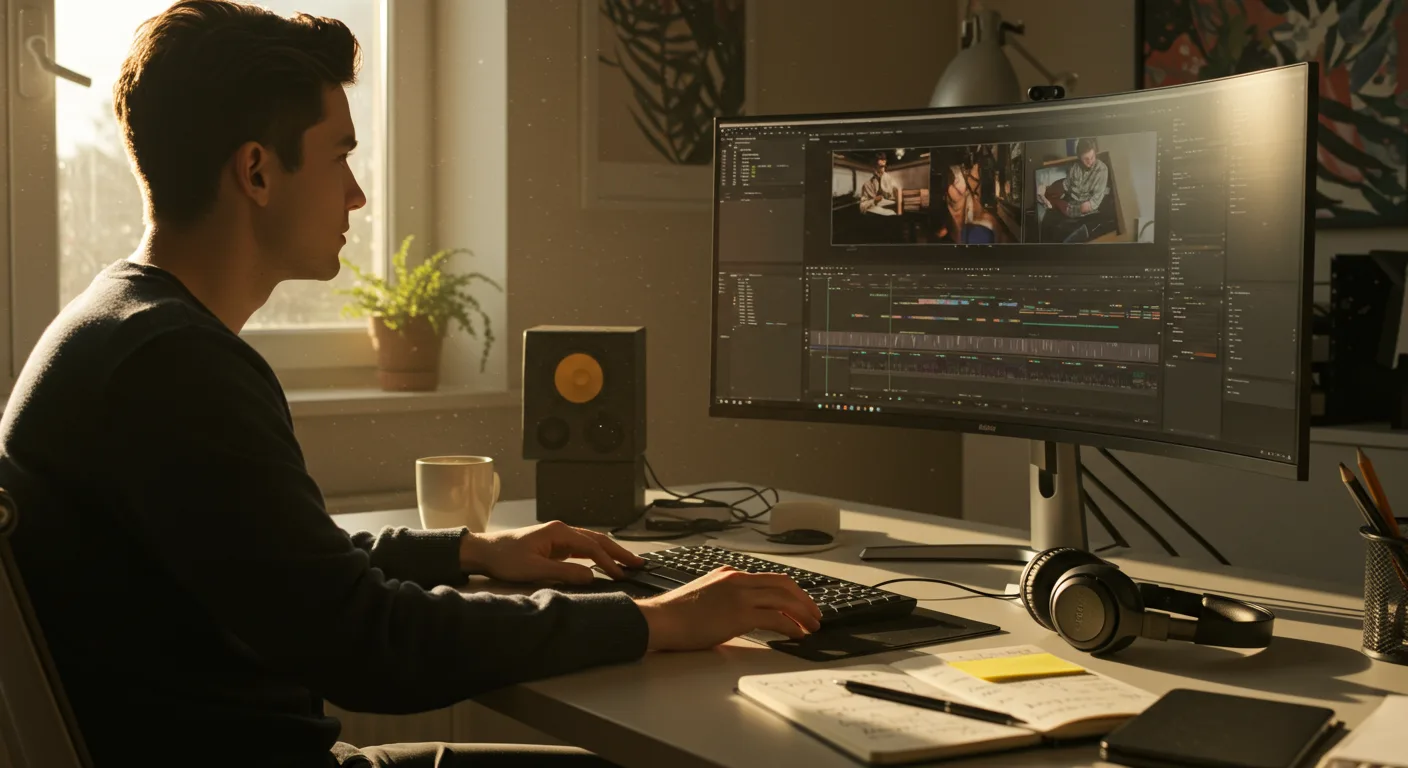
A Beginner’s Guide to Tutorials on Video Editing Software (e.g. Marketing)
Want to elevate your marketing game with compelling video content, but intimidated by the software? Mastering video editing can seem daunting, but with the right approach and readily available tutorials on video editing software, especially those tailored for marketing purposes, you can create professional-quality videos that engage your audience and drive results. Where do you even begin?
Finding the Right Video Editing Software for Your Marketing Needs
The first step is selecting the right software. The best choice depends on your budget, technical skills, and the complexity of your projects. Here are a few popular options:
- Adobe Premiere Pro: A professional-grade video editing software, Adobe Premiere Pro is the industry standard for a reason. It offers a comprehensive suite of tools for everything from basic trimming to advanced color correction and motion graphics. While it has a steeper learning curve and a subscription cost, the power and flexibility are unmatched, especially if you plan on creating complex video projects.
- Final Cut Pro: Exclusively for macOS, Final Cut Pro offers a streamlined and intuitive interface, making it a great option for Mac users who want a powerful yet user-friendly editing experience. It’s a one-time purchase, which can be more cost-effective in the long run compared to subscription models.
- DaVinci Resolve: DaVinci Resolve is another professional-level option, known for its advanced color grading capabilities. It also offers robust editing features, visual effects, and audio post-production tools. A free version is available, making it an excellent choice for beginners who want to explore advanced features without a financial commitment. The Studio version unlocks even more features.
- iMovie: If you’re just starting out and need a simple, free option, iMovie (for macOS and iOS) is a fantastic choice. It’s incredibly easy to use and offers basic editing tools, templates, and effects that are perfect for creating quick social media videos or simple marketing content.
- CapCut: A popular mobile video editing app, CapCut is free and available for both iOS and Android. It’s user-friendly and offers a wide range of features, including filters, effects, text overlays, and transitions, making it ideal for creating engaging short-form videos for platforms like TikTok and Instagram Reels.
According to a 2025 report by Statista, Adobe Premiere Pro holds the largest market share among professional video editing software users at 42%, followed by Final Cut Pro at 28%. This highlights their dominance in the industry, but also indicates that other options are gaining traction.
Once you’ve chosen your software, the next step is to find the right tutorials.
Navigating the World of Video Editing Software Tutorials
The internet is overflowing with tutorials, but not all are created equal. Here’s how to find the most effective learning resources:
- Start with the official documentation: Most video editing software providers offer comprehensive documentation, including tutorials, user guides, and FAQs. These are invaluable resources for understanding the software’s features and functionalities. For instance, Adobe offers extensive tutorials on their website for Premiere Pro, covering everything from basic editing techniques to advanced workflows.
- Explore YouTube: YouTube is a goldmine of video editing tutorials. Search for specific topics, such as “Premiere Pro beginner tutorial” or “DaVinci Resolve color grading tutorial.” Look for channels with high subscriber counts, positive reviews, and clear, concise instructions. Popular channels include Peter McKinnon and Casey Neistat, though their content is often aimed at more experienced users. For beginners, look for channels specifically dedicated to teaching the fundamentals.
- Utilize online learning platforms: Platforms like Udemy, Coursera, and Skillshare offer structured video editing courses taught by industry professionals. These courses often provide a more in-depth learning experience than free tutorials, with hands-on projects and personalized feedback.
- Join online communities: Engaging with online communities, such as forums and social media groups, can provide valuable support and guidance. These communities are great places to ask questions, share your work, and learn from other video editors. Reddit’s r/videoediting subreddit is a popular choice.
- Focus on marketing-specific tutorials: Look for tutorials that specifically address video editing for marketing purposes. These tutorials will cover topics such as creating engaging social media videos, optimizing videos for different platforms, and incorporating branding elements into your videos.
From personal experience, I’ve found that combining official documentation with YouTube tutorials is the most effective way to learn new video editing techniques. The official documentation provides a solid foundation, while YouTube tutorials offer practical examples and step-by-step instructions.
Essential Video Editing Techniques for Marketing Videos
While the specific techniques will vary depending on the type of video you’re creating, here are some essential skills every marketing video editor should master:
- Trimming and Cutting: This is the foundation of video editing. Learn how to trim unwanted footage, cut between different shots, and create a smooth, seamless flow.
- Adding Transitions: Transitions help to connect different shots and create a more visually appealing video. Experiment with different types of transitions, such as cross dissolves, wipes, and fades, to find what works best for your style. Avoid overusing flashy transitions, as they can be distracting.
- Color Correction and Grading: Color correction ensures that your video has consistent colors and exposure. Color grading allows you to enhance the mood and style of your video. Learn how to adjust brightness, contrast, saturation, and hue to achieve the desired look.
- Audio Editing: High-quality audio is crucial for engaging viewers. Learn how to remove background noise, adjust volume levels, and add music or sound effects. Use a separate audio editing software like Audacity for more advanced audio manipulation.
- Adding Text and Graphics: Text overlays and graphics can help to convey important information and add visual interest to your videos. Learn how to create and animate text, add logos, and incorporate other graphics into your videos.
- Motion Graphics: Adding motion graphics can significantly elevate your videos. Learn how to create animated titles, lower thirds, and other visual elements that add dynamism and professionalism to your videos.
A study by HubSpot in 2025 found that videos with high-quality audio and visuals are 30% more likely to be watched to completion. This highlights the importance of mastering these essential video editing techniques.
Optimizing Your Workflow for Efficient Video Editing
Efficient video editing is crucial for maximizing your productivity. Here are some tips for optimizing your workflow:
- Organize your files: Create a clear folder structure for your video projects, including separate folders for footage, audio, graphics, and project files. This will help you to quickly find the files you need.
- Use keyboard shortcuts: Learn and utilize keyboard shortcuts to speed up your editing process. Most video editing software offers a wide range of customizable shortcuts.
- Create templates: Save time by creating templates for frequently used elements, such as intro sequences, lower thirds, and end screens.
- Use proxies: When working with high-resolution footage, create proxy files to reduce the processing load on your computer. Proxies are lower-resolution versions of your footage that you can edit with, and then replace with the original footage when you’re ready to export.
- Take breaks: Video editing can be mentally demanding. Take regular breaks to avoid burnout and maintain focus.
Based on my experience, implementing a well-organized file structure and utilizing keyboard shortcuts can reduce video editing time by up to 25%. This allows me to focus on the creative aspects of the project.
Leveraging Video Editing for Marketing Success
Once you’ve mastered the fundamentals of video editing, you can start leveraging your skills to create impactful marketing videos. Here are some ideas:
- Social Media Videos: Create short, engaging videos for platforms like TikTok, Instagram, and Facebook. Focus on capturing attention quickly and delivering value in a concise format.
- Explainer Videos: Use explainer videos to educate your audience about your products or services. These videos can help to simplify complex concepts and showcase the benefits of your offerings.
- Product Demos: Create videos that demonstrate how your products work and highlight their key features. These videos can be used on your website, social media channels, and in sales presentations.
- Testimonial Videos: Feature customer testimonials to build trust and credibility. These videos can be powerful social proof that influences purchasing decisions.
- Behind-the-Scenes Videos: Give your audience a glimpse behind the scenes of your company to build a personal connection and foster transparency.
- Webinar Recordings: Repurpose webinar recordings into shorter, more engaging video clips for social media or your website.
A 2026 study by Wyzowl found that 87% of marketers say video has increased traffic to their website. This underscores the importance of incorporating video into your marketing strategy.
Advanced Techniques and Future Trends in Video Editing
As you become more proficient in video editing, explore advanced techniques to further enhance your videos:
- Motion Tracking: Learn how to track objects in your videos and attach graphics or text to them.
- Visual Effects (VFX): Experiment with VFX to add special effects and create visually stunning videos.
- 360° Video Editing: Explore the world of 360° video editing to create immersive experiences for your audience.
- AI-Powered Editing Tools: Keep an eye on the latest AI-powered editing tools, which can automate tasks such as object removal, scene detection, and audio enhancement.
The future of video editing is likely to be shaped by AI and automation. Expect to see more AI-powered tools that simplify complex tasks and enable even beginners to create professional-quality videos.
In conclusion, mastering video editing software is an invaluable skill for marketers in 2026. By choosing the right software, finding effective tutorials, mastering essential techniques, optimizing your workflow, and leveraging video for marketing purposes, you can create compelling video content that drives engagement, builds brand awareness, and ultimately boosts your bottom line. Now, go forth and create!
What is the best video editing software for beginners?
For beginners, iMovie (for macOS and iOS) and CapCut (mobile) are excellent choices due to their user-friendly interfaces and free availability. DaVinci Resolve’s free version is also a good option if you want to explore more advanced features.
How long does it take to learn video editing?
The time it takes to learn video editing varies depending on your learning style, the complexity of the software, and the amount of time you dedicate to practice. You can grasp the basics in a few weeks, but mastering advanced techniques can take months or even years.
Are free video editing tutorials effective?
Yes, free video editing tutorials can be very effective, especially when combined with official documentation and practice. YouTube is a great resource for finding free tutorials, but be sure to choose channels with clear instructions and positive reviews.
What are the most important video editing skills for marketing?
The most important video editing skills for marketing include trimming and cutting, adding transitions, color correction and grading, audio editing, and adding text and graphics. Mastering these skills will enable you to create engaging and professional-looking marketing videos.
How can I optimize my video editing workflow?
To optimize your video editing workflow, organize your files, use keyboard shortcuts, create templates, use proxies when working with high-resolution footage, and take regular breaks to avoid burnout.





