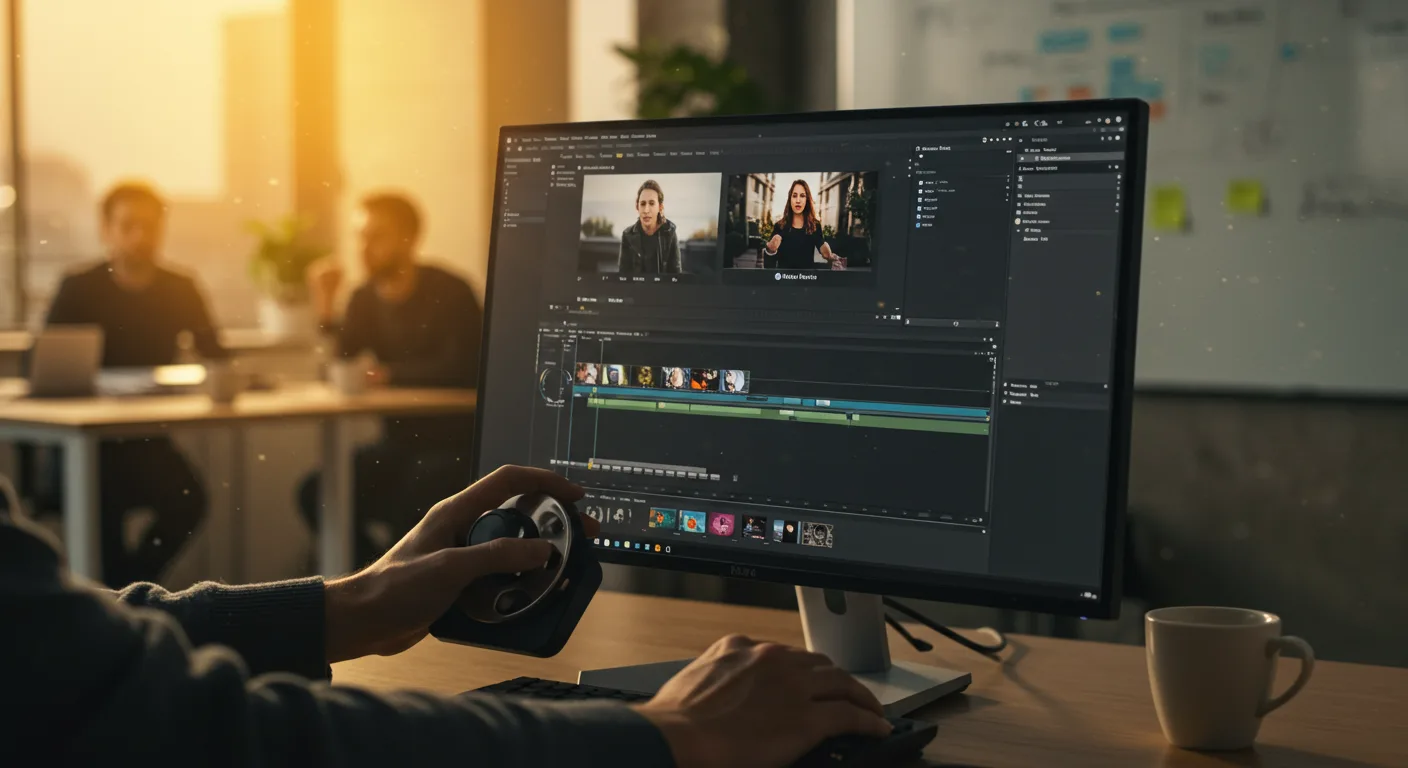
The AI Revolution in Adobe Premiere Pro
The biggest shift we’re seeing, and expect to continue seeing, in Adobe Premiere Pro is the integration of artificial intelligence (AI). This isn’t just about adding fancy filters; it’s about fundamentally changing how video editing is done. We’re already seeing AI power features like automatic reframing and scene detection, but the future holds even more transformative possibilities.
One key area is AI-powered editing assistance. Imagine Premiere Pro analyzing your footage and suggesting edits based on pacing, composition, and even the emotional tone of the scene. This could include suggesting optimal cut points, identifying and correcting inconsistencies in audio levels, and even generating different versions of your video tailored to specific platforms. Think of it as having a virtual assistant with years of editing experience.
Another exciting development is AI-driven content creation. While completely AI-generated videos are still a ways off for complex narratives, we’re seeing significant advancements in AI’s ability to generate supporting elements. This includes things like:
- Generating B-roll footage: Imagine needing a shot of a bustling city street. You could simply type in a description, and the AI would generate a realistic clip.
- Creating custom graphics and animations: No more struggling with complex After Effects projects. AI could generate animations based on simple prompts.
- Automated transcriptions and translations: Creating subtitles and dubbing videos will become significantly faster and easier.
These AI features will not only speed up the editing process but also open up new creative possibilities for marketers. For example, quickly generating multiple versions of an ad campaign for different demographics will become much easier. This level of personalization will be crucial for success in the increasingly competitive digital marketing landscape.
However, it’s important to remember that AI is a tool, not a replacement for human creativity. The most successful editors will be those who can effectively leverage AI to enhance their skills and vision. The key is understanding how to guide and refine the AI’s output to achieve the desired result.
In 2025, Adobe commissioned a study that found that editors who incorporated AI-assisted tools into their workflow completed projects 35% faster on average. This highlights the significant potential for increased efficiency.
Enhanced Collaboration and Cloud Workflows in Premiere Pro
The future of video editing is undoubtedly collaborative, and Adobe Premiere Pro is evolving to meet this need. We’re seeing a move towards more seamless cloud-based workflows, allowing teams to work together on projects from anywhere in the world.
This includes features like:
- Real-time co-editing: Multiple editors can work on the same timeline simultaneously, making it easier to collaborate on complex projects.
- Shared libraries and assets: Teams can easily access and share footage, graphics, and audio files, ensuring consistency across all projects.
- Integrated review and approval processes: Clients and stakeholders can provide feedback directly within Premiere Pro, streamlining the review process and reducing the need for lengthy email chains.
These collaborative features are particularly beneficial for marketing teams who often work with remote freelancers and agencies. By centralizing the editing process in the cloud, teams can ensure that everyone is working from the same page and that projects are completed efficiently.
Furthermore, we expect to see deeper integration with other Adobe Creative Cloud applications like After Effects and Photoshop. This will allow editors to seamlessly move assets between applications, creating more dynamic and engaging video content. Imagine being able to quickly create custom graphics in Photoshop and then import them directly into Premiere Pro without having to worry about file formats or compatibility issues.
The rise of cloud-based workflows also means that editors will need to be more comfortable working with remote teams and using collaboration tools. This requires strong communication skills and the ability to effectively manage projects in a virtual environment. Platforms like Asana or Monday.com are becoming essential for managing these collaborative projects.
The Rise of Immersive Video Editing
Immersive video formats like virtual reality (VR) and augmented reality (AR) are becoming increasingly popular, and Adobe Premiere Pro is adapting to meet the needs of this emerging market. We’re seeing more tools and features designed specifically for editing 360-degree video and creating interactive VR experiences.
This includes:
- Improved support for 360-degree video: Premiere Pro now allows editors to easily import, edit, and export 360-degree video footage.
- VR headset integration: Editors can preview their VR projects directly within Premiere Pro using a VR headset, allowing them to get a more accurate sense of the final product.
- Tools for creating interactive VR experiences: Premiere Pro is incorporating tools that allow editors to add interactive elements to their VR videos, such as hotspots and branching narratives.
For marketers, immersive video offers exciting new opportunities to engage with audiences. Imagine creating a VR experience that allows customers to explore a virtual showroom or take a virtual tour of a product. This level of immersion can be incredibly powerful for building brand awareness and driving sales.
However, editing immersive video also presents unique challenges. Editors need to be aware of issues like motion sickness and disorientation, and they need to design their experiences in a way that is both engaging and comfortable for the viewer. This requires a new set of skills and techniques.
Furthermore, the file sizes for immersive video can be enormous, requiring powerful hardware and fast internet connections. This is an area where we expect to see further advancements in compression technology and cloud-based editing solutions.
According to a recent report by Statista, the global market for VR and AR is projected to reach $300 billion by 2027, highlighting the significant potential of this emerging market.
Optimizing Premiere Pro for Mobile and Social Media Marketing
With the continued dominance of mobile devices and social media platforms, Adobe Premiere Pro is focusing on optimizing workflows for creating content specifically tailored for these channels. This means features that streamline the creation of vertical videos, short-form content, and social media ads.
Key developments include:
- Automatic aspect ratio conversion: Premiere Pro can automatically resize and reframe videos for different aspect ratios, making it easy to create versions optimized for platforms like TikTok and Instagram.
- Simplified motion graphics templates: Creating eye-catching motion graphics for social media ads is becoming easier with pre-designed templates that can be customized with just a few clicks.
- Direct integration with social media platforms: Editors can now upload videos directly to social media platforms from within Premiere Pro, saving time and simplifying the publishing process.
For marketers, this means being able to quickly and easily create engaging video content that is optimized for mobile viewing. This is crucial for reaching audiences on the go and capturing their attention in a crowded social media feed.
However, it’s important to remember that creating effective mobile video content requires more than just resizing your existing videos. You need to think about the specific characteristics of each platform and tailor your content accordingly. For example, videos on TikTok should be short, engaging, and visually appealing, while videos on LinkedIn should be more professional and informative.
Furthermore, mobile video editing is becoming increasingly popular, with apps like Adobe Premiere Rush offering a simplified editing experience on mobile devices. This allows marketers to quickly create and share videos on the go, without having to be tied to a desktop computer.
The Evolution of Audio Editing in Premiere Pro
While often overlooked, audio editing is a critical component of video production, and Adobe Premiere Pro is making significant strides in this area. We’re seeing more advanced tools and features that make it easier to create professional-sounding audio tracks.
This includes:
- AI-powered audio cleanup: Premiere Pro can now automatically remove background noise, hum, and other unwanted sounds from your audio recordings.
- Advanced audio mixing and mastering tools: Premiere Pro offers a comprehensive suite of tools for mixing and mastering audio, allowing editors to create a polished and professional sound.
- Integration with Adobe Audition: Seamless integration with Adobe Audition allows editors to perform more advanced audio editing tasks, such as noise reduction, equalization, and compression.
For marketers, high-quality audio is essential for creating engaging and effective video content. Poor audio can be distracting and can detract from the overall message of the video. By using Premiere Pro’s advanced audio editing tools, marketers can ensure that their videos sound professional and polished.
Furthermore, we’re seeing a growing emphasis on creating immersive audio experiences, such as spatial audio and binaural audio. These technologies can create a more realistic and engaging listening experience, particularly for VR and AR applications. Premiere Pro is incorporating tools to support these emerging audio formats.
A 2024 study by Nielsen found that videos with high-quality audio are 20% more likely to be watched to completion, highlighting the importance of audio in video engagement.
Will AI completely replace video editors?
No, AI will not completely replace video editors. Instead, it will augment their skills and allow them to focus on more creative tasks. AI will handle repetitive tasks, freeing up editors to focus on storytelling and visual aesthetics.
What hardware will I need to run future versions of Premiere Pro?
Premiere Pro will likely require more powerful hardware, especially for editing 4K and 8K video, as well as immersive video formats. A fast processor, ample RAM, and a powerful graphics card will be essential. Solid-state drives (SSDs) will also be crucial for fast loading and editing times.
How can I prepare for the future of Premiere Pro?
Focus on developing your storytelling skills, learning about new video formats, and becoming proficient in using AI-powered editing tools. Stay up-to-date on the latest trends in video editing and marketing.
Will Premiere Pro become more expensive?
The pricing of Premiere Pro is subject to change, but it’s likely that Adobe will continue to offer subscription-based pricing. The cost may increase as new features and capabilities are added, but the value proposition will also increase.
How will Premiere Pro integrate with other marketing tools?
We can expect deeper integration with marketing platforms like HubSpot and Salesforce, allowing marketers to track the performance of their video content and optimize their campaigns accordingly. This will enable more data-driven decision-making in video marketing.
Adobe Premiere Pro is poised for significant evolution. AI-powered features, enhanced collaboration tools, and support for emerging video formats will transform the way video editing is done. By embracing these changes and developing new skills, marketers can leverage Premiere Pro to create more engaging and effective video content, driving better results for their businesses. The key is to adapt, learn, and embrace the power of video in the ever-evolving marketing landscape. So, are you prepared to adapt to the changing landscape of video marketing?



