 By Amanda Robinson
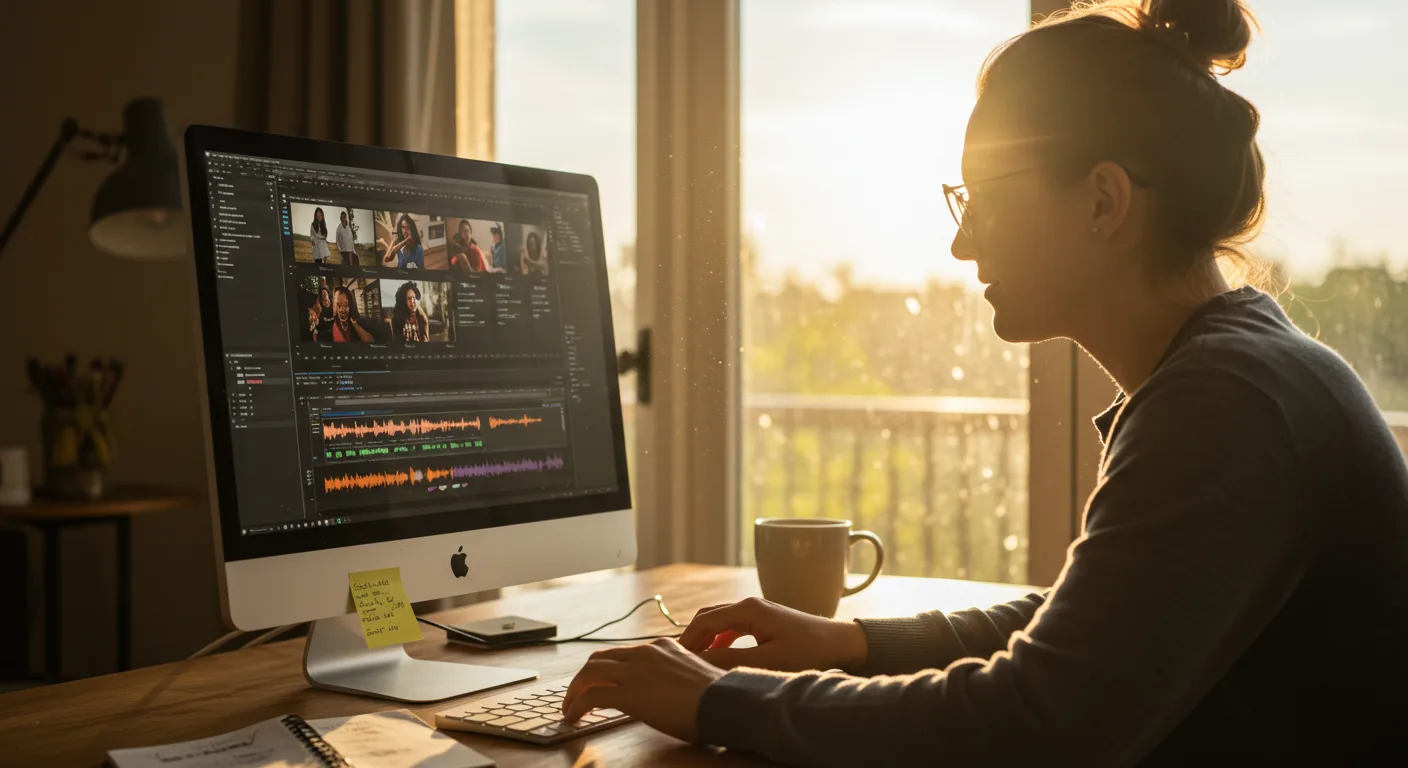
When Sarah, the sole marketing manager for “Urban Roots,” a thriving Atlanta-based organic meal kit delivery service, realized her social media engagement was stagnating, she knew something had to change. Her static image posts and basic text updates just weren’t cutting it against competitors pumping out slick, dynamic video content. She needed to master Adobe Premiere Pro and DaVinci Resolve, but the sheer volume of tutorials on video editing software felt like trying to drink from a firehose. How could she quickly acquire the skills to produce high-quality, engaging video for her marketing campaigns without hiring an expensive agency?
Key Takeaways
- Prioritize learning fundamental video editing concepts like cuts, transitions, and audio mixing before diving into advanced software features.
- Dedicate 30-60 minutes daily to practical application and project-based learning to solidify new video editing skills.
- Focus on mastering one primary video editing software (e.g., Premiere Pro or DaVinci Resolve) to an intermediate level before diversifying.
- Utilize free online resources like the official software documentation and community forums for troubleshooting and specific feature tutorials.
- Measure the impact of your video marketing efforts through metrics like watch time, engagement rate, and conversion lift to justify your learning investment.
I’ve been consulting with small businesses in the Atlanta metro area for over a decade, helping them untangle their digital marketing dilemmas. Sarah’s situation is incredibly common. Many businesses understand the undeniable power of video for marketing – HubSpot’s 2024 State of Marketing Report showed that video remains the top content format for driving engagement across all platforms. But they often hit a wall when it comes to actually producing that video. The learning curve for professional-grade editing software can feel insurmountable, especially when you’re already juggling a dozen other responsibilities.
My first piece of advice to Sarah, and to anyone facing this challenge, was clear: start with the fundamentals, not the fancy effects. Too many people jump straight into trying to replicate complex transitions they saw on TikTok, without truly understanding the basic grammar of video editing. Think about it: you wouldn’t try to write a novel before you mastered sentence structure, would you? The same applies here. Focus on learning how to make clean cuts, manage audio levels effectively, and use basic text overlays. These are the workhorses of marketing video.
Sarah confessed she’d spent hours scrolling through YouTube, watching isolated tutorials on chroma keying or motion graphics, but felt no closer to actually completing a cohesive video. “It’s like I have all these puzzle pieces, but no idea how they fit together,” she lamented during our first virtual meeting. That’s precisely the problem. YouTube is an incredible resource, but it’s often fragmented. For a structured learning path, I steered her towards Skillshare and LinkedIn Learning. These platforms offer comprehensive courses, often taught by industry professionals, that guide you from beginner to advanced. For Premiere Pro, I specifically recommended “Premiere Pro 2026 Essential Training” on LinkedIn Learning. It’s a marathon, not a sprint, but it builds a solid foundation.
Here’s an editorial aside: don’t get hung up on which software is “best.” Honestly, for 90% of marketing video needs, the choice between Premiere Pro, DaVinci Resolve, or even Final Cut Pro is largely a matter of preference and ecosystem. Premiere Pro is the industry standard for many, offering deep integration with other Adobe Creative Cloud apps, which is a huge plus if you’re already using Photoshop or Illustrator. DaVinci Resolve, on the other hand, boasts incredible color grading tools and a robust free version, making it incredibly attractive for budget-conscious marketers. My strong opinion? Pick one and commit to it. Becoming proficient in one program is far more valuable than being vaguely familiar with three.
Sarah decided to focus on Premiere Pro, given Urban Roots already had an Adobe Creative Cloud subscription. Our next step was to implement a rigorous, but manageable, learning schedule. “I don’t have hours each day to dedicate,” she stressed. I get it. Nobody does. That’s why I advocate for micro-learning sessions paired with immediate application. Instead of blocking out a full Saturday, I advised her to commit to 45 minutes every weekday morning. The first 15-20 minutes would be watching a tutorial on a specific feature – say, adding keyframes for animation. The remaining 25-30 minutes would be spent immediately trying to apply that feature to a real Urban Roots video project, even if it was just a rough cut. This immediate hands-on practice is absolutely non-negotiable for skill retention. You learn by doing, not just by watching.
We started with simple projects: a 15-second “unboxing” video of their new seasonal meal kit, a 30-second customer testimonial compiled from smartphone footage, and a quick “meet the farmer” segment. For the unboxing video, she learned about trimming clips, basic transitions (a simple cross-dissolve is often all you need), and adding royalty-free background music. For the testimonial, the focus was on audio clean-up and synchronizing voiceovers. These small wins built her confidence exponentially.
One challenge Sarah faced, which I’ve seen countless times, was getting bogged down by technical issues. “My footage looks too dark,” or “How do I get rid of this background noise?” For these specific, often frustrating problems, the official software documentation and community forums are goldmines. The Adobe Premiere Pro Help Center is surprisingly comprehensive. Also, don’t underestimate the power of a quick Google search with specific keywords like “Premiere Pro remove background noise tutorial.” You’ll often find short, direct solutions from fellow users.
Case Study: Urban Roots’ Social Media Video Campaign
Let’s look at how this played out for Urban Roots. Sarah spent three months diligently following her learning plan. Initially, her videos were raw, but she was consistent. Her first official video campaign, launched in early 2026, focused on short-form content for Instagram Reels and TikTok, showcasing the freshness of ingredients and ease of preparation. She used Premiere Pro to edit 15-30 second clips, incorporating:
- Clean Cuts and Transitions: Rapid, engaging cuts to keep viewer attention.
- Simple Text Overlays: Highlighting key benefits like “Organic & Local” and “Ready in 20 Mins.”
- Royalty-Free Music: Upbeat tracks sourced from Artlist.io to match the brand’s energetic vibe.
- Basic Color Correction: Ensuring the vibrant colors of the produce popped on screen.
The results were compelling. Prior to her video efforts, Urban Roots’ average Instagram Reel watch time was a dismal 3 seconds, and their engagement rate hovered around 1.5%. After three months of consistent, self-produced video content, their average watch time jumped to 8 seconds, and their engagement rate climbed to 4.2%. More importantly, they saw a 15% increase in new customer sign-ups directly attributable to their social media channels, according to their UTM tracking. This wasn’t Hollywood-level production, but it was authentic, consistent, and most importantly, effective. Sarah didn’t become a professional editor overnight, but she became proficient enough to drive tangible business results. That’s the goal for any marketer.
I had a client last year, a boutique fitness studio in Decatur, who was convinced they needed to outsource all their video. Their marketing budget was tight, and they were bleeding money on agency fees for simple class highlight reels. I walked their marketing assistant through a similar process, focusing on CapCut for mobile-first video editing. Within a month, she was producing daily, high-quality content that felt authentic to their brand, saving them approximately $1,500/month in agency costs. The tools are accessible; the commitment to learning them is the differentiator.
One final, crucial piece of advice: don’t chase perfection, chase progress. Your first videos will not be masterpieces. They might even be a little clunky. And that’s okay. The point is to get started, learn from each project, and continuously improve. The marketing world moves too fast to wait until you’re “expert” before you start creating. Get your hands dirty, make mistakes, and watch your skills – and your marketing impact – grow. It’s a journey, not a destination.
Mastering video editing software for marketing isn’t about becoming a film director; it’s about acquiring a powerful skill that directly impacts your brand’s reach and revenue.
What’s the best video editing software for a beginner in marketing?
For beginners, I often recommend CapCut for mobile editing due to its intuitive interface and powerful features, or DaVinci Resolve’s free version for desktop users who want professional capabilities without an upfront cost. Both offer excellent tutorials.
How long does it take to learn video editing for marketing purposes?
With consistent practice (30-60 minutes daily), you can achieve a functional level of proficiency for basic marketing videos within 2-4 weeks. To master more advanced techniques and develop a fluid workflow, expect 3-6 months of dedicated learning and project work.
Are free video editing tutorials reliable?
Yes, many free tutorials are highly reliable. Official software documentation, YouTube channels from reputable creators (e.g., Justin Odisho for Premiere Pro), and community forums often provide accurate and helpful information. However, for structured learning, paid platforms like Skillshare or LinkedIn Learning are often more efficient.
Should I focus on short-form or long-form video content first?
For marketers just starting out, I strongly advise focusing on short-form video content (15-60 seconds). It’s less intimidating to produce, more forgiving for learning, and aligns perfectly with current trends on platforms like Instagram Reels and TikTok, offering quicker feedback loops on your efforts.
What hardware do I need to edit marketing videos effectively?
For basic editing, a modern laptop (e.g., an Apple MacBook Air or a Windows laptop with an Intel i5/Ryzen 5 processor and 8GB RAM) is sufficient. For more complex projects involving 4K footage or extensive effects, an upgrade to 16GB+ RAM, a dedicated GPU, and a faster processor (i7/Ryzen 7 or M1/M2/M3 chip) will significantly improve performance and workflow efficiency.


