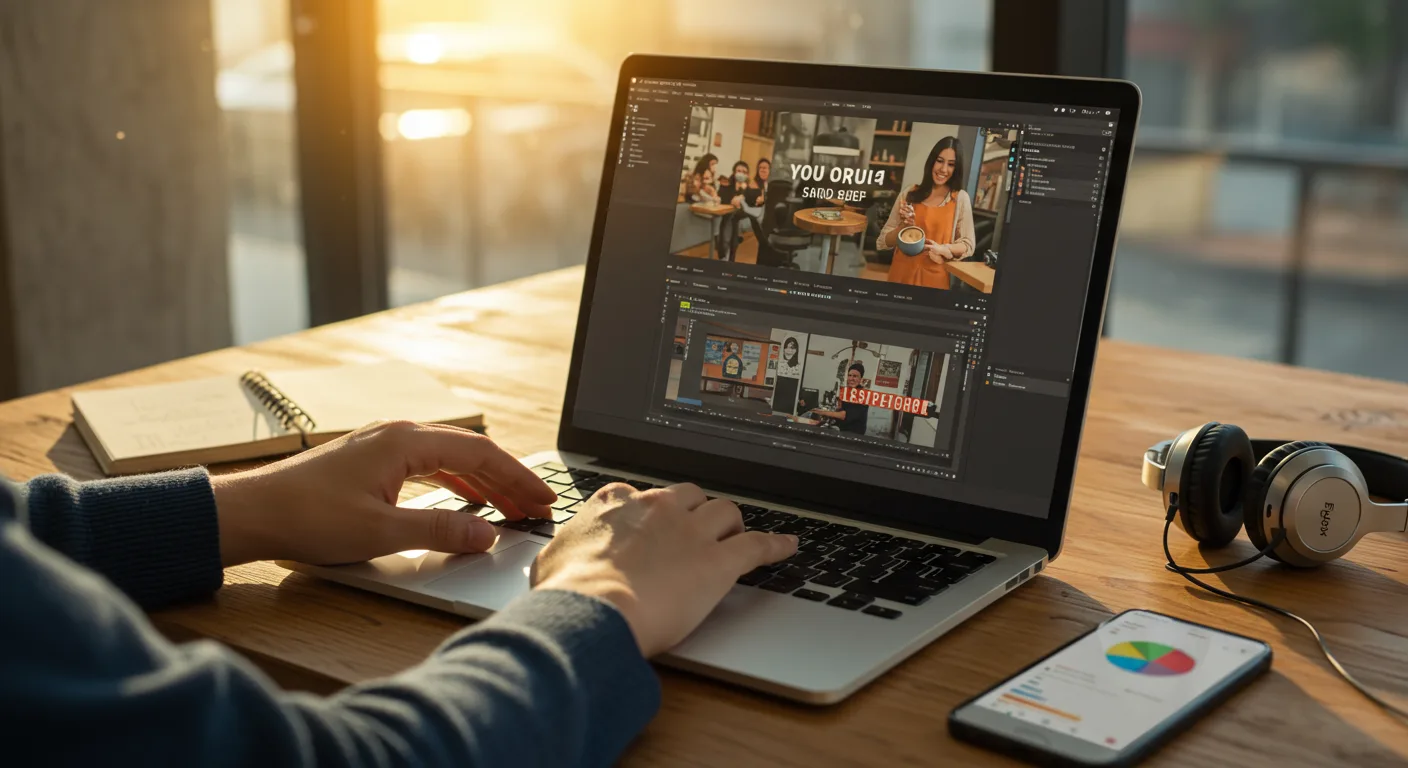
Unlocking Marketing Potential with CapCut
In the ever-evolving realm of digital marketing, video content reigns supreme. CapCut, a free and user-friendly video editing application, has emerged as a powerful tool for marketers looking to create engaging content without breaking the bank. With its intuitive interface and robust features, CapCut empowers even novice video editors to produce professional-quality videos. But how can marketers truly harness the full potential of CapCut to elevate their campaigns and connect with their target audience? Let’s explore.
CapCut’s Key Features for Marketing Success
CapCut boasts a range of features that are particularly beneficial for marketing professionals. These include:
- Text Overlays and Animations: Adding text to your videos allows you to highlight key messages, calls to action, and brand information. CapCut’s diverse font library and animation options enable you to create visually appealing text overlays that capture attention.
- Filters and Effects: Enhance the aesthetic appeal of your videos with CapCut’s extensive collection of filters and effects. Experiment with different styles to find the perfect look that aligns with your brand’s identity.
- Transitions: Seamless transitions between video clips create a polished and professional viewing experience. CapCut offers a variety of transitions, from simple fades to more dynamic effects.
- Audio Editing: High-quality audio is crucial for engaging videos. CapCut’s audio editing tools allow you to add music, sound effects, and voiceovers, as well as adjust volume levels and remove background noise.
- Stickers and Emojis: Inject personality and humor into your videos with CapCut’s vast library of stickers and emojis. These can be used to emphasize points, add visual interest, or simply entertain your audience.
- Green Screen Editing: Replace backgrounds with custom images or videos to create visually stunning and engaging content. This feature is particularly useful for product demos, tutorials, and explainer videos.
For example, a social media manager for a clothing brand could use CapCut to create a short video showcasing their latest collection. They could add text overlays highlighting the key features of each garment, use filters to enhance the colors, and add upbeat music to create a positive and engaging viewing experience. The whole process could take less than an hour, saving time and money compared to hiring a professional video editor.
According to a 2025 report by Statista, short-form video content is projected to account for over 80% of all internet traffic by 2027, underscoring the importance of mastering tools like CapCut for effective marketing.
Crafting Compelling Marketing Videos with CapCut
Creating effective marketing videos with CapCut requires more than just mastering the technical aspects of the application. It’s essential to develop a clear strategy and focus on creating content that resonates with your target audience. Here are some tips for crafting compelling marketing videos with CapCut:
- Define Your Goals: Before you start editing, determine what you want to achieve with your video. Are you trying to promote a product, build brand awareness, or drive traffic to your website? Having a clear goal will help you stay focused and create content that is aligned with your overall marketing objectives.
- Know Your Audience: Understand your target audience’s interests, preferences, and pain points. This will help you create content that is relevant and engaging to them. Consider factors such as age, gender, location, and interests when developing your video concept.
- Keep it Short and Sweet: Attention spans are shorter than ever, so it’s crucial to keep your videos concise and to the point. Aim for videos that are no longer than 60-90 seconds, especially for social media platforms.
- Tell a Story: Engage your audience by telling a story that resonates with them. Use storytelling techniques to create an emotional connection and make your video more memorable.
- Use High-Quality Visuals: Ensure that your video footage is clear, well-lit, and visually appealing. Use high-resolution images and videos to create a professional look and feel.
- Add a Call to Action: Tell your viewers what you want them to do after watching your video. Include a clear and concise call to action, such as “Visit our website,” “Sign up for our newsletter,” or “Follow us on social media.”
Integrating CapCut into Your Marketing Strategy
CapCut can be effectively integrated into various aspects of your marketing strategy, including:
- Social Media Marketing: Create short, engaging videos for platforms like TikTok, Instagram Reels, and YouTube Shorts. These videos can be used to promote your products, share behind-the-scenes content, or simply entertain your audience.
- Content Marketing: Develop informative and engaging videos for your blog or website. These videos can be used to explain complex topics, demonstrate how to use your products, or share customer testimonials.
- Email Marketing: Embed videos in your email newsletters to capture attention and increase engagement. Videos can be used to announce new products, promote special offers, or share company updates.
- Paid Advertising: Use videos in your paid advertising campaigns on platforms like Google Ads and social media. Videos can be used to target specific demographics and interests, and they often have higher click-through rates than static images.
For instance, a local restaurant could use CapCut to create short videos showcasing their daily specials and posting them on their Instagram Stories. They could also create longer videos demonstrating how to prepare some of their signature dishes and posting them on their YouTube channel. This approach would not only promote their restaurant but also establish them as a culinary authority in the community.
Advanced CapCut Techniques for Marketers
Beyond the basic features, CapCut offers several advanced techniques that can help marketers create even more compelling and professional-looking videos. These include:
- Keyframe Animation: Use keyframe animation to create dynamic and engaging animations for text, images, and other elements. This technique allows you to control the movement and position of objects over time, creating a more visually appealing and interactive experience.
- Masking: Use masking to selectively reveal or hide portions of your video footage. This technique can be used to create interesting visual effects, such as revealing text or images behind objects.
- Chroma Keying (Green Screen): As mentioned earlier, chroma keying allows you to replace the background of your video with a custom image or video. This technique is particularly useful for creating professional-looking product demos and explainer videos.
- Speed Ramping: Control the speed of your video footage to create dramatic and impactful effects. Speed ramping allows you to slow down or speed up specific portions of your video, drawing attention to key moments or creating a sense of urgency.
Learning these advanced techniques can significantly enhance the quality and impact of your marketing videos, helping you stand out from the competition.
A recent study by HubSpot found that videos with custom animations and visual effects had a 30% higher engagement rate than videos with static visuals.
Measuring the ROI of CapCut Marketing Videos
It’s essential to track the performance of your CapCut marketing videos to measure their ROI and identify areas for improvement. Key metrics to track include:
- Views: The number of times your video has been viewed.
- Engagement: The number of likes, comments, and shares your video has received.
- Click-Through Rate (CTR): The percentage of viewers who clicked on a link in your video or description.
- Conversion Rate: The percentage of viewers who completed a desired action, such as making a purchase or signing up for a newsletter.
- Website Traffic: The amount of traffic your website receives from your video.
Use analytics tools like Google Analytics and social media analytics to track these metrics and gain insights into the performance of your videos. Analyze the data to identify what types of videos are most effective and optimize your strategy accordingly.
By carefully tracking and analyzing the performance of your CapCut marketing videos, you can ensure that you are getting the most out of your investment and achieving your marketing goals.
Is CapCut really free to use for marketing purposes?
Yes, CapCut is completely free to use, even for commercial and marketing purposes. There are no hidden fees or subscription costs. However, some advanced features or assets might require a CapCut Pro subscription if you choose to upgrade.
What video formats are compatible with CapCut?
CapCut supports a wide range of video formats, including MP4, MOV, AVI, and more. This ensures that you can easily import and edit videos from various sources.
Can I use CapCut to create videos for different social media platforms?
Absolutely! CapCut offers pre-set aspect ratios for various social media platforms, including TikTok, Instagram, YouTube, and Facebook. This makes it easy to create videos that are optimized for each platform.
How do I add my brand logo to CapCut videos?
You can easily add your brand logo to CapCut videos by importing it as an image overlay. Simply upload your logo to CapCut and position it in the desired location on your video. You can also adjust the size, opacity, and animation of your logo.
Are there any legal considerations when using music or sound effects in CapCut videos?
Yes, it’s essential to ensure that you have the necessary rights to use any music or sound effects in your CapCut videos. CapCut offers a library of royalty-free music and sound effects that you can use without worrying about copyright issues. However, if you use music or sound effects from other sources, you may need to obtain a license or permission from the copyright holder.
CapCut provides a powerful and accessible platform for marketers to create engaging video content. By understanding its key features, implementing effective strategies, and measuring the ROI of your videos, you can leverage CapCut to elevate your marketing campaigns and connect with your target audience. The potential is there – are you ready to take advantage?



