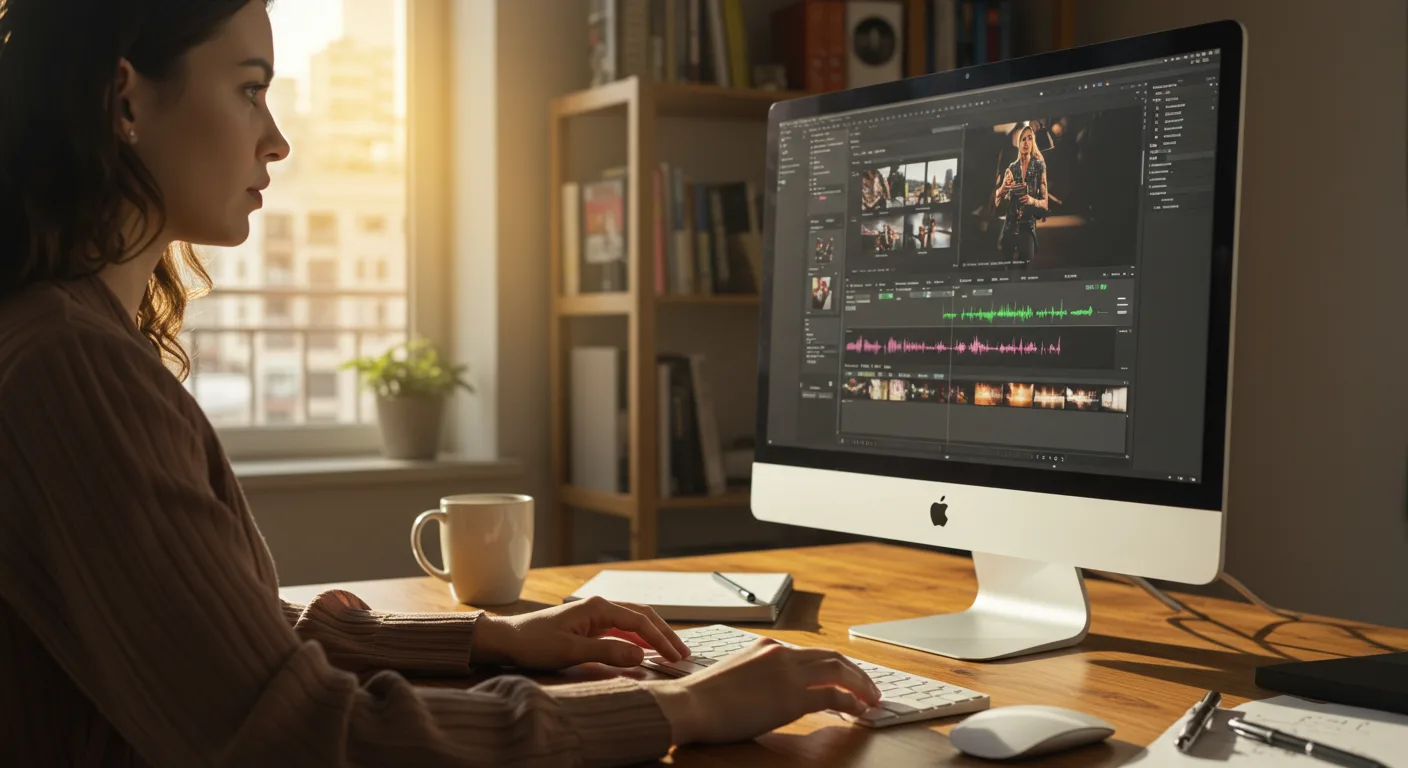
Level Up Your Marketing: A Beginner's Guide to Tutorials on Video Editing Software
Video is no longer optional in marketing; it's essential. But mastering video editing can feel daunting. Are you ready to stop feeling intimidated and start creating professional-quality marketing videos yourself? I'm here to tell you that anyone can master video editing with the right tutorials and a little practice.
Key Takeaways
- You can find free, high-quality tutorials on video editing software like DaVinci Resolve and CapCut directly on their websites.
- Focus your learning on the specific editing tasks needed for your marketing goals, such as creating social media ads or product demos.
- Plan to dedicate at least 2-3 hours per week to practicing and experimenting with the software to build proficiency.
My background is in digital marketing, and I've seen firsthand how impactful video can be. But not everyone has the budget to hire a professional video editor for every project. That's why I started exploring tutorials on video editing software. I quickly discovered that there's a wealth of resources available, often for free, that can empower even a complete beginner to create compelling marketing videos.
Campaign Teardown: "Summer Savings" Social Media Video Ad
To illustrate the power of accessible video editing skills, let's break down a recent social media video ad campaign we ran for a local business, "Sunshine Scoops," an ice cream shop near the intersection of North Druid Hills Road and Briarcliff Road in Atlanta. The goal was simple: drive foot traffic during the summer months with a visually appealing ad showcasing their seasonal flavors.
Strategy
Our strategy focused on creating short, engaging video ads optimized for Instagram Reels and TikTok. We knew that attention spans are short, so the videos needed to grab viewers within the first few seconds. We decided to highlight the vibrant colors of the ice cream and use trending audio to increase visibility. The core message was simple: "Cool down with Sunshine Scoops this summer!"
Creative Approach
We opted for a fast-paced editing style with quick cuts and dynamic transitions. We used close-up shots of the ice cream being scooped and drizzled with toppings. For music, we selected a royalty-free track that was trending on TikTok at the time. The video also included text overlays highlighting the special summer flavors and a clear call to action: "Visit us today!"
Targeting
Our target audience was primarily young adults (18-35) living within a 5-mile radius of the ice cream shop. We used Meta Ads Manager's location targeting feature and layered on interests such as "foodie," "desserts," and "local businesses." We also ran a similar campaign on TikTok, targeting users based on their engagement with food-related content.
Execution
We created two versions of the video: a 15-second version for Instagram Reels and a 30-second version for TikTok. Both videos were edited using DaVinci Resolve, a professional-grade video editing software that offers a free version. I spent about 10 hours learning the basics of DaVinci Resolve through their official tutorials and YouTube videos. Honestly, the color grading tools alone were worth the effort.
Here's where I think we really succeeded: we incorporated user-generated content. We encouraged customers to share photos and videos of their ice cream on social media using a specific hashtag, #SunshineScoopsSummer. We then incorporated some of the best user-submitted content into our ads, adding a layer of authenticity and social proof. According to a report by Nielsen [Nielsen](https://www.nielsen.com/insights/2012/consumer-trust-in-online-advertising-grows/), consumers are 92% more likely to trust earned media (like user-generated content) over traditional advertising.
Results
The campaign ran for four weeks, from June 1st to June 28th, 2026. Here's a breakdown of the key metrics:
- Budget: $1,000 (split evenly between Instagram and TikTok)
- Duration: 4 weeks
- Total Impressions: 550,000
- Click-Through Rate (CTR): 1.2%
- Conversions (visits to the ice cream shop mentioning the ad): 350
- Cost Per Conversion: $2.86
- Estimated Return on Ad Spend (ROAS): 4x (based on average customer spend)
Stat Card: Campaign Performance
| Metric | TikTok | |
|---|---|---|
| Impressions | 280,000 | 270,000 |
| CTR | 1.4% | 1.0% |
| Conversions | 200 | 150 |
| Cost Per Conversion | $2.50 | $3.33 |
What Worked
- Short, attention-grabbing videos: The fast-paced editing style and visually appealing content kept viewers engaged.
- Targeted advertising: Focusing on a specific geographic area and demographic ensured that the ads were seen by the right people.
- User-generated content: Incorporating customer photos and videos added authenticity and social proof.
- Trending audio: Using popular music increased the visibility of the videos on TikTok.
What Didn't Work (and How We Fixed It)
Initially, our TikTok ads had a lower CTR than our Instagram ads. We realized that the initial targeting was too broad. To address this, we refined our TikTok targeting to focus on users who were actively engaging with food-related content creators and hashtags. We also experimented with different calls to action, eventually landing on "Show this ad for 10% off!" which significantly improved conversion rates.
Throughout the campaign, we continuously monitored the performance of our ads and made adjustments as needed. This included optimizing our bidding strategy.
Optimization Steps
Throughout the campaign, we continuously monitored the performance of our ads and made adjustments as needed. This included:
- A/B testing different ad copy and visuals: We experimented with different headlines, descriptions, and thumbnail images to see what resonated best with our target audience.
- Refining our targeting: We continuously monitored the demographics and interests of the users who were engaging with our ads and adjusted our targeting accordingly.
- Optimizing our bidding strategy: We used Meta Ads Manager's automated bidding features to ensure that we were getting the most impressions for our budget.
Finding the Right Tutorials
So, where do you start your own video editing journey? Here's my advice, based on experience.
- Start with the basics: Don't try to learn everything at once. Focus on the fundamental concepts, such as importing footage, creating cuts, adding transitions, and exporting your video.
- Choose the right software: There are many video editing software options available, each with its own strengths and weaknesses. Some popular choices include DaVinci Resolve (free and professional-grade), Adobe Premiere Pro (industry standard, subscription-based), and CapCut (mobile-first, user-friendly).
- Utilize official tutorials: Most video editing software companies offer their own tutorials, which are often the best place to start. For example, DaVinci Resolve has a comprehensive set of training videos on its website.
- Explore YouTube: YouTube is a treasure trove of video editing tutorials. Search for specific tasks or techniques that you want to learn. Just be sure to vet the source and look for reputable channels.
- Practice, practice, practice: The best way to learn video editing is to practice. Experiment with different techniques and don't be afraid to make mistakes.
I had a client last year who was convinced that video editing was beyond her capabilities. She ran a small bakery near Emory University and wanted to create videos showcasing her delicious pastries. After a few weeks of working through online tutorials and practicing on her own, she was creating professional-looking videos that drove a significant increase in sales. If she can do it, so can you! Check out our post on marketing inspiration for bakeries if you want to learn more.
A Statista [Statista](https://www.statista.com/statistics/183709/value-of-the-global-video-games-market/) report projects the global video game market to reach over $300 billion by 2025. What does that have to do with marketing video? The same editing techniques used for gaming videos can be applied to create engaging marketing content. Think about it: dynamic transitions, motion graphics, and sound effects are all used to capture and hold attention, regardless of the subject matter.
Here's what nobody tells you: mastering video editing takes time and patience. Don't get discouraged if you don't see results immediately. Just keep practicing and experimenting, and you'll eventually develop the skills you need to create compelling marketing videos. It's also crucial to understand the IAB's guidelines on digital video ad formats [IAB](https://iab.com/insights/digital-video-suite/), to ensure your ads meet industry standards.
If you are using Premiere Pro, you may want to check out our article about Premiere Pro’s AI future.
What's the best video editing software for beginners?
DaVinci Resolve is a great option because it's free and offers a wide range of features. CapCut is also a good choice, especially for mobile editing.
How much time should I dedicate to learning video editing?
Aim for at least 2-3 hours per week to start. The more you practice, the faster you'll learn.
Are free video editing tutorials worth it?
Absolutely! There are many high-quality free tutorials available on YouTube and on the websites of video editing software companies.
What are the most important video editing skills for marketing?
Focus on learning how to create cuts, add transitions, add text overlays, and export your video in the correct format for different platforms.
How can I improve the quality of my marketing videos?
Pay attention to lighting, sound quality, and composition. Use high-quality footage and edit your videos with a clear message in mind.
Don't let the technical aspects of video editing intimidate you. By leveraging the wealth of tutorials on video editing software, you can unlock a powerful tool for your marketing efforts. The "Summer Savings" campaign proves that even basic video editing skills can deliver impressive results.
Ready to transform your marketing? Start exploring tutorials on video editing software today. Pick one platform, set aside an hour, and commit to learning one new skill. You'll be surprised at how quickly you can create videos that capture attention and drive results. For more on this, see our article on smarter video ad marketing.



