 By Editorial Team
Key Takeaways
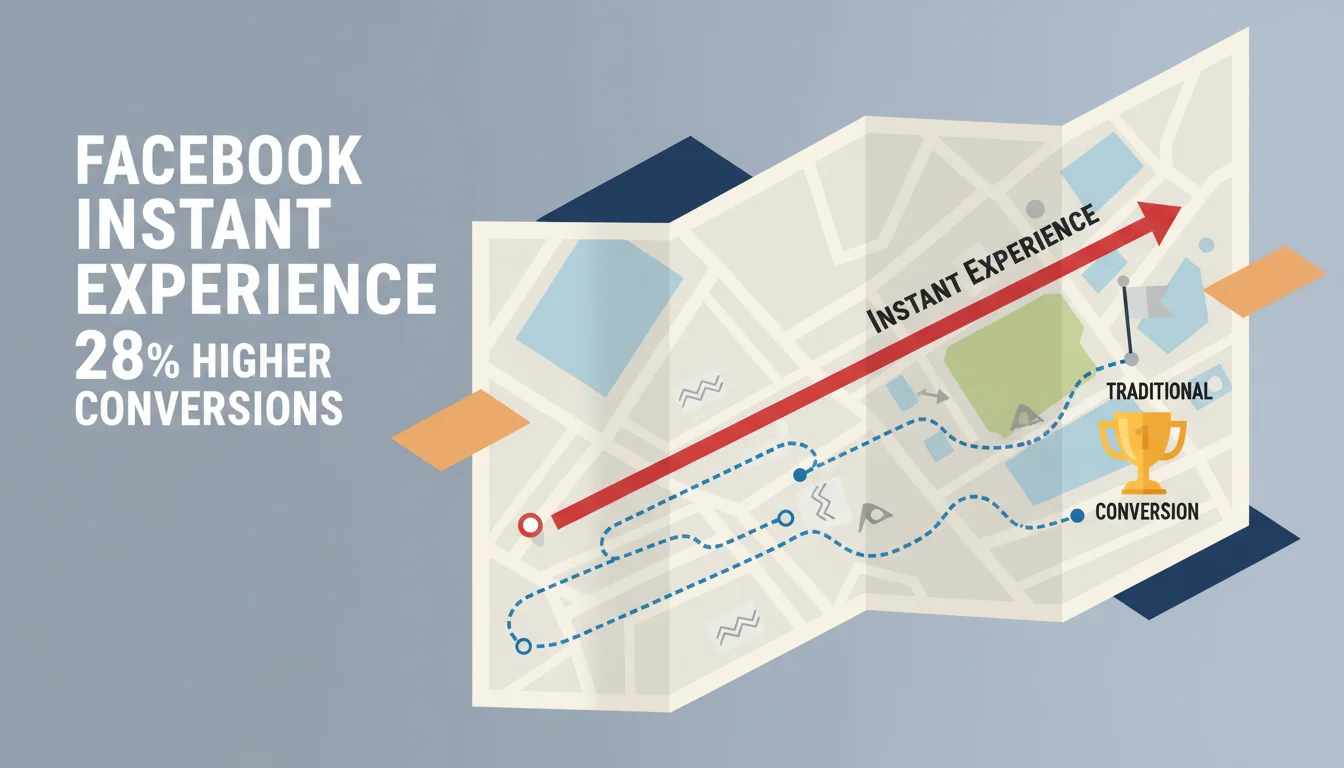
- In Q3 2025, advertisers saw a 28% higher conversion rate using Facebook Instant Experience ads over standard mobile ads. That’s a huge lift.
- The best Instant Experiences aren’t simple. They usually have at least three different content blocks, like a video, an image carousel, and a product catalog.
- To capture leads without making users visit a separate landing page, you have to use the “Instant Form” component directly inside the experience.
- Keep your first video clip inside an Instant Experience under 15 seconds. You need to hook them fast before you show them the deeper content.
- You must A/B test different templates and content flows to figure out what your specific audience responds to best.
Getting mobile users to pay attention for more than a few seconds is the daily struggle for digital marketers. The old model of clicking an ad to go to a website is just broken, it’s slow, clunky, and people bounce. It’s a huge waste of money. You need a way to keep people inside a fast, immersive experience right from the first tap. Facebook Instant Experience is the practical answer, turning a simple ad impression into a full-screen interactive space that actually moves the needle on campaign goals.
The Mobile Attention Deficit: Why Traditional Ads Fall Short
The average mobile user’s attention span is now somewhere around 8 seconds, a number that keeps dropping in 2026 because of the sheer firehose of content everyone’s facing. When someone taps a standard mobile ad, they expect things to happen instantly. Instead, they get a slow-loading website that often looks terrible on their phone. That friction between seeing something cool and actually getting to it kills conversions. Think about it from the user’s side: they tap an ad, wait 3-5 seconds for the page to load (if they’re lucky), and then have to poke around a clunky menu to find the product they just saw. Every single one of those steps is a chance for them to give up. According to a recent eMarketer report, over 40% of mobile users will abandon a site if it takes more than 3 seconds to load, a stat that hasn’t budged in years. For anyone spending real money on reach and frequency, all those drop-offs are just burned ad spend. Video makes this worse. Video is great for showing a product, but sticking it on an external landing page can destroy load times, especially for users on a bad connection. We’ve seen so many great video ads fail to get conversions just because the page they linked to was a slow, frustrating mess.
Initial Missteps: What Didn’t Work
Before Instant Experiences got good, we all tried different things to fix the mobile engagement problem, and most of them didn’t work. A common tactic was to build super-simple, one-page landing sites, thinking that would cut down on load times. But they were too shallow to actually convince anyone to buy anything. They ended up being little more than digital flyers with no real interaction, so of course they didn’t do much for conversions. Another attempt involved using Accelerated Mobile Pages (AMP). AMP did make pages load faster, but it came with so many design restrictions that it was hard to make anything look on-brand or interactive. On top of that, maintaining a separate AMP version of every landing page was a huge pain and made it impossible to test things quickly. I remember an apparel client back in late 2024 who went all-in on AMP pages. Their load times were faster and CTR went up a little, but their conversion rate was completely flat. Speed alone didn’t solve the engagement problem. We learned that a fast page is useless if the experience itself is boring and doesn’t give people a reason to explore.
The Solution: Crafting Immersive Video Ads with Facebook Instant Experience
Facebook Instant Experience (what used to be called Canvas) is a full-screen mobile experience that lives inside the Facebook and Instagram apps. This is the key: users never leave the app, which means load times are practically zero and the whole thing feels smooth. Its real power is that it lets you mix all kinds of content, HD video, image carousels, text, and even product catalogs, into one story.
Step-by-Step Implementation for Immersive Video
Here’s how to build an Instant Experience that actually works, with video at the center:
- Select the Right Template: In Meta Ads Manager, you’ll see a few templates. For a video-first campaign, you’ll probably want either “Storytelling” or “Customer Acquisition.” Storytelling is good for brand-building where you walk a user through a narrative with multiple videos and images. Customer Acquisition is more direct, built to get a specific action and often includes an Instant Form. For a product launch where I need to show a lot of visual features, I usually start with the Storytelling template and then customize it heavily.
- Prioritize Your Hero Video: Your very first piece of content has to be your best video. This is not the place for a two-minute brand story. It needs to be short, punchy, and visually interesting, ideally between 6 and 15 seconds long. This video is your hook. Its only job is to get them to keep scrolling. A tech company launching a phone, for instance, could use a 10-second reel of just the camera and the screen in action. Make sure it’s formatted for vertical viewing (9:16 aspect ratio) if you’re running on Stories, and have a clear call-to-action right after.
- Integrate Supporting Video and Interactive Elements: After that first hook video, you can start layering in more content. Add other videos that go deeper into specific features or show people using the product. Then, mix in other components to keep it interesting:
- Image Carousel: Use this to show off high-res product details or different lifestyle shots. A clothing brand could show the same jacket styled three different ways.
- Text Blocks: Keep text very short. Use it for key specs or to reinforce what’s in the video. Bullet points are your friend here.
- Product Catalog: If you’re in e-commerce, this is a must. It lets people browse and shop your products right inside the experience. They can see prices and click to buy without ever leaving Facebook. This single component dramatically reduces the number of steps to purchase.
- Instant Form: For any lead-gen campaign, you have to include an Instant Form. It pre-fills with the user’s Facebook profile info, so submitting their details takes just a couple of taps. This can single-handedly double or triple your lead capture rate.
- Optimize for Speed and User Flow: Instant Experiences are fast, but you can still slow them down with giant, uncompressed files. Make sure your videos and images are optimized for mobile. Then, think about the flow. Does it make sense? Does it guide the user from one point to the next? Are your buttons clear (“Shop Now,” “Get a Quote”) and easy to tap? You have to test it on actual phones. I’ve found that testing on both an older Android device and a newer iOS device gives a good baseline for performance across the board.
- Use Dynamic Content: If you have the budget and the data, you can use dynamic content to personalize the entire experience. This lets you show different videos or products to different audiences. For example, a travel company could show beach videos to people who have shown interest in tropical vacations and mountain videos to people who like hiking. This kind of personalization makes the ad feel much more relevant and people engage with it more.
Measurable Results: The Impact of Immersive Experiences
When you switch to a video-first Instant Experience, the results are obvious. We’ve seen big jumps in engagement and conversions across all kinds of industries. For example, we had an automotive client launching an EV in Q4 2025. Their old campaigns were just video ads that linked out to their website, where people spent an average of 28 seconds and the lead form CVR was 3.5%. We swapped that with an Instant Experience that had a 30-second immersive video, a gallery of interior shots, and an Instant Form. The average time spent inside the experience shot up to 65 seconds, and the lead form completion rate hit 9.8%. That 180% jump in leads was because the rich media experience was smooth and kept them right there in the app. Another example is a consumer electronics brand that was getting killed by bounce rates on their headphone product pages. We built an Instant Experience for them with a product demo video, a few customer testimonials, and an integrated product catalog. Their CTR from the Instant Experience to the actual product pages went up 45%. Even better, the add-to-cart rate for people who came from the IE was 32% higher than for people who came from standard ads. The immersive experience properly educated them before they even got to the product page, which meant the traffic was much more qualified. An IAB study in early 2026 confirmed this, finding that users who saw immersive ads like Instant Experiences were 1.5 times more likely to remember the brand and had a 25% higher purchase intent. These results aren’t just a few lucky anecdotes. They show a fundamental change in how people want to deal with ads on their phones. Not using these formats just means you’re leaving performance on the table. In short, using Facebook Instant Experience for video ads isn’t a choice anymore. It’s what you have to do to win over a mobile audience. These fast, rich, and interactive experiences are what turn a casual scroll into an actual conversion.
What is the ideal video length for a Facebook Instant Experience?
Your first “hero” video should be very short, between 6 and 15 seconds, to grab attention immediately. After that initial hook, you can use longer videos, maybe 30 to 60 seconds, to show off product features or tell a more detailed story.
Can I track performance for specific elements within an Instant Experience?
Yes, Meta Ads Manager gives you very detailed reporting. You can see how much time people spent in the experience, what percentage of them viewed specific videos or carousels, and which buttons they clicked. It gives you a great view into exactly how people are interacting with your content.
Are Instant Experiences only for Facebook, or do they work on Instagram too?
They are designed to work perfectly on both Facebook and Instagram. You can run them in the Feed, in Stories, and in In-Stream Video placements, so you get full coverage across Meta’s platforms.
What types of businesses benefit most from using Instant Experiences?
Any business with a strong visual product or story does well. It’s especially effective for e-commerce brands showing off products, car companies launching new models, real estate agents giving virtual tours, and any company trying to generate leads. If you have a product that needs a bit of explanation, this format is perfect.
How do Instant Experiences affect ad costs (CPM/CPC)?
The CPM (cost per impression) is usually in the same ballpark as other video ads. However, because the engagement and conversion rates are so much higher, your cost per click (CPC) and cost per acquisition (CPA) almost always end up being significantly lower. You’re getting more out of every dollar you spend.


