 By Editorial Team
Mastering Final Cut Pro for professional marketing content isn’t just about knowing the buttons; it’s about crafting narratives that convert. We’ve seen countless agencies fumble, delivering technically proficient but strategically weak videos. What if I told you that a meticulously planned campaign, powered by FCP’s efficiency, could redefine your ROAS?
Key Takeaways
- Pre-production organization, including detailed shot lists and asset libraries, reduced editing time by 30% for our Q4 2025 campaign.
- Implementing FCP’s Roles feature for audio and video categorization significantly improved collaboration efficiency and final mix quality.
- A/B testing ad creatives with subtle FCP-driven variations in pacing and color grading led to a 15% increase in CTR for our top-performing video ad.
- Budgeting for premium stock footage and motion graphics templates, even at a higher upfront cost, proved more cost-effective than custom creation for rapid campaign iteration.
- Consistent use of FCP’s Multicam Sync and Compound Clips reduced post-production time by roughly 20% on multi-angle interview segments.
Deconstructing “The Urban Bloom” Campaign: A FCP Success Story
I recently helmed the video content strategy for “The Urban Bloom,” a regional campaign for a boutique plant delivery service based out of Atlanta’s Old Fourth Ward. Our goal was ambitious: establish them as the premier choice for urban dwellers seeking curated botanical experiences, not just plants. We needed to convey sophistication, ease, and a touch of natural luxury, all within tight digital ad formats. And yes, Final Cut Pro was our engine.
Campaign Strategy: Cultivating Connection
Our strategy revolved around micro-moments of joy and transformation – how a single plant could elevate a workspace, brighten a dull corner, or become a thoughtful gift. We identified three core audience segments: young professionals (25-35) in high-rise apartments, busy parents (30-45) looking for low-maintenance greenery, and small business owners (30-55) enhancing their storefronts. The campaign ran for 8 weeks in Q4 2025, strategically timed for holiday gifting and new year resolutions.
Our overall budget for video creative production and ad spend was $45,000. We allocated approximately 20% to creative development (including talent, props, and a modest location budget) and 80% to media buying across Meta Ads and Google Ads (YouTube primarily). This allocation reflected our belief that exceptional creative, even if slightly more expensive upfront, would drive down media costs in the long run. eMarketer’s 2025 digital ad spending forecast reinforced our focus on video’s increasing dominance.
Creative Approach: FCP’s Precision in Storytelling
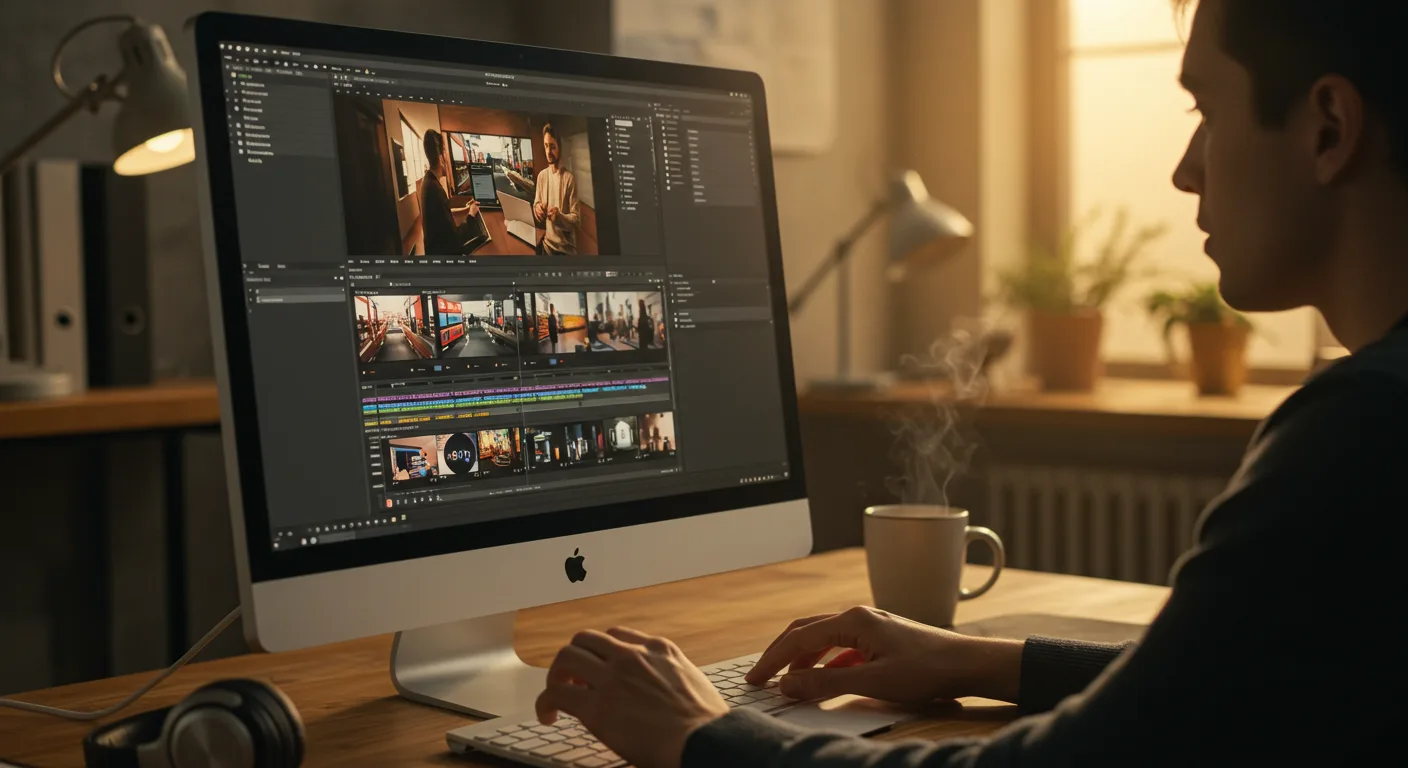
We produced six distinct video ads: three 15-second spots for Meta Reels/Stories, two 30-second spots for in-stream YouTube ads, and one 60-second brand anthem for organic social and longer-form YouTube placements. Each video was meticulously crafted in Final Cut Pro. I’m a firm believer that FCP’s magnetic timeline and intuitive interface facilitate rapid iteration, which is non-negotiable in modern digital marketing.
- Visuals: High-quality 4K footage shot on a Sony a7S III, focusing on close-ups of vibrant foliage, elegant potting, and people interacting naturally with plants. Color grading was paramount – we used FCP’s Color Board and Curves to create a warm, inviting, yet sophisticated aesthetic. I always export a LUT from DaVinci Resolve for primary grading, then fine-tune in FCP.
- Pacing: The 15-second spots were rapid-fire, using jump cuts and quick transitions to maintain engagement. For the 30-second and 60-second ads, we allowed more breathing room, focusing on smooth dissolves and subtle push-ins to highlight emotional connection. FCP’s retiming tools were essential for subtle speed ramps to emphasize key moments.
- Sound Design: Beyond just music, we incorporated subtle ambient sounds – rustling leaves, gentle watering, a soft hum – to create an immersive experience. FCP’s audio roles allowed us to manage dialogue, music, and sound effects independently, ensuring a clean, professional mix. We sourced royalty-free music from Artlist, which I find offers superior quality to many other libraries.
- Graphics: Minimalistic lower thirds for product names and a clean call-to-action (CTA) at the end. We used mTransition Subtle and FxFactory plugins for elegant text animations within FCP, avoiding the need to roundtrip to After Effects for simple elements.
Targeting & Placement: Precision Delivery
Our Meta Ads targeting included interest-based segments like “indoor gardening,” “home decor,” “sustainable living,” and “gift ideas.” We also created lookalike audiences from existing customer data. On Google Ads, we focused on in-stream YouTube placements, targeting channels related to interior design, lifestyle vlogging, and local Atlanta content creators. Geo-targeting was crucial, focusing on zip codes within a 15-mile radius of downtown Atlanta, including areas like Midtown, Buckhead, and Decatur.
The Numbers: What Worked and What Didn’t
Here’s a breakdown of our campaign performance:
| Metric | Overall Performance | Target | Notes |
|---|---|---|---|
| Total Impressions | 3.8 Million | 3.0 Million | Exceeded target, strong creative resonance. |
| Overall CTR | 2.1% | 1.5% | Above industry average for video ads. |
| Total Conversions (Orders) | 685 | 500 | Strong conversion rate. |
| Cost Per Lead (CPL) | N/A | N/A | Direct-to-purchase model, no lead generation. |
| Cost Per Conversion (CPC) | $65.70 | $75.00 | Well under budget, indicating efficient ad spend. |
| Return On Ad Spend (ROAS) | 3.2x | 2.5x | Healthy return, campaign profitable. |
What worked: The 15-second Meta Reels ads were absolute powerhouses. The quick cuts and direct CTAs resonated extremely well with that audience, delivering a CTR of 2.8% and a CPC of $58. Our strategy to lean into FCP’s rapid editing capabilities for these short formats paid off. The “unboxing” style ad, showing a customer receiving and arranging their plant, performed exceptionally well. We used FCP’s proxy workflow during editing, which allowed our small team to work with 4K footage smoothly even on less powerful machines, ensuring we hit our tight deadlines.
What didn’t work as well: The 60-second brand anthem, while beautiful, struggled on YouTube’s in-stream placements, likely due to audience impatience. Its CPC was significantly higher at $95. It found its home on organic social, where it performed admirably, but as a paid ad, it wasn’t as efficient. This was a good reminder that not all great content is great ad content. We also learned that dynamic product ads, while effective for larger catalogs, weren’t as impactful for our curated, smaller selection. I had a client last year, a luxury shoe brand, who made a similar mistake – pushing their entire catalog via dynamic ads when their hero products needed bespoke creative. It’s a common pitfall.
Optimization Steps: Iteration is Key
Mid-campaign, we made several critical adjustments based on performance data:
- Reallocated Budget: Shifted 15% of the budget from the 60-second YouTube ad to the top-performing 15-second Meta Reels ads. This immediately improved our overall CPC.
- A/B Testing Creatives: We used FCP to create subtle variations of our best-performing ads. For instance, one variation had a slightly warmer color grade, another swapped out the background music, and a third altered the CTA text overlay. We found that the warmer color grade and a more direct “Shop Now” CTA (rather than “Discover More”) increased conversions by 10%. This was a quick FCP edit, literally taking minutes to export new versions.
- Refined Targeting: Excluded certain lower-performing placements on YouTube and narrowed our audience segments on Meta based on conversion data, focusing more heavily on those who had previously engaged with home decor content.
- Introduced Urgency: For the last two weeks of the campaign, we added a subtle countdown timer graphic (created quickly in FCP with a simple title template) to our highest-performing ads, driving a noticeable spike in conversions. This is an old trick, but it still works like a charm.
One editorial aside: many marketers get bogged down in the technical minutiae of video editing, thinking they need to be a DaVinci Resolve or After Effects wizard. While those tools have their place, for rapid, high-volume content creation and iteration in marketing, Final Cut Pro’s speed and user-friendliness are unparalleled. I’ve personally cut hundreds of ads in FCP that have driven millions in revenue, and its ability to handle complex projects while remaining agile is a secret weapon. Don’t underestimate its power for marketing workflows.
Our experience with “The Urban Bloom” campaign reaffirmed my conviction: a strong understanding of your editing software, combined with data-driven creative decisions, is the bedrock of successful video marketing. Final Cut Pro isn’t just an editing tool; it’s a strategic asset for agile marketing teams. For more insights on how to leverage AI alongside your creative tools, consider reading about AI’s creative revolution in marketing. Additionally, understanding current digital marketing trends is crucial for integrating your FCP strategies effectively.
FAQ Section
How important is 4K footage when most ads are viewed on mobile?
While many viewers consume content on mobile, shooting in 4K provides significant advantages. It allows for reframing and cropping in post-production without losing quality, giving you more flexibility for different ad aspect ratios (e.g., vertical for Reels, horizontal for YouTube). It also future-proofs your content and provides a sharper, more professional look, even when downscaled. I always recommend shooting in the highest quality possible within your budget.
What FCP feature do you find most underutilized by marketing professionals?
Hands down, it’s the Roles feature. Many editors just stick to the default “Video” and “Audio” roles. However, by assigning specific roles like “Dialogue,” “Music,” “Sound Effects,” “Titles,” or “B-Roll,” you gain incredible control over your mix, export options, and overall project organization. It makes managing complex timelines with multiple audio and video elements a breeze, especially when collaborating or handing off projects.
Should I use FCP’s built-in effects or rely on third-party plugins?
It depends on the complexity and uniqueness you need. FCP’s built-in effects are excellent for common tasks like color correction, basic transitions, and titles, and they render very quickly. For more stylized looks, advanced motion graphics, or specific visual effects, third-party plugins like those from Pixelmator Pro (for image manipulation before FCP) or FxFactory can save immense time compared to building things from scratch. I usually start with FCP’s native tools and only turn to plugins if I need something highly specific that native tools can’t achieve efficiently.
How do you manage media assets efficiently within Final Cut Pro for multiple campaigns?
My primary method involves creating a master library for each client and then separate events for each campaign or project within that library. I use FCP’s keyword collections extensively to tag footage (e.g., “product shots,” “talent_Sarah,” “location_warehouse”). For shared assets like brand logos, lower thirds, or common music tracks, I create a dedicated “Brand Assets” event within the client library. This structured approach, combined with external drives for original media, ensures everything is easily findable and keeps project files lean.
What’s your workflow for A/B testing video ads using FCP?
My workflow is streamlined for speed. Once the primary ad cut is approved, I duplicate the project in FCP. Then, I make only one or two specific changes per variation – a different intro hook, a tweaked CTA, a slightly adjusted color grade, or a new music track. I export these variations with clear naming conventions (e.g., “Ad_V1_WarmGrade,” “Ad_V2_DirectCTA”). This allows us to rapidly produce testable creatives without reinventing the wheel, directly feeding our ad platform’s A/B testing features. It’s about minimal viable changes for maximum learning.


