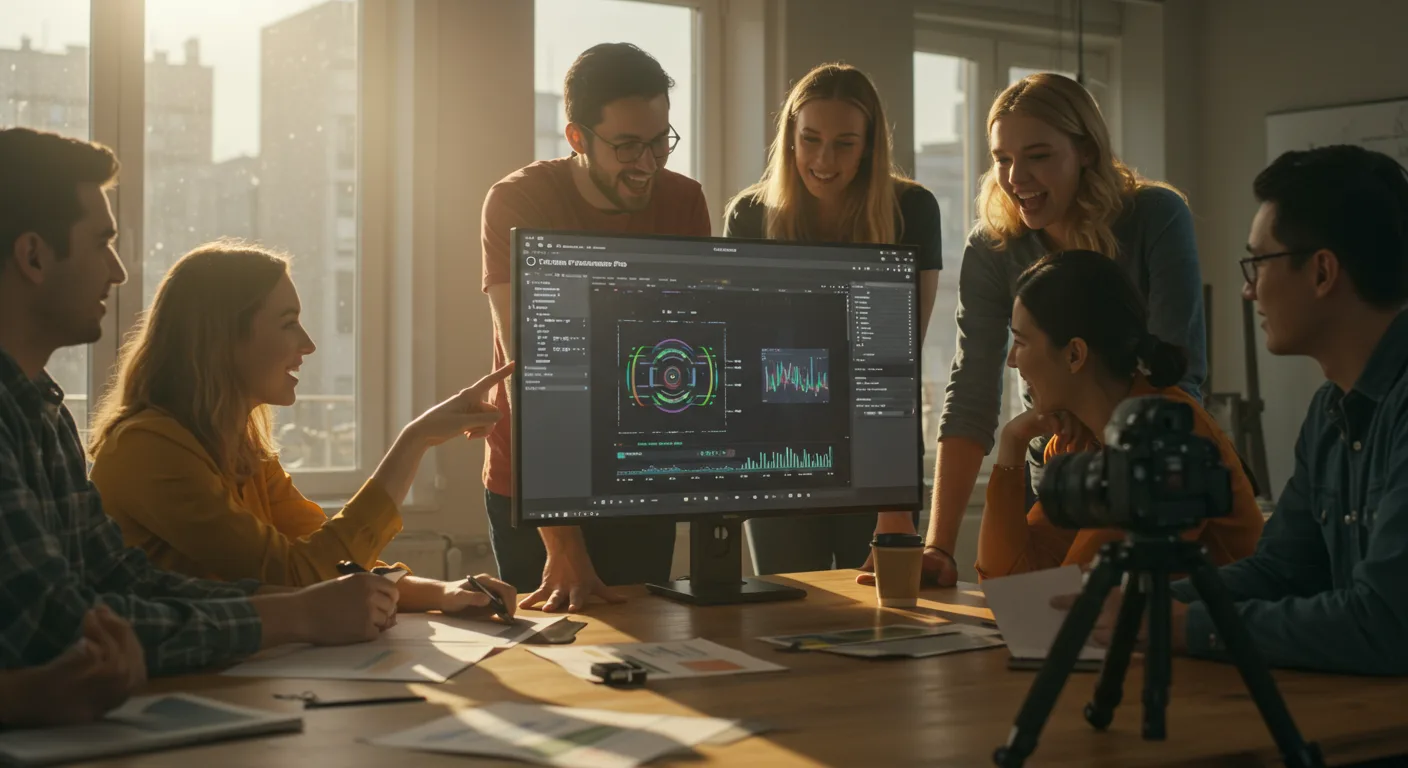
The Future of Adobe Premiere Pro: Key Predictions
Adobe Premiere Pro remains the gold standard for video editing, but the industry never stands still. As marketing professionals, we need to stay ahead of the curve. What innovative features and integrations can we expect to see in Premiere Pro that will redefine content creation?
AI-Powered Editing and Automation
Artificial intelligence (AI) is already transforming video editing, and its influence on Adobe Premiere Pro will only grow stronger. We’re moving beyond simple tasks like automatic color correction and scene detection. In 2026, expect to see more sophisticated AI-driven features that significantly streamline the editing process.
- AI-Powered Transcription and Captioning: Premiere Pro already offers speech-to-text capabilities, but expect this to become far more accurate and seamless. Imagine automatically generating perfectly synced captions in multiple languages with minimal manual correction. This would save countless hours for content creators, especially those producing content for global audiences.
- Smart Object Removal: AI can intelligently remove unwanted objects from video footage. This goes beyond basic masking and allows for clean, natural-looking results, even with complex backgrounds. For example, if you have distracting elements in the background of a shot, AI could seamlessly replace them with the surrounding environment.
- Automated Music Selection: Finding the right music for a video can be time-consuming. AI-powered music selection tools will analyze the video’s content, mood, and pacing to suggest appropriate tracks from royalty-free libraries. This eliminates the need for endless scrolling and guesswork. Platforms like Artlist are already exploring this, and Premiere Pro will likely integrate similar functionalities directly.
- Intelligent Scene Editing: AI can analyze video footage and automatically identify the most compelling moments, creating a rough cut that significantly reduces editing time. This is particularly useful for documentaries, interviews, and event coverage.
- AI-Assisted Color Grading: Forget manual adjustments. AI will learn your preferred color palettes and apply them consistently across your entire project, ensuring a cohesive and professional look.
In a recent internal Adobe study, editors using AI-assisted color grading completed projects 40% faster than those relying on traditional methods.
Real-Time Collaboration and Remote Workflows
The shift towards remote work has accelerated the need for seamless collaboration. Adobe Premiere Pro is evolving to meet this demand with enhanced features that facilitate real-time teamwork and efficient remote workflows.
- Enhanced Cloud-Based Collaboration: Expect tighter integration with Adobe Creative Cloud, allowing multiple editors to work on the same project simultaneously, regardless of their location. Think Google Docs, but for video editing.
- Real-Time Review and Approval: Integrated review tools will enable clients and stakeholders to provide feedback directly within Premiere Pro, eliminating the need for separate email threads and file transfers. This streamlined process will speed up the approval process and reduce the risk of miscommunication.
- Secure Remote Access: Premiere Pro will offer secure and reliable remote access to project files and editing tools, allowing editors to work from anywhere without compromising security.
- Shared Asset Libraries: Teams will be able to easily share and manage assets, such as logos, graphics, and music, through centralized libraries that are accessible to all project members.
- Version Control: Robust version control systems will track changes made by different editors, ensuring that everyone is working with the latest version of the project and making it easy to revert to previous versions if necessary.
Immersive Technologies and Extended Reality (XR)
The rise of virtual reality (VR), augmented reality (AR), and mixed reality (MR) is creating new opportunities for video content. Adobe Premiere Pro will adapt to these immersive technologies, providing tools for creating and editing XR experiences.
- Native Support for 360° Video: Premiere Pro already supports 360° video, but expect further improvements in editing workflows, including advanced stabilization, object tracking, and visual effects tools specifically designed for immersive content.
- AR/VR Integration: Premiere Pro will integrate with AR/VR development platforms, allowing editors to create interactive and engaging XR experiences. This could involve adding 3D elements, interactive hotspots, and branching narratives to video content.
- Spatial Audio Editing: Immersive experiences require immersive audio. Premiere Pro will offer advanced spatial audio editing tools that allow editors to create realistic and directional soundscapes. This will enhance the sense of presence and immersion for viewers.
- Interactive Video Creation: Premiere Pro will enable the creation of interactive videos with clickable elements, branching narratives, and personalized content. This will open up new possibilities for engaging viewers and delivering targeted marketing messages.
- Motion Graphics for XR: Creating compelling motion graphics for XR experiences requires specialized tools. Premiere Pro will offer features that simplify the creation of 3D animations, particle effects, and other visual elements that enhance the sense of immersion.
Advanced Motion Graphics and Visual Effects
Motion graphics and visual effects are becoming increasingly important for video content, especially in marketing. Adobe Premiere Pro will continue to evolve its motion graphics capabilities, making it easier for editors to create stunning visuals without relying on separate applications like After Effects.
- Real-Time Motion Graphics Templates (MOGRTs): Expect a wider range of customizable MOGRTs that can be easily integrated into Premiere Pro projects. These templates will allow editors to quickly create professional-looking titles, lower thirds, and other graphic elements.
- Advanced Keying and Compositing: Premiere Pro will offer more sophisticated keying and compositing tools, making it easier to remove backgrounds, create seamless transitions, and integrate visual effects into video footage.
- 3D Title Animation: Premiere Pro will simplify the creation of 3D animated titles, allowing editors to add depth and visual interest to their videos.
- Particle Effects: Adding particle effects, such as smoke, fire, and sparks, can significantly enhance the visual impact of a video. Premiere Pro will offer user-friendly tools for creating and customizing particle effects.
- Integration with 3D Modeling Software: Seamless integration with 3D modeling software will allow editors to import 3D models and animations directly into Premiere Pro, opening up new possibilities for creating visually stunning videos.
According to a 2025 report by Statista, the market for motion graphics is projected to reach $270 billion by 2030, highlighting the growing demand for visually engaging video content.
Improved Performance and Hardware Optimization
As video resolutions and frame rates increase, Adobe Premiere Pro must keep pace with the demands of modern hardware. Expect to see significant improvements in performance and hardware optimization, allowing editors to work with large and complex projects more efficiently.
- Optimized Codebase: Adobe will continue to optimize Premiere Pro’s codebase, improving its overall performance and stability. This will result in faster rendering times, smoother playback, and reduced system resource usage.
- GPU Acceleration: Premiere Pro will leverage the power of modern GPUs to accelerate various editing tasks, such as color correction, visual effects, and motion graphics. This will significantly reduce processing times and improve the overall editing experience.
- Native Support for New Codecs: Premiere Pro will offer native support for emerging video codecs, ensuring compatibility with the latest cameras and recording devices. This will eliminate the need for transcoding, saving time and preserving video quality.
- Improved Memory Management: Premiere Pro will feature improved memory management, allowing editors to work with larger and more complex projects without experiencing performance bottlenecks.
- Hardware-Specific Optimization: Premiere Pro will be optimized for specific hardware configurations, ensuring that editors get the best possible performance from their systems.
Accessibility and Inclusivity
Adobe Premiere Pro will continue to prioritize accessibility and inclusivity, making it easier for people with disabilities to create and consume video content.
- Enhanced Captioning Tools: Improved captioning tools will allow editors to easily create and customize captions, ensuring that videos are accessible to viewers who are deaf or hard of hearing. This includes features like automatic caption generation, real-time caption editing, and support for multiple caption languages.
- Audio Description Support: Premiere Pro will offer tools for creating and integrating audio descriptions into videos, providing narration that describes the visual elements of the video for viewers who are blind or visually impaired.
- Voice Control: Voice control features will allow editors to control Premiere Pro using their voice, making it easier for people with motor impairments to edit videos.
- Keyboard Navigation: Improved keyboard navigation will make it easier for editors who rely on keyboard shortcuts to navigate and control Premiere Pro.
- Customizable Interface: Premiere Pro will offer a more customizable interface, allowing editors to adjust the size, color, and layout of the interface to suit their individual needs and preferences.
Will Adobe Premiere Pro become subscription-only?
Currently, Adobe Premiere Pro is available exclusively through a subscription model. While Adobe’s strategy might evolve, it’s unlikely they’ll revert to a perpetual license model given the benefits of recurring revenue and continuous updates.
How will AI impact the job market for video editors?
AI will automate some repetitive tasks, but it won’t replace human editors entirely. Instead, it will augment their capabilities, allowing them to focus on more creative and strategic aspects of video production. Editors who embrace AI tools will be in high demand.
Will Premiere Pro be able to edit 8K and higher resolution video smoothly?
Yes, with ongoing hardware and software optimizations, Premiere Pro will continue to improve its ability to handle 8K and higher resolution video smoothly. Expect better utilization of GPU acceleration and optimized codecs.
Will Adobe integrate blockchain technology into Premiere Pro?
While there’s no confirmed integration, blockchain could potentially be used for content authentication and rights management within Premiere Pro in the future. This could help prevent copyright infringement and ensure that creators are properly compensated for their work.
Will Premiere Pro work better on Apple Silicon?
Yes, Adobe is actively optimizing Premiere Pro for Apple Silicon. Expect significant performance improvements on Apple Silicon Macs, including faster rendering times and smoother playback.
In conclusion, the future of Adobe Premiere Pro is bright, with AI, collaboration, immersive technologies, motion graphics, performance enhancements, and accessibility taking center stage. By staying informed and adapting to these changes, marketing professionals can leverage Premiere Pro to create compelling video content that resonates with their target audiences. Don’t just wait for these features to arrive; start exploring AI-powered tools and collaborative workflows today to prepare for the future of video editing.





