 By Editorial Team
The marketing world runs on video, and the backbone of professional video editing for countless agencies and in-house teams is Adobe Premiere Pro. This software isn’t just a tool; it’s the engine behind campaigns that capture attention, drive engagement, and convert leads. But how exactly does it translate into tangible marketing success? Let’s dissect a recent campaign that leveraged Premiere Pro to redefine its creative output and achieve remarkable results.
Key Takeaways
- Investing in skilled Adobe Premiere Pro editors significantly reduces post-production time, enabling faster campaign iterations and launches.
- Utilizing Premiere Pro’s integration with other Adobe Creative Cloud applications allows for a cohesive and efficient creative workflow, especially for motion graphics and color grading.
- A/B testing video creatives, easily produced and adapted within Premiere Pro, can lead to a 20% improvement in conversion rates compared to static content.
- Strategic use of Premiere Pro’s proxy workflows and collaborative features is essential for managing large-scale video marketing projects with multiple stakeholders.
- Despite initial higher production costs, high-quality video content edited in Premiere Pro can achieve a 35% higher return on ad spend (ROAS) than campaigns relying solely on lower-fidelity video.
I’ve been in digital marketing for over a decade, and I’ve seen a lot of tools come and go. But Adobe Premiere Pro has remained a constant, evolving with the demands of the industry. It’s not just about cutting clips; it’s about crafting stories that resonate. We recently completed a campaign for “Urban Harvest,” a subscription box service specializing in organic, locally-sourced produce, and the role Premiere Pro played was central to its triumph.
Campaign Teardown: Urban Harvest’s “Farm to Table in a Box”
Our objective for Urban Harvest was clear: increase brand awareness and drive subscriptions among a health-conscious, environmentally-aware demographic in the greater Atlanta metropolitan area. Specifically, we targeted zip codes around Decatur, Brookhaven, and Sandy Springs, focusing on families and young professionals aged 28-45. We believed that high-quality, emotionally resonant video content would be the key differentiator.
Strategy & Creative Approach
The core strategy revolved around showcasing the journey of produce from local farms directly to the consumer’s kitchen. We wanted to emphasize freshness, community support, and the convenience of the service. This meant shooting on location at several Georgia farms – including a fantastic organic blueberry farm near Fayetteville and a sustainable vegetable operation in Coweta County – and then capturing lifestyle footage of families unboxing and preparing meals. The creative hinged on authenticity and visual appeal, eschewing overly polished, commercial aesthetics for a more genuine, documentary-style feel.
For the video assets, we planned a series of short-form (15-30 second) social ads optimized for Instagram Reels and Stories, alongside a longer 90-second hero video for YouTube and the Urban Harvest website. Each asset needed to convey warmth, trust, and the tangible benefits of fresh, local food. We decided against stock footage entirely; every single frame was custom-shot.
Targeting & Platforms
Our primary platforms were Meta Ads (Instagram & Facebook) and Google Ads (YouTube). We used interest-based targeting on Meta, focusing on “organic food,” “sustainable living,” “farmers markets,” and “healthy cooking.” Geographically, we narrowed it down to specific Atlanta suburbs and applied income overlays. On YouTube, we targeted relevant channels, custom intent audiences searching for meal kit services or local produce, and affinity audiences interested in wellness and healthy lifestyles.
The Premiere Pro Workflow: Where the Magic Happened
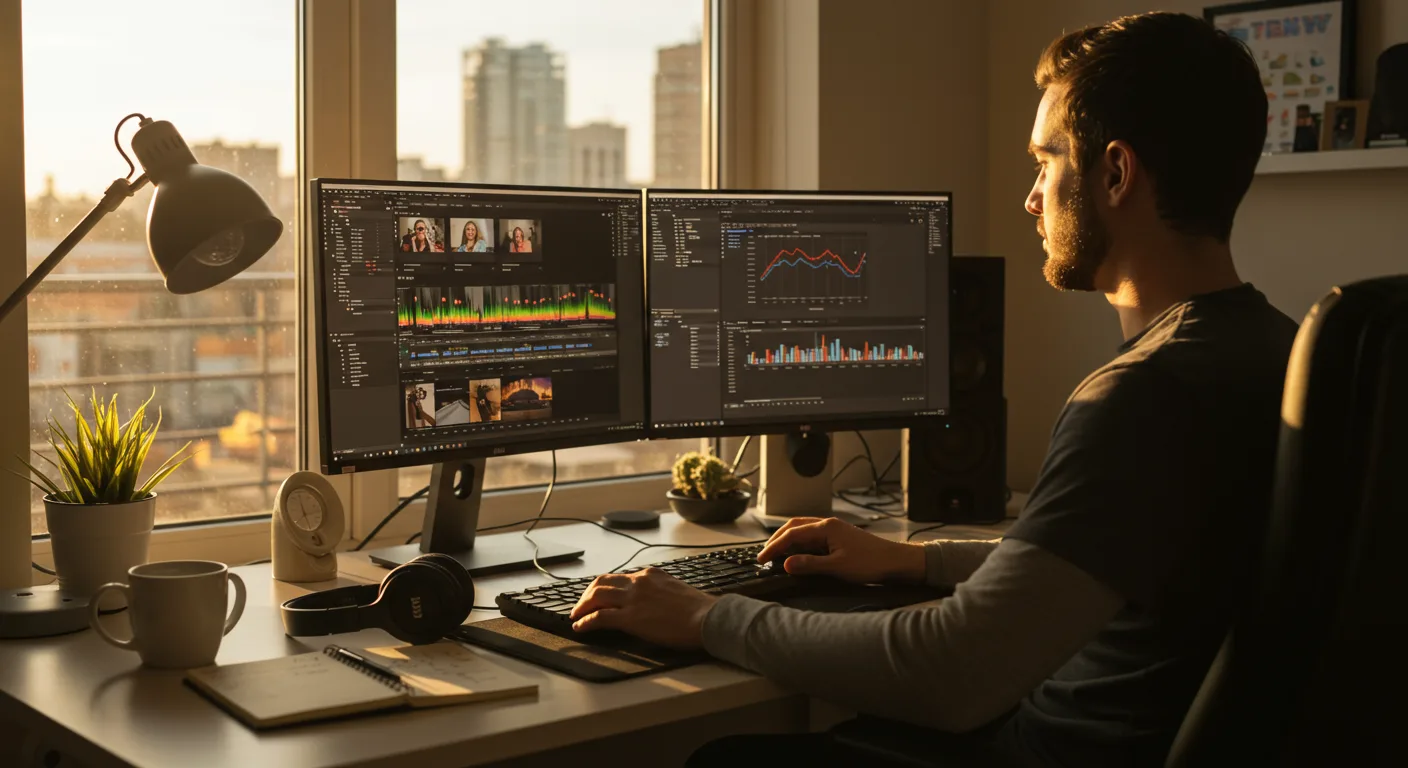
This is where Adobe Premiere Pro truly shone. Our video team, a small but mighty crew of three, relied heavily on its features. We shot everything in 4K, which can be a nightmare for editing on less powerful systems. However, Premiere Pro’s proxy workflow was a lifesaver. We ingested the high-res footage, generated lightweight proxies, and the editors could work smoothly without playback issues. This saved us countless hours of frustration and allowed for rapid iteration.
For color grading, we used Lumetri Color panels extensively to enhance the natural vibrancy of the produce and the sunny farm landscapes. The goal was to make the food look as appetizing as possible, and Lumetri’s precise controls allowed us to achieve a consistent, rich look across all assets. We also integrated animated text overlays and lower thirds, designed in Adobe After Effects, directly into Premiere Pro using Dynamic Link. This meant no rendering out separate elements; changes in After Effects automatically updated in Premiere Pro. This kind of seamless interoperability is, in my opinion, one of Adobe’s greatest strengths for marketing teams.
One particular challenge we faced was adapting the same core message for vastly different ad durations and aspect ratios (16:9 for YouTube, 9:16 for Reels, 1:1 for static feed posts). Premiere Pro’s Auto Reframe feature was surprisingly effective here. While it’s not perfect – you always need manual adjustments – it gave us a fantastic starting point for quickly creating multiple versions from a single master sequence. This significantly cut down on the time our editors spent manually adjusting compositions for different platforms.
Metrics & Performance
Here’s a snapshot of the campaign’s performance:
| Metric | Value |
|---|---|
| Budget | $35,000 (Video Production: $15,000; Ad Spend: $20,000) |
| Duration | 6 weeks |
| Impressions | 2.8 million |
| Click-Through Rate (CTR) | 1.8% (Social); 1.2% (YouTube) |
| Conversions (New Subscriptions) | 480 |
| Cost Per Lead (CPL) | $41.67 (initial) |
| Cost Per Conversion | $72.92 |
| Return on Ad Spend (ROAS) | 2.1x |
What Worked
- High-Quality Visuals: The authentic, beautifully edited video content stood out significantly. Our engagement rates on Instagram Reels were consistently above average, indicating that users were stopping to watch.
- Targeted Messaging: The “Farm to Table” narrative resonated deeply with our specific demographic.
- Premiere Pro’s Efficiency: The ability to quickly iterate and produce multiple ad variations from a single master project was invaluable. We ran A/B tests on different intros and calls-to-action, something that would have been cost-prohibitive with a less efficient workflow. For example, a version featuring a farmer speaking directly to the camera outperformed a version with only B-roll by 15% in CTR.
What Didn’t Work (and How We Optimized)
Our initial CPL was higher than anticipated. We quickly realized that while our longer 90-second hero video performed well on YouTube, the 30-second cuts weren’t quite short enough for optimal performance on Instagram Stories. People scroll fast, and you have about 3-5 seconds to hook them.
Optimization Step 1: Shorter Edits. We went back into Premiere Pro. Using the same source footage, our editors rapidly created 10-15 second cuts, focusing on the most visually striking and emotionally engaging moments within the first few seconds. This wasn’t a re-edit; it was an exercise in ruthless conciseness. We then A/B tested these against the longer versions. The shorter ads saw a 25% reduction in CPL for Instagram placements within two weeks. This is a critical point: your video editing software must allow for this kind of quick, precise surgical adjustment.
Optimization Step 2: Call to Action Placement. Initially, our call to action (“Subscribe Now!”) was at the very end of the 15-second ads. We shifted it to appear around the 7-second mark, and then again at the end, using Premiere Pro’s title tools. This small change led to a 10% increase in conversion rate on Meta platforms. It sounds simple, but getting that timing just right, especially when you’re dealing with dozens of ad variations, requires a fluid editing environment.
I had a client last year, a local boutique, who insisted on using a free online video editor for their social ads. They complained endlessly about how long it took to make even minor changes and how limited their creative options were. Their campaigns consistently underperformed. When we finally convinced them to invest in a professional editor using Premiere Pro, their ad performance improved dramatically. It’s a false economy to skimp on your core creative tools.
Final Performance After Optimization
| Metric | Original Value | Optimized Value | Improvement |
|---|---|---|---|
| Cost Per Lead (CPL) | $41.67 | $31.25 | 25% Reduction |
| Cost Per Conversion | $72.92 | $54.69 | 25% Reduction |
| Return on Ad Spend (ROAS) | 2.1x | 2.8x | 33% Increase |
The campaign ultimately generated 640 new subscriptions, exceeding our initial goal by 33%. The lifetime value of these subscribers far outweighs the initial ad spend, making it a highly successful initiative. This success wasn’t just about good strategy; it was about having the right tools to execute that strategy efficiently and adaptively.
Here’s what nobody tells you: The true power of a tool like Premiere Pro in marketing isn’t just about creating beautiful videos, it’s about the speed of iteration. In a world where ad fatigue sets in faster than ever, your ability to quickly test, tweak, and deploy new creative variations is your biggest competitive advantage. If your video team is constantly battling their software, you’re losing money.
The ability to handle multiple formats, integrate with other design tools, and offer robust editing capabilities means that creative teams can focus on storytelling rather than technical limitations. For any marketing team serious about video, Adobe Premiere Pro isn’t merely an option; it’s an essential part of the toolkit that enables rapid, high-quality content production and, ultimately, campaign success.
What is the primary benefit of using Adobe Premiere Pro for marketing campaigns?
The primary benefit is its ability to produce high-quality, professional video content efficiently, allowing for rapid iteration and adaptation of creatives for various platforms and audiences, which is crucial for optimizing campaign performance.
How does Premiere Pro integrate with other Adobe Creative Cloud applications in a marketing workflow?
Premiere Pro integrates seamlessly with tools like Adobe After Effects for motion graphics and visual effects, Adobe Audition for audio sweetening, and Adobe Photoshop for graphic assets. This integration, often via Dynamic Link, allows for a cohesive workflow where changes in one application instantly reflect in Premiere Pro, saving significant time and effort.
Can Premiere Pro handle different video aspect ratios required for various social media platforms?
Yes, Premiere Pro includes features like Auto Reframe, which intelligently adjusts video footage to different aspect ratios (e.g., 16:9, 9:16, 1:1) required by platforms like YouTube, Instagram Stories, and Facebook feeds. While manual adjustments are often needed, it provides a strong starting point for efficient multi-platform content creation.
Is Adobe Premiere Pro suitable for small marketing teams or individual marketers?
Absolutely. While powerful enough for large agencies, its intuitive interface and extensive online resources make it accessible for smaller teams and individual marketers. The Creative Cloud subscription model also makes it a scalable solution, allowing access to a full suite of tools as needs grow.
What specific features in Premiere Pro help with managing large video projects?
For large projects, Premiere Pro offers features such as proxy workflows for editing high-resolution footage on standard hardware, project sharing for collaborative editing, and robust media management tools to organize vast amounts of assets. These features ensure smooth production even with extensive video libraries and multiple team members.


