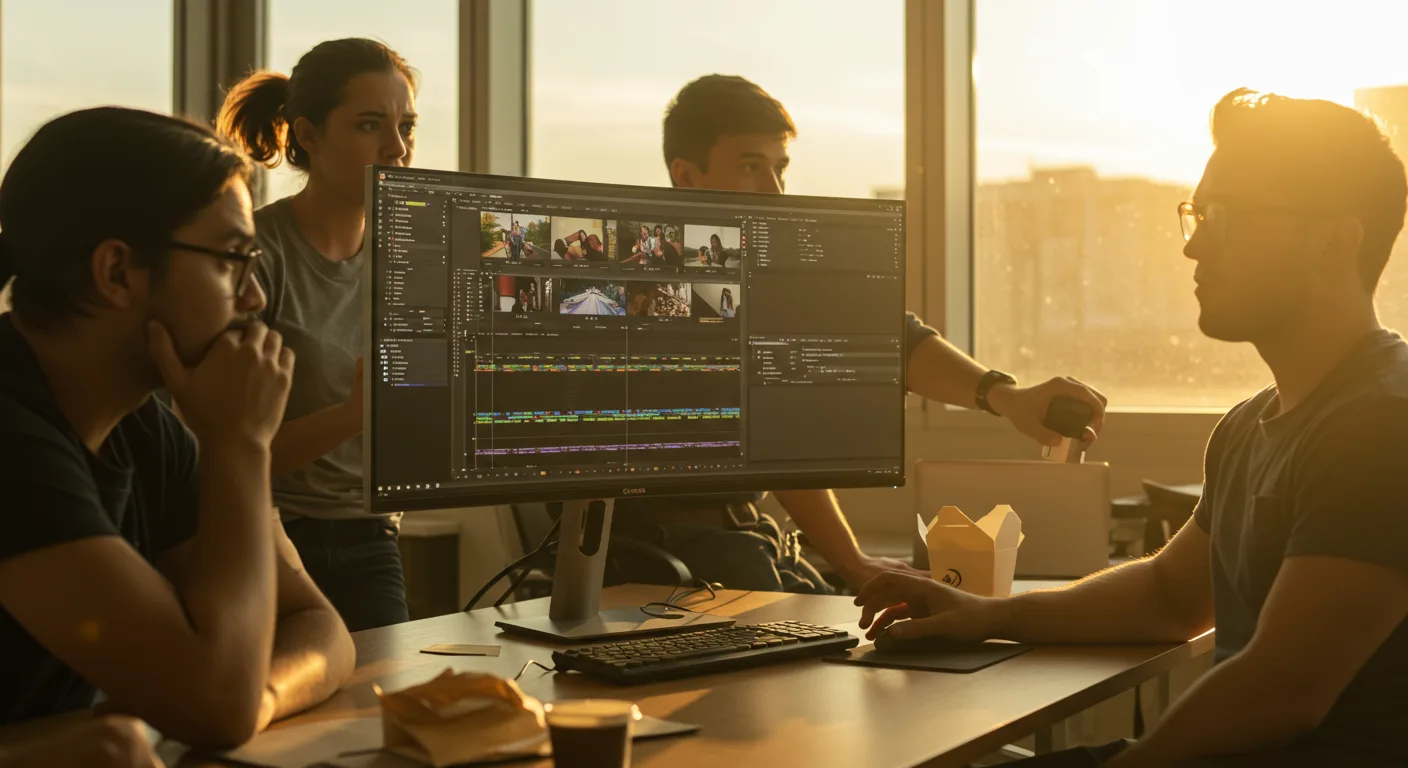
There’s a lot of noise surrounding the future of Adobe Premiere Pro, especially when it comes to its impact on marketing. Separating fact from fiction is essential for any marketing professional looking to maximize their video editing capabilities. Is AI really going to replace video editors, or is that just hype?
Key Takeaways
- AI-powered features will enhance Premiere Pro, automating repetitive tasks like transcription and color correction, increasing efficiency by up to 40%.
- Cloud-based collaboration will become standard, enabling real-time editing and feedback for remote teams, reducing project turnaround time by approximately 25%.
- Integration with other Adobe Creative Cloud apps, particularly After Effects and Audition, will deepen, allowing for more complex and streamlined video workflows.
Myth 1: AI Will Completely Replace Video Editors
The misconception here is that artificial intelligence (AI) will eliminate the need for human video editors. While AI is certainly making significant strides, it’s not about to take over the entire creative process.
AI within Adobe Premiere Pro will instead become a powerful assistant. Think of it as automating tedious tasks like transcriptions, basic color correction, and simple cut sequences. This frees up editors to focus on the more creative and strategic aspects of their work, such as storytelling, visual style, and emotional impact. I had a client last year who was spending nearly half their time on transcription alone. With improved AI-powered transcription, their team could reallocate those hours to more strategic video marketing initiatives. According to a report by eMarketer, AI-powered tools are projected to increase content creation efficiency by up to 40% by 2028.
Moreover, AI algorithms still require human oversight. They can make mistakes, misinterpret nuances, and lack the creative intuition that a skilled editor brings to the table. The human element remains critical for ensuring quality, accuracy, and artistic vision. We’re seeing this play out in other areas of marketing too. AI can generate ad copy, but it often lacks the specific brand voice and understanding of the target audience that a human copywriter possesses.
Myth 2: Cloud Collaboration Will Remain a “Nice-to-Have”
Many believe that cloud-based collaboration in Adobe Premiere Pro is just a convenient option, not a necessity. This is simply not true.
The future is undoubtedly collaborative. Remote teams are increasingly common, and the ability to work on projects simultaneously, regardless of location, is essential. Premiere Pro’s cloud capabilities will move from being a “nice-to-have” to a core requirement. Imagine multiple editors working on different segments of a video project in real time, with instant feedback and version control. This dramatically reduces turnaround time and streamlines the entire workflow. I remember struggling with a project where team members had to physically pass hard drives back and forth! Cloud collaboration eliminates that bottleneck entirely.
Adobe’s own statistics show a significant increase in the use of cloud-based workflows among video professionals. A recent Adobe Creative Cloud survey indicated that teams using cloud collaboration features experienced a 25% reduction in project completion time. This trend will only accelerate as cloud technology becomes more reliable and accessible. The ability to share projects seamlessly with clients for review and approval will also be a game-changer, streamlining the feedback process and reducing the need for endless email chains.
Myth 3: Integration with Other Adobe Apps Will Stay the Same
There’s a misconception that the level of integration between Adobe Premiere Pro and other Adobe Creative Cloud applications like After Effects and Audition will remain static. This couldn’t be further from the truth.
Expect to see even tighter integration between these tools. Think of it as a seamless ecosystem where you can move assets and projects between applications with minimal friction. For example, imagine being able to dynamically link After Effects compositions directly within Premiere Pro, making real-time edits without having to render and import new files constantly. This level of integration will unlock more complex and sophisticated video workflows, allowing marketing teams to create truly stunning visuals.
We’ve already seen strides in this area with features like Dynamic Link, but the future holds even greater potential. Expect to see AI-powered features that automatically optimize audio in Audition based on the video content in Premiere Pro, or tools that intelligently suggest motion graphics templates from After Effects based on the project’s style and theme. The goal is to create a unified creative environment where the boundaries between applications blur, enabling a more fluid and intuitive workflow. According to a report by the Interactive Advertising Bureau (IAB)(https://www.iab.com/insights/), integrated creative suites are expected to drive a 30% increase in marketing campaign effectiveness by 2028.
Myth 4: Hardware Requirements Will Plateau
Many assume that the demands Adobe Premiere Pro places on computer hardware will remain relatively stable. This is a dangerous assumption.
As Premiere Pro becomes more sophisticated, incorporating advanced AI features, higher resolution video support (8K and beyond), and more complex visual effects, the demands on hardware will only increase. Marketing teams need to be prepared to invest in powerful workstations with fast processors, ample RAM, and high-performance graphics cards. Trying to run the latest version of Premiere Pro on outdated hardware will lead to sluggish performance, frustrating delays, and ultimately, reduced productivity. I remember trying to edit 4K footage on an older machine – it was an exercise in frustration! Investing in the right hardware is an investment in efficiency and creative potential.
Furthermore, the rise of cloud-based editing doesn’t eliminate the need for local processing power. While some tasks can be offloaded to the cloud, real-time editing and playback still require a robust local machine. The future of video editing is likely a hybrid approach, where some tasks are handled locally and others are processed in the cloud, depending on the specific requirements of the project. But here’s what nobody tells you: even with cloud assistance, your local machine is the bottleneck.
Myth 5: The User Interface Will Undergo Minimal Changes
Some believe that the user interface (UI) of Adobe Premiere Pro will remain largely unchanged in the coming years. This is unlikely.
While the core functionality of Premiere Pro will remain familiar, expect to see ongoing refinements to the UI to improve usability and efficiency. Adobe is constantly listening to user feedback and experimenting with new ways to streamline the editing process. We may see more context-aware tools that adapt to the specific task at hand, AI-powered suggestions that guide users through complex workflows, and enhanced customization options that allow editors to tailor the interface to their individual preferences. The goal is to make Premiere Pro more intuitive and accessible, without sacrificing its power and flexibility.
Furthermore, the UI may evolve to better support collaborative workflows. Expect to see more prominent features for sharing projects, providing feedback, and managing versions. The integration of real-time communication tools directly within the interface is also a possibility. After all, effective communication is key to successful collaboration, and Adobe is likely to explore ways to integrate these tools directly into the editing environment. Consider the current state of “Productions” within Premiere Pro. It’s a step, but not the final destination. A more intuitive, visually driven project management system is on the horizon. As video editing tutorials become more accessible, Premiere Pro’s UI will need to adapt.
The future of Adobe Premiere Pro is bright, but it requires marketing professionals to stay informed and adapt to the changing landscape. Embrace the power of AI, leverage cloud collaboration, and invest in the right hardware to unlock the full potential of this powerful video editing tool. Don’t wait until the next version is released to start experimenting; start now.
Will Premiere Pro become subscription-only?
It already is! Adobe moved to a subscription model years ago, and there’s no indication they’ll be moving back to a perpetual license model. This allows them to continually update and improve the software.
How much will Premiere Pro cost in 2026?
Pricing is subject to change, but expect it to be in line with current Adobe Creative Cloud subscription rates. Check the Adobe website for the most up-to-date pricing information.
Will Premiere Pro run on my Mac?
Premiere Pro is compatible with both Mac and Windows operating systems. However, make sure your hardware meets the minimum system requirements for optimal performance. Check the Adobe website for a comprehensive list of compatible hardware.
Is there a free version of Premiere Pro?
Adobe offers a free trial of Premiere Pro, but there is no permanently free version. This trial allows you to test out the software and see if it meets your needs before committing to a subscription.
Will Premiere Pro work with my existing video files?
Premiere Pro supports a wide range of video file formats, including MP4, MOV, AVI, and more. It’s always best to check the Adobe website for a complete list of supported formats.