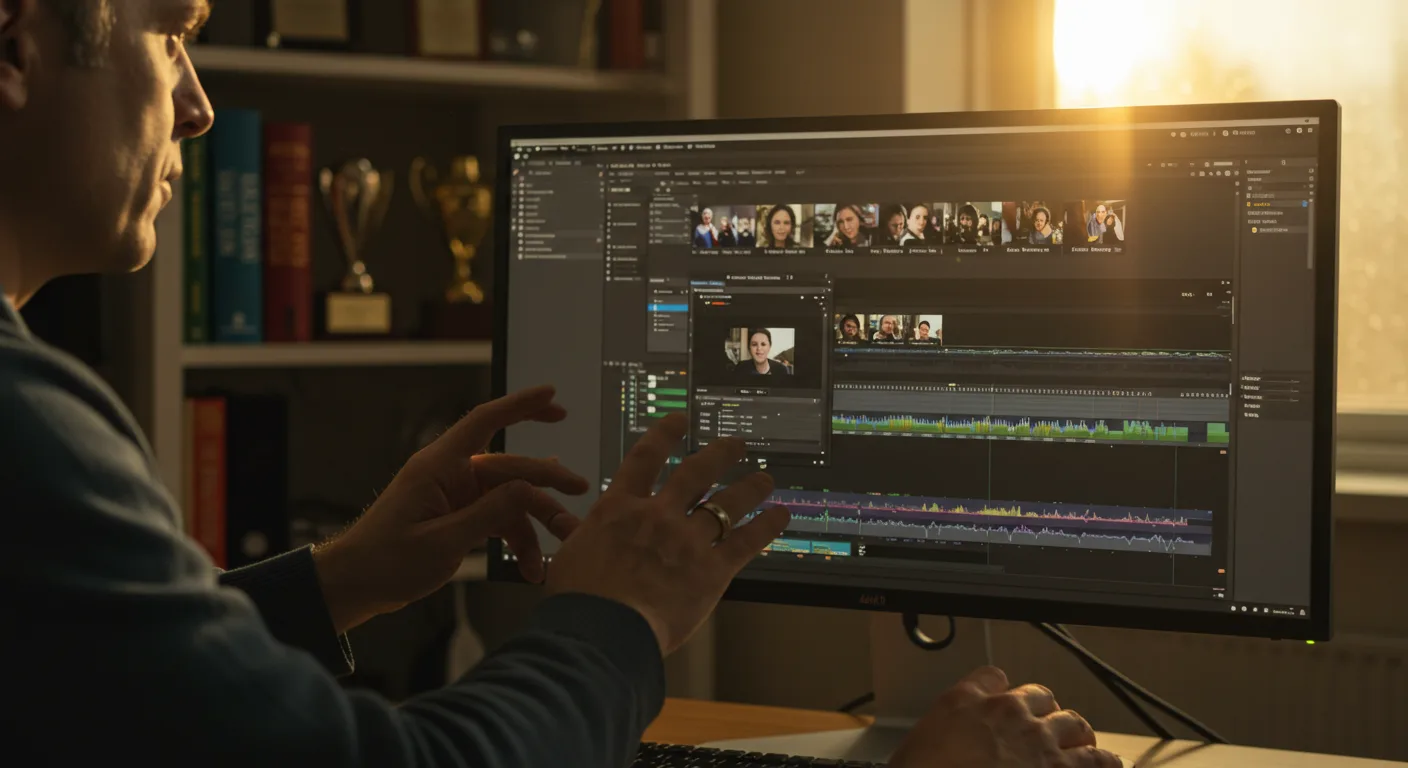
The world of video editing is constantly shifting, and Adobe Premiere Pro remains a cornerstone for many marketing professionals. But what does the future hold for this industry-standard software? Will AI truly take over the editing suite, or will human creativity still reign supreme? Let’s explore some key predictions.
1. AI-Powered Editing on Steroids
AI integration is no longer a novelty; it’s becoming deeply ingrained in Adobe Premiere Pro. We’re seeing this in features like enhanced scene detection and auto-reframe, but expect even more sophisticated tools. By 2026, AI will likely handle many of the tedious, repetitive tasks, freeing up editors to focus on creative storytelling. Specifically, look for enhancements to the Speech to Text feature, allowing for even faster and more accurate transcription and captioning. Imagine being able to automatically generate perfectly timed captions in multiple languages with a single click. That’s the direction we’re headed.
Pro Tip: Start experimenting with AI-powered features now. Even if they aren’t perfect, understanding their capabilities will give you a head start when they become essential.
2. Real-Time Collaboration Redefined
Collaboration tools within Adobe Premiere Pro have been steadily improving, but the future promises a truly seamless experience. Think simultaneous editing sessions with multiple team members working on the same project from different locations in real time. This will require significant improvements in cloud infrastructure and data management, but the payoff in terms of efficiency and productivity will be huge. We’re talking about features like live commenting directly on the timeline, integrated project management tools, and instant feedback loops. A report from IAB indicated that collaborative video creation is expected to increase by 60% in the next two years. IAB
Common Mistake: Relying solely on email for feedback. It’s slow and inefficient. Embrace the built-in collaboration tools within Premiere Pro to streamline your workflow.
3. Immersive and Interactive Video Experiences
The demand for immersive and interactive video experiences is growing rapidly. This means Adobe Premiere Pro will need to evolve to support new formats like VR, AR, and interactive video. Expect tools that make it easier to create and edit these types of content, including features for adding interactive elements like clickable hotspots, branching narratives, and 360° video editing. Think about being able to easily create training videos where viewers can choose their own path based on their individual needs. I had a client last year, a healthcare provider near Northside Hospital, who wanted to create interactive training videos for their staff. We struggled to find a streamlined solution at the time, but I believe Premiere Pro will soon offer native support for this type of content.
4. The Rise of the “No-Code” Editing Interface
While professional editors will always need a full-featured editing suite, there’s a growing demand for simpler, more intuitive interfaces for users with less experience. Adobe Premiere Pro may introduce a “no-code” or “low-code” editing mode that allows users to create basic videos using drag-and-drop templates and automated workflows. This would be particularly useful for marketers who need to quickly create social media videos or short promotional clips. The goal is to democratize video editing and make it accessible to a wider audience. Nobody tells you this, but a simpler interface could significantly speed up the process for even experienced editors for certain types of projects.
Pro Tip: Even if you’re a seasoned editor, explore these simplified interfaces when they become available. They can be a great way to quickly create content for social media or internal communications.
5. Enhanced Integration with Marketing Platforms
The future of Adobe Premiere Pro is inextricably linked to the broader marketing ecosystem. Expect tighter integration with platforms like Meta Business Suite and Google Ads, allowing marketers to seamlessly create video content and deploy it across multiple channels. This includes features like automated video ad creation, personalized video messaging, and advanced analytics to track the performance of video campaigns. We are talking about the ability to create multiple versions of an ad, each tailored to a specific audience segment, all within Premiere Pro. Imagine instantly uploading your video directly to the Meta Ad Library, ready to be deployed in a targeted campaign. That’s the level of integration we can expect.
6. Mastering Motion Graphics Templates (MOGRTs)
Motion Graphics Templates (MOGRTs) are already a powerful tool within Adobe Premiere Pro, allowing users to easily add professional-looking animations and graphics to their videos. In the future, MOGRTs will become even more sophisticated and customizable. Expect to see a wider variety of templates available, as well as more advanced tools for creating your own custom MOGRTs. This is a great way to maintain brand consistency across all of your video content. We ran into this exact issue at my previous firm; clients would create their own lower thirds or intro sequences, and the result was a very inconsistent look and feel. MOGRTs can solve this problem by providing a standardized template that everyone can use.
Common Mistake: Neglecting to customize MOGRTs to fit your brand. Simply using the default settings can make your videos look generic. Take the time to adjust the colors, fonts, and animations to match your brand guidelines.
7. The Death of Linear Editing?
Okay, maybe not the death, but a significant shift. Traditional linear editing, where you assemble clips in a sequential order, will likely become less prevalent as AI and other automation tools take over. Expect to see more non-linear editing workflows, where you can quickly create videos by simply tagging keywords and letting the software automatically assemble the clips. This will be particularly useful for creating short-form videos for social media. This isn’t to say that traditional editing will disappear entirely, but it will likely become more specialized. The need for detailed storytelling and editing skills will remain, but the tools will become more advanced and automated.
Case Study: A local Atlanta marketing agency, “Peach State Digital,” needed to create 50 short promotional videos for a client in the tourism industry. Using the current version of Premiere Pro, it would have taken them weeks. However, using a beta version of Premiere Pro with enhanced AI-powered editing tools, they were able to complete the project in just one week. The AI automatically identified key scenes, added transitions, and even generated captions. This saved the agency a significant amount of time and money. The agency used Adobe Premiere Pro, along with Adobe After Effects for motion graphics. The project was completed in Q1 of 2026.
8. Accessibility as a Core Feature
Accessibility is no longer an afterthought; it’s a core feature of modern video editing software. Adobe Premiere Pro will continue to improve its accessibility features, making it easier to create videos that are accessible to people with disabilities. This includes features like automated captioning, audio descriptions, and keyboard navigation. This is not only the right thing to do, but it also expands the reach of your videos to a wider audience. It’s also worth noting that failing to make your videos accessible could lead to legal trouble under the Americans with Disabilities Act (ADA). You can contact the Georgia Advocacy Office for more information on accessibility requirements.
9. The Power of Data-Driven Video
Data will play an increasingly important role in video editing. Adobe Premiere Pro will integrate with data analytics platforms, allowing editors to create videos that are tailored to specific audiences based on their demographics, interests, and behaviors. This includes features like dynamic video personalization, where the content of the video changes based on the viewer’s data. Imagine creating a video ad for a new restaurant in Buckhead that automatically shows different menu items based on the viewer’s dietary preferences. This level of personalization is becoming increasingly possible.
Pro Tip: Start collecting data on your video viewers now. This will give you a head start when data-driven video editing becomes more mainstream.
10. The Subscription Model Evolves
The subscription model for Adobe Premiere Pro is likely here to stay, but it may evolve to offer more flexibility and customization. Expect to see different subscription tiers based on usage, features, and storage needs. Adobe may also introduce a pay-as-you-go option for users who only need to use the software occasionally. It will be interesting to see how Adobe balances the needs of professional editors with the demands of casual users. One thing is for sure: the subscription model will continue to evolve to meet the changing needs of the market. If you are a creative, see if you can thrive now with this software.
The future of Adobe Premiere Pro is bright, but it requires marketers to adapt. By embracing AI, collaboration, and data-driven approaches, you can unlock new levels of creativity and efficiency. So, what’s the first AI-powered feature you will experiment with this week? For more tips, see our marketing checklists.
Frequently Asked Questions
Will AI completely replace video editors?
Unlikely. While AI will automate many tasks, human creativity and storytelling skills will still be essential. Think of AI as a powerful tool that enhances, not replaces, human editors.
How can I prepare for the future of Premiere Pro?
Start experimenting with AI-powered features, embrace collaboration tools, and learn about data-driven video editing. Staying curious and adaptable is the key.
Will Premiere Pro become more expensive?
The pricing model is likely to evolve, potentially offering more flexible subscription tiers based on usage and features. Keep an eye out for these changes and choose the plan that best fits your needs.
What are MOGRTs and why are they important?
MOGRTs (Motion Graphics Templates) are pre-designed animations and graphics that can be easily added to your videos. They are essential for maintaining brand consistency and creating professional-looking content quickly.
How important is accessibility in video editing?
Accessibility is crucial. It ensures that your videos are accessible to people with disabilities, expanding your audience and potentially avoiding legal issues. Features like automated captioning and audio descriptions are essential.





