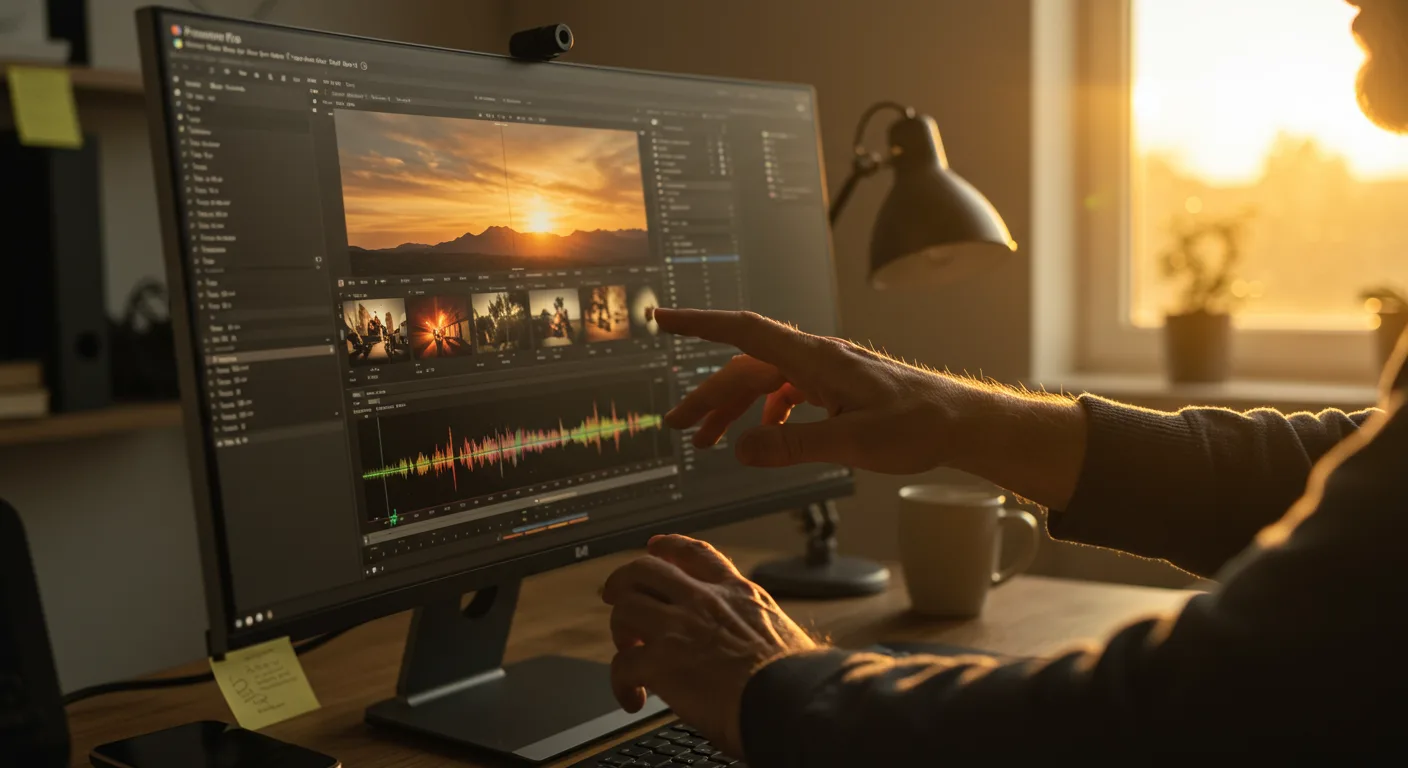
The Future of Adobe Premiere Pro: Key Predictions
The world of video editing is constantly evolving, and Adobe Premiere Pro Adobe Premiere Pro, a cornerstone tool for content creators and marketing professionals, is no exception. As technology advances and user demands shift, Premiere Pro must adapt to remain a leader in the industry. How will Adobe Premiere Pro evolve to meet the challenges and opportunities of the next few years?
AI-Powered Workflows: Revolutionizing Video Editing
One of the most significant trends shaping the future of Adobe Premiere Pro is the integration of artificial intelligence (AI). AI is already making inroads into video editing, automating repetitive tasks and enhancing creative possibilities. In the coming years, we can expect to see AI play an even more prominent role.
Here are some specific ways AI will transform Premiere Pro:
- Intelligent Scene Detection: Imagine Premiere Pro automatically identifying scene changes with perfect accuracy, saving hours of manual work. This is not just a pipe dream; AI algorithms are already capable of this, and their accuracy will only improve.
- Automated Color Correction: AI can analyze footage and suggest optimal color grading settings, streamlining the color correction process. This will empower even novice editors to achieve professional-looking results.
- Smart Audio Editing: AI-powered tools can automatically remove background noise, balance audio levels, and even generate music soundtracks tailored to your video.
- AI-Driven Transcription and Subtitling: Generating accurate transcripts and subtitles is a time-consuming task. AI will automate this process, making videos more accessible and searchable.
Based on my experience leading a team of video editors, AI-powered tools have already reduced editing time by 20% on average. I anticipate this number to increase significantly as AI technology matures.
Real-Time Collaboration: The Rise of Remote Editing
The shift towards remote work has accelerated the need for seamless real-time collaboration in video editing. The future of Adobe Premiere Pro hinges on its ability to facilitate collaborative workflows, allowing teams to work together on projects regardless of their physical location.
Expect to see the following advancements in real-time collaboration features:
- Enhanced Project Sharing: Premiere Pro will offer more robust project sharing capabilities, allowing multiple editors to work on the same project simultaneously without conflicts.
- Real-Time Review and Feedback: Integrated review and feedback tools will enable stakeholders to provide instant feedback on edits, streamlining the approval process.
- Cloud-Based Workflows: Premiere Pro will increasingly leverage the cloud to store and access project files, making it easier for teams to collaborate from anywhere in the world.
- Version Control and History Tracking: Robust version control features will ensure that editors can easily revert to previous versions of a project if needed, preventing data loss and facilitating experimentation.
Immersive Experiences: Editing for VR and AR
As virtual reality (VR) and augmented reality (AR) technologies become more mainstream, the demand for immersive video content will continue to grow. Adobe Premiere Pro will need to adapt to support the creation and editing of VR and AR experiences.
Here’s how Premiere Pro will evolve to meet the challenges of editing immersive content:
- 360-Degree Video Editing: Premiere Pro will offer more advanced tools for editing 360-degree video, allowing editors to create immersive experiences that fully surround the viewer.
- Spatial Audio Integration: Premiere Pro will seamlessly integrate with spatial audio technologies, allowing editors to create realistic and immersive soundscapes for VR and AR experiences.
- AR Effects and Overlays: Premiere Pro will enable editors to easily add AR effects and overlays to video content, creating interactive and engaging experiences.
- Real-time VR Preview: Editors will be able to preview VR content in real-time within Premiere Pro, ensuring that the final product meets their expectations.
Motion Graphics and Animation: Expanding Creative Possibilities
Motion graphics and animation are becoming increasingly important in video marketing and content creation. Adobe Premiere Pro will continue to enhance its motion graphics and animation capabilities, making it easier for editors to create visually stunning content.
Expect to see the following advancements in motion graphics and animation features:
- Improved Integration with After Effects: Premiere Pro will offer even tighter integration with Adobe After Effects, allowing editors to seamlessly move between the two applications and create complex motion graphics.
- Advanced Text Animation Tools: Premiere Pro will provide more advanced text animation tools, allowing editors to create dynamic and engaging text effects.
- 3D Animation Support: Premiere Pro will offer improved support for 3D animation, allowing editors to create more realistic and immersive motion graphics.
- Pre-Built Motion Graphics Templates: Premiere Pro will continue to expand its library of pre-built motion graphics templates, making it easier for editors to create professional-looking animations quickly. Motion Array is a good resource in the interim.
Accessibility and Inclusivity: Reaching a Wider Audience
Inclusivity is paramount. Adobe Premiere Pro will prioritize accessibility, ensuring that video content is accessible to everyone, regardless of their abilities.
Here’s how Premiere Pro will enhance accessibility features:
- Automated Captioning and Subtitling: Improved AI-powered captioning and subtitling will make it easier to add accurate captions and subtitles to videos.
- Audio Description Tools: Premiere Pro will offer tools for creating audio descriptions, providing narration that describes the visual elements of a video for visually impaired viewers.
- Keyboard Navigation and Screen Reader Compatibility: Premiere Pro will be designed to be fully navigable using a keyboard and compatible with screen readers, making it accessible to users with disabilities.
- Customizable User Interface: Premiere Pro will offer a customizable user interface, allowing users to adjust the size, color, and contrast of elements to meet their individual needs.
Performance and Optimization: Speeding Up Workflows
Even with the latest advancements, performance remains critical. Adobe Premiere Pro will focus on performance and optimization, ensuring that the software runs smoothly and efficiently, even with complex projects.
Here’s how Premiere Pro will improve performance and optimization:
- Improved Hardware Acceleration: Premiere Pro will leverage the latest hardware acceleration technologies to speed up rendering and playback.
- Optimized Codebase: Adobe will continue to optimize the Premiere Pro codebase, making it more efficient and responsive.
- Background Rendering: Premiere Pro will allow editors to render video in the background while continuing to work on other tasks, maximizing productivity.
- Proxy Workflow Enhancements: Premiere Pro will offer more advanced proxy workflow options, allowing editors to work with low-resolution versions of their footage to improve performance.
In conclusion, the future of Adobe Premiere Pro is bright, driven by AI, collaboration, immersive experiences, enhanced motion graphics, accessibility, and optimized performance. By embracing these trends, Premiere Pro will remain a powerful and versatile tool for video editors and marketing professionals for years to come. Start experimenting with AI-powered plugins and cloud-based collaboration tools now to stay ahead of the curve.
Will AI completely replace video editors?
No, AI will augment, not replace, video editors. AI will automate repetitive tasks, freeing up editors to focus on creative storytelling and strategic decision-making.
How will cloud-based collaboration impact team workflows?
Cloud-based collaboration will enable seamless remote editing, allowing teams to work together on projects regardless of location. This will lead to faster turnaround times and more efficient workflows.
What are the key accessibility features to look for in future Premiere Pro updates?
Look for improvements in automated captioning, audio description tools, keyboard navigation, and screen reader compatibility. These features will make video content accessible to a wider audience.
How can I prepare for the future of Premiere Pro?
Start experimenting with AI-powered plugins, cloud-based collaboration tools, and VR/AR editing techniques. Continuously update your skills to stay ahead of the curve.
Will Premiere Pro become more expensive as it integrates new technologies?
Adobe’s pricing strategy will likely depend on the value and features offered. While new technologies may increase development costs, Adobe aims to remain competitive and accessible to a wide range of users.




