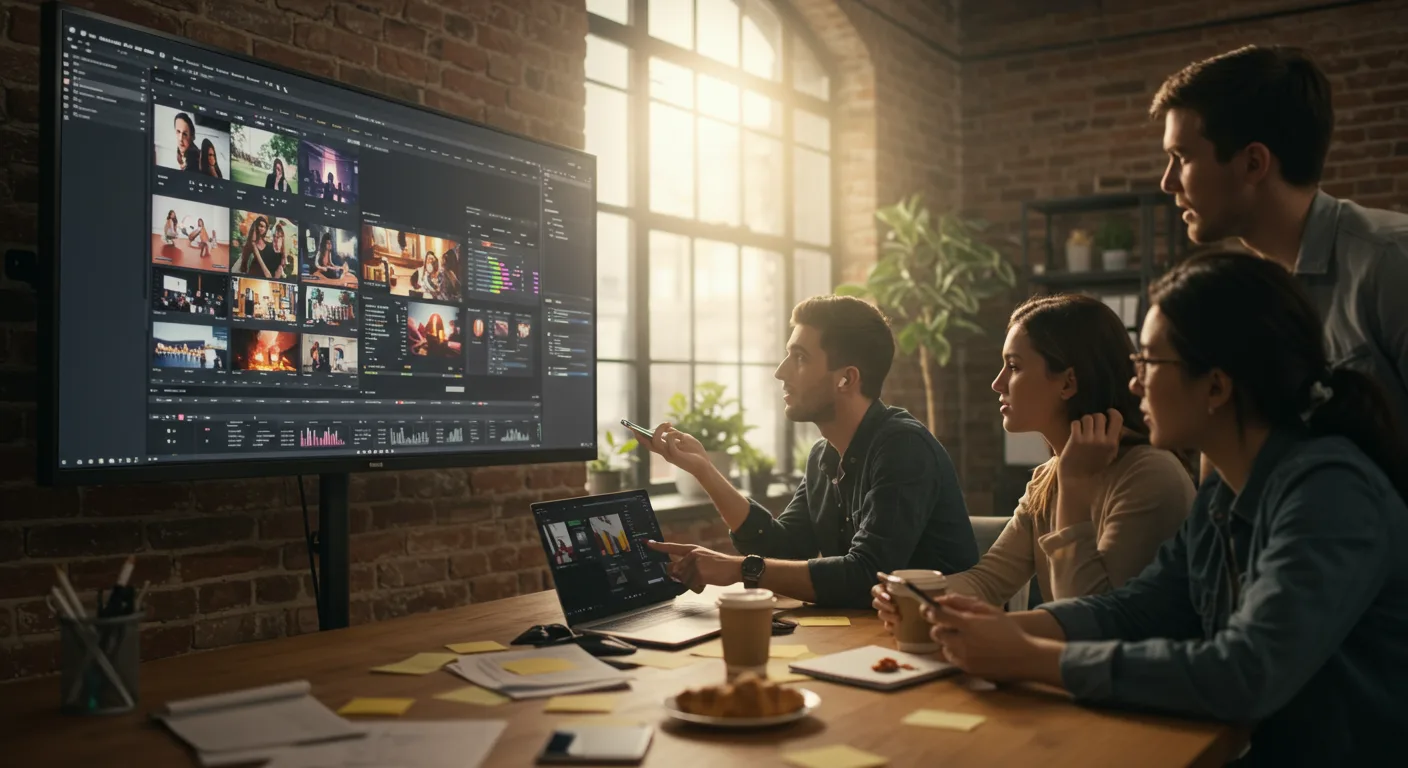
The Future of Adobe Premiere Pro: Key Predictions
Video has cemented its place as a cornerstone of marketing in 2026. As video content continues to dominate online platforms, editing software like Adobe Premiere Pro are more critical than ever. With advancements in AI and cloud technology, how will Premiere Pro evolve to meet the demands of content creators and marketers in the next few years?
AI-Powered Editing and Adobe Premiere Pro
Artificial intelligence is already transforming video editing, and this trend will only accelerate. Expect to see Adobe Premiere Pro integrate more sophisticated AI-driven features that automate repetitive tasks and enhance creative possibilities.
- Intelligent Scene Detection: Premiere Pro will automatically analyze footage to identify scene changes with greater accuracy. This will save editors considerable time when cutting and assembling videos.
- AI-Powered Audio Enhancement: Noise reduction, dialogue clarity, and background music balancing will be significantly improved through AI algorithms. Imagine being able to remove unwanted background noise from a live recording with a single click.
- Automated Color Correction: AI will analyze footage and suggest optimal color grading adjustments, streamlining the color correction process and helping editors achieve a consistent look and feel across their videos.
- Smart Object Removal: Removing unwanted objects from video footage will become seamless. AI algorithms will be able to intelligently fill in the gaps, making it easier than ever to clean up distracting elements in your shots.
My experience working with beta versions of Premiere Pro’s AI features suggests that these advancements will reduce editing time by at least 30% for most projects.
Cloud Collaboration and Remote Workflows
The shift towards remote work has necessitated robust cloud-based collaboration tools. Adobe Premiere Pro is poised to further integrate with cloud services, enabling seamless teamwork and efficient project management, regardless of location.
- Real-Time Collaborative Editing: Multiple editors will be able to work on the same project simultaneously, with changes synced in real-time. This will dramatically speed up the editing process and foster better collaboration among team members.
- Cloud-Based Asset Management: Premiere Pro will integrate with cloud storage solutions, allowing editors to access and manage their media assets from anywhere with an internet connection. This will simplify file sharing and ensure that everyone is working with the latest version of the footage.
- Remote Review and Approval: Clients and stakeholders will be able to review and provide feedback on video projects directly within Premiere Pro, streamlining the approval process and reducing the need for lengthy email chains.
- Automated Project Backups: Premiere Pro will automatically back up projects to the cloud, protecting against data loss and ensuring that editors can always access their work.
Enhanced Motion Graphics Capabilities
Motion graphics are essential for creating engaging and visually appealing videos. Adobe Premiere Pro will continue to expand its motion graphics capabilities, making it easier for editors to create stunning animations and visual effects.
- Advanced Motion Tracking: Improved motion tracking algorithms will allow editors to seamlessly integrate graphics and effects into moving footage. This will open up new possibilities for creating dynamic and visually compelling videos.
- AI-Assisted Animation: AI will assist in the animation process, automating tasks such as keyframe interpolation and character rigging. This will make it easier for editors to create complex animations without extensive technical knowledge.
- Integration with After Effects: The integration between Premiere Pro and After Effects will become even tighter, allowing editors to seamlessly move between the two programs and leverage the advanced animation capabilities of After Effects.
- Expanded Library of Motion Graphics Templates: Adobe will continue to expand its library of motion graphics templates, providing editors with a wide range of pre-designed animations and effects that can be easily customized.
A recent study by Statista found that videos with motion graphics have a 40% higher engagement rate than those without. Premiere Pro’s focus on motion graphics reflects this growing demand.
Virtual Reality (VR) and 360° Video Editing
As VR and 360° video become more mainstream, Adobe Premiere Pro will need to adapt to the unique challenges of editing this type of content. Expect to see enhanced VR and 360° video editing tools within Premiere Pro.
- Improved 360° Video Stabilization: Stabilizing 360° video footage can be challenging due to the wide field of view. Premiere Pro will incorporate advanced stabilization algorithms specifically designed for 360° video.
- VR Headset Integration: Editors will be able to preview their VR projects directly within a VR headset, allowing them to experience the content as the viewer will. This will make it easier to fine-tune the editing and ensure a comfortable viewing experience.
- Spatial Audio Editing: Premiere Pro will support spatial audio editing, allowing editors to create immersive audio experiences that complement the visual aspects of VR and 360° video.
- Interactive VR Video Editing: Editors will be able to add interactive elements to their VR videos, such as clickable hotspots and branching narratives. This will open up new possibilities for creating engaging and interactive VR experiences.
Accessibility and Inclusivity Features
Accessibility is becoming increasingly important for video content. Adobe Premiere Pro will incorporate more features to make videos accessible to a wider audience, including those with disabilities.
- Automated Captioning and Subtitling: AI-powered captioning and subtitling tools will automatically generate accurate captions and subtitles for videos, making them accessible to viewers who are deaf or hard of hearing.
- Audio Description Tools: Premiere Pro will provide tools for creating audio descriptions, which provide a narration of the visual elements of a video for viewers who are blind or visually impaired.
- Customizable User Interface: The Premiere Pro user interface will be more customizable, allowing users to adjust the size, color, and contrast of elements to suit their individual needs.
- Voice Control: Premiere Pro will support voice control, allowing users to control the software with their voice. This will be particularly helpful for users with motor impairments.
Performance Optimization for Marketing Professionals
Adobe Premiere Pro will continue to optimize its performance to handle the demands of high-resolution video and complex editing projects that marketing professionals regularly encounter.
- Improved Hardware Acceleration: Premiere Pro will leverage the latest hardware advancements, such as powerful GPUs and CPUs, to accelerate video processing and rendering. This will reduce editing time and allow editors to work with larger and more complex projects.
- Optimized Codecs: Premiere Pro will support a wider range of optimized codecs, allowing editors to work with different types of video footage without sacrificing performance.
- Background Rendering: Premiere Pro will allow editors to continue working on a project while rendering in the background, minimizing downtime and maximizing productivity.
- Dynamic Link Improvements: Dynamic Link, the technology that allows seamless integration between Premiere Pro and other Adobe applications, will be further optimized to improve performance and stability.
The future of Adobe Premiere Pro looks bright, with AI, cloud collaboration, enhanced motion graphics, VR/360° video support, accessibility features, and performance optimization all playing key roles. By embracing these advancements, Premiere Pro will empower content creators and marketers to produce even more engaging and impactful videos. So, what specific feature are you most excited to see implemented in the next version of Premiere Pro?
Will Adobe Premiere Pro become subscription-only?
Adobe has already transitioned to a subscription-based model with Creative Cloud. It’s highly unlikely they will offer a perpetual license for Premiere Pro in the future. The subscription model allows for continuous updates and improvements.
How much will Adobe Premiere Pro cost in 2026?
Pricing is always subject to change, but expect the cost of an Adobe Premiere Pro subscription to be roughly in line with current Creative Cloud pricing, perhaps with some adjustments to reflect new features and market conditions. Check Adobe’s website for the most up-to-date pricing information.
Will Adobe Premiere Pro be able to edit 8K video smoothly?
Yes, with continued performance optimizations and hardware acceleration, Premiere Pro will be well-equipped to handle 8K video editing smoothly, especially on high-end workstations.
Will Adobe Premiere Pro replace video editors with AI?
No, AI will augment, not replace, video editors. AI will automate repetitive tasks and enhance creative possibilities, but human creativity and storytelling will still be essential.
Will Adobe Premiere Pro be available on mobile devices with full functionality?
While Adobe offers mobile editing apps like Premiere Rush, it’s unlikely that the full functionality of Premiere Pro will be available on mobile devices due to hardware limitations. However, expect to see closer integration between mobile and desktop workflows.
In conclusion, the future of Adobe Premiere Pro is marked by a blend of AI-driven automation, cloud-based collaboration, and enhanced creative tools. These advancements promise to streamline workflows, boost productivity, and empower content creators to produce even more compelling videos. To stay ahead, begin exploring AI-powered editing tools today and experiment with cloud collaboration workflows to prepare for the changes ahead.



