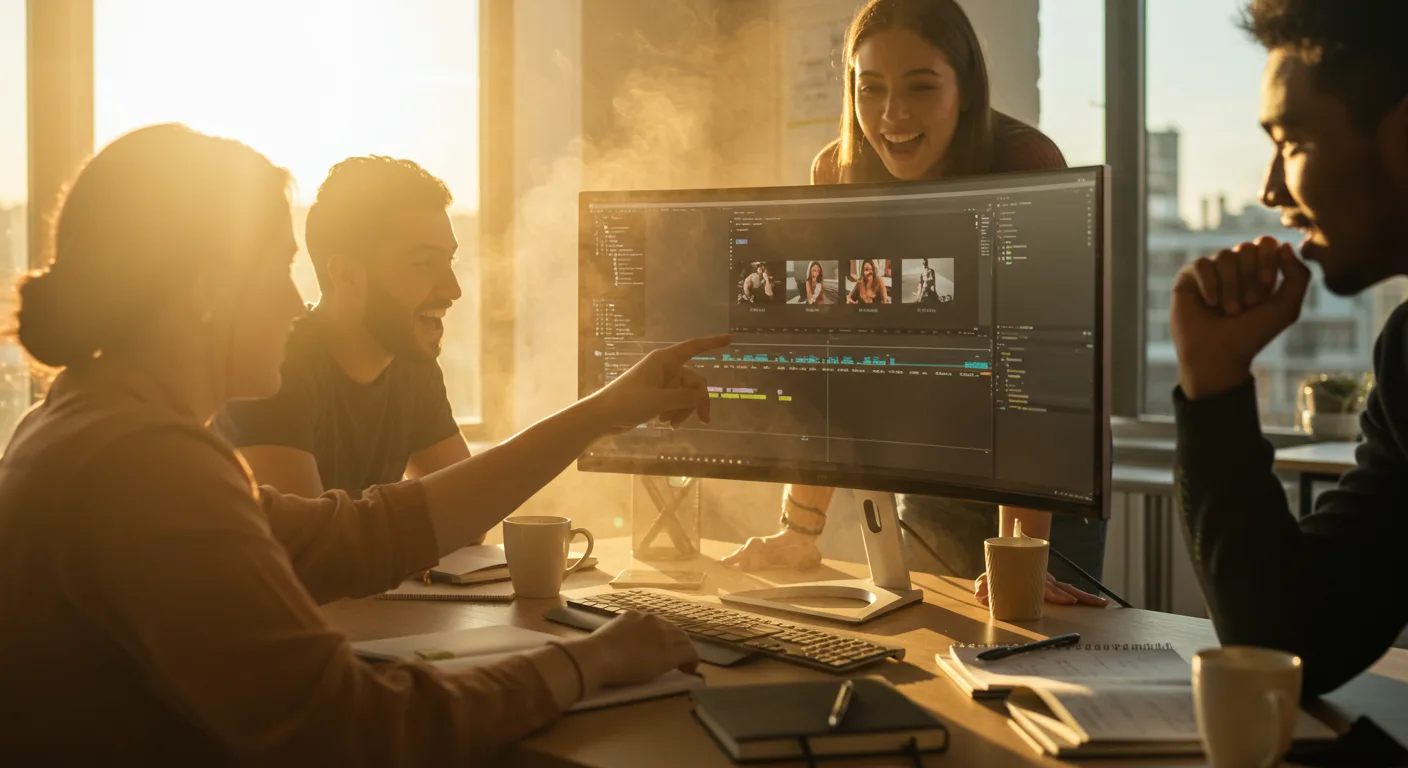
The world of video editing is constantly changing, and Adobe Premiere Pro remains a dominant force. But what does the future hold for this industry-standard software, especially for those of us in marketing? Will AI completely automate the editing process, or will human creativity still reign supreme? Let’s explore some key predictions that will impact how video content is created and consumed in the coming years.
Key Takeaways
- AI-powered tools like Adobe Sensei will automate repetitive tasks, freeing up editors to focus on creative storytelling.
- Real-time collaboration features will become standard, allowing teams to work on projects simultaneously from anywhere in the world.
- Premiere Pro will integrate more tightly with other Adobe Creative Cloud applications, creating a more unified workflow.
1. The Rise of AI-Powered Editing
Artificial intelligence is already making waves in video editing, and its influence will only grow stronger. Expect to see more AI-powered features integrated directly into Premiere Pro. One area where AI will shine is in automating tedious tasks. For example, Adobe Sensei, Adobe’s AI technology, will likely become even more sophisticated at automatically identifying and tagging footage, creating rough cuts, and even suggesting music and sound effects.
Pro Tip: Start experimenting with AI-powered plugins and tools now to get ahead of the curve. Even basic features like automatic scene detection can save you hours of manual work.
We’ve already seen this with features like “Scene Edit Detection” which identifies cuts in a rendered video and automatically creates new edit points. In the future, expect AI to analyze dialogue and suggest optimal pacing or even automatically generate subtitles in multiple languages. This will be a boon for global marketing campaigns. A IAB report found that video ads with subtitles have a significantly higher completion rate, especially on mobile devices.
2. Enhanced Collaboration Features
The days of emailing project files back and forth are numbered. Premiere Pro will continue to evolve towards a more collaborative workflow. We’re already seeing this with features like Productions, which allows multiple editors to work on different parts of the same project simultaneously. In the future, expect even more advanced collaboration tools, such as real-time co-editing, integrated chat, and version control.
Imagine a scenario where a team of editors in Atlanta, Los Angeles, and London can all work on the same video project simultaneously, seeing each other’s changes in real-time. This will require robust cloud infrastructure and seamless integration with other collaboration platforms like Slack or Microsoft Teams. This trend is essential for marketing teams that often work with remote freelancers or agencies.
Common Mistake: Failing to properly organize your project files when working collaboratively. Establish clear naming conventions and folder structures to avoid confusion and ensure everyone is on the same page. Use Productions effectively to divide the workload logically.
3. Tighter Integration with the Adobe Ecosystem
Premiere Pro is already part of the Adobe Creative Cloud, but expect even tighter integration with other applications like After Effects, Photoshop, and Illustrator. This means you’ll be able to seamlessly move assets between applications without having to worry about compatibility issues or tedious importing and exporting.
For example, imagine being able to create a motion graphic in After Effects and then instantly import it into Premiere Pro without rendering. Or being able to edit a Photoshop image directly from within Premiere Pro. This level of integration will save time and streamline the creative process. We ran into this exact issue at my previous firm, where we wasted countless hours converting files between different Adobe programs. It was a nightmare.
For many marketers, Premiere Pro is a secret weapon.
4. The Rise of Immersive Video Formats
As virtual reality (VR) and augmented reality (AR) become more mainstream, Premiere Pro will need to adapt to support these immersive video formats. Expect to see more tools for editing 360-degree video, creating interactive VR experiences, and integrating AR elements into video content. This is particularly relevant for marketing, as brands explore new ways to engage with customers through immersive experiences.
A eMarketer report predicts that spending on VR/AR advertising will continue to grow exponentially. Premiere Pro will need to provide the tools and workflows necessary for marketers to create compelling VR/AR content. This could include features like spatial audio editing, 3D object integration, and interactive storytelling tools.
5. Focus on Accessibility
Accessibility is becoming increasingly important for video content, and Premiere Pro will likely incorporate more features to make videos accessible to a wider audience. This includes things like automatic captioning, audio descriptions, and keyboard navigation. Not only is this ethically responsible, but it’s also good for marketing, as accessible videos reach a larger audience and improve engagement. Think about viewers in the Perimeter Mall food court trying to watch your video with the sound off — captions are critical.
Premiere Pro already offers basic captioning tools, but expect these to become more sophisticated in the future. AI-powered captioning can automatically generate accurate captions in multiple languages, saving editors time and effort. Additionally, expect to see more tools for creating audio descriptions, which provide a narrative description of the visual elements of a video for visually impaired viewers.
6. Improved Motion Graphics Capabilities
While After Effects remains the go-to tool for complex motion graphics, Premiere Pro will continue to enhance its built-in motion graphics capabilities. Expect to see more pre-built motion graphics templates, easier ways to customize existing templates, and more advanced animation tools. This will allow editors to create visually appealing videos without having to switch to After Effects for every little tweak.
Pro Tip: Explore the Essential Graphics panel in Premiere Pro. It’s a treasure trove of pre-built motion graphics templates that you can easily customize to fit your brand.
We recently used Premiere Pro’s motion graphics templates to create a series of social media videos for a local bakery. By customizing the templates with the bakery’s logo, colors, and fonts, we were able to create professional-looking videos in a fraction of the time it would have taken to create them from scratch in After Effects. The client was thrilled with the results.
7. Cloud-Based Workflows
The shift to cloud-based workflows will accelerate. Adobe is heavily invested in its Creative Cloud platform, and Premiere Pro will become even more tightly integrated with cloud storage, collaboration tools, and rendering services. This means you’ll be able to access your projects from anywhere, collaborate with team members more easily, and offload rendering tasks to the cloud, freeing up your local machine.
This shift also means that you’ll need a reliable internet connection. (Don’t try editing 4K footage over the free WiFi at the Starbucks on Peachtree Street.) However, the benefits of cloud-based workflows—increased flexibility, scalability, and collaboration—will outweigh the challenges for many users.
8. Modular Design and Plugin Ecosystem
Premiere Pro will likely embrace a more modular design, allowing users to customize the software to fit their specific needs. This could involve a more robust plugin ecosystem, where developers can create and sell plugins that add new features and functionality to Premiere Pro. Think of it like the app store for video editing software.
This modular approach will allow users to tailor Premiere Pro to their specific workflows, whether they’re focused on social media marketing, documentary filmmaking, or corporate video production. It will also foster innovation, as developers compete to create the best and most useful plugins. In fact, a lot of editors are already using plugins such as Red Giant to enhance their footage. (Here’s what nobody tells you: managing all those plugins can become a headache.)
9. Real-Time Rendering
Rendering times have always been a pain point for video editors. While hardware improvements have helped, software optimizations are also key. Expect to see Premiere Pro leverage advancements in GPU technology and rendering algorithms to achieve near real-time rendering, especially for simpler projects. This will significantly speed up the editing process and allow editors to iterate more quickly.
Common Mistake: Neglecting to optimize your hardware for video editing. Invest in a powerful CPU, GPU, and plenty of RAM to improve rendering performance. Also, make sure your storage is fast enough to handle large video files.
10. Direct Integration with Social Media Platforms
Marketing is all about getting content in front of the right audience. Expect Premiere Pro to offer even tighter integration with social media platforms like LinkedIn, and newer platforms that will emerge. This could include features like direct uploading to social media channels, optimized video formats for different platforms, and built-in analytics to track video performance. We had a client last year who struggled to get their videos to look good on TikTok because they weren’t using the correct aspect ratio and compression settings. Direct integration with social media platforms would solve this problem.
Premiere Pro might also offer features like automatic video resizing and cropping for different social media formats, making it easier to create videos that look great on any platform. According to HubSpot research, videos optimized for mobile devices have a significantly higher engagement rate. Premiere Pro will need to make it easier for marketers to create mobile-friendly videos.
The future of Adobe Premiere Pro is bright, with AI, collaboration, and accessibility at the forefront of innovation. By embracing these changes, marketers can create more compelling and engaging video content that reaches a wider audience.
Of course, the right video editing software is only part of the equation. It also takes creative inspiration to unlock marketing ROI. Are you ready?
AI will automate repetitive tasks, but human creativity will still be essential, and avoiding video editing myths can save marketers time and money.
Will AI replace video editors entirely?
No, AI will not replace video editors entirely. Instead, it will augment their abilities, automating repetitive tasks and freeing them up to focus on creative storytelling and strategic decision-making. Human creativity and artistic vision will still be essential.
What hardware upgrades should I consider for Premiere Pro?
Consider upgrading your CPU, GPU, and RAM. A fast SSD is also crucial for storing your video files and project files. Aim for at least 32GB of RAM, a dedicated GPU with at least 8GB of VRAM, and a multi-core CPU.
How can I improve my collaboration workflow in Premiere Pro?
Use Productions to organize your projects and divide the workload logically. Establish clear naming conventions and folder structures. Communicate regularly with your team members and use a collaboration platform like Slack or Microsoft Teams to stay connected.
What are some good resources for learning Premiere Pro?
Adobe offers extensive documentation and tutorials on its website. There are also many online courses and tutorials available on platforms like LinkedIn Learning and Skillshare. Experimenting with the software and practicing regularly is also essential.
How important is accessibility for video content?
Accessibility is very important. Adding captions, audio descriptions, and keyboard navigation not only makes your videos accessible to a wider audience but also improves engagement and SEO. It’s a win-win.
While predicting the future is always a gamble, one thing is certain: Adobe Premiere Pro will continue to evolve. The key for marketers is to stay informed, adapt to new technologies, and focus on creating compelling stories that resonate with their audience. The future of video editing is here, and it’s time to embrace it. Are you ready?







