 By Editorial Team
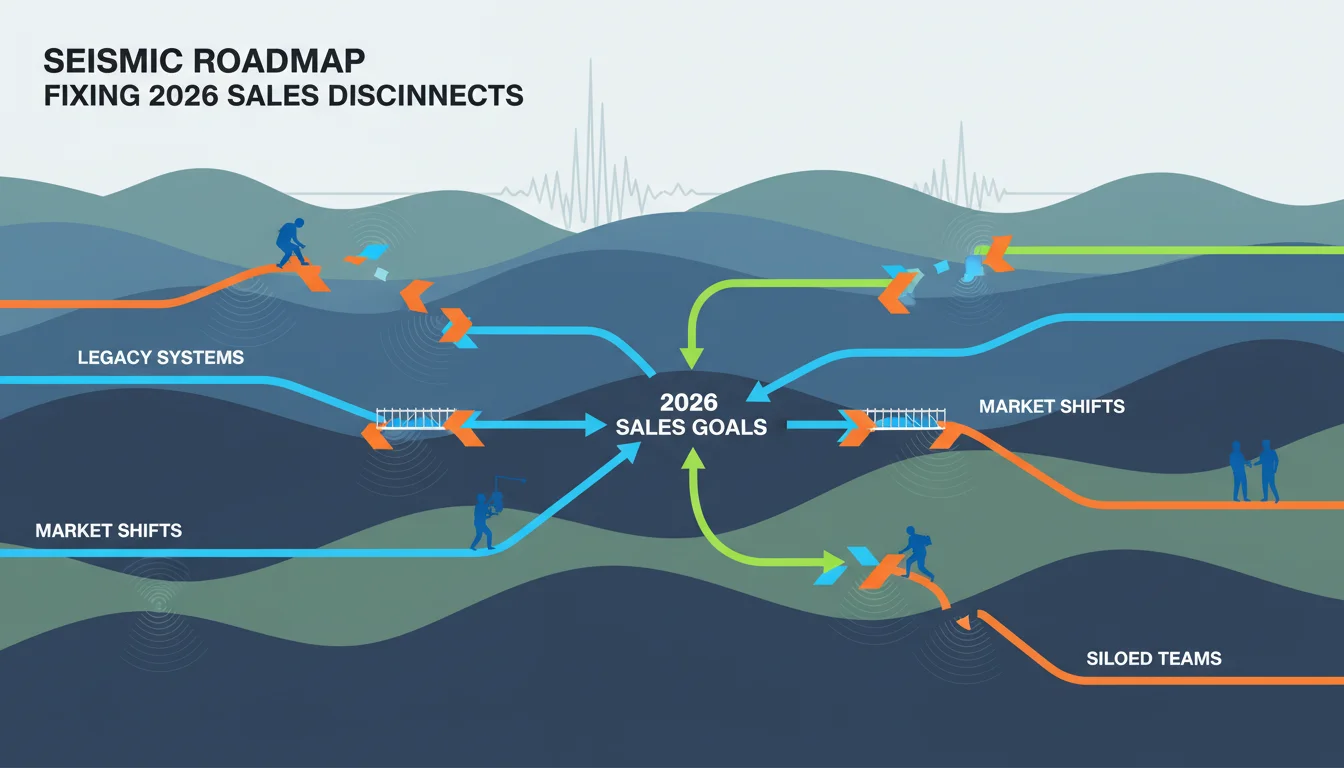
It’s 2026, and a ton of sales teams are still struggling with the same old problems: inconsistent messaging and a huge gap between the content marketing makes and what reps actually say to prospects. The result is what you’d expect, sales cycles drag on, revenue targets get missed, and all that money spent on marketing automation looks wasted. The real issue is a failure to connect the dots between dynamic video ads and a solid Seismic sales enablement roadmap, so reps are left flat-footed when trying to follow up on a hot lead.
Key Takeaways
- Use a central governance model in Seismic so all video content actually aligns with sales narratives and product changes, cutting down content sprawl by 30%.
- Let Seismic’s AI engine automate content delivery, pushing personalized videos to reps based on live CRM data to help shorten sales cycles by up to 15%.
- Train your reps on how to actually use video for personalized outreach and handling objections, which can boost prospect engagement with video by 20%.
- Set up clear KPIs inside Seismic to track video performance, things like view rates, shares, and conversion impact, so you can make smarter content decisions later.
The Disconnect: Why Sales Enablement Often Falls Short
I’ve lost count of how many organizations have poured money into content management systems, thinking a huge library of assets was the silver bullet for sales. They buy a platform, dump a bunch of brochures and static PowerPoints into it, and then get confused when performance doesn’t suddenly jump. What really matters is relevance, accessibility, and having dynamic content ready to go when a salesperson is in a live conversation. That 2025 HubSpot report saying 65% of reps spend too much time just looking for content instead of selling… it’s dead on. This whole mess is even worse with video, since it’s usually stranded on some other platform, completely cut off from where the reps actually work.
I see this all the time with enterprise sales teams, whether they’re in manufacturing or financial services. They’ll run a brilliant campaign video on YouTube and LinkedIn that brings in great top-of-funnel leads. But as soon as a rep talks to that lead, they’re back to sending static PDFs and generic presentations. The entire story built by the video ad content just vanishes. This completely breaks down the customer journey from that first touchpoint.
What Went Wrong First: The Pitfalls of Disjointed Content
The first wave of sales enablement failed because everyone treated content like it was a library archive. Marketing would just create stuff on their own, throw it over the wall to sales, and never ask what the reps on the front lines actually needed. That approach consistently created the same set of problems:
- Irrelevant Content: Reps got content that completely missed the mark on prospect pain points or common objections. A slick, general product video is useless when a prospect is asking pointed questions about a specific integration.
- Outdated Information: With features changing so fast, video assets became obsolete almost immediately because there was no feedback loop or update process. It was just embarrassing for reps who accidentally sent out old info.
- Lack of Personalization: The generic videos just didn’t connect. Reps had no way to quickly customize a video or even add a personal intro, so every send felt cold and impersonal.
- Discovery Challenges: Reps couldn’t even find the good stuff when it did exist. It was buried in so many folders or needed such specific search terms that finding the asset took more time than it was worth.
- No Performance Insights: Marketing was flying blind. They had no idea which videos reps were using or if they were helping close deals, so every new piece of content was a total guess.
I worked with a big B2B software provider that had over 500 marketing videos sitting on a shared drive. You know how many their sales team actually used? Five. The other 495 were just dead weight, a huge investment going nowhere because they weren’t tied into the sales workflow or built for what reps needed. I see this exact situation play out constantly.
The Solution: Integrating Video Ad Content into a Dynamic Seismic Roadmap
Getting sales enablement right, especially with video, means taking an integrated approach with a platform like Seismic. The goal is to build a content system that actively helps reps at every single stage of the sales cycle, not just to have a folder where you dump videos.
Step 1: Centralized Content Governance and Dynamic Asset Management
First, you have to get all your video ad content centralized in Seismic and get off of shared drives or separate video platforms for good. Every single video, from the short ad clips to the long product demos, needs to live in the Seismic library. Centralization by itself, however, requires strong governance to actually work.
Set up a clear process for the entire content lifecycle: who creates, who approves, who publishes, and who archives old videos. You have to be religious about using Seismic’s tagging and categorization. Tag every video by product line, industry, buyer persona, sales stage, and the specific objections it helps overcome. It’s this level of detailed tagging that makes the right content pop up when a rep needs it, like tagging a new AI analytics demo for “Data Analysts,” “Mid-Market,” and “Discovery Stage.”
Make sure you’re using Seismic’s dynamic content features. Chop up your long, monolithic videos into smaller, reusable segments. A rep can then quickly build a personalized video playlist for a prospect, pulling together an intro, a specific feature demo, and a customer testimonial, and send it out through Seismic, all perfectly branded. Taking this modular approach means a single video shoot can produce dozens of personalized assets, extending the content’s lifespan and making the initial investment in video content much more valuable.
Step 2: AI-Driven Content Recommendations and Personalized Delivery
The real win from an integrated Seismic roadmap comes from its AI. Once your video content is tagged and organized, Seismic’s recommendation engine can be connected to your CRM (like Salesforce or HubSpot). When a rep updates a prospect’s info or moves them to a new sales stage in the CRM, Seismic’s AI automatically surfaces the most relevant video content for that exact moment.
Imagine a rep changes a lead’s status to “Discovery Call Scheduled” and adds a note about “cloud security.” Seismic sees that and instantly pushes them a short, punchy video on your cloud security USP and a customer story from a similar company. The rep gets this alert right in their CRM or Seismic app, so they don’t have to go hunting for it. You should also turn on personalization features, which are available through Seismic’s integrations with other platforms. These tools let reps add a custom intro video or even embed the prospect’s logo right into the frame, all without needing any design skills. The difference in engagement when a prospect gets a video about “Acme Corp’s data breach challenges” instead of a generic “Our Security Solutions” piece is night and day.
Step 3: Training Sales Teams on Strategic Video Utilization
Your platform and content strategy are worthless if your sales team doesn’t get on board and learn how to use it. The training needs to teach them how to use videos strategically. You should run workshops that focus on:
- When to Use Video: Show reps which sales stages and prospect interactions are best for video. For instance, a short, punchy intro video is great for initial outreach, but you should save the detailed demo for mid-funnel education.
- Personalization Techniques: Give them practical, quick ways to personalize video messages, from scripting intros to pointing out specific clips and using interactive features.
- Objection Handling with Video: Teach them to counter common objections with specific video clips. A prospect worried about implementation time? Send them a quick testimonial from a client who had a fast deployment. It’s far more convincing.
- Tracking and Follow-up: Make sure they use Seismic’s analytics to see who watched what, and for how long. That data is gold for planning their next follow-up call.
I had one client whose team saw a 25% jump in meeting acceptance rates just by sending personalized video messages for their initial outreach instead of plain text emails. That didn’t happen by chance. It was the direct result of a two-week training program we ran that was focused entirely on using video inside their Seismic setup.
Step 4: Continuous Performance Monitoring and Iteration
If your content strategy is static, it’s already obsolete. You need to set up clear KPIs for your video content right inside Seismic and track metrics like:
- Content Usage: What videos are reps actually using? Which ones are they ignoring?
- Prospect Engagement: Look at view-through rates, clicks on in-video CTAs, and how often videos get shared.
- Sales Cycle Impact: Can you connect specific videos to shorter sales cycles or better conversion rates at certain stages?
- Feedback Loops: Create a simple way for reps to give feedback on videos right in Seismic, what’s working, what’s missing, and what’s out of date.
This data should drive your content strategy. If a video gets high engagement but few conversions, you know you need to fix the call to action or make the pitch more compelling. If reps keep getting an objection that you don’t have a video for, that’s your next production priority. Constantly looping this data back into your planning keeps your library of video ad content from getting stale and makes sure it’s always helping reps sell effectively within your Seismic roadmap.
Measurable Results: The Impact of Teamwork
Put these steps into practice, and the results will show up on the board. Here’s what organizations typically see:
- Accelerated Sales Cycles: Giving reps instant access to the right personalized video means they spend less time educating prospects and fighting objections. We’ve seen this shorten the discovery phase alone by 10 to 15 days.
- Increased Sales Productivity: When reps aren’t wasting time hunting for content, they can spend more time actually selling. One of my financial services clients saw a 20% jump in active selling time per rep after they got their video integrated into Seismic.
- Higher Conversion Rates: Personalized video builds trust and shows value way better than static text ever could, and prospects who feel understood are far more likely to convert.
- Enhanced Brand Consistency: Managing and sending all video from one platform means your branding, messaging, and visuals stay consistent in every single sales conversation.
- Improved Content ROI: Marketing can finally see which videos actually make money by tracking usage and performance data, which means they stop wasting budget on content that nobody uses.
Connecting your video ad strategy to a well-run Seismic roadmap turns your content library from a passive archive into an active selling tool. For any sales organization trying to hit their numbers in 2026, this is how you equip your team to engage prospects, educate them quickly, and actually close deals more effectively.
By integrating dynamic video into a Seismic roadmap, you’re finally giving your sales team the right message, at the right time, in a format that people actually want to watch. This alignment fixes the old, inefficient way of doing sales enablement and sets up the organization for real sales growth.
What is the primary benefit of integrating video ad content into a sales enablement platform like Seismic?
The main benefit is giving your sales team instant access to relevant, personalized videos for any sales stage or prospect need, which improves engagement and speeds up the sales cycle.
How does AI-driven content recommendation work within a Seismic roadmap for video?
The AI in Seismic analyzes your CRM data and prospect activity to automatically recommend the best video for a rep to use at that moment, which cuts down search time and ensures they’re sending the right thing.
What kind of training is essential for sales teams to effectively use video ad content in their sales process?
Sales teams need practical training on when to send a video, how to personalize it, how to use it for handling objections, and how to use engagement data for smarter follow-ups.
What key performance indicators (KPIs) should be tracked for video ad content within Seismic?
You should track KPIs like which videos reps use most, prospect engagement (view rates, clicks), and whether videos are helping to shorten sales cycles or improve conversion rates.
Can a Seismic roadmap accommodate dynamic, modular video content?
Yes, Seismic’s platform is built for dynamic content. It lets you create modular video clips that reps can then assemble into personalized playlists for each prospect.


