 By Darren Jacobson
When Sarah launched “Urban Bloom,” her artisanal plant delivery service in Atlanta’s bustling Old Fourth Ward, she knew that eye-catching video content would be critical for standing out. Her organic social media strategy hinged on visually stunning, short-form videos showcasing her unique arrangements and behind-the-scenes glimpses of her greenhouse. The problem? Sarah, a horticulture wizard, was a complete novice at video editing. She needed practical, accessible tutorials on video editing software to transform her raw iPhone footage into marketing gold, and she needed them yesterday. Could she master the tools without breaking the bank or losing her mind?
Key Takeaways
- Prioritize software with a strong community and extensive free tutorial libraries, such as DaVinci Resolve or CapCut, for cost-effective learning.
- Focus on mastering core editing principles like pacing, color grading, and sound design before diving into advanced effects.
- Implement a structured learning approach, dedicating specific time slots each week to follow tutorials and apply new skills immediately.
- Utilize platform-specific features like Instagram Reels templates or TikTok’s in-app editor for rapid content creation while learning more complex software.
I remember a similar situation with a client back in 2024, a small pottery studio in Decatur. They had incredible product shots but their social videos looked like they were filmed on a potato. My advice then, as it is now, was to stop chasing every shiny new feature and focus on the fundamentals. Sarah’s challenge was a classic one: she had a vision but lacked the technical know-how. She was overwhelmed by the sheer volume of options, from free mobile apps to professional desktop suites. “Where do I even begin?” she asked me, her voice tinged with desperation during our initial consultation at a coffee shop near Ponce City Market.
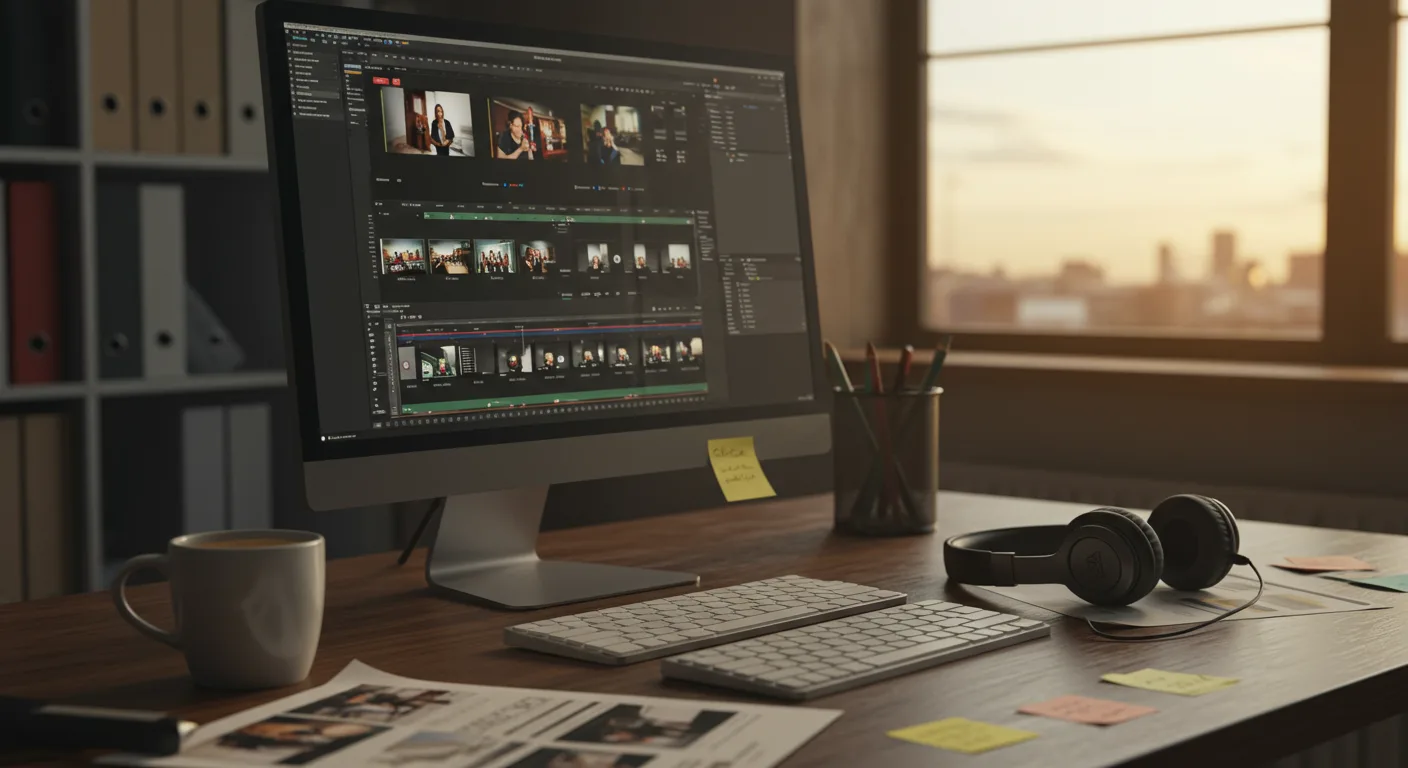
My first piece of advice to Sarah, and to anyone starting out, is this: choose your weapon wisely. For marketing, especially for small businesses, you don’t always need the most expensive or complex software. Often, the best tool is the one you’ll actually use consistently. For Sarah, with her limited budget and immediate need for social media content, I recommended a two-pronged approach: start with CapCut for quick, on-the-go edits on her phone, and then gradually transition to DaVinci Resolve on her desktop for more polished work. Why these two? CapCut is incredibly intuitive, packed with trendy effects perfect for Instagram Reels and TikTok, and crucially, it’s free. DaVinci Resolve, while having a steeper learning curve, offers professional-grade editing, color correction, visual effects, and audio post-production – all for free in its basic version. It’s an absolute powerhouse, and honestly, if you’re not using it, you’re leaving serious capability on the table.
The next step was finding the right tutorials. This is where many people get lost. They just type “video editing tutorials” into a search bar and drown in a sea of inconsistent advice. My philosophy is to prioritize official software documentation and established creators who focus on practical, marketing-oriented outcomes. For CapCut, Sarah found a wealth of short, digestible tutorials directly within the app itself and on creator channels that focused on specific trends. For DaVinci Resolve, I pointed her towards Blackmagic Design’s official training resources and channels like Casey Faris, who breaks down complex features into manageable steps. The key here is consistency. Dedicate an hour, three times a week, to follow a tutorial and immediately try to replicate what you learned with your own footage. Don’t just watch – do.
One of the biggest mistakes I see new video editors make is getting bogged down in technical jargon or trying to master every single feature before they’ve even cut their first decent sequence. Focus on the core principles: pacing, storytelling, color grading, and sound design. For marketing videos, these are your bread and butter. A perfectly color-corrected video with terrible pacing will flop every time. Conversely, a slightly imperfect but engagingly paced video with clear audio will perform far better. Sarah’s goal was to showcase the beauty of her plants, so understanding how to enhance natural light and vibrant greens through color grading in Resolve was a game-changer for her. She spent an entire week just on color wheels and scopes, and the difference in her product videos was astonishing. According to a HubSpot report, video content is the number one format consumers want to see from brands on social media, making visual quality non-negotiable.
Let’s talk about a specific case study: Sarah’s “Spring Collection Launch” campaign. Her goal was to create a series of 15-second Instagram Reels and TikToks to drive pre-orders for her new succulent arrangements. She started by filming around 20 minutes of raw footage each day for three days, using her iPhone 15 Pro, focusing on close-ups, slow pans, and time-lapses of her plants. She then used CapCut for the initial edits, leveraging its built-in templates and trending audio. This allowed her to quickly produce five different variations of her launch video within a single afternoon. The results were decent, but she felt they lacked a certain professional polish.
This is where DaVinci Resolve came in. Over the next week, following specific tutorials on color correction, adding subtle text overlays, and refining transitions, she re-edited her best-performing CapCut draft. She learned to use Resolve’s Fusion page for a custom animated title card that incorporated her “Urban Bloom” logo, and she used Fairlight for professional audio mixing, ensuring her voiceover (a brief description of the collection) was clear and crisp against a gentle, royalty-free background track. The timeline for this phase was approximately 10 hours of dedicated work over five days, broken into two-hour sessions. The outcome? Her re-edited video, shared on Instagram, saw a 35% higher engagement rate (likes, comments, shares) and a 20% increase in click-throughs to her product page compared to the original CapCut-only version. This wasn’t just about aesthetics; it was about tangible business results. The perceived quality directly impacted her sales.
One thing nobody tells you about learning video editing for marketing is that it’s an iterative process. You don’t just learn it once and you’re done. Platforms change. Trends evolve. Software updates. I always tell my clients to think of it like tending a garden (something Sarah understood perfectly). You plant the seeds (learn the basics), you water them regularly (practice consistently), and you prune when necessary (adapt to new features and trends). For example, Instagram Reels’ capabilities are constantly expanding, and what worked last year might be stale this year. Staying current means regularly checking for new features and tutorials on platforms like the Meta Business Blog or the TikTok for Business site.
Another crucial aspect for marketers is understanding the different types of tutorials available. Are you looking for a quick “how-to” for a specific effect, or a comprehensive course on an entire software package? For Sarah, we mixed it up. She started with broad “DaVinci Resolve for Beginners” series, then moved to specific “how to color grade plants” or “best transitions for product videos” tutorials. This targeted learning prevents overwhelm and ensures that every tutorial contributes directly to her marketing goals. Don’t waste time learning advanced VFX if you’re just trying to cut together a compelling customer testimonial. Focus on what moves the needle for your business.
My strong opinion here is that free resources are often superior to paid courses for beginners. Why? Because the sheer volume and constant updates of free content, driven by passionate communities, often outpace the static nature of many paid courses. You can learn virtually everything you need to know about DaVinci Resolve, CapCut, or even Adobe Premiere Pro (if you decide to subscribe) through YouTube, official forums, and software documentation. Invest your money in better camera gear or marketing spend, not necessarily in foundational video editing courses.
Sarah, now confidently producing high-quality video content for Urban Bloom, has seen her Instagram following grow by 40% in the last six months, and her website traffic from social channels has more than doubled. She even hosts occasional “Plant & Edit” workshops at her greenhouse, teaching other small business owners the basics she learned. Her journey proves that with the right tools, a structured learning approach, and a focus on marketing objectives, anyone can master video editing for their business. It’s about empowering yourself, not just watching a screen.
Mastering video editing for marketing, even with free tools, provides an undeniable competitive edge in today’s visual-first digital landscape, directly impacting engagement and sales. For more insights on boosting your return, check out how Video Ads Studio maximizes ROI.
What’s the best free video editing software for marketing beginners?
For mobile editing, CapCut is unparalleled due to its user-friendly interface and trend-focused features. For desktop, DaVinci Resolve offers professional-grade editing, color grading, and audio tools completely free, making it an excellent long-term investment for skill development.
How much time should I dedicate to learning video editing software?
Consistency is more important than duration. Aim for 2-3 dedicated sessions of 1-2 hours each week. This allows you to absorb information, practice new skills, and avoid burnout. Within 3-6 months, you can achieve a strong foundational understanding.
Should I pay for video editing courses or rely on free tutorials?
For beginners, I strongly recommend starting with free tutorials available on YouTube, official software channels, and community forums. The sheer volume and up-to-date nature of free content often surpasses many paid courses, allowing you to learn practical skills without initial financial commitment.
What are the most important video editing skills for marketing?
Focus on mastering pacing and storytelling to keep viewers engaged, effective color grading to enhance visual appeal, and clear sound design for professional audio. Advanced effects are secondary to these fundamental elements for marketing success.
How can I ensure my marketing videos stand out on social media?
Beyond technical editing, focus on creating authentic, high-quality content that aligns with your brand’s voice. Experiment with trending audio, utilize platform-specific features like Instagram Reels templates, and always prioritize clear messaging and strong calls to action. A Statista report indicates that digital video ad spending in the US continues to rise, underscoring the need for standout content.


