 By Editorial Team
Key Takeaways
- Throw 50-60% of your starting video ad budget at the awareness stage. Go for broad targeting with short, punchy content on platforms like Google Ads and Meta.
- Put 20-30% of the budget toward the consideration stage. This is all about retargeting with longer, more detailed videos that actually show off product benefits and testimonials.
- Keep 10-15% of your budget for the conversion stage. Use it for super-targeted ads with aggressive calls-to-action aimed at people who are clearly about to buy.
- You have to watch your key performance indicators (KPIs), view-through rate (VTR), click-through rate (CTR), conversion rate, and be ready to shift ad spend every single week based on what the data tells you.
- Constantly test different video formats, ad placements, and audience segments at every stage. If you don’t, you’ll never find out what really works and your campaign results will just go stale.
If you’re managing a video ad budget, you have to be strategic. You can’t just throw money at video ads and hope for the best. Too many businesses do exactly that, then wonder why they’re seeing diminishing returns. The reality is that splitting your funds thoughtfully across the awareness, consideration, and conversion stages is what separates wasted spend from real ROI. So how do you make every dollar you spend on video actually count?
1. Define Your Campaign Goals and Audience Segments
Before you even open an ad platform, you need to know what you’re trying to accomplish. Are you trying to get your new brand on the map, or are you pushing a flash sale to people who’ve already bought from you? The goal completely changes your content and where the money goes. A brand awareness push needs a big top-of-funnel budget for wide reach, while a conversion campaign needs a smaller, concentrated spend on a qualified audience. Then, you have to segment that audience. Use your own data from your CRM, website analytics, and social media. For a new product, you could build a “lookalike audience” from your best customers or target interest groups on platforms like Meta Business Suite. For a retargeting campaign, your segment is simple: people who checked out a product page but didn’t buy. Each of these segments needs a different message and a different video, which directly affects your budget. Don’t guess here. Use something like Google Analytics 4 to really see what users are doing. Pro Tip: Don’t sleep on your first-party data. Uploading your own customer email lists to create custom audiences on these platforms almost always beats relying on the platform’s generic targeting. It gives you a serious precision advantage. Common Mistake: Thinking a video ad is a video ad. It’s not. Different lengths and formats (like a vertical Reel versus a horizontal YouTube ad) hit differently with audiences at each stage of the funnel. A 15-second unboxing clip might be great for getting attention, but a 90-second demo is what will actually get someone to consider a purchase.
2. Allocate Budget for the Awareness Stage (50-60%)
The first part of any decent video campaign is just getting people to know you exist. This is where you introduce your brand to a huge (but still relevant) audience. This stage eats up the biggest piece of your ad budget, usually around 50-60%. Your goal is eyeballs and engagement, not sales right now. Spend this money on platforms with massive user bases where people are already watching video, like Google Ads (for YouTube and their Video Partners) and Meta (for Facebook/Instagram feeds, Reels, and Stories). On YouTube, I’d run “skippable in-stream ads” and “non-skippable in-stream ads” to get as many views as possible. On Meta, “in-stream” and “feed” video ads are your workhorses. Your targeting can be pretty broad here, demographics, interests, and lookalike audiences are perfect. The creative needs to be short and punchy. We’re talking 6-15 second videos made to stop someone’s scroll. You absolutely have to get their attention in the first three seconds. A recent IAB report pointed out that 85% of people watch video ads with the sound off which means your visuals and on-screen text better be doing all the work (IAB Video Advertising Report 2023). Pro Tip: Turn on view-through conversion tracking from day one. Even though you’re not hunting for direct sales here, knowing which of your awareness videos led to a purchase down the line is gold for planning your next campaign. You can set up custom columns in Google Ads to track “View-through conversions (VTC)” right next to your other metrics.
3. Budget for the Consideration Stage (20-30%)
So they’ve seen your brand. The next job is to keep their interest and show them exactly how your product fixes their problem. This consideration stage gets about 20-30% of your video marketing budget. Your focus now is on re-engaging people who showed a flicker of interest. The main play here is retargeting. You’ll build audiences of people who have:
- Watched a good chunk of your awareness videos (like 50% or more).
- Visited key pages on your site (product pages, specific blog posts).
- Liked, commented, or shared your social media posts.
Both Google Ads and Meta are great for this. In Google Ads, you can create “custom segments” based on website visitors or how much of a YouTube video they watched. In Meta Business Suite, you build “custom audiences” the same way. The video content here needs to be more substantial. Now’s the time for longer formats, maybe 30-60 seconds, where you can show off features, explain benefits, and flash some social proof. Think explainer videos, quick product demos, or customer testimonials. According to a 2025 Nielsen report, video ads that featured real customer stories got a 2.5x higher engagement rate than the generic stuff (Nielsen 2025 Video Ad Trends). Common Mistake: Running the same short, flashy awareness video to your retargeting audience. That’s a huge waste. These people are past the introduction. They need more information to be convinced. Hitting them with the same ad just creates fatigue and they’ll tune you out.
4. Allocate Budget for the Conversion Stage (10-15%)
This is where you ask for the money. The conversion stage is all about driving an immediate action, a purchase, a signup, whatever your goal is. This part of the funnel gets a smaller, laser-focused budget, just 10-15%, because you’re only talking to a very specific group of people with high buying intent. Your targeting should be incredibly tight. For example:
- People who put something in their cart but then bailed.
- Users who looked at the same product page three times this week.
- Your own existing customers, for upselling or cross-selling.
Use platforms like Google Ads and Meta to nail this. For Google Ads, “Performance Max” campaigns that include your video assets can be really effective at chasing conversions across all of Google’s properties. For Meta, “Dynamic Product Ads” that feature video are perfect for winning back those abandoned carts. Your video creative has to be direct, have a can’t-miss call to action (CTA), and maybe create a little urgency with a special offer. Think 15-30 second spots that get straight to the point. This is not the place for subtlety. You need a big, obvious CTA button or overlay. I’ve seen campaigns where just changing the CTA button from “Learn More” to “Shop Now” on a conversion video boosted the click-through rate by 15% or more. It’s a basic move, but it gets forgotten all the time. Pro Tip: A/B test your CTAs. Seriously. Try different wording, and test placing it at the start of the video versus the end. Test a verbal CTA against a graphical one. Small changes here can make a big difference in your cost-per-acquisition.
5. Continuously Monitor and Optimize Your Spend
Your budget allocation is a living document, not something you set up once and walk away from. Good video marketing means you’re constantly in the weeds, monitoring performance and making agile changes. You should be checking your campaigns daily or weekly, depending on how much you’re spending. The key metrics change depending on the funnel stage:
- Awareness: Watch impressions, unique reach, view-through rate (VTR), cost per thousand impressions (CPM), and average view time.
- Consideration: Focus on click-through rate (CTR), cost per click (CPC), engagement (likes/comments), and how much website traffic is coming from the ads.
- Conversion: It’s all about conversion rate, cost per conversion (CPA), return on ad spend (ROAS), and average order value.
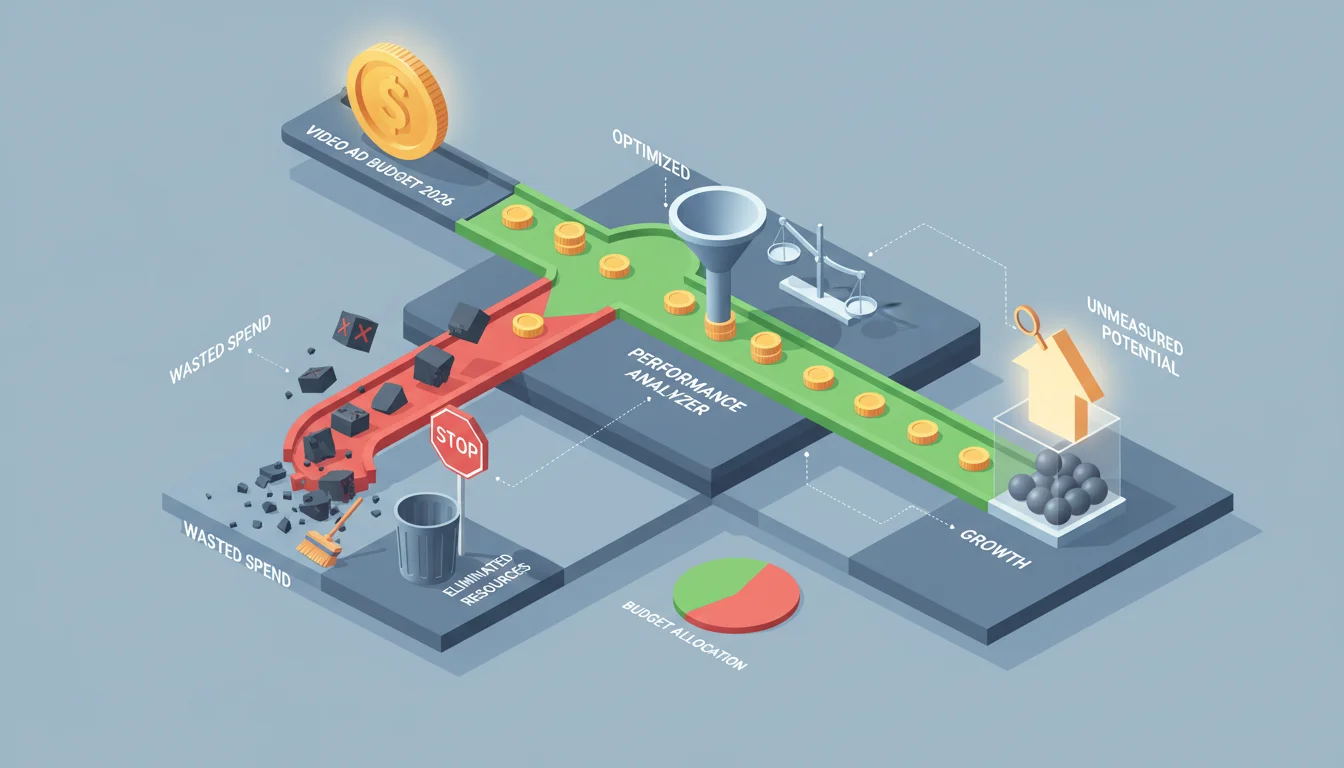
Live inside the analytics dashboards in Google Ads and Meta Business Suite. Find the videos or audiences that are dead weight and move that money over to what’s actually working. Is a certain awareness video getting a terrible VTR? Kill it and try a new creative. Is a consideration audience not clicking? Tweak the targeting or try a different message. A 2025 HubSpot study confirmed that marketers who tweaked their ad spend at least weekly saw a 20% higher ROAS than those who did it monthly or less (HubSpot Marketing Statistics 2025). Common Mistake: Being too rigid with your starting budget. Those 50-60%, 20-30%, 10-15% splits are just guidelines. If your data is screaming that your consideration-stage videos are crushing it, you’d be a fool not to shift more budget there from awareness to ride the momentum. Always let the data tell you where to put the money.
6. Experiment with Video Ad Formats and Placements
The world of digital ads is always changing. What killed it for you last quarter might be a dud today. You have to set aside a little bit of your budget (I’d say about 5%) just for experimentation. This is your R&D fund. Use it to test new ad formats, like vertical videos for Instagram Stories and Reels, or to see if emerging platforms are a good fit. Maybe you test some interactive video ads where people can click on products inside the ad itself. Or you could try new placements, like in-app video or even connected TV (CTV) ads, if your audience is there. What’s the point? The things you learn from these small, controlled tests are what will guide your big budget decisions later. For instance, if you find that a 15-second vertical video on Reels consistently gets you cheaper reach than your horizontal YouTube ads, you should lean into that and shift your creative strategy and budget accordingly. The market is always moving. Platforms release new features, user behavior changes, and your competitors are always trying new things. The only way you stay ahead is to be flexible and test constantly. I’ve watched so many brands stick with the same old ad creative and platforms for way too long, and their performance just craters. Don’t be that brand. When you plan your video ad budget across the customer journey and stay on top of optimization, you turn video from a line-item expense into a machine that drives revenue.
How long should my videos be for each funnel stage?
For awareness, keep it short and sweet: 6-15 seconds is the sweet spot. For consideration, you have more room to work with, so think 30-60 seconds to explain more. For conversion ads, get straight to the point in 15-30 seconds with a very clear call to action.
How often do I really need to check and adjust my video ad budget?
Check it weekly, at a minimum. If you’re running a big campaign or it’s a critical sales period, you should be checking it daily. This lets you react quickly to performance data instead of wasting money on something that isn’t working.
Can I just use the same video ad for the whole customer journey?
No, please don’t. You need creative that’s tailored to each stage. Awareness videos are for broad introductions. Consideration videos give more details and proof. Conversion videos are direct and push for the sale. Using the same ad everywhere just annoys people and kills your effectiveness.
What’s the deal with “lookalike audiences” for video ads?
A lookalike audience is when you tell an ad platform (like Meta or Google) to find new people who are statistically similar to your best existing customers. They’re a huge asset for awareness campaigns because you can expand your reach to people who are much more likely to be interested in your brand than a random demographic group.
What is ROAS and why does it matter for my video budget?
ROAS stands for Return on Ad Spend. It’s the simplest measure of profitability: how much revenue did you make for every dollar you spent on ads? It’s the most important metric for your conversion-stage campaigns and tells you if your budget is actually making you money. High ROAS means you’re doing something right, and you should probably spend more there.


