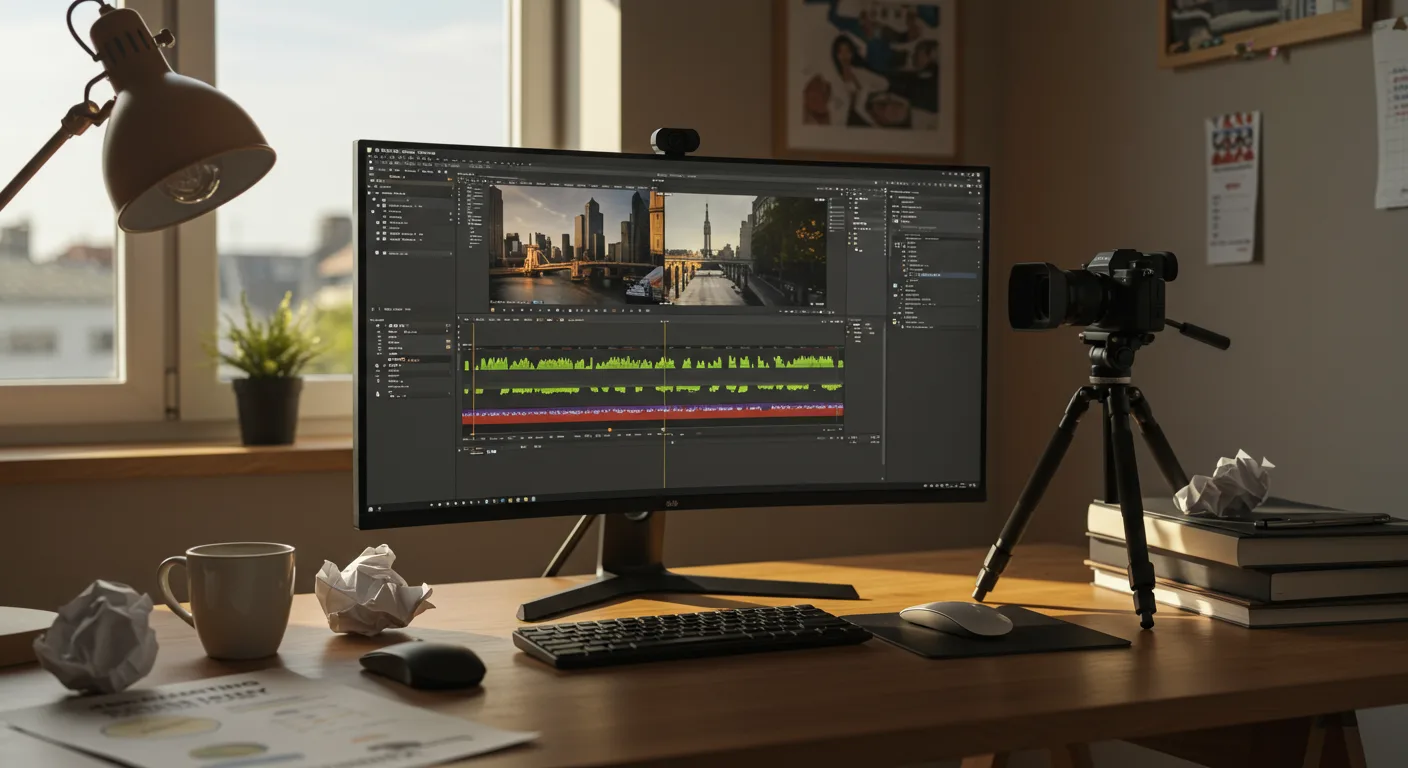
The sheer volume of misinformation surrounding tutorials on video editing software is staggering, especially when it comes to using them for marketing. Separating fact from fiction is vital to avoid wasting time and resources on ineffective strategies. Are you ready to debunk some common myths?
Key Takeaways
- Creating professional marketing videos doesn’t require expensive software; free options like DaVinci Resolve offer robust features.
- Beginner tutorials often skip over crucial aspects like audio mixing and color correction, which significantly impact video quality.
- Consistency in branding elements, such as logo placement and font usage, across all marketing videos is essential for brand recognition.
Myth 1: You Need Expensive Software to Create Professional Marketing Videos
The misconception that high-quality marketing videos demand costly software is simply untrue. Many believe that programs like Adobe Premiere Pro or Final Cut Pro are the only routes to professional results.
However, free video editing software has evolved dramatically. DaVinci Resolve, for example, offers a full suite of editing, color correction, audio mixing, and visual effects tools – all without a price tag. While the paid Studio version unlocks some advanced features, the free version more than suffices for most marketing needs. I had a client last year who believed they needed to invest thousands in software. We created a series of successful ads using DaVinci Resolve, proving that skill and creativity matter more than the price of the tools. Don’t get me wrong, Premiere and Final Cut are industry standards for a reason. But don’t let budget hold you back.
| Feature | Free Software with Tutorials | Premium Software (No Tutorials) | Free Trial + Tutorials |
|---|---|---|---|
| Initial Cost | ✓ Free | ✗ $299 | ✓ Free (Trial) |
| Learning Curve | Moderate (Tutorials Available) | Steeper (Self-Taught) | Moderate (Tutorials Included) |
| Marketing Specific Templates | ✗ Limited | ✓ Extensive | Partial (Trial Restriction) |
| Export Options | Partial (Watermarks/Resolution Limits) | ✓ Full Control | ✓ Full (During Trial) |
| Customer Support Access | ✗ Limited/Community Forum | ✓ Dedicated Support Team | Partial (Trial Period Only) |
| Collaboration Features | ✗ Basic | ✓ Advanced | ✓ Advanced (Trial) |
| Long-Term Cost | ✓ Free (Potentially Ads) | ✗ $299+ (One-time/Subscription) | ✗ Hidden (Subscription After Trial) |
Myth 2: Beginner Tutorials Cover Everything You Need to Know
Many tutorials on video editing software promise to teach you everything, but they often gloss over crucial details. Newbies are led to believe that simply stringing clips together with a few transitions equals a polished marketing video.
What’s often missing? The devil is in the details: audio mixing and color correction. Poor audio can ruin even the most visually stunning video. If you don’t know how to normalize audio levels, reduce background noise, and EQ your voiceover, your message will be lost. Similarly, neglecting color correction can lead to dull, uninspired visuals. Learning to balance colors, adjust contrast, and create a consistent look across your video is essential for a professional finish. These skills are often taught in intermediate and advanced tutorials. Be prepared to dig deeper. Perhaps consider how algorithm changes affect video promotion.
Myth 3: Length Doesn’t Matter for Marketing Videos
There’s a pervasive belief that shorter is always better when it comes to marketing videos. The idea is that attention spans are shrinking, so you need to cram your message into a few seconds.
While it’s true that you need to capture attention quickly, the ideal length of your video depends on the platform and the content. A 6-second bumper ad on Google Ads is different from a product demo on your website. A recent IAB report found that mid-form video ads (15-60 seconds) have seen increased engagement in specific industries. Furthermore, complex topics often require more time to explain effectively. Don’t sacrifice clarity for brevity. Consider the context and tailor your video length accordingly. And make sure you stop chasing TikTok trends and start selling.
Myth 4: Branding is Just About Adding Your Logo
Many tutorials treat branding as an afterthought, suggesting that slapping your logo on the screen is sufficient. This leads to the misconception that branding is merely a visual element.
Branding is far more than just a logo. It’s about creating a consistent and recognizable identity across all your marketing materials, including videos. This includes your color palette, typography, music, and overall tone. Your logo should be present, but it should integrate seamlessly into the video without being distracting. For instance, use consistent font styles for text overlays and lower thirds, and ensure your brand colors are reflected in the video’s color grading. We recently helped a local accounting firm in Buckhead, Atlanta revamp their video marketing strategy. They were using inconsistent fonts and colors across their videos, making it difficult to recognize their brand. By standardizing their visual elements, they saw a 30% increase in brand recall among their target audience. It’s important to ensure your Facebook business page also reflects your brand.
Myth 5: All Video Editing Tutorials are Created Equal
The idea that any video editing tutorial will do is dangerously misleading. It assumes that all instructors are equally qualified and that all tutorials cover the same ground effectively.
The reality is that the quality of tutorials varies wildly. Some are created by experienced professionals with a deep understanding of video editing principles, while others are made by amateurs with limited knowledge. Look for tutorials from reputable sources, such as established training platforms or industry experts with a proven track record. Pay attention to the instructor’s credentials and the depth of the content covered. I find that tutorials that include project files or sample footage are particularly helpful, as they allow you to follow along and practice the techniques being taught. Always vet your sources. Make sure you’re not falling for video ad myths.
Video editing for marketing is a powerful tool, but only when used effectively. Now that we’ve busted these myths, you’re better equipped to find the right tutorials and create videos that drive results.
What’s the best free video editing software for marketing in 2026?
DaVinci Resolve remains a top choice for free video editing software due to its comprehensive features, including advanced color correction and audio mixing tools, making it suitable for professional marketing videos.
How important is audio quality in marketing videos?
Audio quality is extremely important. Poor audio can distract viewers and undermine your message. Invest time in learning how to mix and master audio for clear and professional sound.
What are some essential elements of video branding?
Essential elements include consistent logo placement, color palettes, typography, and music choices. These elements should align with your overall brand identity and create a cohesive look and feel across all your marketing videos.
How long should my marketing videos be?
The ideal length depends on the platform and content. Shorter videos (under 60 seconds) work well for social media ads, while longer videos (2-5 minutes) may be suitable for product demos or explainer videos on your website.
Where can I find reliable tutorials on video editing software?
Look for tutorials from reputable training platforms, industry experts with proven track records, or software developers themselves. Prioritize tutorials that offer project files or sample footage for hands-on practice.
Don’t fall for the trap of thinking video editing is just about the visuals. Focus on mastering audio and color correction. These skills will instantly elevate the perceived quality of your marketing videos and help you connect with your audience on a deeper level.



