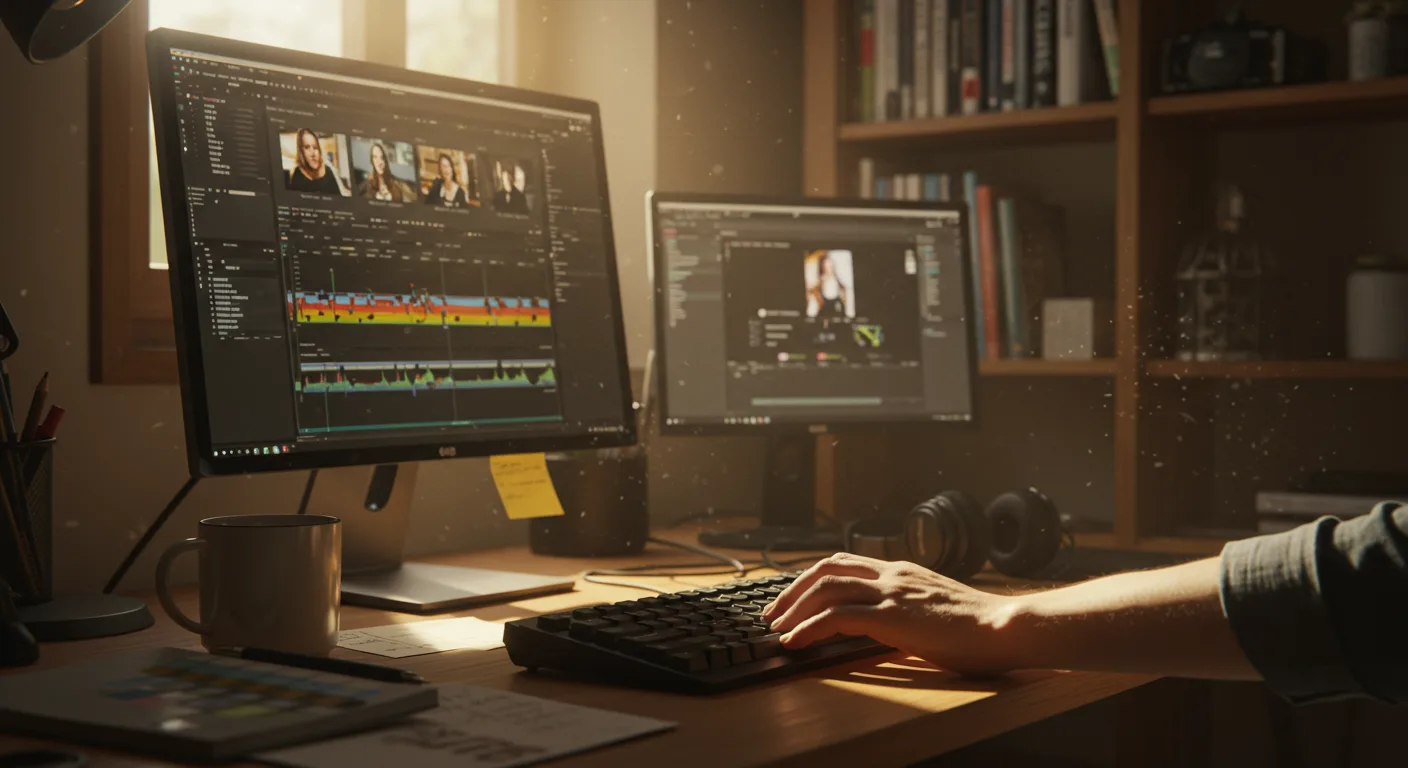
In the fast-paced world of marketing, video content reigns supreme. But creating compelling videos requires skill and the right tools. That’s where tutorials on video editing software come in. They’re essential for mastering the art of video production and boosting your marketing efforts. But with so many options available, how do you choose the best software and tutorials to suit your needs?
Selecting the Right Video Editing Software for Marketing Needs
Choosing the right video editing software is a critical first step. It’s not just about picking the most popular option; it’s about finding the software that aligns with your marketing goals, your skill level, and your budget. Let’s break down some key considerations:
- Budget: Are you looking for free software, a subscription-based service, or a one-time purchase? Consider your long-term needs. Free options like DaVinci Resolve offer powerful features, but may have a steeper learning curve. Subscription models like Adobe Creative Cloud provide access to industry-standard tools like Premiere Pro and After Effects, but require ongoing payments.
- Skill Level: Are you a complete beginner, an intermediate user, or a seasoned professional? Some software, like Final Cut Pro, is designed with a more intuitive interface, while others offer advanced features that require more expertise.
- Features: What type of videos will you be creating? Do you need advanced motion graphics capabilities, color correction tools, or multi-camera editing support? Make a list of the features that are essential for your marketing videos.
- Compatibility: Ensure the software is compatible with your operating system (Windows, macOS, Linux) and your hardware specifications. Running resource-intensive software on an underpowered machine can lead to frustration and slow performance.
For example, if you’re primarily creating short social media videos, a simpler tool like Filmora might be sufficient. However, if you’re producing high-quality promotional videos or commercials, you’ll likely need a more robust solution like Premiere Pro or DaVinci Resolve.
In my experience working with various marketing teams, I’ve found that investing in a mid-range software with a good balance of features and ease of use is often the best approach for most businesses. This allows for professional-looking videos without requiring extensive training or a massive budget.
Finding High-Quality Tutorials on Video Editing Software
Once you’ve selected your software, the next step is to find high-quality tutorials. The internet is flooded with tutorials, but not all of them are created equal. Here’s how to sift through the noise and find the resources that will actually help you improve your skills:
- Official Documentation: Start with the official documentation and tutorials provided by the software developers. These resources are usually the most accurate and up-to-date.
- Reputable Online Learning Platforms: Platforms like Skillshare, LinkedIn Learning, and Udemy offer a wide range of video editing courses taught by experienced professionals. Look for courses with positive reviews and a comprehensive curriculum.
- YouTube Channels: YouTube is a treasure trove of free video editing tutorials. Look for channels that are run by experienced editors or certified trainers. Some popular options include Peter McKinnon, Cinecom.net, and Casey Faris (for DaVinci Resolve).
- Online Forums and Communities: Participate in online forums and communities dedicated to video editing. These communities can provide valuable support, feedback, and troubleshooting assistance.
When evaluating tutorials, pay attention to the instructor’s credentials, the clarity of the instructions, and the quality of the video and audio. Look for tutorials that cover the specific techniques and workflows you need to learn. For example, if you want to learn how to create motion graphics, search for tutorials that focus on that specific topic.
Mastering Basic Video Editing Techniques
Before diving into advanced techniques, it’s essential to master the basic video editing techniques. These fundamentals will form the foundation for your video editing skills and enable you to create professional-looking videos. Some key areas to focus on include:
- Importing and Organizing Footage: Learn how to import your video and audio files into your editing software and organize them efficiently. This will save you time and frustration later on.
- Cutting and Trimming: Master the art of cutting and trimming clips to create a smooth and engaging narrative. Learn how to use the razor tool, slip tool, and slide tool to fine-tune your edits.
- Adding Transitions: Use transitions to smoothly connect different clips and create a seamless flow. Experiment with different types of transitions, such as cuts, fades, dissolves, and wipes.
- Color Correction and Grading: Learn how to adjust the color and brightness of your footage to create a consistent and visually appealing look. Use color correction tools to fix exposure problems and color grading tools to add a stylistic touch.
- Audio Editing: Pay attention to the audio quality of your videos. Learn how to adjust the volume levels, remove background noise, and add music and sound effects.
- Adding Text and Graphics: Use text and graphics to add information, emphasize key points, and create a visually engaging experience. Learn how to animate text and graphics to make them more dynamic.
Practice these techniques regularly to build your skills and confidence. Start with simple projects and gradually work your way up to more complex ones.
A recent study by HubSpot found that videos with captions or subtitles receive 15% more views than videos without them. This highlights the importance of mastering the art of adding text to your videos.
Advanced Video Editing Techniques for Marketing Videos
Once you’ve mastered the basics, you can start exploring advanced video editing techniques to take your marketing videos to the next level. These techniques can help you create more engaging, dynamic, and professional-looking videos that stand out from the crowd. Some advanced techniques to consider include:
- Motion Graphics: Create animated text, logos, and other graphics to add visual interest and enhance your message. Use motion graphics to explain complex concepts, highlight key features, and create a memorable brand identity.
- Visual Effects (VFX): Add special effects to your videos to create a sense of wonder and excitement. Use VFX to create realistic simulations, add fantastical elements, and enhance the overall visual impact of your videos.
- Compositing: Combine multiple video and image elements into a single scene. Use compositing to create complex scenes, add visual effects, and enhance the overall visual storytelling.
- Multi-Camera Editing: Edit footage from multiple cameras to create a dynamic and engaging viewing experience. Use multi-camera editing to capture different angles, perspectives, and reactions.
- 360° Video Editing: Edit 360° videos to create immersive and interactive experiences. Use 360° video editing to transport viewers to different locations, showcase products in a new way, and create unique marketing campaigns.
Learning these techniques requires dedication and practice, but the results can be well worth the effort. Advanced video editing techniques can help you create marketing videos that capture attention, engage viewers, and drive results.
Optimizing Video Editing Workflow for Marketing Efficiency
In the fast-paced world of marketing, efficiency is key. Optimizing your video editing workflow can save you time and resources, allowing you to create more videos in less time. Here are some tips for streamlining your video editing process:
- Plan Your Videos in Advance: Before you start editing, create a storyboard or outline to plan your video’s structure and content. This will help you stay organized and focused during the editing process.
- Use Keyboard Shortcuts: Learn the keyboard shortcuts for your video editing software. This will allow you to perform common tasks more quickly and efficiently.
- Create Templates and Presets: Create templates and presets for frequently used effects, transitions, and graphics. This will save you time and ensure consistency across your videos.
- Organize Your Project Files: Organize your project files in a clear and consistent manner. This will make it easier to find and manage your footage, audio, and graphics.
- Use Proxy Files: Create proxy files for high-resolution footage. This will reduce the processing power required to edit your videos and improve performance.
- Collaborate Effectively: If you’re working with a team, use collaboration tools to share project files, provide feedback, and track progress.
By optimizing your video editing workflow, you can significantly reduce the time and effort required to create high-quality marketing videos. This will allow you to focus on other important tasks, such as developing your marketing strategy and promoting your videos.
According to a 2026 report by the Content Marketing Institute, 87% of marketers use video as a marketing tool. However, only 33% of marketers say they are satisfied with their video marketing ROI. Optimizing your video editing workflow can help you improve your ROI by reducing production costs and increasing the volume of videos you create.
Measuring the Impact of Video Editing on Marketing Performance
It’s crucial to measure the impact of video editing on your marketing performance. This allows you to understand what’s working, what’s not, and how to improve your video marketing strategy. Here are some key metrics to track:
- Views: The number of times your video has been viewed.
- Watch Time: The total amount of time viewers have spent watching your video.
- Engagement: The number of likes, comments, shares, and other interactions your video has received.
- Click-Through Rate (CTR): The percentage of viewers who click on a link in your video or description.
- Conversion Rate: The percentage of viewers who take a desired action, such as making a purchase or signing up for a newsletter.
- Return on Investment (ROI): The profit generated by your video marketing efforts, minus the cost of production and promotion.
Use these metrics to analyze the performance of your videos and identify areas for improvement. For example, if your videos have a low watch time, you may need to improve the quality of your editing or the engagement of your content. If your videos have a low CTR, you may need to optimize your thumbnails and titles. Utilize Google Analytics and native platform analytics to get a clear picture of your video’s performance. By continuously monitoring and analyzing your video marketing performance, you can optimize your video editing strategy and achieve your marketing goals.
Video editing is more than just stringing clips together; it’s a powerful tool that can significantly impact your marketing results. By mastering the right software, techniques, and workflows, you can create compelling videos that engage your audience, drive conversions, and boost your brand’s visibility. So, invest in learning, practice consistently, and track your results to unlock the full potential of video marketing.
What is the best video editing software for beginners in marketing?
For beginners, user-friendly options like Filmora or iMovie (for Mac users) are excellent starting points. They offer a good balance of features and ease of use, allowing you to create professional-looking videos without a steep learning curve.
How much does video editing software typically cost?
The cost varies widely. Free options like DaVinci Resolve are available, while subscription-based services like Adobe Premiere Pro can cost around $20-30 per month. One-time purchases, like Final Cut Pro, can range from $300-$400.
What are the essential skills for video editing in marketing?
Essential skills include cutting and trimming footage, adding transitions, color correction, audio editing, and incorporating text and graphics. Mastering these fundamentals will allow you to create engaging and professional marketing videos.
How can I improve the audio quality of my marketing videos?
Use a good quality microphone, record in a quiet environment, and use audio editing tools to remove background noise, adjust volume levels, and add music and sound effects. Consider using royalty-free music services to avoid copyright issues.
What are some common mistakes to avoid when editing marketing videos?
Common mistakes include using too many jump cuts, poor audio quality, inconsistent color grading, and failing to optimize the video for different platforms. Always review your videos carefully before publishing them.
In conclusion, mastering tutorials on video editing software is crucial for effective marketing in 2026. Choose software aligned with your needs, leverage online resources, and master fundamental techniques. Optimize your workflow for efficiency and measure your results. Your actionable takeaway? Start with a free trial of a video editing software today and commit to learning one new editing technique each week. This consistent learning will significantly improve your video marketing skills.



