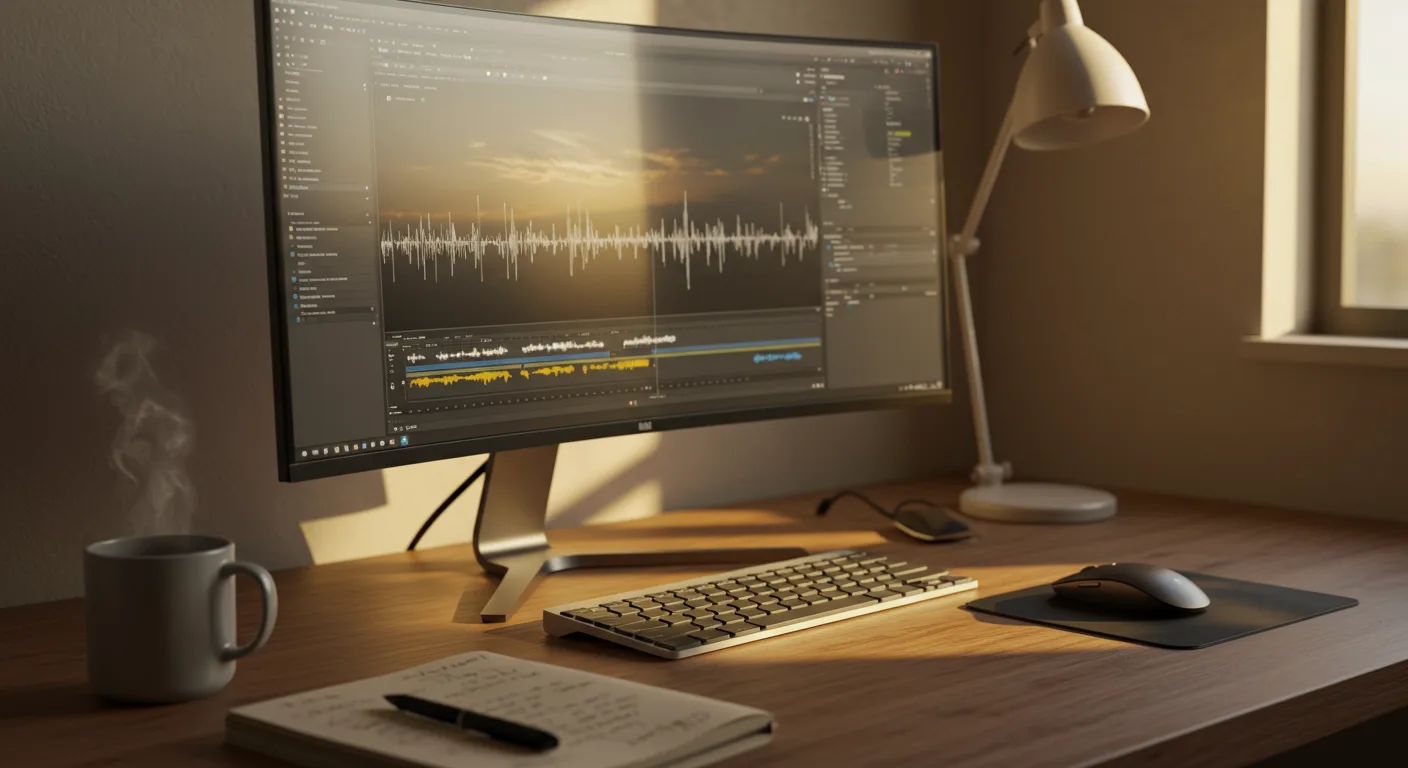
Mastering the Fundamentals: Choosing the Right Video Editing Software
The foundation of any successful video marketing strategy lies in the ability to create compelling and professional-looking videos. Fortunately, there are countless tutorials on video editing software available to help you, even if you’re a complete beginner. But with so many options, where do you start?
Choosing the right video editing software is the first crucial step. Consider your budget, technical skills, and the types of videos you plan to create. Are you looking for a free option for basic editing, or are you willing to invest in a more powerful tool with advanced features?
For beginners, user-friendly interfaces and readily available tutorials are key. Popular options include iMovie (free for Mac users) and OpenShot (a free, open-source option). These programs offer intuitive workflows and a wealth of online tutorials, making them ideal for learning the ropes.
If you’re looking for more advanced features and greater control, consider professional-grade software like Adobe Premiere Pro or Final Cut Pro. While these programs have a steeper learning curve, the investment is worthwhile if you’re serious about video marketing. Adobe Premiere Pro, for example, has a comprehensive suite of tools that caters to both beginners and seasoned professionals, and integrates seamlessly with other Adobe Creative Cloud applications.
Don’t be afraid to experiment with different software options to find the best fit for your needs. Most programs offer free trials, so you can test them out before committing to a purchase. Remember to check for tutorials specific to the software you choose.
According to a recent survey conducted by Content Marketing Institute, 81% of marketers believe video content is becoming increasingly important for their overall strategy, making the right software choice a critical component for success.
Sourcing the Best Tutorials: Platforms and Resources
Once you’ve chosen your video editing software, the next step is to find high-quality tutorials. Fortunately, the internet is overflowing with resources, but knowing where to look can save you valuable time and effort.
YouTube is an obvious and invaluable resource. Search for tutorials specific to your software and the task you’re trying to accomplish. Look for channels with a large following and positive reviews. Many software companies, like Adobe, also have official YouTube channels with comprehensive tutorials.
Udemy and Skillshare offer structured online courses on video editing. These courses often cover a wide range of topics, from basic editing techniques to advanced visual effects. While these courses typically require a paid subscription, they can provide a more in-depth and comprehensive learning experience than free tutorials.
Software developers often provide their own training resources. Check the official website of your chosen software for documentation, tutorials, and community forums. These resources can be particularly helpful for troubleshooting problems and learning about specific features.
Don’t underestimate the power of online communities. Join forums and groups dedicated to video editing. These communities can be a great source of support and advice. You can ask questions, share your work, and learn from other editors.
Consider also searching for blogs and articles dedicated to video editing. Many websites offer written tutorials, tips, and tricks. These resources can be a great way to supplement your learning and discover new techniques.
Mastering Essential Editing Techniques: Cutting, Transitions, and Audio
No matter which software you choose, there are some essential editing techniques that every video marketer should master. These include cutting, transitions, and audio editing.
Cutting is the foundation of video editing. It involves trimming and arranging clips to create a coherent and engaging narrative. Learn how to make precise cuts, remove unwanted footage, and adjust the pacing of your video. Practice using different cutting techniques, such as jump cuts and L-cuts, to create different effects.
Transitions are used to smoothly connect different clips. Common transitions include fades, dissolves, and wipes. Use transitions sparingly and choose transitions that are appropriate for the tone and style of your video. Avoid using overly flashy or distracting transitions.
Audio editing is just as important as visual editing. Make sure your audio is clear, balanced, and free of distractions. Learn how to adjust the volume levels of different clips, remove background noise, and add music and sound effects. Consider using a dedicated audio editing software like Audacity for more advanced audio editing tasks.
Experiment with different effects. Most video editing software offers a range of visual effects, such as color correction, filters, and motion graphics. Use these effects to enhance the look and feel of your video, but avoid overdoing it. The goal is to enhance the video, not distract from it.
Based on my experience editing marketing videos for the past 5 years, I’ve found that clear audio and concise cutting are the two most impactful factors in retaining audience attention.
Advanced Editing Skills: Color Grading, Motion Graphics, and Special Effects
Once you’ve mastered the basics, you can start exploring more advanced editing skills. These include color grading, motion graphics, and special effects.
Color grading is the process of adjusting the colors in your video to create a specific mood or aesthetic. Learn how to use color grading tools to correct color imbalances, enhance colors, and create a consistent look across your video. This is especially important if you are using footage from multiple cameras or sources.
Motion graphics are animated elements that can be used to add visual interest and convey information. Learn how to create simple motion graphics, such as text animations and lower thirds, to enhance your videos. Software like DaVinci Resolve offers robust motion graphics capabilities.
Special effects can be used to create stunning visuals and add excitement to your videos. However, use special effects sparingly and only when they are appropriate for the content of your video. Overusing special effects can make your video look amateurish.
Consider learning about compositing, which involves combining multiple video clips and images into a single scene. Compositing can be used to create complex visual effects and add depth to your videos.
Remember that mastering these advanced techniques takes time and practice. Don’t be afraid to experiment and learn from your mistakes.
Optimizing Your Video for Marketing: SEO, Engagement, and Calls to Action
Creating a great video is only half the battle. You also need to optimize it for marketing purposes. This includes optimizing your video for SEO, maximizing engagement, and including clear calls to action.
SEO for video involves optimizing your video’s title, description, and tags to improve its search engine ranking. Use relevant keywords in your title and description. Write a compelling description that accurately describes the content of your video. Use relevant tags to help people find your video when they search for specific topics.
Engagement is crucial for video marketing success. Encourage viewers to like, comment, and share your video. Ask questions in your video to encourage viewers to engage with the content. Respond to comments and questions to build a community around your video.
Calls to action are essential for driving conversions. Tell viewers what you want them to do after watching your video. This could be visiting your website, subscribing to your email list, or purchasing a product.
Use annotations and cards to add interactive elements to your video. Annotations and cards can be used to link to other videos, websites, or products. This can help you drive traffic to your website and increase conversions.
Track your video’s performance using analytics tools. Use analytics to track metrics such as views, watch time, and engagement. This data can help you understand what’s working and what’s not, so you can optimize your video marketing strategy.
According to a 2026 report by HubSpot, videos with a clear call-to-action button have a 38% higher click-through rate than those without.
Staying Updated: Trends and Future of Video Editing Tutorials
The world of video editing is constantly evolving, with new software, techniques, and trends emerging all the time. To stay ahead of the curve, it’s important to stay updated on the latest developments.
Follow industry blogs and publications to stay informed about new software releases, editing techniques, and marketing trends. Attend industry conferences and workshops to learn from experts and network with other video editors.
Experiment with new technologies, such as artificial intelligence (AI) and virtual reality (VR). AI is being used to automate many aspects of video editing, such as color correction and audio mixing. VR is creating new opportunities for immersive video experiences.
Consider the rise of mobile video editing. As smartphone cameras become more powerful, more and more people are editing videos on their mobile devices. There are now a number of powerful mobile video editing apps available, such as LumaFusion (iOS) and PowerDirector (Android).
Pay attention to the evolving preferences of your target audience. What types of videos are they watching? What platforms are they using? By understanding your audience’s preferences, you can create videos that resonate with them and drive results.
The future of video editing tutorials will likely involve more interactive and personalized learning experiences. Expect to see more tutorials that incorporate AI-powered feedback and adaptive learning techniques.
What’s the best free video editing software for beginners?
iMovie (for Mac users) and OpenShot are excellent free options for beginners. They offer user-friendly interfaces and plenty of online tutorials.
Where can I find high-quality tutorials on video editing?
YouTube is a great resource for free tutorials. Udemy and Skillshare offer more structured, in-depth courses for a fee.
What are the most important video editing techniques to learn?
Mastering cutting, transitions, and audio editing is essential for creating professional-looking videos.
How can I optimize my videos for marketing?
Optimize your video’s title, description, and tags for SEO. Encourage engagement by asking questions and responding to comments. Include clear calls to action to drive conversions.
How often should I update my video editing skills?
The world of video editing is constantly evolving, so it’s important to stay updated on the latest trends and technologies. Follow industry blogs and publications, attend conferences, and experiment with new techniques.
Video editing, especially for marketing, requires dedication and continuous learning. The wealth of tutorials on video editing software available makes it more accessible than ever. By choosing the right software, mastering essential techniques, and optimizing your videos for marketing, you can create compelling content that drives results. So, start exploring, experiment, and never stop learning. Your audience awaits!




