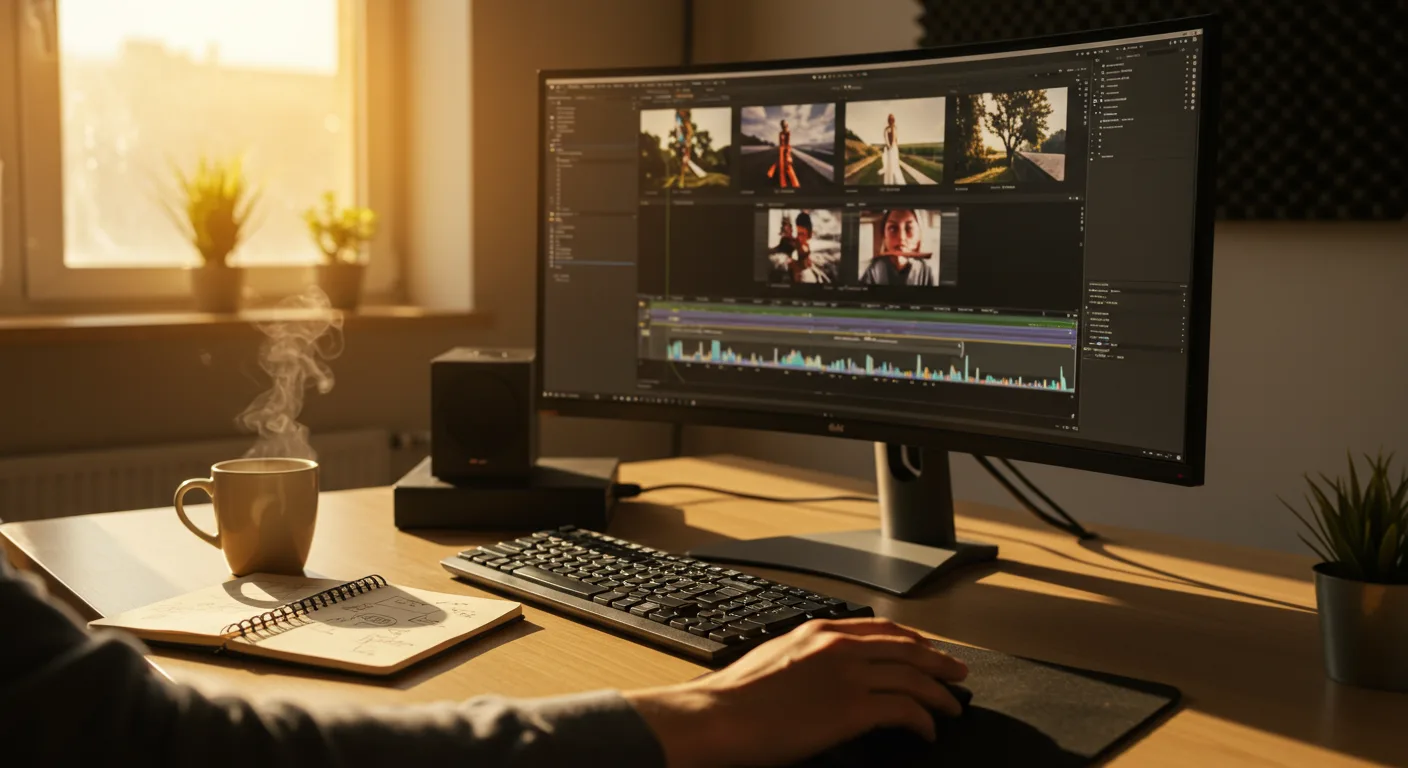
Your Guide to Mastering Video Editing Software
Want to elevate your marketing campaigns with compelling video content? The key is mastering the art of video editing. With the right tutorials on video editing software, even beginners can produce professional-quality videos that captivate their audience and drive results. But with so many options available, how do you choose the best software and learn to use it effectively? Let’s explore the world of video editing tutorials and unlock the potential of video marketing.
Choosing the Right Video Editing Software for Marketing
Selecting the right video editing software is the first critical step. The best option depends on your experience level, budget, and specific marketing needs. Here’s a breakdown of some popular choices:
- Beginner-Friendly Options: For those new to video editing, user-friendly interfaces are essential. Consider tools like iMovie (free for Mac users) or Filmora. These platforms offer intuitive drag-and-drop functionality and pre-built templates to simplify the editing process.
- Intermediate Options: As your skills grow, you might explore software like Adobe Premiere Elements or CyberLink PowerDirector. These offer more advanced features like multi-track editing, color correction tools, and audio mixing capabilities, allowing for greater creative control.
- Professional-Grade Software: For marketers who require the highest level of precision and control, professional-grade options like Adobe Premiere Pro and DaVinci Resolve are industry standards. These platforms offer a comprehensive suite of tools for advanced editing, visual effects, and color grading.
When evaluating software, consider factors like compatibility with your operating system, the availability of tutorials on video editing software, and the learning curve involved. Many software companies offer free trials, so take advantage of these to test out different options before committing to a purchase.
A recent survey by HubSpot found that 83% of marketers believe video content provides a good return on investment, highlighting the importance of investing in the right tools and skills.
Finding High-Quality Video Editing Software Tutorials
Once you’ve chosen your software, the next step is to find effective tutorials on video editing software. Fortunately, there’s a wealth of resources available online. Here are some of the best places to look:
- Official Software Websites: Most video editing software companies offer comprehensive tutorials on their websites. These tutorials are often the most accurate and up-to-date, as they are created by the software developers themselves. Look for beginner’s guides, video tutorials, and detailed documentation.
- YouTube Channels: YouTube is a treasure trove of video editing tutorials. Search for channels dedicated to your specific software, or browse for tutorials on specific techniques like color grading or motion graphics. Some popular channels include Peter McKinnon and Cinecom.net.
- Online Learning Platforms: Platforms like Udemy, Skillshare, and Coursera offer structured video editing courses taught by experienced professionals. These courses often cover a wide range of topics, from basic editing techniques to advanced visual effects.
- Software-Specific Forums and Communities: Online forums and communities dedicated to specific video editing software can be valuable resources for troubleshooting problems and learning new techniques. These communities are often filled with experienced users who are willing to share their knowledge and expertise.
When selecting tutorials on video editing software, look for clear and concise explanations, step-by-step instructions, and practical examples. It’s also helpful to find tutorials that are tailored to your specific needs and skill level.
Mastering Basic Video Editing Techniques
Before diving into advanced techniques, it’s essential to master the fundamentals of video editing. These include:
- Importing and Organizing Footage: Learn how to import your video clips, audio files, and graphics into your editing software. Create a logical folder structure to keep your project organized.
- Cutting and Trimming Clips: Master the art of cutting and trimming clips to remove unwanted footage and create a smooth flow. Use keyboard shortcuts to speed up your editing process.
- Adding Transitions: Experiment with different transitions to smoothly connect your clips. Avoid overusing transitions, as they can distract from your content. Simple cross dissolves and cuts are often the most effective.
- Adding Text and Graphics: Learn how to add text overlays, titles, and graphics to your videos. Use these elements to convey information and enhance your visual storytelling.
- Adjusting Audio Levels: Ensure that your audio is clear and consistent throughout your video. Adjust the volume levels of your clips and add background music or sound effects as needed.
- Color Correction and Grading: Learn the basics of color correction to fix any color imbalances in your footage. Experiment with color grading to create a specific mood or style for your video.
Practice these techniques regularly to build your confidence and proficiency. The more you practice, the faster and more efficient you’ll become at editing videos.
According to a 2025 report by Statista, short-form video content is expected to account for over 70% of all mobile traffic by 2026, underscoring the need for marketers to develop strong video editing skills.
Advanced Video Editing Techniques for Marketing
Once you’ve mastered the basics, you can start exploring more advanced video editing techniques to elevate your marketing videos. These include:
- Motion Graphics: Create animated text, logos, and graphics to add visual interest and dynamism to your videos. Use software like Adobe After Effects to create custom motion graphics.
- Visual Effects (VFX): Incorporate visual effects like green screen compositing, object removal, and special effects to create stunning visuals.
- Multi-Camera Editing: Edit videos from multiple camera angles to create a more dynamic and engaging viewing experience.
- Audio Mixing and Mastering: Refine the audio in your videos by using advanced audio mixing and mastering techniques. Use tools like EQ, compression, and noise reduction to improve the clarity and quality of your audio.
- Color Grading: Experiment with advanced color grading techniques to create a specific mood or style for your videos. Use color grading tools to adjust the hue, saturation, and luminance of your footage.
Learning these advanced techniques can significantly enhance the production value of your marketing videos and help you stand out from the competition. Remember to continue seeking out tutorials on video editing software as you progress.
Optimizing Your Video for Marketing Platforms
Creating a great video is only half the battle. You also need to optimize it for the specific marketing platforms where you’ll be sharing it. Here are some key considerations:
- Video Format and Resolution: Choose the appropriate video format and resolution for each platform. For example, YouTube recommends using MP4 format with a resolution of 1080p or higher.
- Aspect Ratio: Optimize your video’s aspect ratio for each platform. Vertical videos (9:16 aspect ratio) are ideal for platforms like TikTok and Instagram Stories, while widescreen videos (16:9 aspect ratio) are best suited for YouTube and Facebook.
- File Size: Keep your video file size as small as possible without sacrificing quality. Use video compression techniques to reduce the file size without compromising the visual appearance.
- Thumbnails: Create eye-catching thumbnails that accurately represent your video content. Use bright colors, clear text, and engaging imagery to attract viewers.
- Titles and Descriptions: Write compelling titles and descriptions that accurately describe your video content and include relevant keywords. This will help your videos rank higher in search results.
- Tags: Add relevant tags to your videos to help viewers find them. Use a mix of broad and specific keywords to maximize your reach.
- Closed Captions: Add closed captions to your videos to make them accessible to viewers who are deaf or hard of hearing. Closed captions can also improve your video’s search engine optimization.
By optimizing your videos for each platform, you can increase their visibility, engagement, and overall marketing effectiveness.
Conclusion
Mastering video editing is a crucial skill for marketers in 2026. By choosing the right software, finding high-quality tutorials on video editing software, and practicing consistently, you can create compelling video content that drives results. Remember to focus on the fundamentals, explore advanced techniques, and optimize your videos for each marketing platform. Start today, and you’ll be well on your way to becoming a video editing pro.
What’s the easiest video editing software for beginners?
iMovie (for Mac users) and Filmora are generally considered the easiest video editing software for beginners due to their intuitive interfaces and drag-and-drop functionality.
Are there free video editing software options available?
Yes, several free video editing software options exist, including iMovie, DaVinci Resolve (free version), and HitFilm Express. These options may have limitations compared to paid software, but they are a great starting point for beginners.
How long does it take to learn video editing?
The time it takes to learn video editing depends on your learning style, the complexity of the software, and the amount of time you dedicate to practice. You can learn the basics in a few weeks, but mastering advanced techniques can take months or even years.
What are the essential video editing techniques for marketing videos?
Essential video editing techniques for marketing videos include cutting and trimming clips, adding transitions, incorporating text and graphics, adjusting audio levels, and color correction.
How can I optimize my videos for different social media platforms?
To optimize your videos for different social media platforms, consider the video format, resolution, aspect ratio, file size, thumbnails, titles, descriptions, and tags. Each platform has its own specific requirements and best practices.





