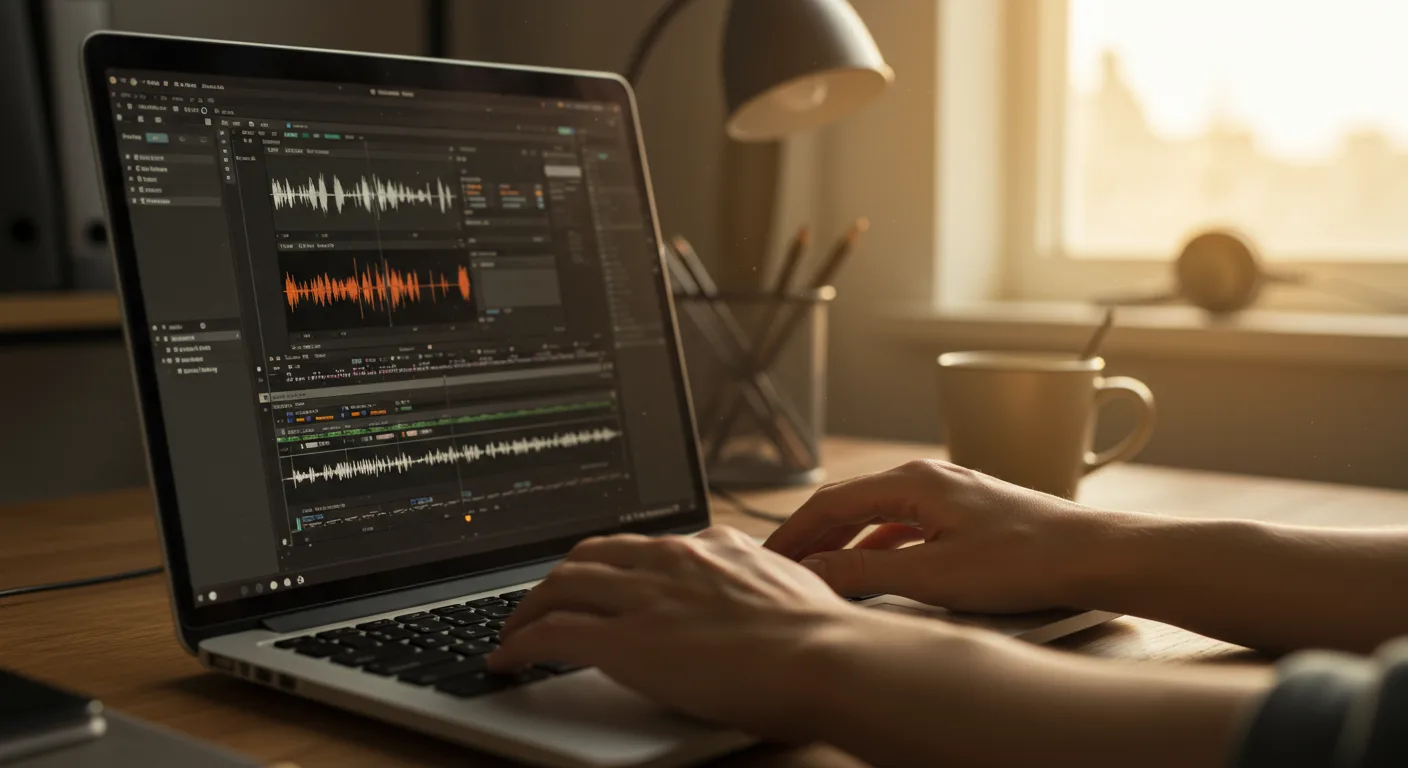
Mastering the Fundamentals: Free Tutorials for Beginners
Embarking on your video editing journey can feel daunting, but fear not! A wealth of tutorials on video editing software (e.g., marketing) exists to guide you. But with so many options, how do you find the right starting point? Are free tutorials enough to get you creating professional-quality marketing videos?
For absolute beginners, focusing on the core concepts is crucial. Start with tutorials that cover the user interface of your chosen software. Most popular programs, like Adobe Premiere Pro, Final Cut Pro, and Filmora, offer introductory tutorials on their websites or YouTube channels. These tutorials usually walk you through importing footage, basic trimming, adding transitions, and exporting your final video.
Don’t underestimate the power of official documentation. While not always presented in a “tutorial” format, software manuals often contain step-by-step instructions and explanations of key features. For example, learning the fundamentals of color correction will significantly elevate your videos. Search for tutorials specifically addressing color wheels, scopes, and basic color grading techniques. Similarly, understanding audio editing principles (noise reduction, mixing levels, and adding music) is essential for creating engaging content.
Focus on mastering one skill at a time. Trying to learn everything at once can be overwhelming. Start with trimming and basic editing, then move on to transitions, then text overlays, and so on. This incremental approach will build your confidence and help you retain information more effectively.
From personal experience, I’ve found that dedicating just 30 minutes each day to watching and practicing tutorials can lead to significant improvement in video editing skills within a few weeks.
Level Up Your Skills: Intermediate Tutorials for Marketing Videos
Once you’ve grasped the basics, it’s time to explore more advanced techniques specifically tailored for marketing videos. This includes learning about motion graphics, advanced transitions, and creating engaging visual effects. Intermediate tutorials on video editing software (e.g., marketing) focus on refining your storytelling and visual presentation.
Consider exploring tutorials that focus on creating lower thirds, animated titles, and incorporating brand elements into your videos. Platforms like Video Copilot offer a wealth of tutorials and plugins for creating visually stunning effects in After Effects. While After Effects has a steeper learning curve, mastering basic motion graphics can significantly enhance your marketing videos.
Another key area to explore is advanced color grading. Look for tutorials that cover color matching footage from different cameras, creating specific moods and tones, and using LUTs (Lookup Tables) to achieve a consistent visual style across your videos. A consistent visual style is vital for brand recognition. For instance, if your brand uses a specific color palette, ensure your videos reflect that.
Pay close attention to tutorials that explain how to optimize your videos for different platforms. Each platform (YouTube, Instagram, Facebook, etc.) has its own specifications for video resolution, aspect ratio, and file size. Failing to optimize your videos can result in poor image quality, slow loading times, and reduced engagement.
Experiment with different editing styles and techniques. Don’t be afraid to try new things and push your creative boundaries. Watch marketing videos from successful brands and analyze their editing techniques. What makes their videos so engaging? How can you incorporate similar techniques into your own videos?
Becoming a Pro: Advanced Techniques for Expert Video Marketing
At the advanced level, tutorials on video editing software (e.g., marketing) delve into complex workflows, collaboration techniques, and optimizing videos for maximum impact. This is where you refine your skills to create truly professional-grade marketing content that stands out from the crowd.
Explore tutorials on creating cinematic visuals. This might involve learning about camera movement techniques (using gimbals or stabilizers), advanced lighting setups, and color grading for a filmic look. While these techniques are more time-consuming, they can significantly elevate the perceived value of your marketing videos.
Mastering sound design is another crucial aspect of advanced video editing. Learn how to create immersive soundscapes, use sound effects to enhance your visuals, and mix audio to create a balanced and professional-sounding final product. Consider investing in a good quality microphone and learning basic audio editing techniques in software like Adobe Audition or iZotope RX.
Learn about collaborative workflows. If you’re working with a team, it’s essential to establish a clear and efficient workflow for sharing files, providing feedback, and managing revisions. Project management tools like Asana can be helpful for organizing your video projects and ensuring everyone is on the same page.
Understand the importance of data-driven video marketing. Use analytics to track the performance of your videos and identify what’s working and what’s not. Experiment with different editing styles, thumbnails, and titles to see what resonates best with your audience. Based on internal marketing data from 2025, videos with custom thumbnails generate 30% more clicks than those with automatically generated thumbnails.
Choosing the Right Software: A Comparison of Popular Options
Selecting the right video editing software is a crucial first step. While the principles of video editing are universal, each software has its own strengths and weaknesses. Your choice will depend on your budget, skill level, and specific needs. Finding the right tutorials on video editing software (e.g., marketing) for your chosen platform is key.
Adobe Premiere Pro is the industry standard for professional video editing. It offers a wide range of features, a robust workflow, and seamless integration with other Adobe Creative Cloud apps. However, it can be expensive and has a steeper learning curve than some other options.
Final Cut Pro is another popular choice, particularly among Mac users. It’s known for its user-friendly interface, fast performance, and powerful editing tools. However, it’s only available on macOS.
Filmora is a more affordable and user-friendly option that’s ideal for beginners. It offers a wide range of templates, effects, and transitions, making it easy to create professional-looking videos without a lot of technical expertise. However, it may not have all the advanced features of Premiere Pro or Final Cut Pro.
DaVinci Resolve is a powerful video editing and color grading software that’s available for free. It offers a wide range of features, including advanced color correction tools, visual effects, and audio editing capabilities. However, it can be resource-intensive and may require a powerful computer to run smoothly.
Consider factors like cross-platform compatibility, available plugins, and community support when making your decision. Look for software that offers a free trial so you can test it out before committing to a purchase.
Optimizing Your Workflow: Tips and Tricks for Efficient Editing
Efficiency is key when creating marketing videos. Streamlining your workflow can save you time and effort, allowing you to focus on the creative aspects of video editing. These tips complement the knowledge you gain from tutorials on video editing software (e.g., marketing).
Organize your footage. Create a clear folder structure for your video assets (footage, audio files, graphics, etc.). Use descriptive filenames to make it easy to find what you’re looking for. This saves significant time in the long run.
Use keyboard shortcuts. Learn the keyboard shortcuts for your chosen software. This will significantly speed up your editing process. Most software programs offer customizable keyboard shortcuts, allowing you to tailor them to your specific workflow.
Create templates. Develop templates for frequently used elements, such as lower thirds, titles, and intros/outros. This will save you time and ensure consistency across your videos.
Use proxies. If you’re working with high-resolution footage, create proxy files (lower-resolution copies of your footage) to improve performance. This will allow you to edit smoothly without experiencing lag or crashes. Most video editing software offers built-in proxy creation tools.
Take breaks. Video editing can be mentally taxing. Take regular breaks to avoid burnout and maintain focus. Step away from your computer, stretch, and clear your head. Even short breaks can significantly improve your productivity.
Staying Current: Resources for Continued Learning and Inspiration
The world of video editing is constantly evolving. New software features, techniques, and trends emerge regularly. To stay ahead of the curve, it’s essential to continuously learn and seek inspiration. This is how you maximize the value of tutorials on video editing software (e.g., marketing).
Follow industry blogs and publications. Subscribe to newsletters and follow blogs that cover video editing, motion graphics, and video marketing. This will keep you informed about the latest trends and best practices.
Join online communities. Engage with other video editors and marketers in online forums and social media groups. This is a great way to ask questions, share your work, and learn from others. Platforms like Reddit and Facebook have numerous communities dedicated to video editing.
Attend industry events. Consider attending video editing conferences and workshops. These events offer opportunities to learn from experts, network with other professionals, and discover new tools and technologies. NAB Show is a popular event for video professionals.
Analyze successful marketing videos. Study the editing techniques used in successful marketing videos. What makes them so engaging? How can you incorporate similar techniques into your own videos? Pay attention to the pacing, transitions, music, and overall visual style.
Never stop experimenting. The best way to improve your video editing skills is to keep practicing and experimenting with new techniques. Don’t be afraid to try new things and push your creative boundaries. The more you experiment, the more you’ll discover your own unique style and approach to video editing.
By consistently pursuing knowledge and inspiration, you can ensure that your video editing skills remain sharp and relevant in the ever-changing landscape of video marketing.
In conclusion, mastering video editing for marketing requires a commitment to continuous learning, starting with fundamental tutorials and progressing to advanced techniques. Choose the right software, optimize your workflow, and stay current with industry trends. By consistently honing your skills and seeking inspiration, you can create compelling marketing videos that drive results. Now, go forth and create some amazing videos!
What’s the best video editing software for beginners?
Filmora is often recommended for beginners due to its user-friendly interface and a wide range of pre-built templates and effects. It offers a good balance of features and ease of use.
Are free video editing tutorials enough to learn professional-level skills?
While free tutorials can provide a solid foundation, achieving professional-level skills often requires more structured learning, such as paid courses or workshops. However, many skilled editors have built their initial expertise on free resources.
How long does it take to become proficient in video editing?
Proficiency varies depending on your learning pace and dedication. With consistent practice (e.g., 1-2 hours per day), you can develop basic editing skills within a few weeks. Mastering advanced techniques can take months or even years.
What are the essential skills for a video editor in 2026?
In addition to technical skills (editing, color grading, audio mixing), strong storytelling abilities, understanding of marketing principles, and the ability to adapt to new technologies are crucial for video editors in 2026.
How important is audio editing in video marketing?
Audio editing is extremely important. Poor audio quality can significantly detract from the viewing experience and negatively impact engagement. Clear, balanced, and well-mixed audio is essential for creating effective marketing videos.





