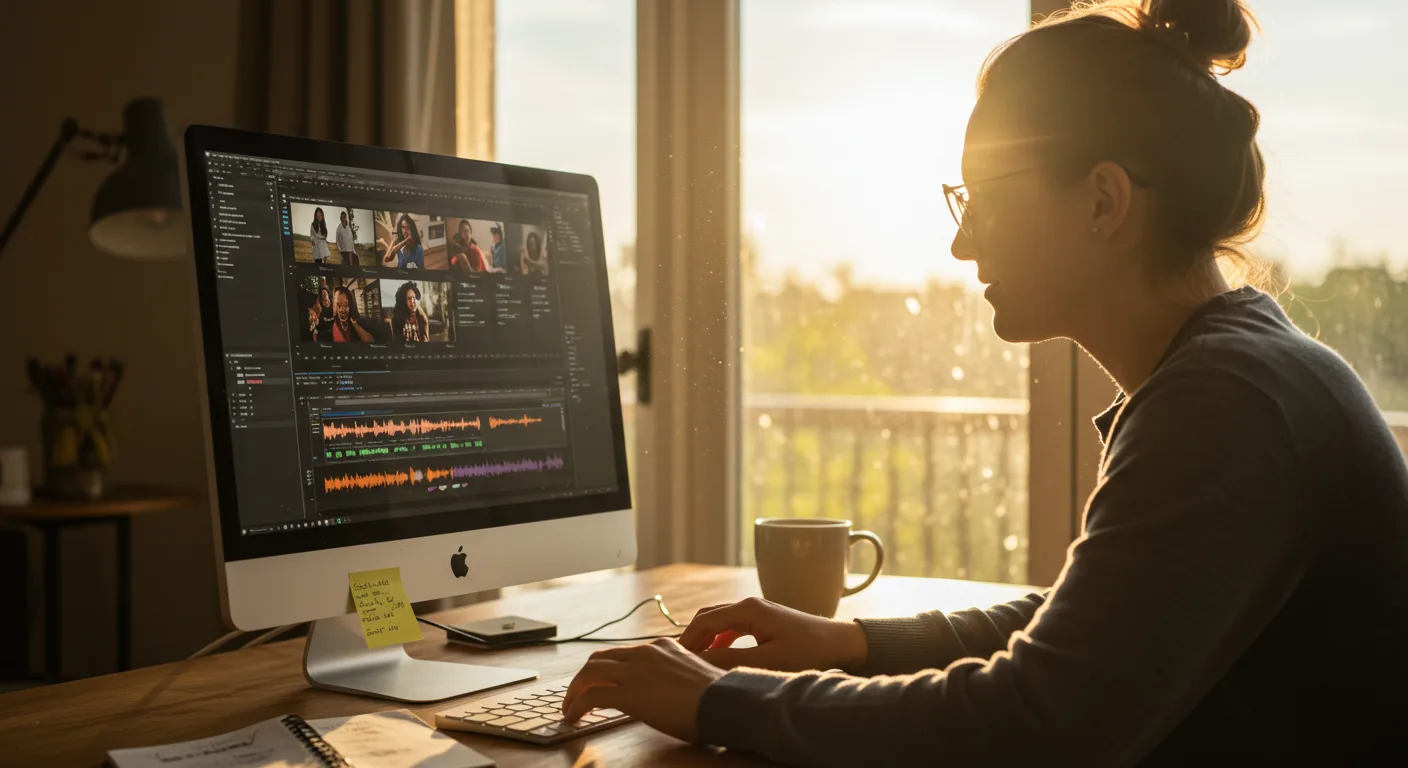
Unlocking Marketing Potential: Tutorials on Video Editing Software
Video is king in 2026. It’s the most engaging content format across social media, websites, and email marketing. But creating compelling videos requires the right skills and software. This is where tutorials on video editing software become invaluable for marketers. They provide the knowledge and techniques needed to transform raw footage into captivating marketing masterpieces. Are you ready to learn how to leverage video editing to boost your marketing efforts?
Choosing the Right Video Editing Software for Marketing
Selecting the appropriate video editing software is the first crucial step. The “best” software depends entirely on your needs, budget, and skill level. Here’s a breakdown of popular options:
- Adobe Premiere Pro : The industry standard for professional video editing. It offers a vast array of features, unparalleled control, and seamless integration with other Adobe Creative Cloud apps. However, it has a steeper learning curve and a subscription-based pricing model.
- Final Cut Pro: A powerful video editing software exclusive to macOS. Known for its intuitive interface and efficient performance, it’s a favorite among Apple users. It offers a one-time purchase option, making it a cost-effective choice in the long run.
- DaVinci Resolve : Originally a color correction software, DaVinci Resolve has evolved into a full-fledged video editor. It boasts advanced color grading tools, visual effects capabilities, and a free version with a robust feature set.
- Filmora: A user-friendly video editing software designed for beginners. It offers a simplified interface, pre-built templates, and a vast library of effects and transitions. It’s a great option for marketers who need to create videos quickly and easily.
- iMovie: A free video editing software included with macOS and iOS devices. While it lacks the advanced features of professional software, it’s a surprisingly capable tool for basic video editing tasks.
Consider your budget, technical skills, and the type of videos you plan to create when making your decision. Download free trials of several programs and experiment to see which one best suits your workflow.
Based on my experience consulting with marketing teams, I’ve found that teams often underestimate the time investment required to learn new software. Allocate sufficient training time and consider enrolling in online courses or workshops.
Mastering Basic Video Editing Techniques for Marketing
Once you’ve chosen your software, it’s time to learn the fundamentals. Fortunately, many free tutorials on video editing software are available online. Here are some essential techniques to master:
- Importing and Organizing Footage: Learn how to import your video clips, audio files, and images into your project. Organize your assets into folders to maintain a clean and efficient workflow.
- Cutting and Trimming Clips: Master the art of cutting and trimming unwanted sections of your footage. Use the razor tool or keyboard shortcuts to make precise cuts and create a smooth flow.
- Adding Transitions: Experiment with different transitions to seamlessly connect your clips. Common transitions include cuts, dissolves, fades, and wipes. Use transitions sparingly and choose ones that complement the style of your video.
- Adding Text and Titles: Create engaging text and titles to convey important information and reinforce your branding. Use different fonts, sizes, and colors to make your text visually appealing.
- Adjusting Audio Levels: Ensure that your audio is clear and balanced. Adjust the volume levels of your clips, add background music, and remove any unwanted noise.
- Color Correction and Grading: Enhance the visual appeal of your videos by adjusting the color balance, brightness, and contrast. Learn basic color correction techniques to fix any color issues and create a consistent look.
Practice these techniques regularly to develop your skills and build confidence. Watch tutorials, experiment with different settings, and don’t be afraid to make mistakes.
Advanced Video Editing Tips for Marketing Campaigns
Once you’ve mastered the basics, you can explore more advanced techniques to elevate your marketing videos. These include:
- Motion Graphics: Create animated text, logos, and graphics to add visual interest and dynamism to your videos. Software like Adobe After Effects is specifically designed for motion graphics.
- Visual Effects (VFX): Incorporate visual effects to create stunning visuals and enhance the storytelling. Use VFX to add special effects, remove unwanted objects, or create fantastical environments.
- Keying (Chroma Key): Remove a solid color background (usually green or blue) and replace it with another image or video. This technique is commonly used to create virtual sets and composite different elements together.
- Audio Mixing and Mastering: Refine your audio by mixing different tracks, adding effects like reverb and equalization, and mastering the final output to achieve a professional sound.
- Creating Engaging Intros and Outros: Design captivating intros and outros to grab your viewers’ attention and leave a lasting impression. Include your logo, brand colors, and a call to action.
Remember to use these advanced techniques judiciously. The goal is to enhance your message, not distract from it. Overuse of effects can make your videos look amateurish and detract from their effectiveness.
According to a recent study by Wistia, videos with custom thumbnails have a 30% higher click-through rate than those with generic thumbnails. Invest time in creating visually appealing thumbnails that accurately represent your video’s content.
Optimizing Video for Marketing Platforms
Creating a great video is only half the battle. You also need to optimize it for the specific marketing platforms you’ll be using. Each platform has its own requirements and best practices:
- YouTube: Optimize your video title, description, and tags with relevant keywords. Create a compelling thumbnail and add end screens and cards to promote other videos and channels.
- Facebook: Upload your video directly to Facebook for optimal performance. Use captions to make your video accessible to viewers who have their sound turned off. Consider using shorter videos to capture attention in the fast-paced newsfeed.
- Instagram: Create visually stunning videos that are optimized for the platform’s vertical format. Use Instagram Stories and Reels to share short, engaging content.
- LinkedIn: Focus on professional-quality videos that provide valuable insights and demonstrate your expertise. Use captions and optimize your video description with relevant keywords.
- TikTok: Embrace the platform’s short-form video format and create engaging content that is entertaining and shareable. Use trending sounds and hashtags to increase your visibility.
Always test your videos on different devices and platforms to ensure they look and sound their best. Monitor your video analytics to track your performance and identify areas for improvement.
Staying Updated with Video Editing Trends for Marketing
The world of video editing is constantly evolving, with new software, techniques, and trends emerging all the time. To stay ahead of the curve, it’s essential to stay updated with the latest developments:
- Follow Industry Blogs and Publications: Subscribe to blogs and publications that cover video editing, filmmaking, and marketing. These resources will keep you informed about new software releases, techniques, and trends.
- Attend Conferences and Workshops: Attend industry conferences and workshops to learn from experts and network with other professionals. These events offer valuable opportunities to expand your knowledge and skills.
- Join Online Communities: Join online communities and forums where you can connect with other video editors, share your work, and ask questions. These communities provide a supportive environment for learning and collaboration.
- Experiment with New Techniques: Don’t be afraid to experiment with new techniques and tools. Try out different effects, transitions, and editing styles to discover what works best for your brand.
- Analyze Your Results: Track the performance of your videos and analyze the results to identify what resonates with your audience. Use this data to inform your future video editing decisions.
By staying updated with the latest trends and continuously refining your skills, you can ensure that your marketing videos remain fresh, engaging, and effective.
According to a 2025 report by HubSpot, 54% of consumers want to see more video content from brands they support. This highlights the growing importance of video marketing and the need for marketers to invest in video editing skills.
Conclusion
Mastering tutorials on video editing software is no longer optional for marketers; it’s a necessity. From choosing the right software to optimizing videos for different platforms, the skills outlined here are your toolkit for creating compelling video content. By staying updated on trends and continuously refining your techniques, you can create videos that capture attention, engage your audience, and drive results. Start practicing today to unlock the full potential of video marketing for your brand. What video will you create first?
What’s the best video editing software for beginners in marketing?
For beginners, Filmora or iMovie are excellent choices. They offer user-friendly interfaces and a wide range of features without being overwhelming. As your skills grow, you can explore more advanced software like DaVinci Resolve or Adobe Premiere Pro.
How important is audio quality in marketing videos?
Audio quality is extremely important. Poor audio can ruin an otherwise great video. Invest in a good microphone and learn basic audio editing techniques to ensure your audio is clear, balanced, and free of distractions.
What are some essential video editing techniques for marketing?
Essential techniques include cutting and trimming clips, adding transitions, creating text and titles, adjusting audio levels, and color correcting. Mastering these basics will allow you to create polished and professional-looking videos.
How can I optimize my videos for different social media platforms?
Optimize your video title, description, and tags with relevant keywords. Use captions to make your video accessible. Consider using shorter videos for platforms like Facebook and Instagram. Create visually stunning videos optimized for the platform’s format.
Where can I find free tutorials on video editing software?
YouTube is a great resource for free tutorials. Many software developers also offer free tutorials on their websites. Online learning platforms like Coursera and Udemy also offer a wide range of video editing courses, some of which are free.




