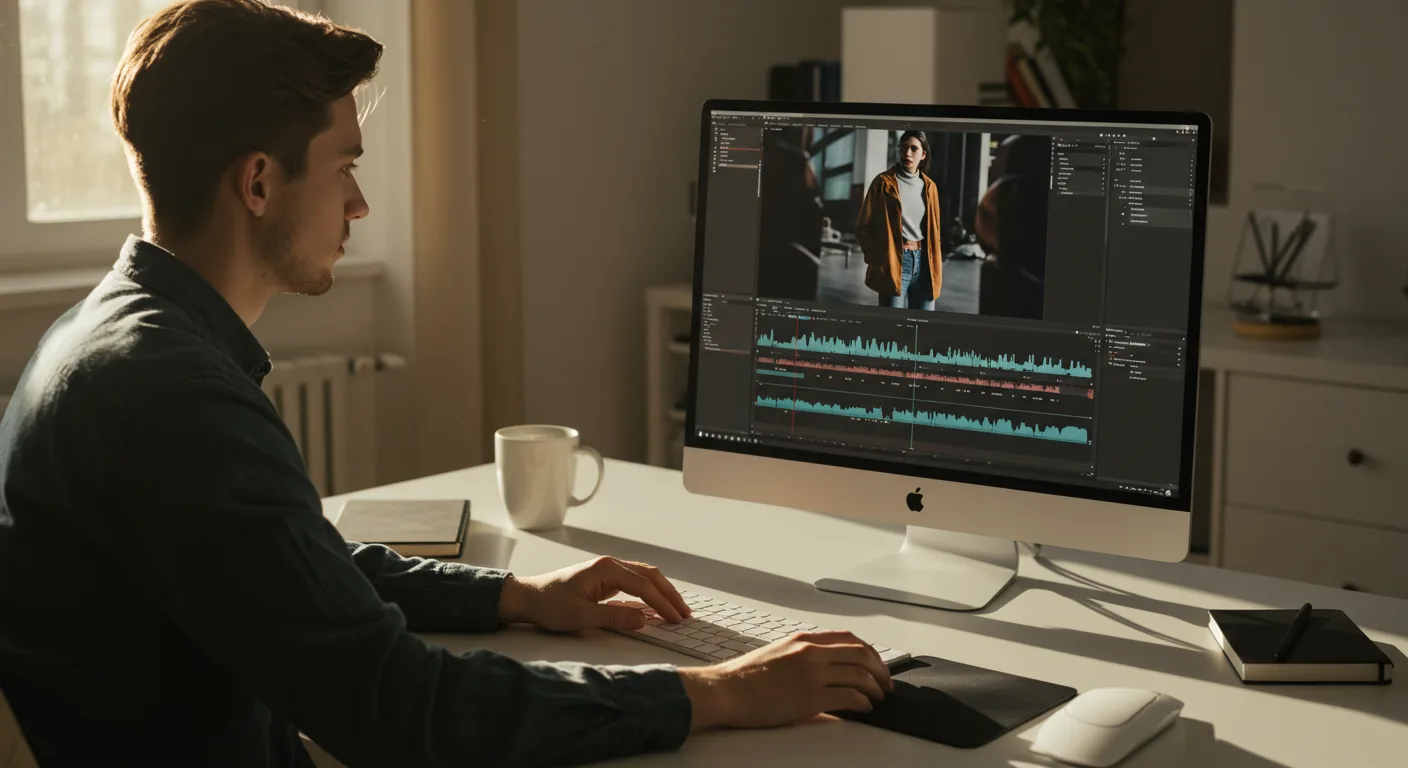
A Beginner’s Guide to Tutorials on Video Editing Software (e.g., Marketing)
Want to level up your marketing game in 2026? Video is king, and that means mastering video editing is no longer optional – it’s essential. But where do you even start? With so many software options and techniques to learn, are you feeling overwhelmed just thinking about it?
Finding the Right Tutorials for Your Skill Level
The first step is acknowledging where you’re starting from. Are you a complete beginner who has never touched video editing software? Or do you have some basic experience and want to learn more advanced techniques? Understanding your current skill level is crucial for finding tutorials on video editing software that are actually helpful.
For absolute beginners, look for tutorials that cover the basics of the software interface, importing footage, basic cuts, and exporting your finished video. YouTube is a goldmine here. Search for phrases like “beginner’s guide to [software name]” or “video editing for dummies.”
If you have some experience, you can start exploring more advanced topics. Think about what you want to achieve. Do you want to learn about color grading, motion graphics, or advanced audio editing? Tailor your search to specific skills. Platforms like Skillshare and Udemy offer structured courses taught by professionals, which can be a great investment if you’re serious about improving your skills.
From personal experience, I’ve found that starting with the official tutorials provided by the software vendor is always a good idea. They often cover the fundamentals in a clear and concise way.
Choosing the Right Video Editing Software for Marketing Needs
Before diving into tutorials, you need to choose the right software. The best choice depends on your budget, skill level, and specific marketing needs. Here are a few popular options:
- Adobe Premiere Pro: This is an industry-standard professional video editing software. It offers a wide range of features and is suitable for both beginners and advanced users. However, it comes with a subscription fee. Adobe Premiere Pro integrates seamlessly with other Adobe products like After Effects for motion graphics.
- Final Cut Pro: This is another professional-grade video editing software, but it’s only available for Mac users. It’s known for its user-friendly interface and powerful features.
- DaVinci Resolve: This software is available for free, but it also has a paid version with more advanced features. It’s particularly known for its color grading capabilities.
- iMovie: If you’re a beginner and use a Mac, iMovie is a great starting point. It’s free, easy to use, and comes pre-installed on most Macs.
- CapCut: This is a free mobile video editing app that’s popular for creating short-form videos for social media. It’s available for both iOS and Android devices.
Consider your budget and the types of videos you plan to create. If you’re just starting out and creating simple videos for social media, a free option like iMovie or CapCut might be sufficient. If you need more advanced features or plan to create professional-quality videos, you might want to consider a paid option like Adobe Premiere Pro or Final Cut Pro.
Mastering Essential Video Editing Techniques Through Tutorials
Once you’ve chosen your software, it’s time to start learning the essential techniques. Here are a few key areas to focus on:
- Basic Editing: This includes importing footage, making cuts, trimming clips, and arranging them in the timeline. Look for tutorials that cover these basic functions in your chosen software.
- Audio Editing: Good audio is crucial for engaging videos. Learn how to adjust audio levels, remove background noise, and add music or sound effects.
- Color Correction and Grading: Color correction involves fixing any color issues in your footage, while color grading is about creating a specific mood or style.
- Transitions: Transitions are used to smoothly connect different clips. Experiment with different types of transitions to find what works best for your style.
- Text and Graphics: Adding text and graphics can help convey your message and make your videos more engaging. Learn how to create and animate text and graphics in your chosen software.
Don’t try to learn everything at once. Focus on mastering the basics first, and then gradually move on to more advanced techniques.
A recent study by HubSpot found that videos with captions generate 12% more views than those without. This highlights the importance of incorporating text into your videos, which can be easily learned through tutorials.
Using Tutorials to Optimize Videos for Marketing Platforms
Creating great videos is only half the battle. You also need to optimize them for the specific platforms where you’ll be sharing them. Different platforms have different requirements and best practices, so it’s important to tailor your videos accordingly.
For example, videos on YouTube should be optimized for search by using relevant keywords in the title, description, and tags. Videos on Instagram should be shorter and more visually appealing. And videos on LinkedIn should be more professional and informative.
Look for tutorials that specifically address video optimization for different platforms. These tutorials will teach you about:
- Aspect ratios: Ensure your video fits the platform’s recommended aspect ratio (e.g., 9:16 for TikTok, 16:9 for YouTube).
- Resolution: Export your video at the appropriate resolution for the platform (e.g., 1080p for YouTube, 720p for mobile).
- File size: Keep your file size as small as possible without sacrificing quality.
- Compression: Use the correct video and audio codecs for optimal compression.
Staying Updated with New Video Editing Software Trends
The world of video editing is constantly evolving, with new software, techniques, and trends emerging all the time. To stay ahead of the curve, it’s important to stay updated with the latest developments.
Follow industry blogs, attend webinars, and join online communities to learn about new trends and best practices. Subscribe to YouTube channels that focus on video editing, marketing, and technology.
Here are some trends to watch in 2026:
- AI-powered video editing: Artificial intelligence is being used to automate many video editing tasks, such as color correction, audio editing, and even scene selection.
- Vertical video: With the rise of mobile video platforms like TikTok and Instagram Reels, vertical video is becoming increasingly popular.
- Interactive video: Interactive videos allow viewers to engage with the content by clicking on links, answering questions, or making choices.
By staying updated with the latest trends, you can ensure that your videos are cutting-edge and engaging.
Video editing can seem daunting at first, but with the right tutorials and a bit of practice, anyone can master it. Start with the basics, choose the right software for your needs, and stay updated with the latest trends. What are you waiting for? Start learning today and unlock the power of video for your marketing efforts.
What is the best free video editing software for beginners?
For beginners, iMovie (for Mac users) and CapCut (for mobile) are excellent free options. They are user-friendly and offer a good range of features for basic video editing tasks.
How long does it take to learn video editing?
The time it takes to learn video editing varies depending on your goals and how much time you dedicate to learning. You can learn the basics in a few weeks, but mastering advanced techniques can take months or even years.
What are some essential video editing skills for marketing?
Essential skills include basic editing (cuts, trimming), audio editing, color correction, adding text and graphics, and optimizing videos for different platforms.
Where can I find high-quality video editing tutorials?
YouTube is a great resource for free tutorials. Skillshare and Udemy offer structured courses taught by professionals. Also, check the official websites of video editing software for their own tutorials.
How important is audio editing in video marketing?
Audio editing is extremely important. Good audio can make or break a video. Clear audio, proper volume levels, and the removal of background noise are crucial for engaging viewers.





