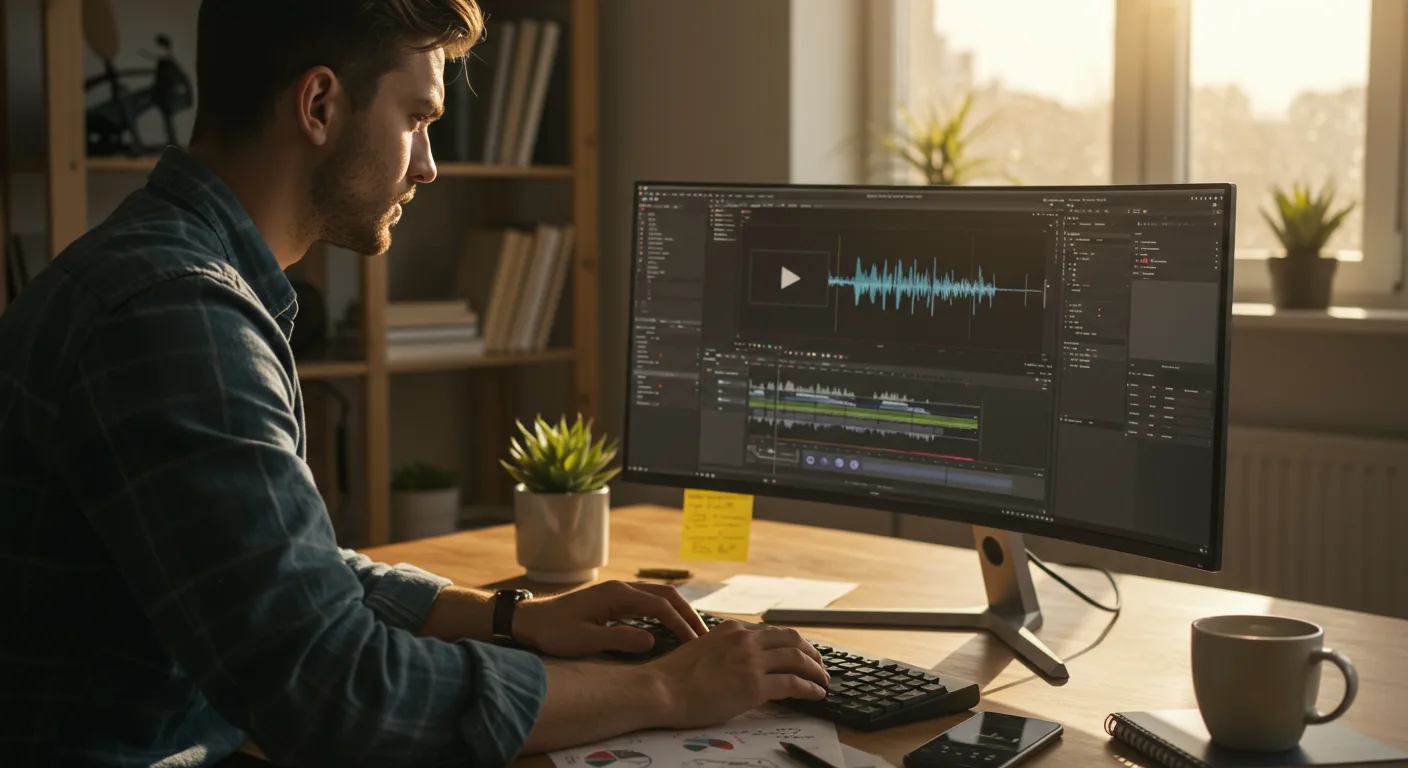
Unlocking Marketing Success: A Beginner’s Guide to Tutorials on Video Editing Software
Are you ready to elevate your marketing game with video, but feel overwhelmed by the technical aspects? The good news is, you don’t need to be a professional filmmaker to create compelling video content. With the right tutorials on video editing software, even a complete beginner can produce videos that capture attention, drive engagement, and boost conversions. But with so many options available, where do you start?
Choosing the Right Video Editing Software for Marketing Needs
The first step is selecting the right video editing software for your specific marketing needs. Consider factors like your budget, the complexity of projects you envision, and your existing technical skills. Several popular options cater to different experience levels:
- Beginner-Friendly Options: Software like iMovie (for Mac users) and Microsoft Movie Maker (for Windows, though Microsoft has officially replaced it with the Windows Video Editor) are excellent starting points. They offer intuitive interfaces, basic editing tools, and pre-designed templates to simplify the process. These are great for creating short, simple videos for social media or email marketing.
- Intermediate Options: Adobe Premiere Elements is a step up, offering more advanced features like motion tracking and audio editing, while still maintaining a user-friendly interface. It’s a good choice for marketers who want more control over their videos but aren’t ready for professional-grade software.
- Professional-Grade Options: Software like Adobe Premiere Pro and DaVinci Resolve are industry standards. They offer a vast array of features, including advanced color correction, visual effects, and multi-camera editing. These are ideal for complex projects and marketers who require maximum control and flexibility.
Consider free trials before committing to a paid subscription. Many software providers offer free versions with limited functionality, allowing you to test the waters and determine if the software meets your needs.
Based on my experience teaching marketing students, beginners often find iMovie or Premiere Elements easiest to grasp initially, while those with some design background may quickly adapt to Premiere Pro.
Finding High-Quality Video Editing Tutorials
Once you’ve chosen your software, the next step is to find high-quality video editing tutorials. The sheer volume of online content can be overwhelming, so it’s important to be selective. Here are some reliable sources:
- Official Software Documentation: Most software providers offer comprehensive documentation, including tutorials, user guides, and FAQs. These resources are often the most accurate and up-to-date.
- YouTube Channels: Platforms like YouTube are a treasure trove of video editing tutorials. Look for channels run by experienced editors or official software providers. Some popular channels include Adobe Premiere Pro Tutorials, Peter McKinnon, and Casey Neistat.
- Online Learning Platforms: Websites like Skillshare, Udemy, and LinkedIn Learning offer structured courses on video editing. These courses often provide a more comprehensive learning experience than individual tutorials.
- Software-Specific Forums and Communities: Online forums and communities dedicated to specific software can be valuable resources for troubleshooting problems and learning from other users.
When evaluating tutorials, look for clear explanations, step-by-step instructions, and practical examples. Pay attention to the instructor’s credentials and experience. Don’t be afraid to experiment with different tutorials until you find one that suits your learning style.
Mastering Basic Video Editing Techniques through Guided Learning
Before diving into advanced techniques, it’s essential to master the basics. Most tutorials on video editing will cover these core skills:
- Importing and Organizing Footage: Learn how to import your video and audio files into the software and organize them efficiently. This includes creating folders, renaming files, and using metadata to keep track of your assets.
- Cutting and Trimming: Master the art of cutting and trimming clips to remove unwanted footage and create a seamless flow. This is a fundamental skill for creating engaging videos.
- Adding Transitions: Learn how to use transitions to smoothly connect different clips. Experiment with different types of transitions, such as cross dissolves, wipes, and fades, to create different effects.
- Adding Text and Titles: Learn how to add text and titles to your videos to provide context, highlight key information, and add visual interest. Experiment with different fonts, colors, and animations.
- Adjusting Audio: Learn how to adjust the audio levels in your videos to ensure clear and balanced sound. This includes removing background noise, adding music, and syncing audio with video.
- Color Correction and Grading: Understand the basics of color correction and grading to enhance the visual appeal of your videos. Learn how to adjust brightness, contrast, and color balance.
Start with simple projects and gradually increase the complexity as you gain confidence. Don’t be afraid to make mistakes – they’re a valuable learning opportunity.
A recent study by Vidyard found that videos with optimized audio and visuals have a 35% higher engagement rate. Mastering these basics is crucial for maximizing the impact of your videos.
Utilizing Advanced Video Editing Skills for Marketing Campaigns
Once you’ve mastered the basics, you can start exploring more advanced video editing skills to create truly compelling marketing content:
- Motion Graphics and Animation: Add motion graphics and animation to your videos to create visual interest and explain complex concepts. Software like Adobe After Effects can be used to create sophisticated animations, but many video editing programs also offer basic motion graphics tools.
- Visual Effects (VFX): Use visual effects to enhance your videos and create a sense of wonder. This can include adding special effects, removing unwanted objects, and creating realistic simulations.
- Multi-Camera Editing: Combine footage from multiple cameras to create dynamic and engaging videos. This is particularly useful for event coverage, interviews, and product demonstrations.
- Green Screen Editing: Use a green screen to replace the background of your videos with any image or video. This allows you to create visually stunning and imaginative content.
- 360° Video Editing: Create immersive 360° videos that allow viewers to explore the scene from any angle. This is a great way to showcase products, locations, or events.
Remember to use these advanced techniques sparingly and strategically. The goal is to enhance your message, not distract from it.
Optimizing Videos for Marketing Platforms
Creating high-quality videos is only half the battle. You also need to optimize them for the specific marketing platforms you’re using. Consider these factors:
- Video Format and Resolution: Different platforms have different requirements for video format and resolution. For example, Facebook recommends using MP4 format with a resolution of 1080p, while Instagram prefers square videos with a resolution of 1080×1080 pixels.
- Video Length: Keep your videos concise and engaging. Shorter videos tend to perform better on social media. According to a 2026 HubSpot report, the ideal length for a video on Instagram is 30 seconds, while the ideal length for a video on YouTube is 2-3 minutes.
- File Size: Optimize your video file size to ensure fast loading times. Large files can take a long time to load, which can frustrate viewers and lead to high bounce rates.
- Thumbnails: Create eye-catching thumbnails that accurately represent your video content. Thumbnails are often the first thing viewers see, so they need to be compelling enough to entice them to click.
- Captions and Subtitles: Add captions and subtitles to your videos to make them accessible to a wider audience. This is especially important for viewers who are deaf or hard of hearing, or who are watching videos in noisy environments.
By optimizing your videos for each platform, you can maximize their reach, engagement, and impact.
Conclusion: Mastering Video Editing for Marketing Success
Mastering tutorials on video editing software is an investment that pays dividends in today’s video-centric marketing landscape. By selecting the right software, finding high-quality tutorials, mastering basic and advanced techniques, and optimizing your videos for different platforms, you can create compelling content that captures attention, drives engagement, and boosts your marketing results. Don’t be afraid to experiment, learn from your mistakes, and continuously refine your skills. Your next viral video awaits!
What is the easiest video editing software for beginners?
For complete beginners, iMovie (for Mac users) and Microsoft Movie Maker (for Windows) are often recommended due to their intuitive interfaces and simple editing tools. They’re great for creating basic videos without a steep learning curve.
Are there any free video editing software options that are actually good?
Yes! DaVinci Resolve offers a powerful free version that’s surprisingly capable. While the full Studio version has advanced features, the free version provides a robust set of tools for editing, color correction, and audio mixing.
How long should my marketing videos be?
The ideal video length depends on the platform. Shorter videos (under 60 seconds) tend to perform best on social media like Instagram and TikTok. For YouTube, aim for 2-3 minutes to keep viewers engaged without losing their attention.
What are some essential video editing techniques for marketing?
Key techniques include cutting and trimming clips, adding transitions, incorporating text and titles, adjusting audio levels, and performing basic color correction. These elements contribute to a polished and professional final product.
How can I improve the audio quality of my videos?
Invest in a good quality microphone, record in a quiet environment, and use audio editing tools within your video editing software to remove background noise, adjust levels, and balance the sound. Clear audio is crucial for viewer engagement.





