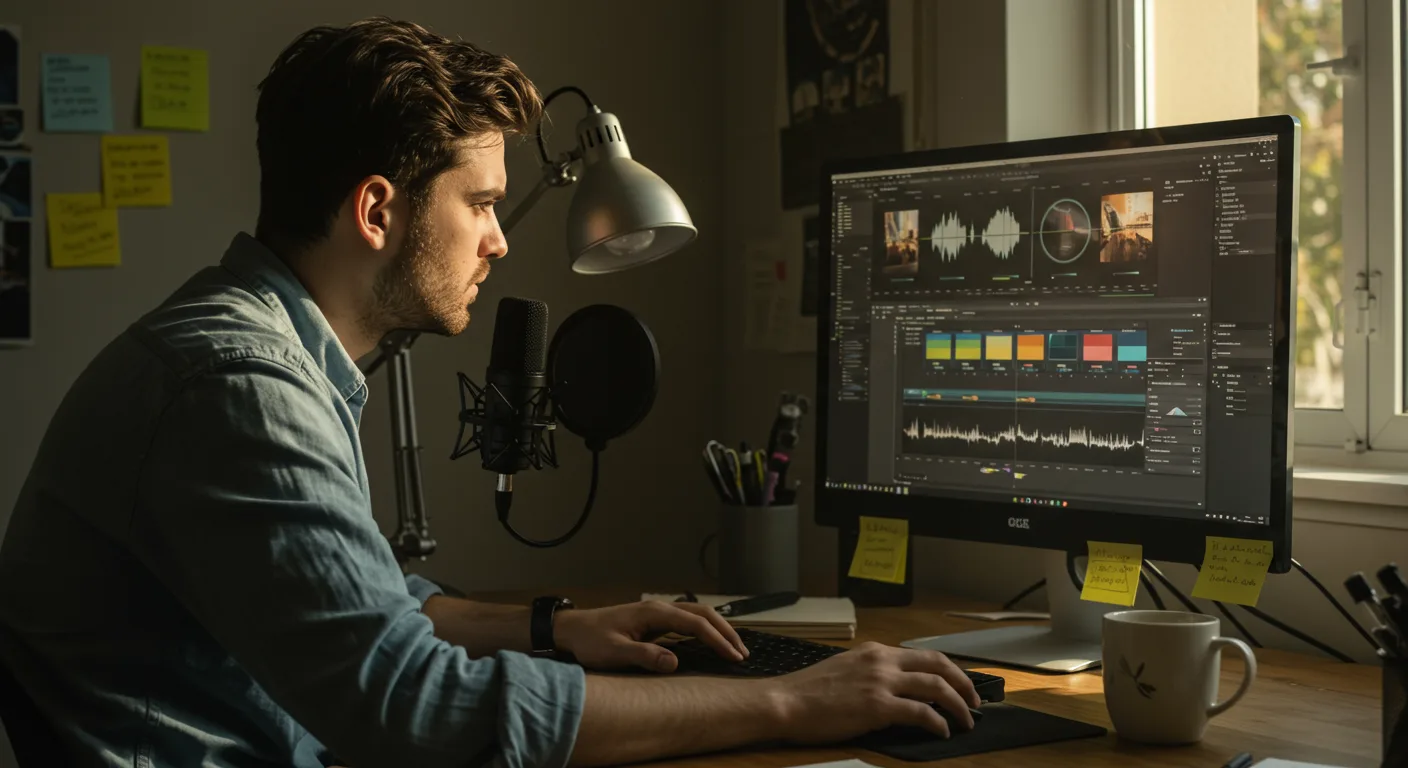
Finding the Right Tutorials on Video Editing Software for Marketing
Want to create captivating marketing videos but feel overwhelmed by the software? You’re not alone. Mastering video editing requires dedication, but the payoff in terms of engagement and conversions is substantial. The key is finding the right tutorials on video editing software to match your skill level and marketing goals. But with so many options available, how do you choose the best resources to unlock your video marketing potential?
Free vs. Paid Video Editing Tutorials: Which is Best for Marketing?
The first question many marketers face is whether to opt for free or paid tutorials. Both have their pros and cons. Free tutorials are a great starting point for beginners. Platforms like YouTube are treasure troves of content, often offering comprehensive introductions to popular video editing software. Many software developers also offer free introductory courses on their websites.
However, free tutorials can sometimes lack structure, depth, and personalized support. The quality can vary greatly, and you might spend significant time sifting through irrelevant or outdated information. They also rarely cover advanced marketing-specific applications of video editing.
Paid tutorials, on the other hand, usually offer a more structured and in-depth learning experience. Platforms like Udemy, Skillshare, and LinkedIn Learning curate courses from experienced instructors, ensuring a higher level of quality and consistency. These courses often include project-based learning, allowing you to apply your new skills in real-world scenarios. Furthermore, many paid courses offer access to instructors for questions and feedback, providing valuable personalized guidance.
Consider your budget, learning style, and desired level of expertise when making your decision. If you’re just starting out and want to get a feel for the software, free tutorials are a good option. But if you’re serious about mastering video editing for marketing and want a structured, comprehensive learning experience, paid tutorials are likely the better investment.
From my experience training marketing teams, those who invest in structured, paid training programs consistently achieve higher video quality and faster turnaround times on marketing campaigns.
Choosing the Right Video Editing Software for Marketing Needs
Before diving into tutorials, you need to choose the right software. Several excellent options are available, each with its own strengths and weaknesses. The best choice depends on your budget, technical skills, and specific marketing needs.
Here are a few popular options:
- Adobe Premiere Pro: The industry standard, offering a comprehensive set of features for professional-level video editing. It’s powerful but can be complex to learn.
- Final Cut Pro: A popular choice for Mac users, known for its user-friendly interface and powerful editing capabilities.
- DaVinci Resolve: A free (with paid upgrade options) video editing software that offers professional-grade color correction and audio editing tools. It’s a great option for marketers who want to create visually stunning videos on a budget.
- Filmora: A user-friendly video editing software that’s perfect for beginners. It offers a wide range of templates and effects, making it easy to create engaging marketing videos quickly.
- CapCut: A free mobile-first video editing app that’s gaining popularity for its ease of use and social media-friendly features. It’s a great option for creating short-form video content for platforms like TikTok and Instagram Reels.
Consider your budget. Adobe Premiere Pro and Final Cut Pro require a subscription or upfront purchase, while DaVinci Resolve offers a free version with limited features. Filmora is a more affordable option with a one-time purchase or subscription plan.
Also, think about your existing workflow and team expertise. If your team is already familiar with the Adobe Creative Suite, Premiere Pro might be the logical choice. If you’re a solo marketer looking for an easy-to-learn option, Filmora or CapCut might be better suited.
A recent study by Forrester found that companies using professional-grade video editing software saw a 30% increase in video marketing ROI compared to those using basic tools.
Mastering Essential Video Editing Techniques Through Tutorials
Once you’ve chosen your software, it’s time to focus on mastering essential video editing techniques. These techniques are the foundation for creating engaging and effective marketing videos.
- Basic Cutting and Trimming: Learn how to cut out unwanted footage, trim clips to the desired length, and create smooth transitions between scenes. Look for tutorials that demonstrate different cutting techniques, such as L-cuts and J-cuts, which can add visual interest to your videos.
- Adding Text and Graphics: Learn how to add text overlays, titles, and graphics to your videos to convey information and enhance visual appeal. Experiment with different fonts, colors, and animations to create visually engaging text elements.
- Color Correction and Grading: Learn how to adjust the colors in your videos to create a consistent and visually appealing look. Tutorials on color correction and grading can help you fix exposure issues, balance colors, and create a specific mood or atmosphere.
- Audio Editing: Learn how to clean up audio, remove background noise, and add music and sound effects to your videos. Good audio quality is essential for engaging viewers and conveying your message effectively.
- Adding Transitions and Effects: Learn how to use transitions and effects to create smooth and visually interesting videos. Experiment with different transitions, such as fades, wipes, and dissolves, to create a seamless flow between scenes.
Focus on mastering these core techniques before moving on to more advanced features. Many tutorials offer project-based learning, which allows you to apply these techniques in real-world scenarios. For example, you might find a tutorial that guides you through creating a promotional video for a specific product or service.
Advanced Video Editing Skills for Marketing Professionals
Once you’ve mastered the basics, you can start exploring more advanced video editing techniques to take your marketing videos to the next level. These techniques can help you create visually stunning and engaging content that captures your audience’s attention.
- Motion Graphics and Animation: Learn how to create motion graphics and animations to add visual interest and dynamism to your videos. Software like Adobe After Effects is designed specifically for motion graphics, but many video editing programs also offer basic animation capabilities.
- Green Screen Editing: Learn how to use a green screen to replace the background in your videos with different images or videos. This technique can be used to create visually stunning effects and transport your viewers to different locations.
- Multi-Camera Editing: Learn how to edit footage from multiple cameras to create dynamic and engaging videos. This technique is often used for live events, interviews, and documentaries.
- 360° Video Editing: Learn how to edit 360° videos for immersive experiences. This type of video is becoming increasingly popular for virtual reality and augmented reality applications.
- Creating Engaging Intros and Outros: Learn how to create visually appealing and memorable intros and outros for your videos. These elements can help you brand your videos and create a consistent viewing experience for your audience.
These advanced techniques require more time and effort to master, but they can significantly enhance the quality and impact of your marketing videos. Look for tutorials that offer step-by-step instructions and real-world examples.
Staying Up-to-Date with the Latest Video Editing Trends and Techniques
The world of video editing is constantly evolving, with new trends and techniques emerging all the time. To stay ahead of the curve, it’s essential to continuously learn and adapt. Here are some tips for staying up-to-date:
- Follow Industry Blogs and Websites: Subscribe to industry blogs and websites that cover video editing, filmmaking, and marketing. These resources can provide valuable insights into the latest trends, techniques, and best practices.
- Attend Online Webinars and Conferences: Participate in online webinars and conferences to learn from industry experts and network with other professionals. These events often feature presentations on the latest video editing software, techniques, and trends.
- Join Online Communities and Forums: Join online communities and forums where video editors and marketers share their knowledge and experiences. These communities can be a great resource for getting feedback on your work, asking questions, and learning from others.
- Experiment with New Software and Techniques: Don’t be afraid to experiment with new video editing software and techniques. The best way to learn is by doing, so try out different approaches and see what works best for you.
- Analyze Successful Marketing Videos: Pay attention to the videos that are performing well in your industry and try to identify the techniques that are contributing to their success. Analyze their editing style, use of graphics, and overall storytelling approach.
By staying up-to-date with the latest trends and techniques, you can ensure that your marketing videos remain fresh, engaging, and effective. This continuous learning approach is crucial for long-term success in the ever-evolving world of video marketing.
According to a 2025 report by HubSpot, marketers who actively adapt to new video trends see a 40% higher engagement rate on their video content.
Conclusion
Mastering video editing for marketing is an ongoing journey, but with the right tutorials on video editing software, you can unlock your creative potential and create compelling videos that drive results. Start with the basics, explore advanced techniques, and stay current with industry trends. Choose the software that best fits your needs, budget, and skill level. The most important thing is to start creating and experimenting. Ready to elevate your video marketing? Begin by exploring free tutorials for your chosen software and commit to learning one new technique each week.
What’s the most beginner-friendly video editing software?
For absolute beginners, Filmora or CapCut are excellent choices. They offer intuitive interfaces and plenty of templates and effects to get you started quickly.
Are free video editing software options good enough for marketing?
Yes, some free options like DaVinci Resolve offer powerful features suitable for marketing. However, be prepared for a steeper learning curve compared to paid, beginner-friendly software.
How much time should I dedicate to learning video editing?
Dedicate at least a few hours per week to learning and practicing. Consistency is key. Even 30 minutes a day can make a significant difference over time.
Where can I find royalty-free music and sound effects for my videos?
Platforms like Epidemic Sound and Artlist offer subscription-based access to royalty-free music and sound effects. Many free options are available as well, but be sure to check the licensing terms carefully.
What are the most important video editing skills for marketing?
Focus on mastering basic cutting and trimming, adding text and graphics, color correction, and audio editing. These are the fundamental skills you’ll need to create effective marketing videos.




