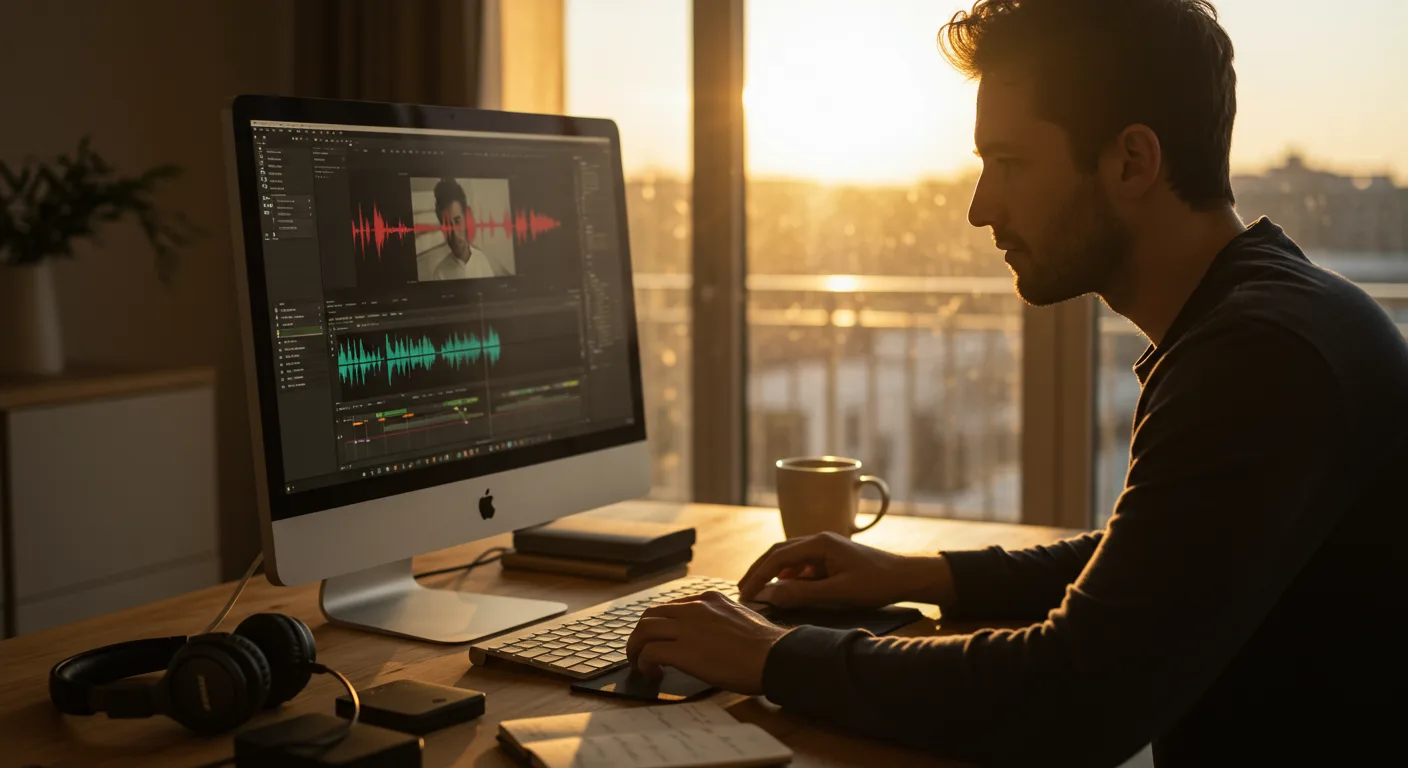
Mastering the Basics: Foundational Tutorials on Video Editing Software
Want to create compelling video content for your marketing campaigns, but feel overwhelmed by the software? Many marketers find themselves in the same boat, searching for accessible tutorials on video editing software (e.g., marketing) to upskill. The good news is, a wealth of free and paid resources is available to guide you from beginner to proficient. But with so many options, how do you choose the right ones and avoid wasting time on outdated or irrelevant content?
Before jumping into specific software, understand the fundamental principles of video editing. This includes grasping concepts like:
- The timeline: Where you arrange and manipulate your video clips, audio, and graphics.
- Cuts and transitions: How to seamlessly join different shots together.
- Color correction and grading: Enhancing the visual appeal of your footage.
- Audio editing: Balancing levels, removing noise, and adding music or sound effects.
Many free tutorials cover these basics using readily available software. YouTube is a goldmine, but be selective. Look for channels with clear explanations, good production quality, and recent uploads. Channels like Casey Neistat or Peter McKinnon, while not strictly tutorial-focused, offer valuable insights into storytelling and editing techniques. Also, consider platforms like Skillshare or Udemy, where you can find structured courses covering specific fundamentals.
A 2025 study by HubSpot found that marketers who actively used video saw a 54% increase in brand awareness compared to those who didn’t. This highlights the importance of mastering the basics.
Choosing Your Weapon: Software-Specific Video Editing Tutorials
Once you understand the core concepts, it’s time to choose your video editing software. Here are a few popular options for marketing purposes:
- Adobe Premiere Pro: The industry standard, offering a comprehensive set of features for professional-level editing. Adobe Premiere Pro is a subscription-based software.
- Final Cut Pro: A powerful and intuitive option for Mac users.
- DaVinci Resolve: Known for its advanced color grading capabilities, but also a capable video editor. DaVinci Resolve offers a free version with many features.
- Filmora: A user-friendly option for beginners, with a simpler interface and a wide range of effects and templates.
- iMovie: A free video editing software included with macOS, suitable for quick and basic edits.
Once you’ve chosen your software, search for software-specific video editing tutorials. Most software developers offer their own training resources, which are often the best place to start. Adobe, for example, provides a wealth of tutorials for Premiere Pro on its website and YouTube channel. Apple offers similar resources for Final Cut Pro. For DaVinci Resolve, Blackmagic Design provides comprehensive training materials. Don’t underestimate the power of official documentation and support forums.
When selecting tutorials, filter by skill level (beginner, intermediate, advanced) and topic (e.g., color correction, motion graphics, audio editing). Look for tutorials that use real-world examples relevant to your marketing needs, such as creating social media ads, product demos, or explainer videos.
Marketing Focus: Tailoring Tutorials for Business Needs
Generic video editing tutorials are helpful, but to truly excel, you need to find resources that focus on the application of video editing in marketing. Search for tutorials focused on marketing applications. This means finding content that covers:
- Creating engaging social media videos: Learn how to optimize videos for different platforms like TikTok, Instagram, and Facebook.
- Producing effective video ads: Discover techniques for crafting compelling ad creatives that drive conversions.
- Developing informative explainer videos: Master the art of simplifying complex topics through clear and concise visuals.
- Optimizing videos for search engines (SEO): Understand how to use keywords, titles, and descriptions to improve your video’s visibility.
Look for case studies and examples of successful video marketing campaigns. Analyze what made them effective and try to incorporate those elements into your own videos. Platforms like HubSpot and Hootsuite often publish articles and webinars on video marketing best practices.
Consider investing in paid courses or workshops that are specifically designed for marketing professionals. These courses often provide more in-depth training and personalized feedback.
Staying Current: Advanced Techniques and Trends in Video Editing
The world of video editing is constantly evolving, with new techniques and technologies emerging all the time. To stay ahead of the curve, it’s crucial to keep learning and experimenting. Explore advanced video editing techniques such as:
- Motion graphics and animation: Create visually stunning animations and graphics to enhance your videos.
- 360° video editing: Edit immersive 360° videos for virtual reality experiences.
- AI-powered video editing tools: Leverage artificial intelligence to automate tasks and improve your workflow.
- Interactive video: Add interactive elements to your videos to engage viewers and gather data.
Follow industry blogs, attend webinars, and join online communities to stay informed about the latest trends and best practices. Platforms like LinkedIn offer numerous groups dedicated to video marketing and editing. Experiment with new software and plugins to expand your creative toolkit. Don’t be afraid to try new things and push the boundaries of what’s possible.
According to a 2025 report by Cisco, video will account for 82% of all internet traffic by 2026. This underscores the importance of staying current with the latest video editing techniques.
Troubleshooting: Addressing Common Video Editing Challenges
Even with the best troubleshooting video editing tutorials, you’ll inevitably encounter challenges along the way. Common issues include:
- Software crashes and glitches: Learn how to troubleshoot software errors and prevent data loss.
- Codec issues: Understand different video codecs and how to convert files to compatible formats.
- Performance problems: Optimize your hardware and software settings to improve editing speed.
- Audio syncing issues: Learn how to synchronize audio and video tracks accurately.
When faced with a problem, start by searching online for solutions. Many forums and communities are dedicated to video editing troubleshooting. Be specific in your search queries, providing details about your software, operating system, and the specific error message you’re encountering. Consult the software’s official documentation and support resources. If you’re still stuck, consider reaching out to a professional video editor for assistance.
Preventive measures are also crucial. Regularly back up your project files, keep your software updated, and ensure your computer meets the minimum system requirements.
Measuring Success: Analyzing Video Performance and ROI
Creating great videos is only half the battle. To ensure your efforts are paying off, you need to track your video’s performance and measure its return on investment (ROI). Focus on analyzing video performance. Key metrics to monitor include:
- Views: The number of times your video has been watched.
- Watch time: The total amount of time viewers have spent watching your video.
- Engagement: Metrics like likes, comments, shares, and click-through rates.
- Conversions: The number of viewers who take a desired action, such as making a purchase or filling out a form.
Use analytics tools like Google Analytics and the built-in analytics dashboards of social media platforms to track these metrics. Analyze your data to identify what’s working and what’s not. Experiment with different video formats, editing styles, and calls to action to optimize your performance. Calculate your ROI by comparing the cost of producing your videos to the revenue they generate.
According to a 2026 study by Wistia, videos with a clear call to action have a 380% higher conversion rate than those without. This highlights the importance of tracking and optimizing your video’s performance.
What is the best video editing software for beginners?
For beginners, Filmora and iMovie are excellent choices. They offer intuitive interfaces, a wide range of features, and plenty of tutorials to guide you through the basics.
Where can I find free video editing tutorials?
YouTube is a great resource for free video editing tutorials. Look for channels with clear explanations, good production quality, and recent uploads. Also, check out the official websites of video editing software developers, as they often provide free training materials.
How can I improve the quality of my video editing?
Practice is key! The more you edit, the better you’ll become. Also, focus on mastering the fundamentals of video editing, such as color correction, audio editing, and transitions. Watch tutorials, experiment with different techniques, and seek feedback from others.
What are the most important video editing skills for marketing?
For marketing, focus on skills like creating engaging social media videos, producing effective video ads, developing informative explainer videos, and optimizing videos for search engines (SEO).
How much does video editing software cost?
The cost of video editing software varies widely. Some software, like DaVinci Resolve, offers a free version with many features. Others, like Adobe Premiere Pro, are subscription-based. The best option for you will depend on your budget and your needs.
By following this comprehensive guide, you can confidently navigate the world of video editing and create compelling content that drives results for your marketing efforts. Remember, the key is to start with the fundamentals, choose the right software, focus on marketing-specific techniques, stay current with the latest trends, and continuously analyze your performance. Now, what are you waiting for? Go explore the best tutorials on video editing software (e.g., marketing) and begin your journey to video marketing success!




