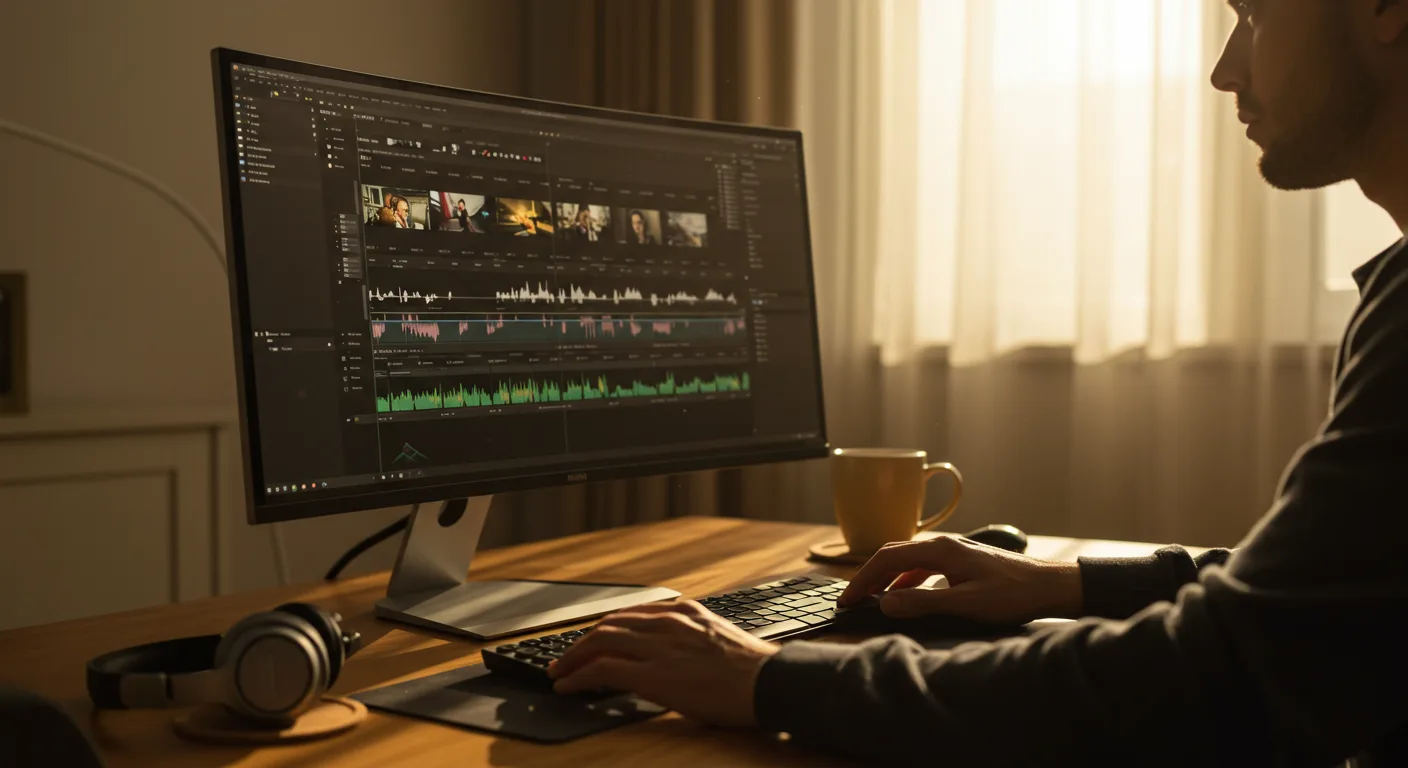
Mastering the Basics: Finding the Right Tutorials on Video Editing Software
Want to elevate your marketing game with compelling video content? It all starts with the right tools and the skills to use them effectively. Luckily, there’s a wealth of tutorials on video editing software available to help you, especially for marketing applications. But with so many options, how do you find the best resources to quickly master the necessary skills and avoid wasting time on irrelevant information?
Choosing the Right Video Editing Software for Marketing
Before diving into tutorials, you need to select the right video editing software for your marketing needs. Several powerful options are available, each with its strengths and weaknesses. Popular choices include Adobe Premiere Pro, Final Cut Pro (for macOS users), Filmora, and DaVinci Resolve. Consider these factors when making your decision:
- Budget: Some software requires a subscription, while others offer a one-time purchase or a free version with limited features. DaVinci Resolve, for example, has a robust free version that’s excellent for beginners.
- Skill Level: Premiere Pro and Final Cut Pro are industry-standard tools with a steeper learning curve, while Filmora is known for its user-friendly interface.
- Features: Determine the features you need. Do you require advanced color correction, motion graphics capabilities, or multi-cam editing?
- Operating System: Final Cut Pro is exclusive to macOS, while the others are available on both Windows and macOS.
For marketing purposes, consider features like text overlays, lower thirds, transitions, and the ability to easily export videos in formats optimized for different social media platforms. Once you’ve chosen your software, it’s time to find the best tutorials.
In my experience, starting with free trials of a few different options can help you quickly narrow down the software that best fits your workflow and budget. Don’t be afraid to experiment!
Navigating Official Tutorials and Documentation
The first place to look for tutorials is the official website of your chosen video editing software. Most companies provide comprehensive documentation, video tutorials, and user forums. These resources are invaluable for understanding the software’s features and functionalities. For example, Adobe offers a vast library of tutorials for Premiere Pro, covering everything from basic editing techniques to advanced motion graphics. Similarly, DaVinci Resolve’s website has detailed guides and training videos. These official resources are often structured to guide you step-by-step, making them ideal for beginners.
Don’t underestimate the power of reading the software’s manual or accessing its built-in help features. While video tutorials are great, the documentation often provides more detailed explanations and troubleshooting tips. For example, you might find specific details about keyboard shortcuts or advanced settings that are not covered in video tutorials. Furthermore, many software companies offer certification programs, which can be a valuable credential for demonstrating your expertise.
Leveraging YouTube for Video Editing Training
YouTube is a treasure trove of tutorials on video editing software. Countless creators share their knowledge and expertise, offering a wide range of tutorials for all skill levels. When searching for tutorials on YouTube, be specific with your keywords. Instead of searching for “Premiere Pro tutorial,” try “Premiere Pro tutorial for marketing videos” or “Premiere Pro tutorial text animation.” This will help you find tutorials that are more relevant to your specific needs.
Here are some tips for finding high-quality YouTube tutorials:
- Check the Channel’s Reputation: Look for channels with a large subscriber base and positive reviews. Pay attention to the comments section to see what other viewers are saying about the tutorial.
- Look for Clear and Concise Explanations: The best tutorials are well-organized and easy to follow. The instructor should speak clearly and explain the concepts in a way that is easy to understand.
- Ensure the Tutorial is Up-to-Date: Video editing software is constantly evolving, so make sure the tutorial is based on the latest version of the software. Outdated tutorials may contain inaccurate information or use features that are no longer available.
- Practice Along: The best way to learn is by doing. Follow along with the tutorial and practice the techniques as you go. Don’t just watch the tutorial passively; actively engage with the material.
From my experience, many successful video editors started by watching YouTube tutorials and experimenting with different techniques. The key is to be patient and persistent.
Exploring Online Learning Platforms
Online learning platforms like Skillshare, Udemy, and LinkedIn Learning offer structured courses on video editing software. These courses are often created by industry professionals and provide a more in-depth learning experience than free tutorials. They often include downloadable project files, quizzes, and assignments to help you reinforce your learning.
When choosing a course, consider the following:
- The Instructor’s Credentials: Look for instructors with a proven track record in video editing. Check their portfolio and read reviews from other students.
- The Course Curriculum: Make sure the course covers the topics you’re interested in learning. Review the course outline to see what’s included.
- The Course Reviews: Read reviews from other students to get an idea of the course’s quality. Pay attention to both positive and negative reviews.
- The Course Price: Compare the prices of different courses and consider your budget. Many platforms offer discounts or free trials.
These platforms often offer project-based learning, where you create a video from start to finish, applying the skills you’ve learned throughout the course. This hands-on approach can be incredibly effective for solidifying your knowledge and building your portfolio. A 2025 study by LinkedIn Learning found that learners who complete project-based courses are 30% more likely to apply their new skills in their jobs.
Joining Online Communities and Forums
Online communities and forums are excellent resources for getting help with specific video editing problems and connecting with other video editors. Platforms like Reddit (subreddits like r/videoediting) and Creative Cow offer forums where you can ask questions, share your work, and get feedback from experienced editors. These communities can be invaluable for troubleshooting technical issues, getting creative inspiration, and staying up-to-date on the latest trends in video editing.
When participating in online communities, be respectful and considerate of others. Follow the community’s rules and guidelines, and be sure to search for answers to your questions before posting. Many common questions have already been answered in previous threads.
Engaging in these communities also provides opportunities for networking and collaboration. You might find potential clients, collaborators, or mentors who can help you advance your video editing career. Actively participate in discussions, offer your expertise, and build relationships with other members.
Advanced Techniques: Mastering Specific Video Editing Skills
Once you have a solid foundation in the basics of video editing, you can start to focus on mastering specific skills. This might include color correction, motion graphics, audio editing, or visual effects. There are numerous tutorials and resources available for each of these areas. For example, if you want to learn more about color correction, you can find tutorials on color grading techniques, color wheels, and scopes. If you’re interested in motion graphics, you can explore tutorials on creating animations, text effects, and transitions.
Here are some resources for mastering specific video editing skills:
- CreativeLive: Offers workshops and courses on a variety of creative topics, including video editing.
- Pluralsight: Provides in-depth training on software skills, including video editing.
- School of Motion: Focuses on motion graphics and animation training.
As you advance your skills, consider specializing in a particular area of video editing. This can help you stand out from the competition and attract clients who are looking for specific expertise. For example, you might specialize in creating explainer videos, social media videos, or corporate training videos.
Which video editing software is best for beginners?
Filmora and DaVinci Resolve (free version) are often recommended for beginners due to their user-friendly interfaces and comprehensive features. They offer a good balance of functionality and ease of use.
Are free video editing tutorials worth it?
Yes, absolutely! Many high-quality free tutorials are available on platforms like YouTube and the software vendors’ websites. They can provide a solid foundation in video editing basics.
How long does it take to learn video editing?
The time it takes to learn video editing varies depending on your learning style, the complexity of the software, and your goals. You can learn the basics in a few weeks, but mastering advanced techniques can take months or even years.
What equipment do I need for video editing?
You’ll need a computer with sufficient processing power and RAM, a monitor, and a mouse. A dedicated graphics card can also improve performance. As you progress, you might consider investing in a color-accurate monitor and professional audio equipment.
How can I improve my video editing skills quickly?
Practice consistently, follow tutorials closely, work on personal projects, and seek feedback from other video editors. Focus on mastering one skill at a time and gradually build your knowledge base.
In conclusion, mastering video editing for marketing requires a strategic approach. By selecting the right software, leveraging official resources, exploring online platforms, engaging with communities, and focusing on specific skills, you can significantly enhance your video editing capabilities. Remember to practice consistently and seek feedback to continuously improve your craft. Ready to start creating compelling marketing videos that drive results? Begin your journey today and unlock the power of visual storytelling!




