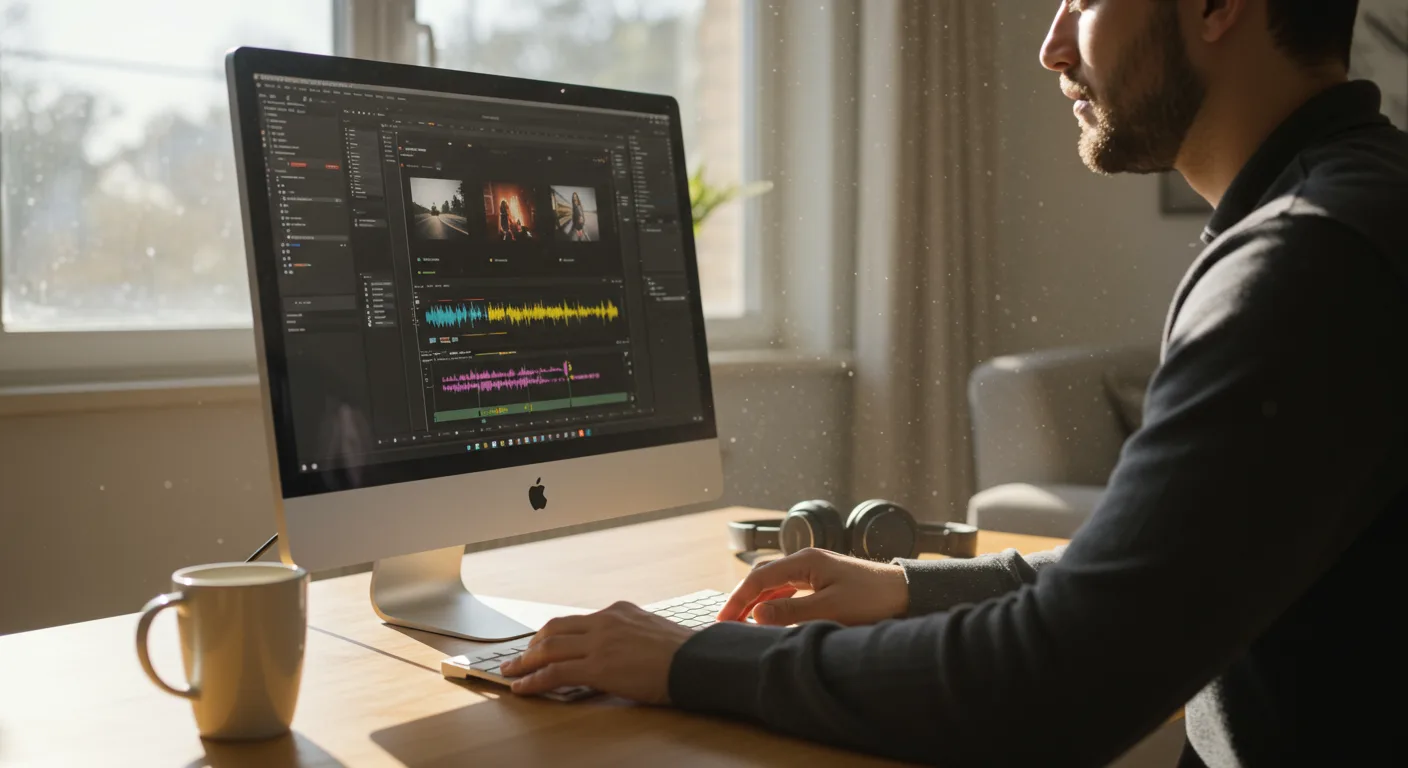
A Beginner’s Guide to Tutorials on Video Editing Software (e.g., Marketing)
Are you ready to supercharge your marketing efforts with video, but feel overwhelmed by the technical aspects? Mastering video editing software doesn’t have to be daunting. With the right tutorials on video editing software, you can transform raw footage into compelling marketing content. But where do you start, and how do you choose the best resources? Let’s explore how to get started.
1. Why Video Editing Skills Are Essential for Modern Marketing
In 2026, video content isn’t just a nice-to-have; it’s a marketing essential. Cisco projects that video will account for 82% of all internet traffic this year. Ignoring video means missing out on a massive opportunity to connect with your audience. But simply creating videos isn’t enough. High-quality, engaging video requires skillful editing.
Video editing allows you to:
- Tell a compelling story: Editing shapes the narrative, pacing, and emotional impact of your video.
- Maintain brand consistency: Consistent visuals and branding reinforce your brand identity.
- Improve engagement: Strategic cuts, transitions, and effects keep viewers hooked.
- Optimize for different platforms: Different platforms have different video specifications and audience preferences. Editing allows you to tailor your videos accordingly.
- Increase conversions: Well-edited videos can showcase product features, customer testimonials, and calls to action more effectively.
Consider a product demo. A poorly edited video might be confusing and unengaging. A well-edited video, on the other hand, can highlight key features, address potential objections, and drive sales.
2. Identifying the Right Video Editing Software for Your Needs
Choosing the right video editing software is the first crucial step. The market is full of options, from free, beginner-friendly programs to professional-grade suites. Consider these factors:
- Your experience level: Are you a complete beginner or do you have some experience with video editing?
- Your budget: Some software options require a subscription, while others offer a one-time purchase or free version.
- Your project requirements: What types of videos will you be creating? (e.g., social media videos, product demos, explainer videos).
- Operating system: Is the software compatible with your computer’s operating system (Windows, macOS, Linux)?
Here are some popular video editing software options to consider:
- For Beginners: OpenShot (Free, open-source), Shotcut (Free, open-source), iMovie (Free on macOS)
- For Intermediate Users: Adobe Premiere Elements (Paid), Wondershare Filmora (Paid)
- For Professionals: Adobe Premiere Pro (Subscription-based), Final Cut Pro (One-time purchase), DaVinci Resolve (Free and Studio versions)
Don’t be afraid to try out free trials or free versions before committing to a paid option. Experimenting with different software options can help you find the one that best suits your workflow and creative style.
According to a recent survey by the Content Marketing Institute, 66% of marketers use video editing software as part of their content creation process. Choosing the right software can significantly impact the efficiency and effectiveness of your video marketing efforts.
3. Finding High-Quality Tutorials on Video Editing Software
Once you’ve chosen your software, it’s time to learn the ropes. Fortunately, there’s no shortage of tutorials on video editing software available online. However, the quality of these tutorials can vary greatly. Here’s how to find the best resources:
- Official Software Documentation: Start with the official documentation and tutorials provided by the software developer. These are often the most comprehensive and up-to-date resources.
- YouTube Channels: YouTube is a treasure trove of video editing tutorials. Look for channels that are specific to your software and cater to your experience level. Some popular channels include:
- Adobe Premiere Pro Tutorials: Search directly for “Adobe Premiere Pro tutorials” on YouTube.
- Final Cut Pro Tutorials: Search directly for “Final Cut Pro tutorials” on YouTube.
- DaVinci Resolve Tutorials: Search directly for “DaVinci Resolve tutorials” on YouTube.
- Online Learning Platforms: Platforms like Udemy, Skillshare, and Coursera offer structured video editing courses taught by experienced instructors.
- Software-Specific Forums and Communities: Online forums and communities dedicated to your chosen software can be valuable resources for troubleshooting problems and learning new techniques.
When evaluating tutorials, consider the following:
- Clarity and conciseness: Is the instructor easy to understand? Are the instructions clear and concise?
- Relevance: Does the tutorial cover the specific features or techniques you’re trying to learn?
- Up-to-dateness: Is the tutorial relevant to the current version of the software?
- Reviews and ratings: What do other users say about the tutorial?
4. Mastering Essential Video Editing Techniques
While specific techniques will vary depending on your software and project, there are some essential video editing techniques that every marketer should know:
- Importing and Organizing Footage: Learn how to import your raw footage into your editing software and organize it into bins or folders for easy access.
- Cutting and Trimming: Master the art of cutting and trimming clips to remove unwanted footage and create a smooth flow. This involves using tools like the razor tool, ripple edit tool, and slip tool.
- Transitions: Learn how to use transitions to smoothly connect different clips. Common transitions include cuts, dissolves, fades, and wipes.
- Audio Editing: Understand how to adjust audio levels, remove background noise, and add music or sound effects.
- Color Correction and Grading: Learn how to adjust the color and tone of your footage to create a consistent and visually appealing look.
- Adding Text and Graphics: Discover how to add text overlays, titles, and graphics to your videos to enhance their message and visual appeal.
- Exporting and Optimizing: Learn how to export your finished video in the correct format and settings for different platforms (e.g., YouTube, Facebook, Instagram).
Practice is key to mastering these techniques. Start with simple projects and gradually increase the complexity as you become more confident. Don’t be afraid to experiment and try new things.
5. Creating Engaging Marketing Videos: Best Practices
Beyond technical skills, creating engaging marketing videos requires a strategic approach. Keep these best practices in mind:
- Know Your Audience: Understand your target audience’s interests, needs, and preferences. Tailor your videos to resonate with them.
- Define Your Goals: What do you want to achieve with your video? (e.g., increase brand awareness, drive traffic to your website, generate leads).
- Keep It Short and Sweet: Attention spans are short. Aim to keep your videos concise and to the point. For social media, shorter is generally better.
- Grab Attention Quickly: Hook viewers in the first few seconds. Use a compelling visual, intriguing question, or surprising statistic.
- Tell a Story: Use storytelling techniques to connect with your audience on an emotional level.
- Include a Clear Call to Action: Tell viewers what you want them to do next (e.g., visit your website, subscribe to your channel, download a free resource).
- Optimize for Mobile: Most people watch videos on their mobile devices. Make sure your videos are optimized for mobile viewing. This includes using vertical or square aspect ratios and adding captions for viewers who watch with the sound off.
- Use High-Quality Visuals and Audio: Invest in good lighting, a decent microphone, and royalty-free music or sound effects.
According to Wyzowl‘s 2026 State of Video Marketing Survey, 86% of businesses use video as a marketing tool, and 93% of marketers say video has helped them increase brand awareness.
6. Advanced Video Editing Techniques for Marketing Professionals
Once you’ve mastered the basics, you can explore advanced video editing techniques to take your marketing videos to the next level:
- Motion Graphics: Create animated text, logos, and graphics to add visual interest and reinforce your brand identity.
- Visual Effects (VFX): Add special effects to enhance the realism or create fantastical elements in your videos.
- Green Screen Editing: Use a green screen to replace the background of your footage with any image or video.
- 360° Video Editing: Create immersive video experiences for viewers to explore.
- Multi-Camera Editing: Combine footage from multiple cameras to create dynamic and engaging videos of events, interviews, or performances.
- Data Visualization: Animate data and statistics to make them more engaging and easier to understand. This is particularly useful for presenting research findings or performance metrics.
Learning these advanced techniques can set your videos apart from the competition and help you create truly memorable marketing content.
Conclusion
Video is king in today’s marketing landscape, and mastering video editing is key to success. By choosing the right software, finding high-quality tutorials, and practicing essential techniques, you can transform raw footage into compelling marketing videos. Focus on creating engaging content that resonates with your audience and drives results. Start with the basics, experiment with new techniques, and never stop learning. Your video marketing journey starts now!
What is the best free video editing software for beginners?
How long does it take to learn video editing?
The time it takes to learn video editing varies depending on your learning style, the complexity of the software, and the amount of time you dedicate to practice. You can learn the basics in a few weeks, but mastering advanced techniques can take months or even years.
What are the essential video editing skills for marketing?
Essential video editing skills for marketing include cutting and trimming, adding transitions, audio editing, color correction, adding text and graphics, and exporting videos in the correct format for different platforms.
How can I improve the quality of my video editing?
To improve the quality of your video editing, focus on learning new techniques, practicing regularly, getting feedback from others, and staying up-to-date with the latest software features and trends.
What video file format is best for online marketing videos?
MP4 is generally the best video file format for online marketing videos. It’s widely supported by different platforms and devices, and it offers a good balance between file size and video quality.