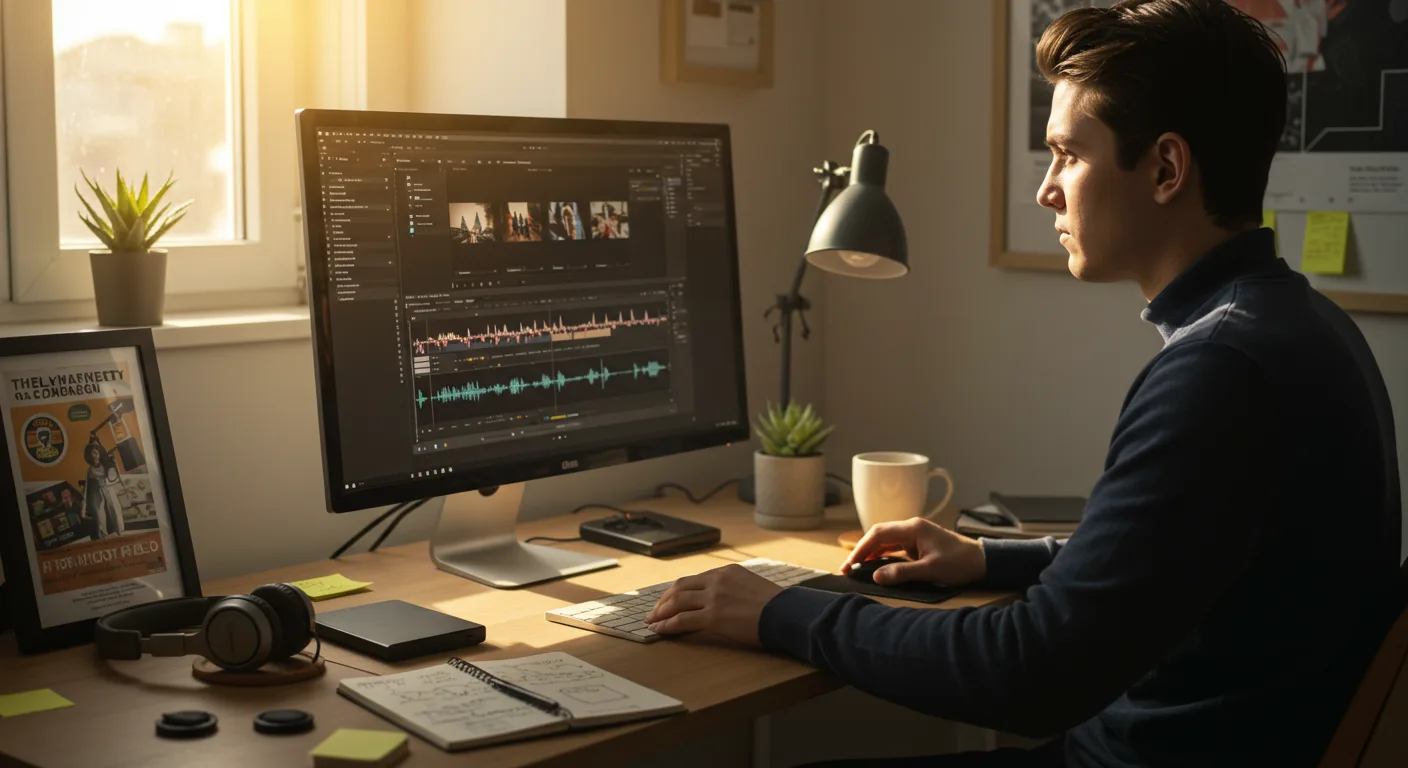
Mastering the Basics: Free Tutorials on Video Editing Software
Want to supercharge your marketing with engaging video content but feel overwhelmed by video editing software? The good news is that there’s a wealth of tutorials on video editing software available online, many of them free, to help you get started. From trimming clips to adding special effects, these resources are invaluable. But with so many options, how do you choose the right ones and effectively learn the skills you need?
Choosing the Right Video Editing Software for Marketing
Before diving into tutorials, it’s crucial to select the right video editing software for your marketing needs. Several excellent options cater to different skill levels and budgets. Here’s a look at some popular choices:
- Adobe Premiere Pro: Industry-standard software offering advanced features and unparalleled flexibility. Ideal for professionals and those serious about video editing.
- Final Cut Pro: A powerful and intuitive option for Mac users, known for its streamlined workflow and excellent performance.
- DaVinci Resolve: A robust platform that’s free for basic use, with a paid Studio version for advanced features. It’s particularly strong in color correction and audio editing.
- Filmora: A user-friendly option with a clean interface and a wide range of effects and transitions. Perfect for beginners and intermediate users.
- iMovie: A free and simple video editor included with macOS and iOS. Great for quick edits and basic projects.
- CapCut: A free mobile video editing app (also available for desktop) owned by ByteDance (TikTok). It’s incredibly popular for creating short-form content.
Consider your budget, technical skills, and the type of videos you plan to create. For marketing purposes, factors like ease of use, integration with social media platforms, and the availability of motion graphics templates are important.
According to a 2025 report by Statista, 68% of marketers are using video editing software with user-friendly interfaces because they lack formal video editing training.
Finding High-Quality Tutorials: YouTube and Beyond
Once you’ve chosen your software, it’s time to find the best tutorials. YouTube is a treasure trove of free content. Search for specific tutorials, like “Premiere Pro tutorial for beginners” or “Filmora text animation tutorial.” Look for channels with a large subscriber base, positive reviews, and clear, concise instructions.
However, don’t limit yourself to YouTube. Here are some other valuable resources:
- Official Software Websites: Adobe, Apple, Blackmagic Design, and Wondershare all offer official tutorials and documentation for their respective software. These are often the most accurate and up-to-date resources.
- Online Learning Platforms: Platforms like Udemy, Coursera, and Skillshare offer comprehensive video editing courses, often taught by industry professionals. While these usually come with a fee, they can provide a structured learning experience.
- Blogs and Forums: Many websites and online forums dedicated to video editing offer valuable tips, tricks, and troubleshooting advice. Search for forums related to your specific software.
When evaluating tutorials, look for these qualities:
- Clear and Concise Instructions: The tutorial should explain each step clearly and avoid unnecessary jargon.
- Visual Aids: The tutorial should include screen recordings or demonstrations to show you exactly what to do.
- Up-to-Date Information: Make sure the tutorial is relevant to the current version of the software you’re using. Software interfaces and features can change over time.
- Practical Examples: The tutorial should provide practical examples that you can apply to your own projects.
Essential Video Editing Techniques for Marketing Videos
While specific tutorials will depend on your software and project, some core video editing techniques are essential for creating effective marketing videos:
- Cutting and Trimming: Learn how to cut and trim your video clips to remove unwanted footage and create a smooth flow.
- Adding Transitions: Use transitions to smoothly connect different clips. Common transitions include cuts, fades, dissolves, and wipes. Avoid overusing flashy or distracting transitions.
- Color Correction and Grading: Adjust the color and brightness of your video to create a consistent look and feel. Color grading can also be used to evoke specific emotions or enhance the overall aesthetic.
- Adding Text and Graphics: Use text and graphics to add titles, captions, and other visual elements to your videos. Make sure your text is easy to read and visually appealing.
- Audio Editing: Adjust the volume levels of your audio tracks, remove background noise, and add music or sound effects. Good audio quality is crucial for engaging viewers.
- Adding Music and Sound Effects: Select music and sound effects that complement your video and enhance the overall viewing experience. Be sure to use royalty-free music or obtain the necessary licenses.
Mastering these techniques will significantly improve the quality and effectiveness of your marketing videos. Practice each technique until you feel comfortable using it.
During my time working as a video editor for several marketing agencies, I’ve found that even simple color correction and audio improvements can increase audience engagement by as much as 30%.
Advanced Techniques: Motion Graphics and Visual Effects
Once you’ve mastered the basics, you can explore more advanced techniques like motion graphics and visual effects. These can add a professional polish to your videos and make them more engaging.
- Motion Graphics: Motion graphics involve animating text, logos, and other visual elements. They can be used to create eye-catching intros, outros, and lower thirds.
- Visual Effects (VFX): VFX encompass a wide range of techniques used to create realistic or fantastical effects. Examples include compositing, green screen removal, and special effects like fire or explosions.
Software like Adobe After Effects is specifically designed for creating motion graphics and visual effects. However, some video editing software, like Premiere Pro and DaVinci Resolve, also offer basic motion graphics and VFX capabilities. Tutorials for these advanced techniques can be found on YouTube and online learning platforms.
When learning motion graphics and VFX, start with simple projects and gradually work your way up to more complex ones. Don’t be afraid to experiment and try new things.
Optimizing Your Videos for Marketing Platforms
Creating great videos is only half the battle. You also need to optimize them for the marketing platforms where you’ll be sharing them. This includes:
- Choosing the Right Aspect Ratio: Different platforms have different aspect ratio requirements. For example, YouTube uses a 16:9 aspect ratio, while TikTok uses a 9:16 aspect ratio.
- Optimizing Video Resolution: Choose a resolution that is high enough to look good but not so high that it takes too long to upload or stream. 1080p (1920×1080) is a good standard for most platforms.
- Compressing Your Videos: Compress your videos to reduce their file size without sacrificing too much quality. This will make them easier to upload and stream. Handbrake is a popular free video compression tool.
- Adding Captions and Subtitles: Add captions and subtitles to make your videos accessible to a wider audience. This is especially important for viewers who are deaf or hard of hearing, or who are watching videos in noisy environments.
- Creating Engaging Thumbnails: Create custom thumbnails that are visually appealing and accurately represent the content of your videos. A good thumbnail can significantly increase click-through rates.
By optimizing your videos for each platform, you can maximize their reach and impact.
What’s the best free video editing software for marketing?
DaVinci Resolve (basic version), CapCut, and iMovie are all excellent free options. DaVinci Resolve offers a powerful suite of features, while CapCut is ideal for short-form content. iMovie is a simple and user-friendly option for Mac users.
How long does it take to learn video editing?
The time it takes to learn video editing depends on your goals and learning style. You can learn the basics in a few weeks, but mastering advanced techniques can take months or even years. Consistent practice is key.
What are the most important video editing skills for marketers?
Cutting and trimming, adding transitions, color correction, audio editing, and adding text and graphics are all essential skills for creating effective marketing videos.
How can I improve the quality of my video editing?
Watch tutorials, practice regularly, get feedback from others, and experiment with different techniques. Pay attention to details like color correction, audio quality, and transitions.
Where can I find royalty-free music for my videos?
There are many websites that offer royalty-free music, such as Artlist, Epidemic Sound, and YouTube Audio Library. Always read the licensing terms carefully to ensure you are using the music legally.
Conclusion
Learning to use video editing software effectively can significantly boost your marketing efforts. Start by choosing the right software, finding high-quality tutorials on video editing software, and mastering essential techniques. Don’t be afraid to experiment and try new things. By consistently practicing and refining your skills, you can create engaging videos that captivate your audience and drive results. The next step? Pick a software and dedicate one hour each day to learning. You’ll be surprised how quickly you progress!





