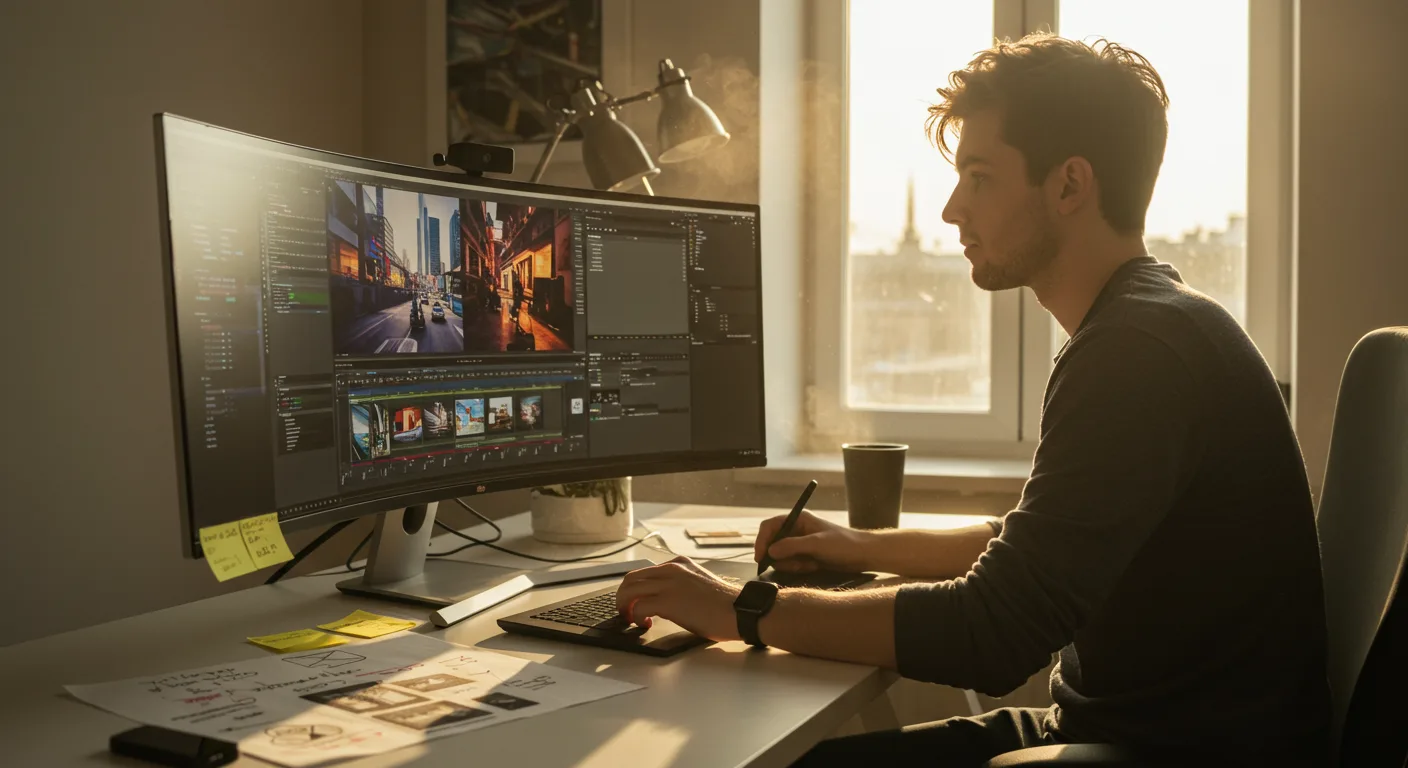
Mastering Video Editing for Marketing: A Beginner’s Guide
Are you ready to elevate your marketing game with compelling video content? Tutorials on video editing software are your gateway to creating professional-quality videos that captivate audiences and drive results. But with so many options available, where do you even begin? Let’s explore the essential steps to conquer video editing for marketing success.
Choosing the Right Video Editing Software for Marketing Needs
Selecting the appropriate video editing software is paramount. Your choice will depend on factors like your budget, technical skill level, and the specific features you require. For beginners, user-friendly interfaces and readily available tutorials are key.
Several popular options cater to different skill levels and budgets:
- For Beginners: iMovie (macOS) is an excellent starting point, offering a simple drag-and-drop interface and basic editing tools. Adobe Premiere Rush is another good choice, especially if you plan to eventually upgrade to more advanced software. It’s available on multiple platforms, including mobile.
- For Intermediate Users: Final Cut Pro (macOS) offers a more robust feature set than iMovie, including advanced color correction, motion graphics, and audio editing capabilities. Adobe Premiere Pro is the industry standard for professional video editing and provides a comprehensive suite of tools for complex projects.
- For Advanced Users: DaVinci Resolve is a powerful option that excels in color grading and visual effects. It’s used in many professional film and television productions.
Consider your operating system (Windows or macOS), budget (free, subscription-based, or one-time purchase), and required features (e.g., motion graphics, color correction, multi-cam editing) when making your decision. Don’t be afraid to try free trials of different software to see which one best suits your workflow.
According to a 2025 survey by Statista, Adobe Premiere Pro holds the largest market share among professional video editors, but Final Cut Pro boasts high user satisfaction ratings among Mac users.
Finding Effective Tutorials on Video Editing Software
Once you’ve chosen your software, it’s time to immerse yourself in tutorials. Fortunately, a wealth of resources is available online.
- Official Software Tutorials: Most video editing software developers offer their own tutorials. These are often the most comprehensive and up-to-date resources. Check the software’s website or YouTube channel for official tutorials. For example, Adobe offers extensive tutorials for Premiere Pro, while Apple provides detailed guides for Final Cut Pro.
- YouTube Channels: YouTube is a goldmine of video editing tutorials. Search for channels dedicated to your specific software. Channels like Peter McKinnon, Film Riot, and Every Tuesday offer valuable tips and tricks for video editing, motion graphics, and visual effects.
- Online Courses: Platforms like Udemy, Coursera, and Skillshare offer structured video editing courses. These courses often provide a more in-depth learning experience than free tutorials. Look for courses that cover the specific skills you need for marketing videos, such as creating engaging intros, adding text and graphics, and optimizing videos for social media.
- Software-Specific Forums and Communities: Engage with online communities and forums dedicated to your chosen software. These communities can be invaluable for troubleshooting problems, asking questions, and learning from other users’ experiences.
- Vendor Training: Many software vendors offer paid training and certifications. While these can be expensive, they can provide a structured learning path and demonstrate your expertise to potential employers or clients.
When choosing tutorials, look for instructors who are clear, concise, and engaging. Pay attention to the tutorial’s publication date to ensure that the information is up-to-date. Video editing software is constantly evolving, so outdated tutorials may not be relevant.
Essential Video Editing Techniques for Marketing Videos
Mastering a few key video editing techniques will significantly improve the quality and impact of your marketing videos:
- Cutting and Trimming: This is the foundation of video editing. Learn how to cut out unwanted footage, trim clips to the desired length, and create smooth transitions between scenes.
- Adding Text and Graphics: Text overlays and graphics can enhance your message and make your videos more engaging. Learn how to add titles, captions, and lower thirds to your videos. Use motion graphics to create eye-catching animations and visual effects.
- Color Correction and Grading: Color correction ensures that your footage has accurate colors and consistent exposure. Color grading allows you to create a specific mood or aesthetic for your videos.
- Audio Editing: High-quality audio is essential for a professional-looking video. Learn how to remove background noise, adjust audio levels, and add music and sound effects.
- Transitions and Effects: Transitions create smooth visual connections between clips, while effects can add visual interest and enhance your storytelling. Use transitions and effects sparingly to avoid distracting viewers.
- Optimizing for Different Platforms: Different social media platforms have different video specifications. Learn how to optimize your videos for each platform to ensure that they look their best. This includes adjusting the video resolution, aspect ratio, and file size.
Experiment with different techniques and find what works best for your brand and target audience.
Creating Engaging Video Content for Marketing Campaigns
The technical skills are important, but compelling content is king. Here are some tips for creating engaging video content for marketing campaigns:
- Know Your Audience: Before you start creating a video, understand your target audience’s needs, interests, and pain points. This will help you create content that resonates with them.
- Tell a Story: People connect with stories. Use storytelling techniques to create videos that capture your audience’s attention and keep them engaged.
- Keep it Short and Sweet: Attention spans are short, especially online. Aim for videos that are concise and to the point. Get your message across quickly and efficiently. A recent study by Wistia found that videos under 2 minutes long have the highest engagement rates.
- Use Visuals: Visuals are key to creating engaging videos. Use high-quality footage, graphics, and animations to keep your audience interested.
- Add a Call to Action: Every marketing video should have a clear call to action. Tell viewers what you want them to do after watching the video, such as visiting your website, subscribing to your channel, or making a purchase.
- Optimize for Mobile: Most people watch videos on their mobile devices. Make sure your videos are optimized for mobile viewing by using a vertical or square aspect ratio and adding captions for viewers who watch videos with the sound off.
- Use Music and Sound Effects: Music and sound effects can enhance the emotional impact of your videos and make them more engaging. Choose music and sound effects that are appropriate for your brand and target audience.
By combining technical skills with creative storytelling, you can create marketing videos that achieve your business goals.
Measuring the Success of Your Marketing Videos
Creating great videos is only half the battle. You also need to measure their performance to see what’s working and what’s not. Use analytics tools like Google Analytics, YouTube Analytics, and social media analytics to track key metrics such as:
- Views: The number of times your video has been viewed.
- Watch Time: The total amount of time viewers have spent watching your video.
- Engagement: Likes, comments, shares, and other interactions with your video.
- Click-Through Rate (CTR): The percentage of viewers who click on a link in your video or description.
- Conversion Rate: The percentage of viewers who take a desired action, such as making a purchase or filling out a form.
Analyze these metrics to identify areas for improvement. For example, if your video has a low watch time, you may need to make it more engaging or shorter. If your video has a low CTR, you may need to improve your call to action or thumbnail.
A/B testing can also be a valuable tool for optimizing your marketing videos. Experiment with different titles, thumbnails, and calls to action to see what performs best.
By continuously measuring and optimizing your videos, you can maximize their impact and achieve your marketing goals.
Staying Up-to-Date with Video Editing Software Trends
The world of video editing is constantly evolving, with new software, techniques, and trends emerging all the time. To stay ahead of the curve, it’s essential to stay up-to-date with the latest developments.
- Follow Industry Blogs and Publications: Subscribe to industry blogs and publications to stay informed about new software releases, updates, and trends. Websites like PremiumBeat, No Film School, and Videomaker offer valuable insights and resources for video editors.
- Attend Conferences and Workshops: Attend video editing conferences and workshops to learn from industry experts and network with other professionals. Events like NAB Show and VidCon offer valuable learning opportunities.
- Join Online Communities: Participate in online communities and forums to discuss video editing techniques, share tips and tricks, and learn from other users.
- Experiment with New Software and Techniques: Don’t be afraid to try out new software and techniques. Experiment with different tools and workflows to see what works best for you.
- Follow Influencers and Thought Leaders: Follow video editing influencers and thought leaders on social media to stay up-to-date with the latest trends and best practices.
By staying informed and embracing new technologies, you can ensure that your video editing skills remain relevant and competitive.
In conclusion, mastering tutorials on video editing software is an investment that pays dividends in the marketing sphere. By carefully selecting the right software, dedicating time to learning, and consistently measuring your results, you can create videos that resonate with your audience and drive meaningful results. Start today by exploring a free trial of a popular video editing software and watching a few introductory tutorials. Your journey to video marketing mastery begins now!
What’s the best free video editing software for marketing?
For beginners, iMovie (macOS) and DaVinci Resolve (Windows and macOS) are excellent free options. iMovie is user-friendly and great for basic editing, while DaVinci Resolve offers a surprising amount of advanced features for a free program.
How long should my marketing videos be?
Ideally, keep marketing videos under 2 minutes for maximum engagement. For platforms like TikTok or Instagram Reels, even shorter videos (15-60 seconds) tend to perform best. Focus on delivering your message concisely.
What are the most important video editing skills for marketers?
Mastering cutting and trimming, adding text and graphics, color correction, and audio editing are crucial. Also, understanding how to optimize videos for different social media platforms is essential.
Where can I find royalty-free music and sound effects for my videos?
Several websites offer royalty-free music and sound effects, including Epidemic Sound, Artlist, and Pixabay. Always check the licensing terms before using any music or sound effects in your videos.
How can I improve the audio quality of my videos?
Use an external microphone instead of your camera’s built-in microphone. Record in a quiet environment with minimal background noise. Use audio editing software to remove noise, adjust levels, and add music or sound effects. Consider using a pop filter and shock mount for your microphone.




