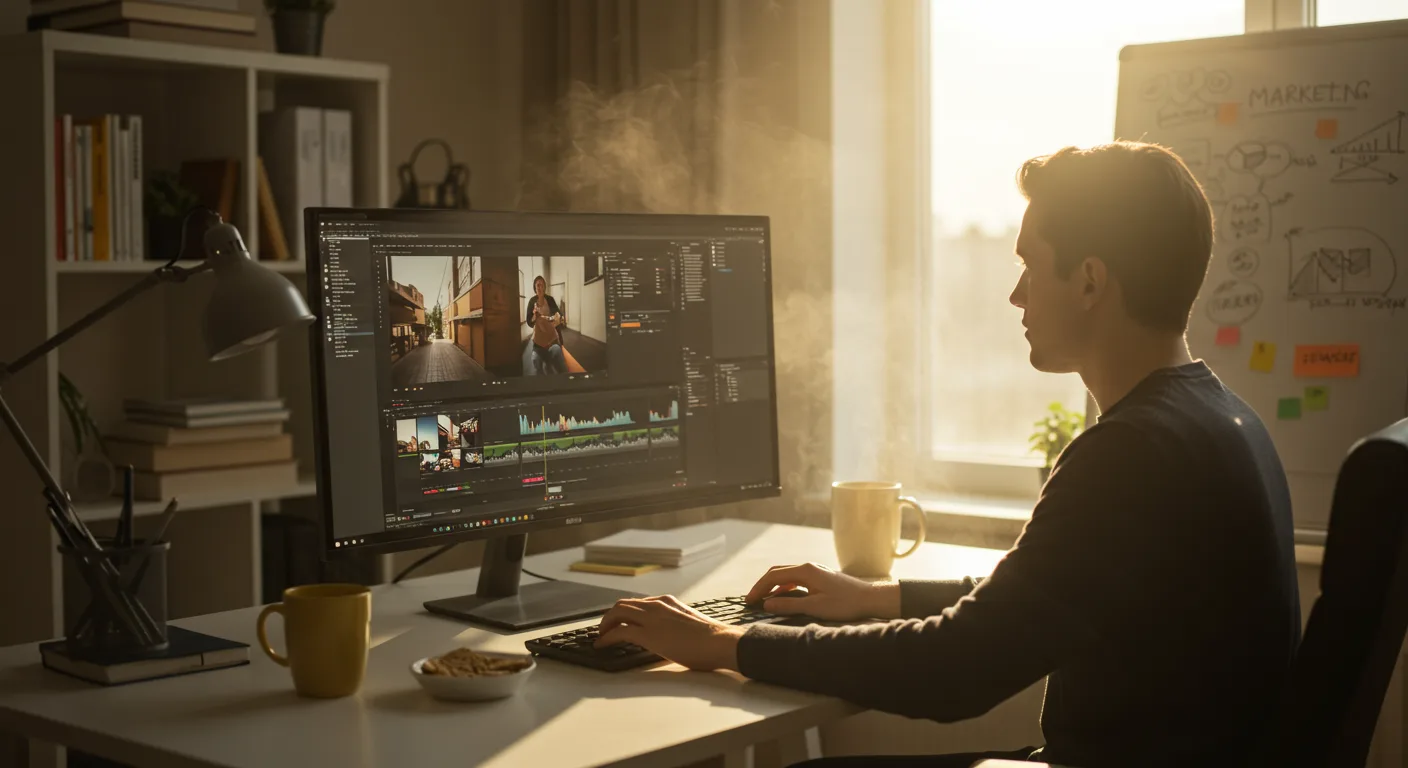
A Beginner’s Guide to Tutorials on Video Editing Software (e.g., Marketing)
Are you ready to unlock the power of video for your marketing efforts but feel overwhelmed by the technical aspects? Mastering video editing can seem daunting, but with the right tutorials on video editing software, even beginners can create compelling content. What if you could transform your marketing strategy with just a few key skills and the right resources?
Understanding the Landscape of Video Editing Software Options
The world of video editing software is vast, offering a range of options to suit different needs and skill levels. For marketing purposes, you’ll want to consider factors like ease of use, features, pricing, and compatibility with your existing workflow. Let’s break down some popular choices:
- Beginner-Friendly Options: Software like iMovie (for Mac users) and Windows Movie Maker (now replaced by the Photos app with video editing capabilities) are excellent starting points. They offer intuitive interfaces and basic editing tools, perfect for learning the fundamentals. These are often free or come pre-installed on your computer.
- Intermediate Options: Adobe Premiere Elements and Corel VideoStudio provide a step up in features, including more advanced editing tools, effects, and transitions. These typically come with a one-time purchase price.
- Professional Options: For serious marketing professionals, software like Adobe Premiere Pro, Final Cut Pro, and DaVinci Resolve offer the most comprehensive feature sets. They are used by filmmakers and professional video editors and usually require a subscription or a higher one-time purchase. DaVinci Resolve even has a robust free version available.
Before committing to any software, take advantage of free trials or free versions to experiment and see which platform best aligns with your needs. Consider your budget, technical expertise, and the types of videos you plan to create.
Based on my experience training marketing teams, many find Adobe Premiere Pro the most versatile option for long-term growth, despite the initial learning curve.
Finding the Right Video Editing Tutorials for Your Skill Level
Once you’ve chosen your software, the next step is to find the right tutorials. Not all tutorials are created equal; some are too basic, while others are too advanced. Here’s how to find the perfect fit:
- Start with the Basics: If you’re a complete beginner, look for tutorials that cover the fundamental concepts of video editing, such as importing footage, trimming clips, adding transitions, and exporting your final video.
- Search by Software and Task: Be specific in your searches. For example, instead of searching “video editing tutorial,” try “iMovie tutorial for beginners” or “Premiere Pro tutorial for adding text.”
- Utilize Official Resources: Most software companies offer their own tutorials, documentation, and support forums. These are often the most reliable and up-to-date resources. Adobe Help, for example, offers extensive tutorials for all Adobe products.
- Explore Online Learning Platforms: Platforms like Udemy, Skillshare, and YouTube are treasure troves of video editing tutorials. Look for instructors with positive reviews and clear teaching styles.
- Join Online Communities: Engage with online forums and communities dedicated to video editing. These are great places to ask questions, share tips, and get feedback on your work.
Remember to practice consistently and don’t be afraid to experiment. Video editing is a skill that improves with time and effort.
Essential Video Editing Techniques for Marketing Success
While the specific techniques you’ll use will depend on your marketing goals, some are universally valuable. Mastering these core skills will dramatically improve your video content:
- Compelling Storytelling: Every good marketing video tells a story. Learn how to craft a narrative that engages your audience and conveys your message effectively. Consider using the AIDA (Attention, Interest, Desire, Action) framework to structure your videos.
- Effective Transitions: Transitions can make or break a video. Use them sparingly and intentionally to create a smooth and professional flow. Avoid overly flashy or distracting transitions.
- Strategic Use of Text and Graphics: Text overlays and graphics can enhance your message and provide additional context. Ensure they are legible, visually appealing, and consistent with your brand.
- Audio Enhancement: High-quality audio is crucial. Learn how to reduce background noise, balance audio levels, and add music or sound effects to create the desired mood.
- Color Correction and Grading: Color correction ensures that your footage has consistent colors and exposure, while color grading allows you to create a specific visual style.
*A study by Wyzowl in 2025 found that 87% of marketers reported video increased traffic to their website. Mastering these techniques can boost your marketing ROI.*
Optimizing Your Video Editing Workflow for Efficiency
Efficiency is key, especially when dealing with tight deadlines. Here are some tips to optimize your video editing workflow:
- Organize Your Files: Create a clear folder structure for your footage, audio, and project files. This will save you time and frustration in the long run.
- Use Keyboard Shortcuts: Learn the keyboard shortcuts for your chosen software. This can significantly speed up your editing process.
- Create Templates: Develop templates for common video types, such as product demos or social media ads. This will save you time and ensure brand consistency.
- Utilize Proxy Editing: If you’re working with high-resolution footage, consider using proxy editing. This involves creating smaller, lower-resolution versions of your files for editing, which reduces the strain on your computer.
- Backup Your Work: Regularly back up your project files to prevent data loss. Consider using cloud storage or an external hard drive.
Based on my experience training marketing teams, implementing these workflow tips can reduce editing time by up to 30%.
Advanced Techniques: Elevating Your Marketing Videos
Once you’ve mastered the basics, you can start exploring more advanced techniques to elevate your marketing videos:
- Motion Graphics: Adding motion graphics can make your videos more engaging and visually appealing. Software like Adobe After Effects is a powerful tool for creating complex animations.
- Green Screen Editing: Green screen (chroma key) allows you to replace the background of your footage with any image or video. This is a great way to create visually stunning videos without needing a physical set.
- 360° Video Editing: If you’re creating 360° videos, you’ll need to learn how to edit and stitch together the footage from multiple cameras.
- Virtual Reality (VR) Video Editing: VR video editing takes 360° video to the next level by creating immersive experiences for viewers.
- AI-Powered Editing Tools: Explore AI-powered tools that can automate tasks like object removal, audio cleanup, and color correction. These tools can save you time and improve the quality of your videos.
Remember to stay up-to-date with the latest trends and technologies in video editing. The industry is constantly evolving, and new tools and techniques are emerging all the time.
Conclusion
Mastering video editing for marketing doesn’t happen overnight, but with the right tutorials on video editing software and a commitment to practice, anyone can create compelling content. Start with the basics, explore different software options, optimize your workflow, and continuously learn new techniques. By investing in your video editing skills, you can unlock the full potential of video marketing and drive significant results for your business. Your actionable takeaway is to choose one technique mentioned in this article and find a tutorial to practice it today.
What is the best video editing software for beginners?
iMovie (for Mac) and the Windows Photos app (for Windows) are excellent starting points due to their user-friendly interfaces and basic features. They are typically free or come pre-installed.
Where can I find free video editing tutorials?
YouTube is a great resource for free tutorials. Many software companies also offer free tutorials on their websites. Platforms like Skillshare and Udemy offer free introductory courses.
How important is audio quality in video editing?
Audio quality is extremely important. Poor audio can ruin an otherwise great video. Focus on reducing background noise, balancing audio levels, and using appropriate music or sound effects.
What are some essential video editing techniques for marketing?
Essential techniques include compelling storytelling, effective transitions, strategic use of text and graphics, audio enhancement, and color correction/grading.
How can I optimize my video editing workflow?
Organize your files, use keyboard shortcuts, create templates, utilize proxy editing (if needed), and regularly back up your work.




