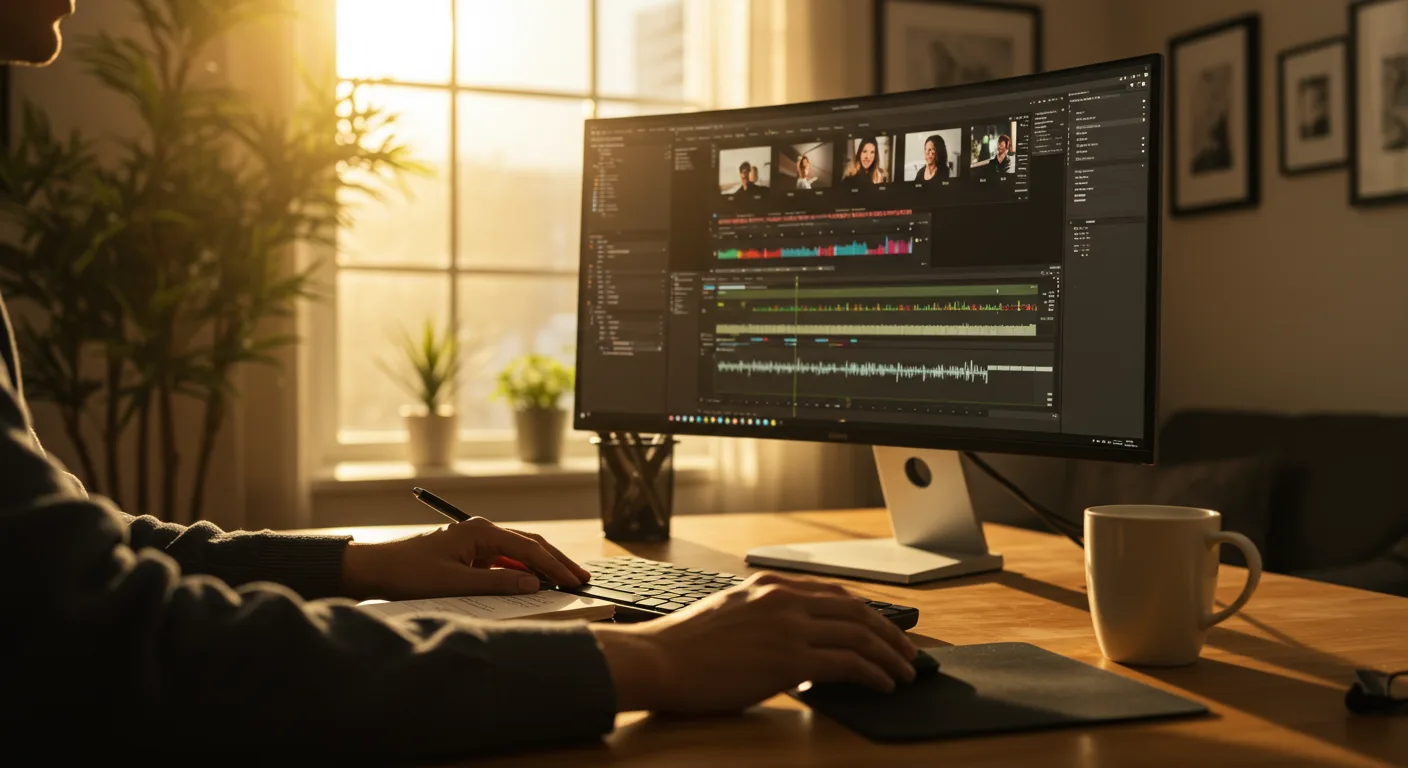
A Beginner’s Guide to Tutorials on Video Editing Software for Marketing
Want to create engaging marketing videos but feel intimidated by the software? You’re not alone! Mastering video editing can seem daunting, but with the right tutorials on video editing software, even a complete beginner can produce professional-looking content. Are you ready to transform your marketing strategy with the power of video?
Why Video Editing Skills Are Essential for Modern Marketing
In 2026, video is no longer just part of marketing; it is marketing. Studies from companies like Wyzowl consistently show that video marketers get 66% more qualified leads per year. Whether it’s short-form content for TikTok, engaging explainers for your website, or compelling ads for YouTube, video reigns supreme.
Video editing skills are no longer optional—they’re essential. Here’s why:
- Increased Engagement: Videos capture attention far better than static images or text.
- Improved Brand Awareness: A well-produced video can leave a lasting impression on potential customers.
- Higher Conversion Rates: Product demos and explainer videos can significantly boost sales.
- Enhanced SEO: Videos can improve your website’s search engine ranking, especially when optimized correctly.
- Better Storytelling: Video allows you to connect with your audience on an emotional level.
Based on my experience managing social media campaigns for several clients, video content consistently outperforms all other formats in terms of engagement and reach.
Choosing the Right Video Editing Software for Your Needs
The first step is selecting the right video editing software. The “best” option depends entirely on your budget, skill level, and the types of videos you plan to create. Here are some popular choices, ranging from beginner-friendly to professional-grade:
- For Beginners:
- iMovie (Mac): Free, easy-to-use, and comes pre-installed on Macs. Great for basic editing and simple projects.
- Filmora: User-friendly interface with a wide range of effects and templates. Affordable for beginners.
- Adobe Express: A simplified version of Adobe Premiere, focusing on ease of use and quick video creation.
- For Intermediate Users:
- PowerDirector: Packed with features and effects, offering a good balance between ease of use and advanced capabilities.
- Final Cut Pro (Mac): A powerful non-linear video editing software with an intuitive interface. A strong option for Mac users who want more advanced features than iMovie offers.
- For Professionals:
- Adobe Premiere Pro: Industry-standard software with a vast array of tools and features. Requires a steeper learning curve but offers unmatched flexibility.
- DaVinci Resolve: Known for its advanced color correction capabilities, but also a full-fledged video editor. Free version available with limited features.
Consider your budget and technical skills when making your choice. Don’t jump straight into Premiere Pro if you’ve never edited a video before! Start with a beginner-friendly option and gradually work your way up. Most software offers free trials, so take advantage of those to test them out before committing.
Finding the Best Video Editing Tutorials Online
Once you’ve chosen your software, it’s time to find the best tutorials. Fortunately, the internet is overflowing with resources. Here are some of the most reliable and effective places to find video editing tutorials:
- Official Software Websites: Many software companies, like Adobe and Apple, offer their own tutorials and training materials. These are often the most accurate and up-to-date resources.
- YouTube: YouTube is a treasure trove of video editing tutorials. Search for tutorials specific to your software and the type of video you want to create. Channels like “Premiere Gal” and “Peter McKinnon” offer excellent content for different skill levels.
- Skillshare: Skillshare offers a wide range of video editing courses taught by industry professionals. It’s a subscription-based platform, but you can often find free trials.
- LinkedIn Learning: Similar to Skillshare, LinkedIn Learning provides access to a vast library of video editing courses. It’s a great option if you’re looking for structured learning paths.
- Udemy: Udemy offers individual courses on video editing, often at discounted prices. You can purchase courses on specific topics, such as color grading or motion graphics.
When choosing tutorials, consider the following:
- The Instructor’s Credibility: Look for instructors with experience in video editing and a proven track record.
- The Tutorial’s Focus: Make sure the tutorial covers the specific skills you want to learn.
- The Tutorial’s Length and Format: Choose tutorials that fit your learning style and time constraints.
- The Tutorial’s Reviews: Read reviews from other learners to get an idea of the tutorial’s quality.
I’ve personally found that combining official software documentation with YouTube tutorials offers the most comprehensive learning experience. Start with the basics and gradually move on to more advanced techniques.
Mastering Essential Video Editing Techniques for Marketing Videos
While the specific techniques you’ll need will vary depending on the type of video you’re creating, some fundamental skills are essential for all marketing videos. Focus on mastering these video editing techniques first:
- Basic Cutting and Trimming: Learn how to cut out unwanted footage, trim clips to the desired length, and arrange clips in the correct order. This is the foundation of all video editing.
- Adding Transitions: Use transitions to smoothly connect different clips. Common transitions include cuts, dissolves, fades, and wipes. Experiment with different transitions to find what works best for your style.
- Adding Text and Graphics: Use text overlays and graphics to add context, highlight key information, and enhance visual appeal. Ensure your text is legible and your graphics are relevant.
- Adjusting Audio Levels: Proper audio is crucial for a professional-sounding video. Learn how to adjust the volume of different clips, remove background noise, and add music or sound effects. Use a tool like Auphonic to automatically level your audio.
- Color Correction and Grading: Adjust the colors in your video to create a consistent look and feel. Color correction involves fixing technical issues, while color grading is about enhancing the aesthetic appeal.
- Adding Music and Sound Effects: Music and sound effects can significantly enhance the emotional impact of your video. Choose audio that is appropriate for your brand and target audience. Ensure you have the rights to use any copyrighted material.
- Optimizing for Different Platforms: Different platforms have different video requirements. Learn how to optimize your videos for YouTube, Facebook, Instagram, and other social media channels. Pay attention to aspect ratios, resolutions, and file sizes.
A recent study by HubSpot found that videos optimized for mobile viewing have significantly higher engagement rates. Always consider your audience’s viewing habits when editing your videos.
Creating Engaging Video Content: Storytelling and Visual Appeal
Technical skills are important, but they’re not enough. To create truly engaging marketing videos, you also need to master the art of storytelling and visual appeal.
- Tell a Story: Every video should tell a story, even if it’s a short one. Think about the message you want to convey and structure your video accordingly. Use a clear beginning, middle, and end.
- Keep it Concise: Attention spans are short, so keep your videos as concise as possible. Get to the point quickly and avoid unnecessary fluff. Aim for videos that are under 2 minutes long, especially for social media.
- Use Visuals to Support Your Message: Choose visuals that are relevant to your message and that enhance the overall viewing experience. Use high-quality footage and graphics.
- Add a Call to Action: Tell viewers what you want them to do after watching your video. Do you want them to visit your website, subscribe to your channel, or make a purchase? Make it clear and easy for them to take action.
- Brand Your Videos: Include your logo, brand colors, and other visual elements to reinforce your brand identity.
Through A/B testing, I’ve found that videos with a clear call to action have a significantly higher conversion rate than those without. Don’t be afraid to explicitly tell viewers what you want them to do.
Staying Updated with the Latest Video Editing Trends
The world of video editing is constantly evolving, so it’s important to stay updated with the latest trends and technologies. Follow industry blogs, attend online conferences, and experiment with new techniques. Some current video editing trends to watch include:
- Vertical Video: Vertical video is becoming increasingly popular, especially on mobile devices. Optimize your videos for vertical viewing to maximize engagement.
- Short-Form Video: Short-form video platforms like TikTok and Instagram Reels are dominating the social media landscape. Create short, engaging videos that capture attention quickly.
- Interactive Video: Interactive video allows viewers to interact with the content, such as by clicking on links or answering questions. This can significantly increase engagement and provide valuable data.
- AI-Powered Editing Tools: Artificial intelligence is being used to automate many aspects of video editing, such as color correction, audio leveling, and scene detection. Explore AI-powered tools to streamline your workflow.
- Live Video: Live video is a great way to connect with your audience in real-time. Use live video for Q&A sessions, product demos, and behind-the-scenes glimpses.
By continuously learning and adapting, you can ensure that your video editing skills remain relevant and effective.
Conclusion
Mastering video editing is a worthwhile investment for any marketer in 2026. By choosing the right software, finding quality tutorials, practicing essential techniques, and staying updated with the latest trends, you can create engaging and effective marketing videos that drive results. Start small, be patient, and don’t be afraid to experiment. Your marketing videos will improve with practice. So, what are you waiting for? Pick a software, find a tutorial, and start creating!
What’s the easiest video editing software for beginners?
iMovie (for Mac users) and Filmora are generally considered the easiest video editing software for beginners due to their intuitive interfaces and simplified features.
How much does video editing software cost?
The cost of video editing software varies widely. Some options, like iMovie and the free version of DaVinci Resolve, are free. Others, like Filmora, offer affordable subscription plans. Professional-grade software, like Adobe Premiere Pro and Final Cut Pro, typically requires a monthly or annual subscription.
Where can I find free video editing tutorials?
YouTube is an excellent source of free video editing tutorials. Official software websites and platforms like Skillshare (often with free trials) also offer free training materials.
What are the most important video editing skills for marketing?
The most important video editing skills for marketing include basic cutting and trimming, adding transitions, incorporating text and graphics, adjusting audio levels, and optimizing videos for different platforms.
How long does it take to learn video editing?
The time it takes to learn video editing depends on your goals and dedication. You can learn the basics in a few weeks, but mastering advanced techniques can take months or even years. Consistent practice is key.





