 By Editorial Team
Key Takeaways
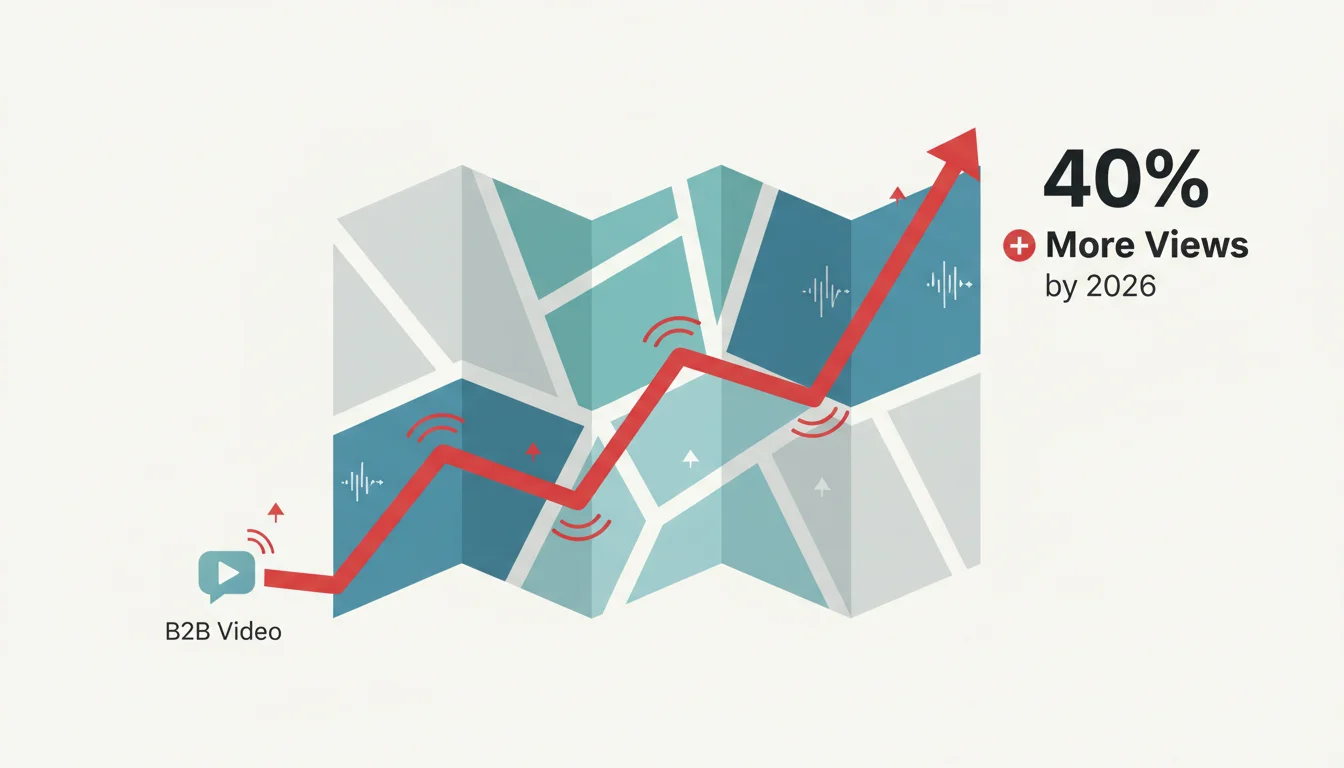
- Adding B2B video subtitles can make viewers watching without sound up to 40% more likely to finish your video, which is a huge chunk of the professional audience you’re probably missing.
- By 2026, you’ll need accurate captions and audio descriptions to be legally compliant in many places thanks to laws like the Americans with Disabilities Act (ADA) and the European Accessibility Act, so this isn’t optional if you want to avoid legal trouble.
- If you build subtitles into your video production workflow from the get-go, you’ll spend less money on post-production fixes and get far better accuracy than just relying on auto-captions.
- On platforms like LinkedIn Ads, video ads with subtitles get about 25% more engagement because most people are scrolling with the sound off.
- The best way to generate subtitles is to use AI transcription for speed and then have a human review it for accuracy. This gets you the best of both worlds.
Video is obviously a huge part of B2B marketing now for explaining complex stuff and making your brand look smart. But so many companies spend a fortune on video and then forget a basic thing that torpedoes their ROI: B2B video subtitles. If you skip subtitles, you’re throwing away a huge part of your audience and pretty much wasting your money.
The Unseen Audience: Why Subtitles Are Non-Negotiable
Nobody watches video with the sound on anymore. The idea that they do is completely outdated. Think about your target B2B buyer: they’re scrolling their LinkedIn feed in a loud open-plan office, on a train, or with another meeting droning on in the background. They want your information, but they either can’t or won’t turn on the audio. Your whole message is lost without subtitles. The numbers back this up completely. A Statista report from early 2026 showed that over 85% of social media video is watched on mute. That’s the default now. For B2B decision-makers who are always short on time and jumping between tasks, subtitles are an absolute necessity, allowing them to get your point almost instantly no matter where they are. This isn’t a fad. It’s getting more ingrained as everyone moves to mobile-first. If your B2B video ads aren’t built for silent viewing, you’re basically talking to an empty room.
Beyond Engagement: The Imperative of Accessibility
Engagement is one thing, but the bigger conversation around video now is accessibility. This has teeth. You’re dealing with legal compliance and ethical responsibility. By 2026, accessibility rules are much tighter, especially if you do business internationally. Laws like the Americans with Disabilities Act (ADA) here in the US and the European Accessibility Act (EAA) now require digital content to be accessible. For video, that means subtitles are non-negotiable. Without accurate, synced subtitles, your videos are completely useless to the deaf and hard-of-hearing community, which is not only a bad look but also a great way to get sued. We saw this in 2025, when a few big companies got hit with lawsuits over their lack of captions, costing them a ton in legal fees and brand damage. And it goes further than just subtitles to include things like audio descriptions for visually impaired users, which is something you have to think about for longer content like product demos. Getting ahead of these standards keeps you out of legal trouble and shows your business actually cares about inclusion, which is something a lot more partners and customers are looking for.
SEO Benefits and Content Repurposing
Subtitles do more than just help viewers. They’re also a huge gift to your SEO and content teams. Google can’t watch a video. It needs text to figure out what you’re talking about, and that’s exactly what a subtitle file delivers. When you upload an SRT or VTT file with your video, you’re basically handing Google a full transcript. It gets indexed, and suddenly your video can rank for every single keyword, long-tail phrase, and bit of industry jargon you mention. Think about a technical product demo, without subtitles, all those valuable, specific terms are invisible to search engines. With subtitles, your video’s chance of being discovered skyrockets, which means more organic traffic to the video and your site. Then there’s the content repurposing angle. That transcript is gold. You can instantly turn it into:
- Blog posts: Just clean up the transcript and you’ve got a detailed article ready to go.
- Infographics: Pull out stats and quotes for some quick visual content.
- Social media snippets: Grab compelling quotes and blast them out to drive people to the full video.
- E-books or whitepapers: Stitch together a few related video transcripts and you’ve got a lead-gen magnet.
You’re not just making a video. You’re creating a whole campaign’s worth of material from one piece of work, which is incredibly efficient if you’re a B2B brand creating a lot of educational stuff.
Implementing Subtitles: Best Practices and Tools
Getting B2B subtitles right means having a process. Just hitting the auto-caption button on YouTube or in Meta Business Suite isn’t going to cut it. Sure, those tools are better than they were, but they’ll choke on your company’s name, your CEO’s name, and every piece of industry jargon you use, making you look sloppy. The best approach is a mix of machine speed and human intelligence. Here’s a solid workflow:
- Automated Transcription: Run your video through an AI service first. Something like Rev.com or Otter.ai will give you a decent first draft, and by 2026, most editing software has this built-in.
- Human Review and Editing: This is the most important part. Get a human, preferably one who knows your industry, to go through that transcript line by line to fix all the mistakes, add punctuation, and correct the spelling of your products. If you have multiple speakers, make sure they’re identified correctly.
- Timing and Synchronization: Check that the captions actually line up with the audio. Good subtitle software makes it easy to nudge the timing so it’s perfect.
- Formatting for Readability: The text has to be easy to read. Use a clean font, make it big enough, and put a background or outline on it so it stands out. Stick to two lines per caption at most, and don’t flash them so fast that people can’t keep up (a good rule of thumb is 15-20 characters per second).
- Multiple Language Support: If you sell internationally, get your subtitles translated. It opens up huge markets and shows you’re making an effort. Lots of services can translate your finished SRT file for you.
- File Formats: Save the final files as SRT (SubRip Subtitle) or VTT (WebVTT). Every platform accepts these.
The biggest mistake is treating subtitles as an afterthought. Build this into your production plan from day one. Your script is basically the first draft of your subtitles, so write it clearly.
The Future of Video Engagement in B2B
Going forward, all B2B video has to be adaptable, findable, and accessible to everyone. That’s just the table stakes. As the tech gets better, so do expectations. We’re already seeing things like interactive subtitles where you can click a word to get a definition, and that’s only going to become more common. Could we see a future where subtitles are dynamically generated based on a user’s reading speed or vocabulary preference? Probably. Not having subtitles on your B2B videos today is like launching a website ten years ago that didn’t work on phones. It’s a massive blind spot that kills your reach, makes your message less effective, and opens you up to legal problems. Putting real effort into good, accurate subtitles gets you more engagement, better SEO, and makes your brand look more inclusive. It’s not a box-checking exercise. It’s an investment that makes your content actually perform. For more on making your money back, see how this fits with your video ad ROI, and it’s always good to keep an eye on the wider video ad industry shifts.
What is the primary benefit of adding subtitles to B2B video ads?
You reach a much bigger audience. Over 85% of people watch social videos with the sound off, especially in professional settings. Subtitles mean they’ll actually get your message instead of just scrolling past.
Are subtitles legally required for B2B video content?
Yes. In the US, the Americans with Disabilities Act (ADA) is a factor, and in Europe, the European Accessibility Act (EAA) makes it a requirement. If your videos aren’t accessible to people with disabilities, including the deaf and hard-of-hearing, you could face legal issues.
How do subtitles improve video SEO?
Search engines can’t watch videos, but they can read text. A subtitle file is a complete transcript that Google can index. This helps your video show up in search results when people look for the specific terms you talked about.
Can I just use auto-generated captions for my B2B videos?
You can start with them, but don’t stop there. Auto-captions are notoriously bad with technical terms, company names, and accents. You absolutely need a human to review and fix them or you’ll look unprofessional.
What are the best practices for formatting subtitles for readability?
Use a clean font with good contrast (like white text with a black outline). Keep captions to two lines maximum. Make sure they stay on screen long enough to be read (around 15-20 characters per second is a good pace) and that they sync perfectly with the spoken words.


