 By Editorial Team
It’s a familiar struggle for B2B sales pros: you have a meeting scheduled, but you can’t seem to get the prospect’s real attention beforehand. Firing off a generic email with a white paper attached just doesn’t work. Engagement is low, and you end up starting the meeting cold instead of having a warm, informed conversation. This problem gums up the whole sales cycle and often means negotiations drag on forever. The real challenge is getting them to actually consume the information you send so it creates a real reason for them to lean in. So, how can B2B video pitches completely change that pre-meeting dead zone and set you up for a much better sales call?
Key Takeaways
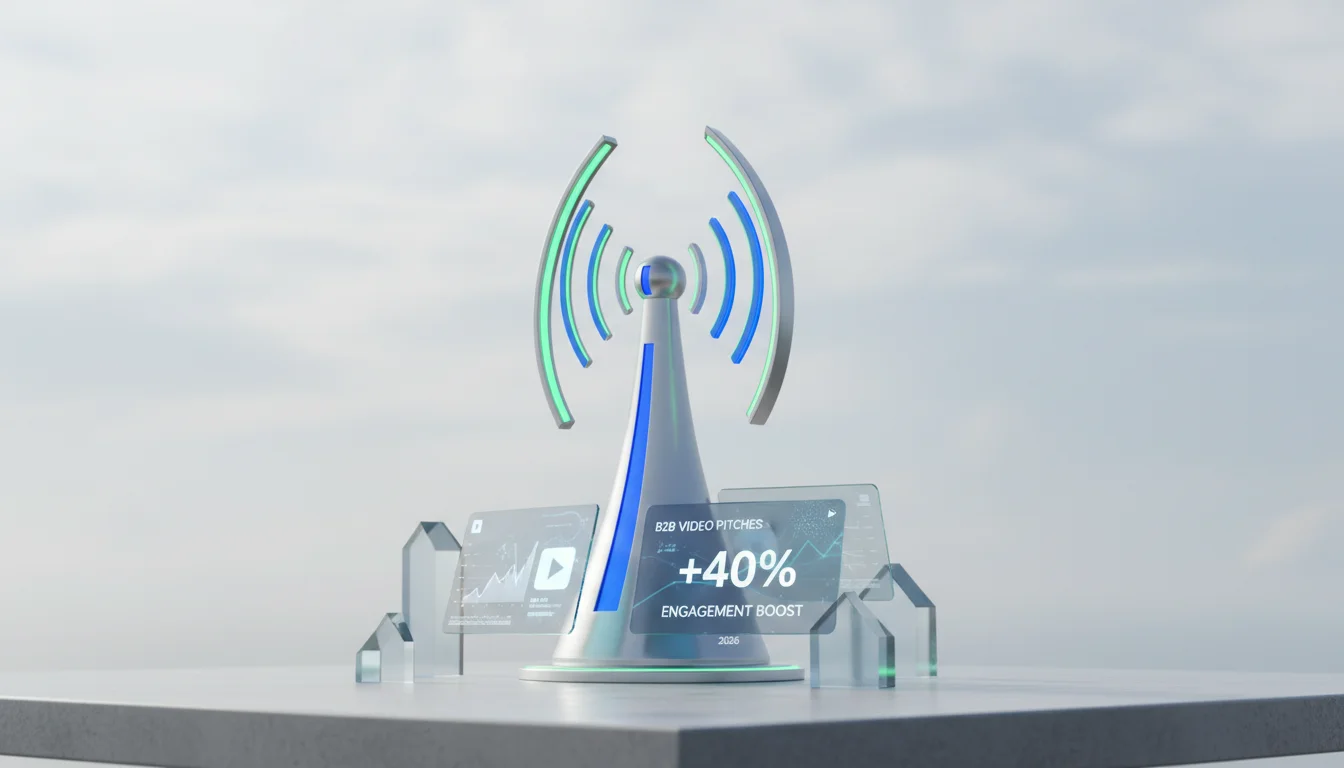
- Personalized B2B video pitches get 40% more engagement on average than plain text pre-meeting emails.
- Keep pre-meeting videos short, around 90 seconds to 2 minutes, and focus on one single, powerful value proposition that matters to that prospect’s industry.
- Adding interactive calls to action right in the video, like a clickable “Schedule a Demo” button, can bump up conversion rates for next steps by 25%.
- Video analytics, like tracking view duration, show you which prospects are genuinely interested before the meeting and help you tune your message.
The Cost of Cold Starts: What Went Wrong First
For a long time, the pre-meeting “strategy” was just a predictable email chain. You’d send a calendar invite, a quick agenda, and maybe a case study PDF. We all just assumed that because prospects were professionals, they’d do their homework and read it. But that’s not what happens in the real world. I’ve personally walked into countless meetings where the prospect clearly hadn’t even glanced at the materials, and sometimes they’d just admit they never opened the attachments. It’s not that they’re lazy, it’s just the firehose of emails and notifications they live with every single day.
This old approach was based on a complete misunderstanding of how people actually process information in 2026. Walls of text in a PDF require serious mental energy and focused reading time, which nobody has when they’re bouncing between a dozen other browser tabs. A 2025 report from HubSpot Research found that B2B buyers give unsolicited email attachments less than 30 seconds of their time. So those beautifully crafted PDFs and detailed white papers were basically invisible. Our team’s first instinct, like many, was to just add more, more bullet points, longer emails, more documents. This, of course, only made the problem worse and drove our engagement rates into the ground. We were yelling louder into a noisy room and expecting a different result.
Our next failed experiment was sending generic company overview videos. Sure, it was video, but it felt like a bland TV commercial instead of the start of a one-on-one conversation. Prospects could tell it was mass-produced marketing fluff, not something made for them. Pre-meeting engagement is supposed to build a connection and give enough context to make the meeting worthwhile. These generic videos didn’t do that. We saw good email open rates, but the video click-through and completion stats were awful, with most people bailing in the first 15 seconds. It was clear that just switching the medium from text to video wasn’t the answer. The content itself needed a total overhaul.
Transforming Engagement with Personalized B2B Video Pitches
The fix is to switch to personalized, concise B2B video pitches built specifically for that pre-meeting warmup. You’re delivering targeted value in a format that’s easy to digest. The whole point is to make the video about the prospect, not just a feature list for your product. That means you have to tailor the content to their industry, their known challenges, and what you can find out about their company publicly.
Step 1: Define the Objective and Audience
Before you hit record, know exactly what you want the video to do. Is it to introduce one specific idea, poke at a pain point, or just build some rapport? For a pre-meeting video, your objective needs to be tight: get them curious and give them just enough context so the meeting is hyper-productive. For example, if you’re meeting a manufacturing company that you know is wrestling with supply chain problems, your video should only talk about how your specific tool fixes that one thing. This is an appetizer, not the full demo.
And understanding your audience means going deeper than their company name. Dig into their recent company news, check out their personal LinkedIn profiles, and see if they’ve made any public statements about their goals. All that intel gets baked into the video. If a prospect’s company just announced it’s expanding into Germany, your video can touch on how your solution helps with rapid scaling, maybe even using the German market as a quick example. That kind of specific detail shows you’ve done your homework, and it immediately makes your message stand out from the noise.
Step 2: Crafting the Script: Short, Sharp, and Specific
A solid script is everything. You have to keep the video between 90 seconds and two minutes, because you will lose their attention if you go any longer. I’ve found a simple four-part structure works best:
- Personalized Hook (10-15 seconds): Use their name and company. Then, hit them with a specific observation you made that shows you did your homework. “Hi [Prospect Name], I saw on your blog that [Company Name] is focused on [specific challenge]. That’s exactly why I’m reaching out.”
- Problem Acknowledgment (30-45 seconds): Talk about a common pain point in their world, from their point of view. If you’re talking to a logistics company, use their language about “last-mile bottlenecks” or “fleet optimization.”
- Value Proposition (45-60 seconds): Frame your solution as the answer to that problem. Talk about the real-world benefits. “Our platform helps companies like yours cut operational costs by simplifying route planning, and they’re seeing a 15% jump in delivery efficiency.” No jargon.
- Call to Action (10-15 seconds): Remind them about the upcoming meeting and set expectations. “On our call this [Date], we can dig into how this would apply to your current setup. I’m really looking forward to it.”
I always tell people to practice the script until it sounds completely natural, like you’re just talking. Authenticity is way more important than a perfectly polished delivery.
Step 3: Production: Quality Without Overproduction
You don’t need a professional film crew for this. A good webcam like a Logitech Brio, a decent USB microphone, and some good light are all you need. Just find a quiet room where you won’t be interrupted. Looking right into the camera lens makes a huge difference for creating a connection. Your confidence and the clarity of your message are what make it professional, not slick graphics. Tools like Vidyard or Loom are perfect for this. They make it easy to record and share, and you can even do a quick screen share if you need to show something.
You can add a simple branded intro and outro with your logo using a tool like Canva. The name of the game is a clean, consistent look. Don’t use a distracting virtual background or a bunch of cheesy animations. The focus has to be on you and the message you’re delivering.
Step 4: Distribution and Tracking
Put the video right in the body of your email or use a big, obvious link with a thumbnail. The email subject line is critical here. It needs to be personal. Something like, “A quick thought for [Prospect Name] about your [their challenge]” is way better than a boring “Meeting Confirmation.”
The analytics are where the real magic happens. Platforms like Vidyard tell you who watched, how much they watched, and even which parts they re-watched. This data is gold. If you see a prospect watched 80% of your video and replayed the part about cost savings, you know exactly what to lead with in your meeting. If they only watched 10 seconds? That’s also useful information, it tells you their interest is low and you might need to adjust your entire plan. I make it a non-negotiable step for my team to review these metrics 24 hours before a scheduled meeting.
Measurable Results: From Cold Calls to Warm Conversations
Switching to personalized B2B video pitches made a huge, measurable difference in our sales ops. We saw a direct link between video engagement and how productive the first meeting was. In Q3 2025, for instance, my team rolled this out for every single first discovery call, and we tracked the results closely:
- Meeting Attendance Rate: This shot up from 65% to 88% for prospects who watched at least half of their personalized video. They were just more committed.
- Meeting Duration: Our meetings got shorter by about 15 minutes on average because the video handled all the basic introductions, letting us get right to the point.
- Discovery Call-to-Demo Conversion Rate: We saw a 22% improvement here for prospects who watched the video. They showed up with a baseline understanding and were way more open to seeing a full demo.
- Sales Cycle Length: It’s always tough to pin this on one thing, but the preliminary data and all the anecdotal feedback suggest our sales cycle is about 10-15% shorter now because those first interactions are so much more effective.
I remember one specific deal with a prospect in the healthcare sector, which is notoriously slow because of all the regulations. We sent a personalized video that specifically called out our HIPAA compliance and showed a workflow relevant to their patient management system. The first meeting was incredible. The prospect came with a list of sharp questions about integration, completely skipping the “what do you do?” phase. That let us accelerate the process and jump straight into a technical deep-dive in the very next meeting.
And it’s not just about the numbers. My reps go into meetings feeling more confident because they know the prospect isn’t a blank slate. They’ve already gotten a tailored message and often come prepared with questions. It flips the whole dynamic from “tell me what you do” to “show me how you can help us with our specific problem.” That one change is huge.
Your goal is to build trust and show your value before the meeting even starts. Personalized B2B video pitches get this done by actually showing your expertise and making the first touchpoint all about the prospect’s world, not your product sheet. It’s not a magic trick, but it is a non-negotiable part of any modern, effective B2B sales process.
What’s the ideal length for a pre-meeting video pitch?
Keep it between 90 seconds and 2 minutes. That’s the sweet spot to deliver a personal message and one key value prop without the prospect losing interest before you even have the scheduled meeting.
What are the best tools for recording sales videos?
Vidyard and Loom are my go-to recommendations. They’re super easy to use, let you do screen-sharing, and give you the analytics you need to see who’s watching and what they care about. That data is critical.
Should I put a call to action in a pre-meeting video?
Yes, absolutely. The main call to action is just reinforcing the upcoming meeting, but you can also use clickable CTAs in the video player itself. It could be a link to a relevant case study or a way to reschedule, just in case. Keep it simple.
Why is personalization so important for these videos?
Personalization is everything. Using the prospect’s name, their company, and referencing a specific challenge they have shows you’ve done your homework and you aren’t just spamming them. It builds instant trust and makes them far more likely to actually watch the video, which leads to a much better conversation later.
What video metrics should I actually track?
Focus on the important stuff: view rate (who clicked play), completion rate (how much they watched), and any re-watch segments (which parts they found interesting). If you have a clickable CTA, you’ll also want to track that click-through rate. This data gives you a real look into a prospect’s interest level.


