 By Editorial Team
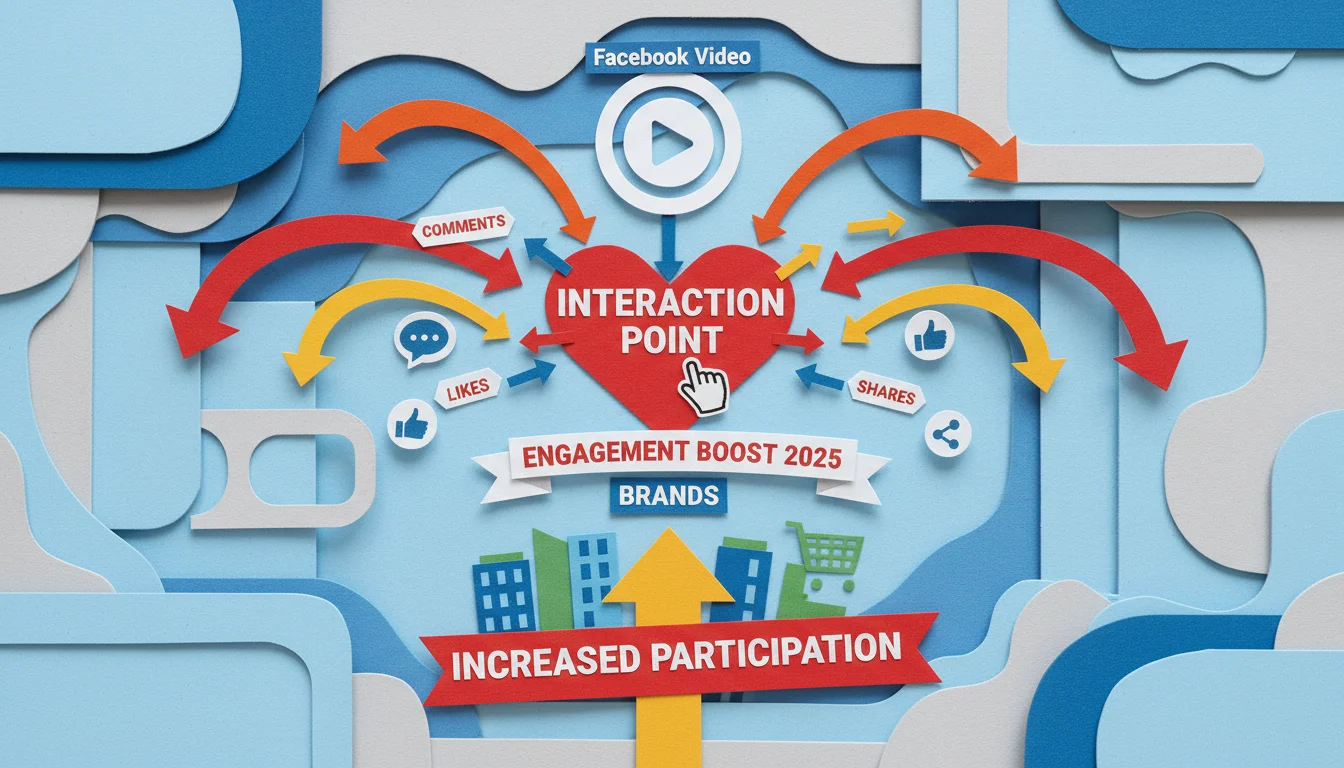
Putting a poll inside your Facebook video is a seriously effective way to do interactive audience research, but most brands aren’t doing it. This method turns someone who’s just passively scrolling into an active participant, giving marketers direct, real-time feedback on their preferences and perceptions. These interactions absolutely can change how a brand connects with its core audience.
Key Takeaways
- Put your Facebook video polls in the first 15 seconds of a video. Meta’s 2025 engagement metrics show that’s where you’ll catch people when they’re most engaged.
- Keep your poll questions focused on a single goal. Stick to simple binary choices or, at most, three distinct options to get high completion rates and data you can actually use.
- Use the poll data to guide your future content strategy, product ideas, or campaign messaging, making sure your investment in interactive content actually pays off.
- Build retargeting campaigns based on how people voted in your poll. Delivering personalized follow-up ads this way can boost conversion rates by up to 20% over generic targeting.
Engagement: From Likes to Live Data
Digital marketing, especially on Facebook, has definitely moved on from chasing vanity metrics. We now need real interaction and numbers that mean something. For a long time, we all tracked success with likes, shares, and comments. While those metrics are still valuable, they don’t give you the specific details you need to make smart strategic moves. Facebook polls, particularly when you stick them inside a video, fill that gap by giving you a direct line to what your audience is thinking, and it’s more than just a thumbs-up.
Think about how people normally consume video. A user scrolls their feed, watches for a few seconds, maybe reacts, and then they’re gone. That interaction is good for reach, but it doesn’t tell you why they watched or what they want to see next. A video poll injects a decision point, getting a tiny commitment from the viewer. This interactive element transforms a one-way broadcast into a two-way conversation, giving you immediate, structured feedback. It’s about making the audience a real part of your story, which naturally builds a much stronger connection with them. In fact, a 2025 report from eMarketer found that interactive videos had a 35% higher completion rate than standard linear videos, which just shows how powerful these mechanics are.
Designing Effective Facebook Video Polls for Market Research
To make a good interactive video poll, you need a strategy. It demands real thought about where to put it, how to phrase the question, and what you want to achieve. The goal is to gather data that actually helps you make decisions about your marketing or product. From what I’ve seen, the polls that work best are the ones that show up early, ideally in the first 15 seconds before you start losing viewers.
When you write the questions, you have to be clear and quick. Don’t be ambiguous. Binary choices (“Yes/No,” “Option A/Option B”) almost always get the highest participation because they’re easy to answer. If you need a little more detail, you can offer up to three distinct options, but any more than that and people get decision fatigue, which lowers response rates. For example, a beverage company launching a new flavor gets way more useful data by asking “Which new flavor would you try first: Mango Tango or Berry Bliss?” than by asking something vague like “What are your general preferences for new beverage flavors?” The first question gives you clean, actionable data for a product launch. You’re not running a PhD study here. You’re looking for fast, decisive feedback from an audience that’s probably distracted.
And make sure the poll actually fits the video. The question should feel like a natural part of the content. If you’re showing a video about sustainable fashion, a poll about eco-friendly materials is a perfect fit. If it’s about a new software feature, asking which part is most exciting helps you prioritize your messaging. This relevance boosts engagement and the quality of the data you get back. A recent IAB report pointed out that contextually relevant interactive elements in video ads improved brand recall by 28%.
Using Data for Strategic Insights
The engagement from a poll is nice, but the real value is in the data you get. When you analyze this data properly, you’ll find invaluable strategic insights for your market research. Let’s say you run a poll on a product demo video asking, “Which feature of this new gadget is most appealing to you?” The answers tell you exactly what to emphasize in your upcoming ad campaigns. This moves your team to making data-backed decisions instead of just guessing.
When you’re looking at the poll results, go deeper than just the overall percentages. Are there patterns across different audience segments? Did younger viewers vote differently than older ones? Any regional preferences pop up? Inside the Meta Business Suite, you can use Facebook’s analytics tools to segment this data and get a much richer picture. For instance, if your poll on breakfast cereal shows that parents aged 30-45 in the suburbs are overwhelmingly voting for sugar-free options, that’s a huge insight for R&D and targeted ads. You can then build retargeting campaigns aimed only at the people who voted for sugar-free, showing them ads for your relevant products. This kind of specific targeting, based on what people literally told you they want, massively improves campaign results and cuts down on wasted ad spend.
I’ve seen brands completely pivot their content strategy based on poll data. One client, a B2B software company, ran some video polls asking what their audience’s biggest challenges were. The responses overwhelmingly pointed to a specific integration problem they hadn’t been prioritizing. So, they fast-tracked development on it, launched it, and it became a top-selling feature. That’s what happens when you ask the right questions and actually listen.
Implementing Video Polls: A Step-by-Step Approach
Integrating Facebook video polls is straightforward, but the details really matter. As of 2026, the creator tools in the Meta Business Suite make this pretty easy. First, upload your video. Once it’s processing, you’ll look for an option called “Interactive Elements” or “Polls” in the editing screen, usually near where you’d add captions and tags.
When you set up the poll, you get to pick the exact timestamp where it will appear, and this is a big decision. As I mentioned, putting it early is usually best. Next, you’ll type in your question and the answer choices. Facebook lets you use text for answers, and depending on your account and region, you might even get image-based options. Always proofread it twice. A simple typo can throw off your results. Finally, you set how long the poll stays on screen. You need to find a balance here, long enough for people to see and vote, but not so long it gets annoying. I find that 5 to 10 seconds is the sweet spot for getting votes without disrupting the video too much.
After you publish the video, keep a close eye on it. In your Meta Business Suite analytics, you can track the poll participation rate, how the votes were distributed, and even see breakdowns by demographic segments. This data is valuable. Use it to make your next polls better, understand your audience more deeply, and directly guide your next product or content move. This cycle of implementing, analyzing, and refining is what maximizes the value of interactive video.
Advanced Strategies and Future Outlook for Interactive Video
Looking ahead, interactive video on Facebook is going to get a lot more interesting for market research. Imagine a viewer’s poll response determining which part of the video they see next, creating a kind of branching story. This level of personalization offers a unique way to understand audience preferences and build truly tailored experiences. These features aren’t fully available to everyone just yet, but they’re popping up in some ad units and specialized formats, which tells you where things are headed.
Also, think about what happens when AI can analyze open-ended text answers from polls at scale, if that feature becomes common. While today’s Facebook polls are mostly multiple-choice, being able to process qualitative feedback would be a revolution for market research, adding a layer of “why” that quantitative data can’t give you. For now, focus on writing sharp multiple-choice questions to get the most meaningful data you can. It’s obvious that platforms are investing big in interactive features because they know active participation creates stronger brand connections and gives them more valuable data. For any marketer planning for 2026 and beyond, staying on top of these new tools and being willing to experiment will be critical.
Using Facebook video polls for audience research is a direct, dynamic way to understand what your audience wants and get them engaged. By designing smart polls, digging into the data, and using what you learn across all your marketing, you can build stronger relationships and make better-informed decisions. This leads to campaigns that work and products people actually want.
What kind of questions work best for Facebook video polls?
Keep it simple. Clear, concise questions with only two or three distinct choices get the best results. Binary questions like “Yes/No” or “Option A vs. Option B” have the highest engagement because they require almost no effort from the viewer.
Can I use Facebook video polls for product development research?
Yes, they’re perfect for it. Video polls are a great way to get fast feedback on new features, design choices, or even product flavors. Getting this direct input from your target audience can seriously de-risk your development decisions.
How do I access the data from my Facebook video polls?
Your poll data is in the analytics section of the Meta Business Suite. There you can see the overall response rates, the breakdown of answers, and you can often segment that data by demographics to get deeper insights.
Is there an optimal placement for polls within a video?
Yes. Placing the poll within the first 15 to 30 seconds usually gets the most responses. This catches viewers before they drop off and when their attention is highest.
Can I retarget audiences based on their poll responses?
Yes. Facebook’s ad platform lets you create custom audiences from people who engaged with your video, including those who voted in a poll. This allows for very specific retargeting campaigns based on the preferences they just shared with you.


