 By Editorial Team
Key Takeaways
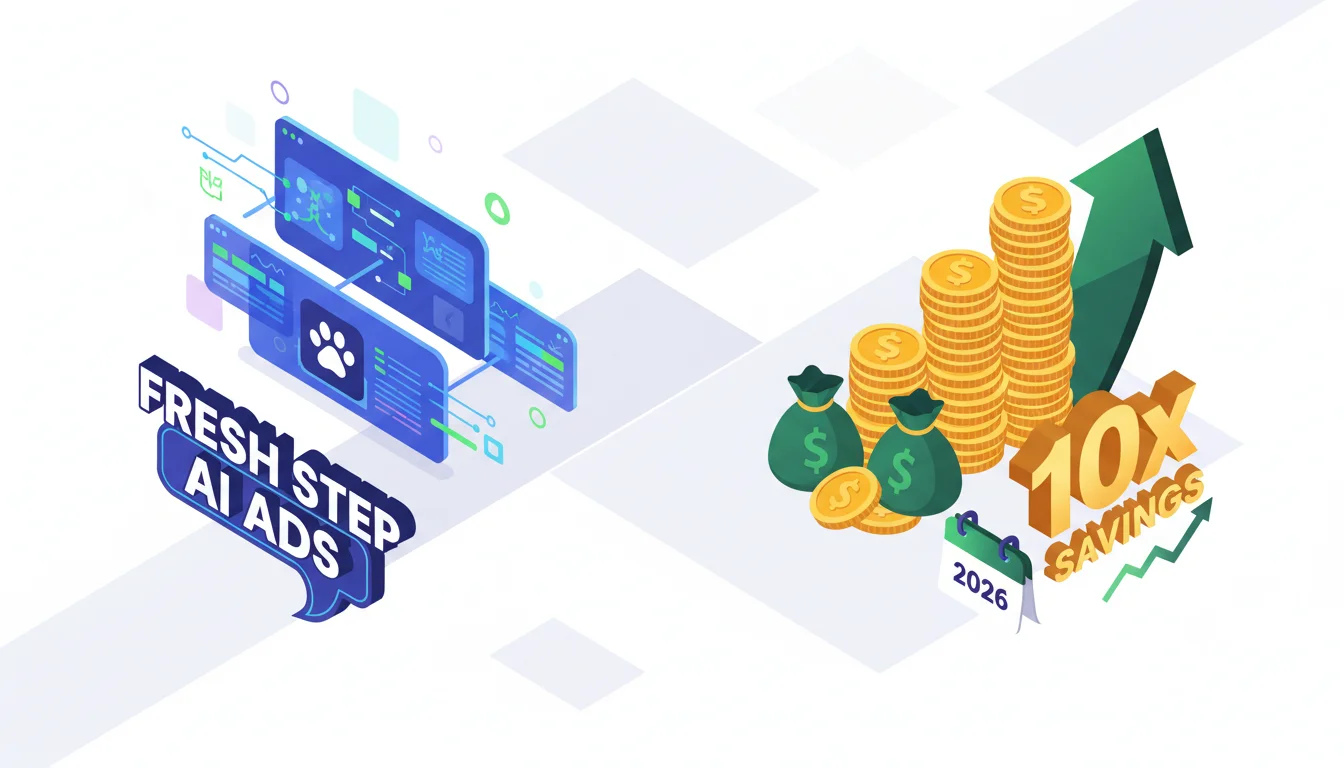
- You can cut video ad production costs by up to 90% with AI tools. Fresh Step proved it with their 10x cost reduction.
- Use generative AI platforms like Google’s VideoPoet and Meta’s Make-A-Video to rapidly prototype and test a ton of different ad concepts.
- Go deep on hyper-segmentation and A/B testing, using AI to generate all the variants you need to find winning creative elements at a huge scale.
- Plug in AI performance analytics from tools like Adobe Sensei to keep refining your ad targeting and content for continuous efficiency improvements.
The Fresh Step case study is a perfect example of how AI can slash costs in video advertising, delivering a stunning 10x drop in production expenses. That massive efficiency gain isn’t some theory. It’s a hard number that completely changes what you can do with a marketing budget. So how can other brands get these kinds of savings in their own video ad campaigns?
1. Define Your Core Message and Target Audience Precisely
Don’t even think about firing up an AI tool until you have your marketing goals and target audience nailed down with absolute clarity. For Fresh Step, the mission was boosting brand awareness and selling more litter, and they were talking to cat owners obsessed with odor control. That clarity is what let them feed sharp, effective prompts into their AI systems. I’ve personally seen way too many campaigns fall flat because the initial brief was mush, and the AI just spits out generic garbage that misses the point entirely.
Pro Tip: Build out detailed buyer personas that cover everything from demographics and psychographics to their specific pain points and where they hang out online. This level of detail is what turns a vague AI prompt into a sharp, relevant one.
Common Mistake: Using an audience definition that’s way too broad. “Cat owners” is useless. Get specific: “first-time cat owners in urban apartments, aged 25-34, who are worried about their small space smelling like a litter box.”
2. Select the Right AI Video Generation Platforms
The market for AI video tools is blowing up, but let’s be clear: they are not all the same. Fresh Step probably burned through a few platforms before finding the ones that gave them the speed and cost-efficiency they needed. For instance, a tool like Google’s VideoPoet (Google Research Blog) is great for kicking out short, clean video clips from text prompts, whereas Meta’s Make-A-Video (Make-A-Video) gives you more options for stylized or abstract visuals. Your job is to find the tools that can produce a variety of styles and tones quickly.
When it comes to generating specific scenarios, you should look at tools like RunwayML Gen-2 (RunwayML). It lets you create video from text, images, or even other video clips, giving you solid control over motion and style. This is how you can prototype a bunch of different ad concepts without paying for storyboarding and a film crew.
Pro Tip: Look for platforms that give you fine-grained control over things like aspect ratio, motion speed, and visual filters. This is what lets you stay on-brand instead of getting some generic AI-looking video.
Common Mistake: Getting stuck on one AI tool and never looking around. Different tools are good at different things. Building a small toolkit of a few different platforms will almost always get you better and more efficient results.
3. Develop a Complete Prompt Engineering Strategy
This is where the real craft of AI video comes into play, and it’s a lot more than just typing a single sentence. To get what you want, you have to specify the visual elements, the emotional tone, the scene cuts, and even the camera angles you’re after.
A good, detailed prompt might be something like: “15-second video ad. Scene 1: Clean, modern living room. A woman in her 30s smiles playing with a fluffy cat, focus on the cat’s happy expression. Scene 2: A quick shot of a pristine litter box, Fresh Step package is visible nearby. Text overlay appears: ‘Odor-Free Home. Happy Cat.’ Music is upbeat but gentle. Lighting is bright and warm.”
You have to experiment with how you structure your prompts. I usually tell people to start with a “context-action-style-constraint” framework. For example: “[Context] A chaotic family kitchen at breakfast time. [Action] A dad quickly and easily cleans a juice spill with a new paper towel. [Style] Bright, energetic, slightly fast-forward motion. [Constraint] No dialogue, just focus on how well the product works.”
Pro Tip: Keep a prompt library. When a prompt gives you a great result, save it. Documenting what works (and what doesn’t) lets you improve over time and deploy effective creative much faster down the road.
Common Mistake: Writing vague or super-complicated prompts. You’ll just confuse the AI. It’s better to start simple, see what you get, and then add one layer of detail at a time to see how it affects the output.
4. Automate A/B Testing and Iteration at Scale
That 10x cost reduction doesn’t come from making one perfect video. It comes from churning out dozens, even hundreds, of cheap variations to find the handful that actually work. AI makes this possible. Fresh Step was able to generate tons of versions of their ad, testing different background music, headlines, character expressions, or even the breed of cat.
You can use the A/B testing features already built into platforms like Google Ads and Meta Business Manager, but the secret is to feed them a constant supply of AI-generated ads. Instead of manually producing two or three versions to test, you’re testing twenty or thirty at once, which radically shortens the time it takes to figure out what creative choices are making you money. An IAB report from 2024 on AI in advertising found that brands using AI for this kind of creative testing improved their campaign ROI by 40% compared to brands sticking to the old way.
Pro Tip: Be disciplined and test one variable at a time. Test your headlines first, then your opening scene, then your call-to-action button color. This is the only way to know for sure what change caused the performance lift.
Common Mistake: Testing too many things at once. If you change the music, the headline, and the first scene all in one variant, you have no idea which element was responsible for the change in performance. It’s just noise.
5. Implement AI-Powered Performance Analytics and Optimization
Making the ads is just step one. The real, sustained savings come from understanding what works and optimizing constantly. Fresh Step didn’t just save a bunch of money on production. They made sure every dollar they spent on media was working harder.
You need to connect your ad platforms to AI analytics tools like Adobe Sensei (Adobe Sensei) or other marketing AI software. These systems can chew through massive amounts of performance data to spot engagement patterns and predict which ad elements will work best for different audience segments. For example, the AI might find that videos with orange cats get 15% more engagement from suburban women aged 35-44, while black cats do better with urban men aged 25-34. That kind of granular insight lets you serve ads dynamically and keep refining your creative on the fly.
This feedback loop is everything. It’s not a one-and-done deal. The performance data tells you how to write better prompts next time. That cycle of constant improvement is how you achieve serious, long-term AI cost reduction in your video advertising efforts.
Pro Tip: Set up your analytics to send you real-time alerts for any ad creative that’s tanking. This lets you pull it immediately and swap in a new AI-generated variant without wasting more money.
Common Mistake: Only looking at basic metrics like clicks or CPM. You need to go deeper. Look at video completion rates, audience retention graphs, and sentiment analysis (if you can get it) to get the full story of what’s working.
What the Fresh Step story really shows is that AI lets you experiment and optimize on a scale that was just impossible before because of the cost. For any brand that wants to slash video ad costs without hurting performance, getting a structured, AI-driven system in place is now mandatory.
Which AI tools should I actually use for video ads?
Start with Google’s VideoPoet and RunwayML Gen-2 for most general-purpose video work. If you need something more artistic or abstract, Meta’s Make-A-Video is a good option. The right tool always depends on your creative goals and how much hands-on control you want.
How do I keep AI-generated ads from looking generic and off-brand?
It all comes down to your prompt engineering. You have to be militant about including brand details in your prompts: specify colors, visual styles, and the exact emotional tone. You’ll also need to do a manual review of the first few outputs to make sure the AI is on the right track before you scale up.
Can I get AI to generate voiceovers for these videos?
Yes, and you should. Many video platforms have built-in text-to-speech, but dedicated AI voice tools like ElevenLabs or Google’s WaveNet can give you incredibly realistic and customizable voiceovers. You can then just sync them up with your AI-generated video.
Realistically, what kind of cost savings are we talking about?
The numbers vary, but case studies like Fresh Step’s show that a 10x (or 90%) reduction is possible. The savings come from practically eliminating the costs of film crews, actors, location scouting, and most of the traditional post-production editing time.
How fast can I expect to see a return on this?
You’ll see the first results very quickly, usually within a few weeks, especially in how fast you can produce creative and run A/B tests. The big cost reductions and major performance gains will start showing up after a few months, once you’ve refined your prompting and have a good optimization workflow going.