 By David Carson
Meet Sarah, the marketing director for “GreenThumb Gardens,” a local nursery specializing in rare botanicals in Atlanta, Georgia. For years, GreenThumb relied on word-of-mouth and charming, albeit amateurish, social media posts. But by early 2026, Sarah knew they needed more. Their competitors, especially the larger chains near the Perimeter Mall, were pumping out slick, engaging video content – plant care tips, garden tours, even time-lapses of blooms. Sarah understood the power of video to connect with their audience, but the thought of creating professional-grade content filled her with dread. She didn’t have a massive budget for a full-time videographer, and her team, while brilliant with plants, were video editing novices. How could GreenThumb Gardens compete without breaking the bank, and more importantly, how could Sarah find accessible tutorials on video editing software to upskill her team for marketing efforts?
Key Takeaways
- Prioritize free, platform-specific tutorials from software developers like Adobe or Blackmagic Design for the most accurate and up-to-date guidance.
- Focus on mastering fundamental editing techniques (cutting, transitions, audio mixing) before diving into advanced effects, as these form the backbone of effective marketing videos.
- Implement a structured training plan, dedicating specific hours each week to tutorials and practice, to ensure consistent skill development within your team.
- Leverage AI-powered editing features in tools like Adobe Premiere Pro or DaVinci Resolve to automate repetitive tasks and speed up production for marketing assets.
Sarah’s challenge isn’t unique. I’ve seen it countless times with small to medium-sized businesses across Georgia, from boutique agencies in Buckhead to manufacturing firms out in Gainesville. They grasp that video is no longer optional for marketing – it’s foundational. According to a HubSpot Marketing Statistics report, video continues to be the primary content format consumers want to see from brands in 2026. But the barrier to entry often feels insurmountable.
My advice to Sarah, and to anyone in her position, is always the same: start with the software, then find the right teachers. You don’t need a film school degree. What you need is a structured approach to learning the tools. And trust me, the tools have become incredibly powerful and, more importantly, user-friendly.
Choosing Your Weapon: Software & Its Learning Curve
For marketing video, you’re generally looking at a few heavy hitters. For beginners, CapCut or Shotcut offer surprisingly robust free options. They’re intuitive, and you can get a decent marketing video out the door quickly. For more professional results and scalability, you’re looking at Adobe Premiere Pro or DaVinci Resolve. Resolve, in particular, is a beast – it’s free for its core version, which is more than enough for 99% of marketing needs, and it’s what I recommend for serious learners who aren’t ready to commit to a subscription model.
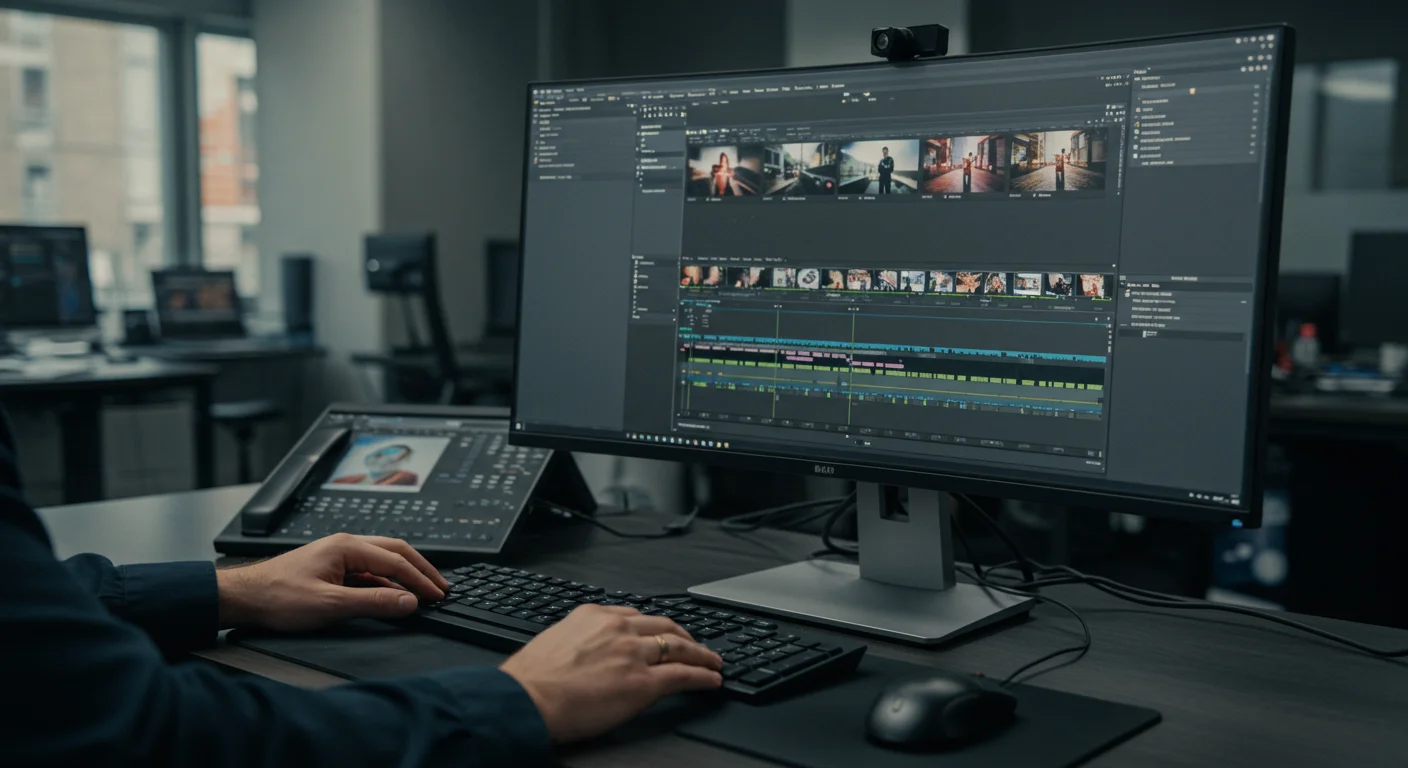
Sarah initially leaned towards Premiere Pro because she was already using other Adobe products. A sensible choice, but also one that comes with a steeper learning curve than she anticipated. “I opened it up, and it just looked like an airplane cockpit,” she told me during our initial consultation. That’s a common reaction. My response? Don’t get overwhelmed by the interface. Focus on specific tasks.
The Tutorial Treasure Map: Where to Find Gold
Here’s where many people go wrong: they search “Premiere Pro tutorial” on a popular video platform and get lost in a sea of inconsistent advice. The real gold is often closer than you think.
- Official Documentation and Developer Channels: This is my absolute top recommendation. Adobe, for example, has an extensive Premiere Pro Learn & Support page with structured lessons. Blackmagic Design offers a fantastic series of training videos and even free certification courses for DaVinci Resolve. Why start here? Because it’s accurate, up-to-date, and covers the software as intended by its creators. No bad habits, no outdated techniques.
- Specialized Learning Platforms: Platforms like LinkedIn Learning (formerly Lynda.com) or Skillshare offer structured courses taught by industry professionals. These usually require a subscription, but the quality is high, and they often come with practice files. I had a client last year, a small e-commerce business in Midtown Atlanta selling artisanal candles, whose marketing assistant learned enough Premiere Pro from a single LinkedIn Learning course to produce all their product demo videos. It made a tangible difference in their conversion rates.
- Expert YouTube Channels (with caveats): Yes, there are incredible educators on YouTube. Look for channels dedicated solely to video editing software, often run by professional editors or trainers. Think “Justin Odisho” for Premiere Pro or “Casey Faris” for DaVinci Resolve. The caveat? Verify their expertise. Look at their other videos, their subscriber count, and comments. Are they consistently delivering clear, actionable advice? Are they updating their content for the latest software versions?
Sarah and her team at GreenThumb Gardens started with the official Adobe tutorials for Premiere Pro. I advised them to dedicate two hours every Tuesday and Thursday afternoon to working through specific modules. We started with the absolute basics: importing footage, creating a sequence, cutting clips, and adding simple text overlays. The goal wasn’t to create a cinematic masterpiece on day one, but to build confidence.
The GreenThumb Gardens Case Study: From Seedling to Bloom
Let’s look at GreenThumb’s journey. Their initial problem was a lack of engaging social media content. Their first video project was a simple “Plant of the Week” series.
Goal: Produce a 60-second video introducing a specific rare plant, its care, and why it’s special.
Tools: Premiere Pro, a decent smartphone camera (iPhone 15 Pro Max), and a basic lavalier microphone.
Timeline: Two weeks of dedicated training (4 hours/week) followed by one week for production of the first video.
Process:
- Week 1-2: Training. Sarah and her assistant, Mark, went through Premiere Pro’s “Getting Started” tutorials. They focused on:
- Importing & Organizing: How to bring footage into the project and keep it tidy. (A messy project file is a nightmare, trust me.)
- Basic Cuts: The “razor tool” and keyboard shortcuts for quick editing. This is 80% of editing right here.
- Adding Music & Sound Effects: How to find royalty-free tracks and mix audio levels properly. (Bad audio ruins everything, period.)
- Simple Text Overlays: Branding, plant names, care instructions.
- Week 3: Production.
- Filming: Sarah shot footage of a stunning ‘Black Bat Flower’ (Tacca chantrieri) with Mark providing voiceover. They used a simple tripod and natural light.
- Editing: Mark, guided by the tutorials, assembled the clips, added background music from Epidemic Sound, and integrated text.
- Feedback: They shared a draft with their team. One crucial piece of feedback: the music was too loud. Mark adjusted it using the audio mixer, a skill learned directly from a tutorial.
Outcome: Their first “Plant of the Week” video, while not cinematic, was clear, informative, and visually appealing. It garnered 3,500 views on Instagram and Facebook within the first week, a 250% increase over their previous static posts. More importantly, it led to a noticeable spike in inquiries about the ‘Black Bat Flower’ and a 15% increase in foot traffic to the nursery that weekend. The team felt empowered. This wasn’t about perfection; it was about progress and consistency.
Beyond the Basics: AI, Efficiency, and Advanced Techniques
Once you’ve got the fundamentals down, you can start looking at more advanced features. This is where modern video editing software truly shines, especially for marketing. AI is a game-changer. Both Premiere Pro and DaVinci Resolve now have incredible AI capabilities that can automate tasks that used to take hours. Think about:
- Automatic transcription: Premiere Pro can transcribe your entire video and create captions with a single click. Essential for accessibility and engagement, especially on social media where many watch without sound.
- Auto-reframe: Need to repurpose a horizontal video for vertical platforms like Instagram Reels or TikTok? AI can automatically reframe your shots to keep the subject in focus. This is an absolute time-saver for marketers.
- Color Grading Presets: While manual color grading is an art, many software options offer AI-powered presets that can instantly give your footage a professional look.
My editorial opinion? Don’t get caught up in flashy effects too early. A well-told story with clear audio and decent lighting will always outperform a video with complex transitions but muddled messaging. Focus on the narrative first. The tools are there to serve the story, not the other way around. I’ve seen too many marketers get lost in the weeds of effects panels, forgetting the core message they’re trying to convey.
We continued to work with Sarah and GreenThumb Gardens. Over the next six months, Mark became quite proficient. He started experimenting with dynamic text animations using Adobe After Effects (integrating seamlessly with Premiere Pro), learned basic color correction, and even started adding simple motion graphics for their seasonal promotions. Their video content went from being a chore to a strategic asset. Their engagement metrics soared, and they even started a successful YouTube channel offering detailed plant care guides, which now brings in passive leads from across the state.
The biggest takeaway from GreenThumb’s journey is that consistent, focused learning from reliable sources is the most direct path to video editing proficiency for marketing. It’s not about being an expert in every single feature, but about mastering the tools necessary to tell your brand’s story effectively.
The world of marketing demands visual communication, and video is its most potent form. By dedicating time to structured learning through official software tutorials and expert-led courses, any marketing team can transform from video novices to confident content creators, driving tangible results for their business.
What is the best free video editing software for marketing beginners?
For absolute beginners in marketing, CapCut and Shotcut are excellent free options due to their intuitive interfaces and robust feature sets for basic editing tasks. For those seeking more professional capabilities without cost, DaVinci Resolve’s free version is unparalleled, offering industry-standard tools.
How long does it take to learn video editing for marketing purposes?
You can grasp the fundamental concepts and produce basic marketing videos in as little as 2-4 weeks with dedicated practice (4-6 hours per week). Achieving proficiency for more complex projects, including motion graphics and advanced color grading, typically takes 3-6 months of consistent learning and application.
Are official software tutorials better than YouTube videos for learning?
Yes, official software tutorials from developers like Adobe or Blackmagic Design are generally superior for foundational learning. They are guaranteed to be accurate, up-to-date with the latest software versions, and structured logically, preventing the adoption of bad habits often found in less curated content.
What are the most important video editing skills for marketing?
The most important skills for marketing video editing include efficient cutting and trimming, effective audio mixing and enhancement, basic color correction for visual consistency, and adding clear, branded text overlays and graphics. Storytelling through visual sequencing is also paramount.
How can AI help with video editing for marketing?
AI significantly enhances marketing video editing by automating time-consuming tasks. Features like automatic transcription and captioning improve accessibility, auto-reframe adapts content for various social media platforms, and AI-powered color grading presets can quickly achieve professional looks, saving valuable production time.


