 By Editorial Team
Key Takeaways
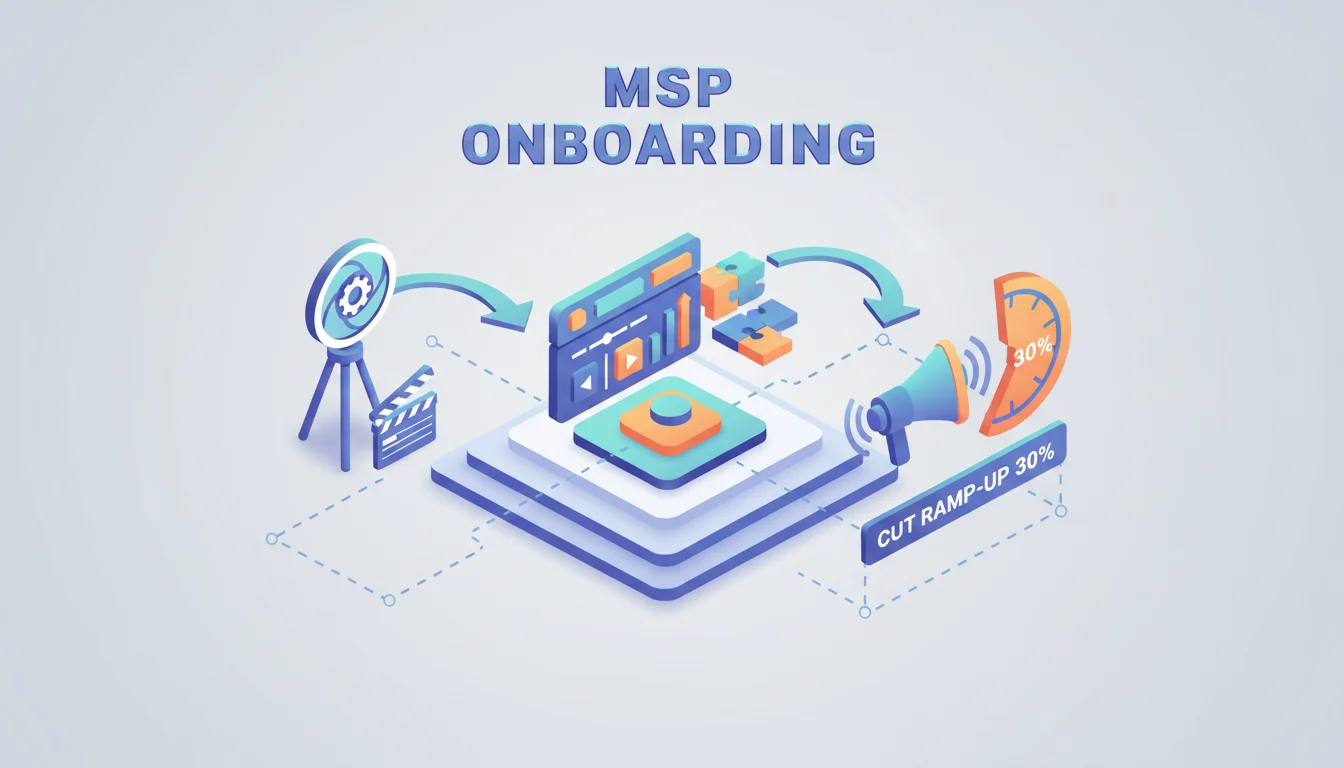
- Using targeted video for MSP onboarding cuts new partner ramp-up time by an average of 30% because all critical product and process info is centralized.
- When you add interactive elements like clickable quizzes to your training videos, engagement jumps by up to 45% over static content, making sure partners actually absorb the material.
- Building a structured video library inside a dedicated partner portal cuts down on support tickets for common onboarding questions by 20% within the first six months.
- Sending personalized videos automatically when partners hit training milestones can bump their satisfaction scores by 15% and get them selling sooner, which means faster revenue.
- By integrating video analytics with your CRM, you can spot knowledge gaps in real time, follow up effectively, and improve the entire MSP onboarding program’s results by 25%.
If your Managed Service Provider (MSP) channel program is going to succeed, you have to get partner integration right. For 2026, that means using dynamic video ads for MSP onboarding. The real job is getting new partners productive, making sure they actually understand your solutions, and having them represent your brand well from day one. So how can video advertising actually change this part of the process?
The Imperative of Effective MSP Onboarding in 2026
It’s getting more and more competitive out there for Managed Service Providers. Because so many vendors are fighting for the same partners’ attention, that first onboarding experience is what will determine if they stick with you for the long haul and actually perform. There’s real data on this: HubSpot Research found that a standardized onboarding process gives you a 50% jump in new partner productivity. That makes sense. A disjointed process that leans on static documents and random webinars creates a ton of friction, pushes back the date you’ll see any revenue from that partner, and just causes them to churn out.
Just think about everything a new MSP partner has to learn, product specs, pricing, marketing materials, support ticketing, and compliance rules. The old way of doing things with huge PDF manuals or one-size-fits-all webinars just doesn’t work anymore because they’re not engaging and can’t explain complex details well. What you get is a partner who feels completely swamped and unprepared, which means they’re not out there closing deals and instead they’re blowing up your support lines with questions you thought you already answered.
Designing High-Impact Channel Partner Video Content
Making good channel partner video content isn’t about filming a simple product demo. You need a real plan for delivering information that people will actually remember, using both visuals and audio. We’ve found that breaking everything down into a modular video series works best, with each video being a digestible 3 to 5 minutes long. You could have a whole series covering topics like “Understanding Our Cloud Backup Solution Architecture,” “Working through the Partner Portal,” and “Executing Your First Co-Marketing Campaign,” where every single video has one specific goal, giving partners a clear path to follow.
As you make these videos, keep them authentic and clear. Ditch the polished, corporate-speak presentations and just talk to them conversationally. It’s way more effective to feature your own product managers or support specialists, which builds trust and makes the whole thing feel more real. You should be using screen recordings for any software demos, some simple animated graphics to show how abstract stuff works, and even short interviews with your best partners to give some real-world advice. You’re trying to build a resource that’s genuinely valuable, not another training chore they have to get through.
Interactive Elements for Deeper Engagement
Just letting someone watch a video passively is mostly a waste of their time and your money. You have to get them involved by building interactive elements directly into your B2B training videos. Tools like Vidyard or Wistia have the features you need to do this, turning a standard video into a two-way street. Think about putting short quizzes at the end of each module to check if they were paying attention which forces them to actually recall the information to reinforce what they just learned. Branching scenarios are also incredibly effective. For instance, you could explain a technique for handling a sales objection and then immediately present a customer scenario where the partner has to pick the right response and get instant feedback.
You can also use clickable annotations to send partners directly to other resources like a specific data sheet, a pricing calculator, or a relevant article in your support knowledge base without making them go hunt for it. This keeps them focused. Adding these interactive features is about shifting to active learning, which is proven to make people remember more. In fact, a 2025 study from the IAB (Interactive Advertising Bureau) showed that interactive video ads had a click-through rate that was 7 times higher than plain video.
Using Video Ads for Discovery and Reinforcement
Your main training content will live in your partner portal, but you can use video ads to get partners there in the first place and to keep important ideas top-of-mind. For example, right after a new partner signs their agreement, you can hit them with a targeted video ad sequence through email or on their dashboard that points them to the “Getting Started” video series. The point of these ads is to guide and educate. They’re just signposts telling partners exactly what their next step should be.
Video ads also work great for reinforcement long after the initial sign-up. You can deliver specific video snippets based on a partner’s activity (or lack thereof). Let’s say a partner still hasn’t touched the co-marketing resources after two weeks. You can automatically trigger a short video ad that explains why co-marketing is a good idea and links them straight to that training module. This kind of personalized nudge delivers the right information at just the right moment so partners don’t lose steam. We do this by retargeting partners on Google Ads and Meta Business Suite with these educational clips, and it absolutely increases the completion rates for our onboarding program.
Measuring Success and Iterating on Your Video Strategy
The best part about using digital video is all the data you get back. To know if your MSP onboarding video strategy is actually working, you have to track the right KPIs. Don’t just look at view counts. You need to be watching completion rates for each video, how many people are clicking on your quizzes and annotations, and where they’re spending the most time. When you connect your video analytics directly to your Partner Relationship Management (PRM) system, something like Salesforce PRM, you get a full picture of how each partner is progressing and what they actually know.
And don’t just look at the numbers. You have to get qualitative feedback too. After a partner finishes onboarding, send them a survey and ask them directly about how clear the videos were. Are there specific topics that everyone seems to get stuck on even after they’ve watched the video? That’s a clear sign your content for that section needs work, either because the explanation is weak or the examples don’t land. My advice: don’t be afraid to reshoot or re-edit. A good upfront investment in your video pays for itself by cutting down your support team’s workload and getting partners selling faster. We’re constantly looking at video heatmaps and attention graphs to see exactly where people are dropping off or re-watching parts which tells us exactly what we need to fix.
Common Pitfalls and How to Avoid Them
Of course, you can mess this up. One of the biggest mistakes I see is making videos that are just too long. Your partners are busy people, and their attention spans are short, so you have to keep each video segment focused and brief. If you have a really complex topic that needs a lot of explanation, don’t try to cram it into one 20-minute video. Break it up into a series of shorter ones. Another common mistake is completely forgetting about mobile. A lot of partners will be watching these on a tablet between meetings or even on their phone, so your videos absolutely have to be responsive and watchable on small screens.
Another big error is thinking of video as a one-and-done project. Your products and the market are always changing, so your video content has to be a living library that you update constantly to keep it accurate. You should schedule a formal review of your whole video library at least once a quarter to check for things like outdated UI, old branding, or new compliance rules you need to include. If you don’t do this, you’ll end up teaching partners the wrong information, which just makes them angry and kills their trust in you. And finally, every single video has to have a clear call to action. It should tell the partner exactly what to do next, like download a resource, book a call with their channel manager, or simply click to start the next training module.
How long should an MSP onboarding video be?
Aim for 3 to 5 minutes per video. That’s the sweet spot for keeping a partner’s attention and focusing on just one topic or skill at a time so they can actually absorb it without feeling buried in information.
How often does channel partner video content need to be updated?
You need to review everything at least every quarter. If you have a big product update, a service change, or a new program policy, you have to update the videos immediately to make sure new partners are getting correct information.
Is it possible to personalize video ads for different MSPs?
Absolutely. You should segment your partners by things like their business model, technical skill level, or even where they’re located. Then you can send them specific video ads that speak directly to their needs and show them the parts of your onboarding that matter most to them.
What are the best metrics to track for video onboarding?
The most important metrics are video completion rates (how many people finish the video), engagement with interactive parts like quiz scores or link clicks, and watch time on certain sections. You should also track whether you see a drop in support tickets about basic onboarding topics. That’s how you know it’s working.
Should I use only video for MSP onboarding?
No, video works best as part of a blended program. Use video to get the core information across efficiently, but combine it with things like live Q&A webinars, helpful documents, and one-on-one check-ins. The live sessions are where you can answer very specific questions and start building a real relationship.