 By Editorial Team
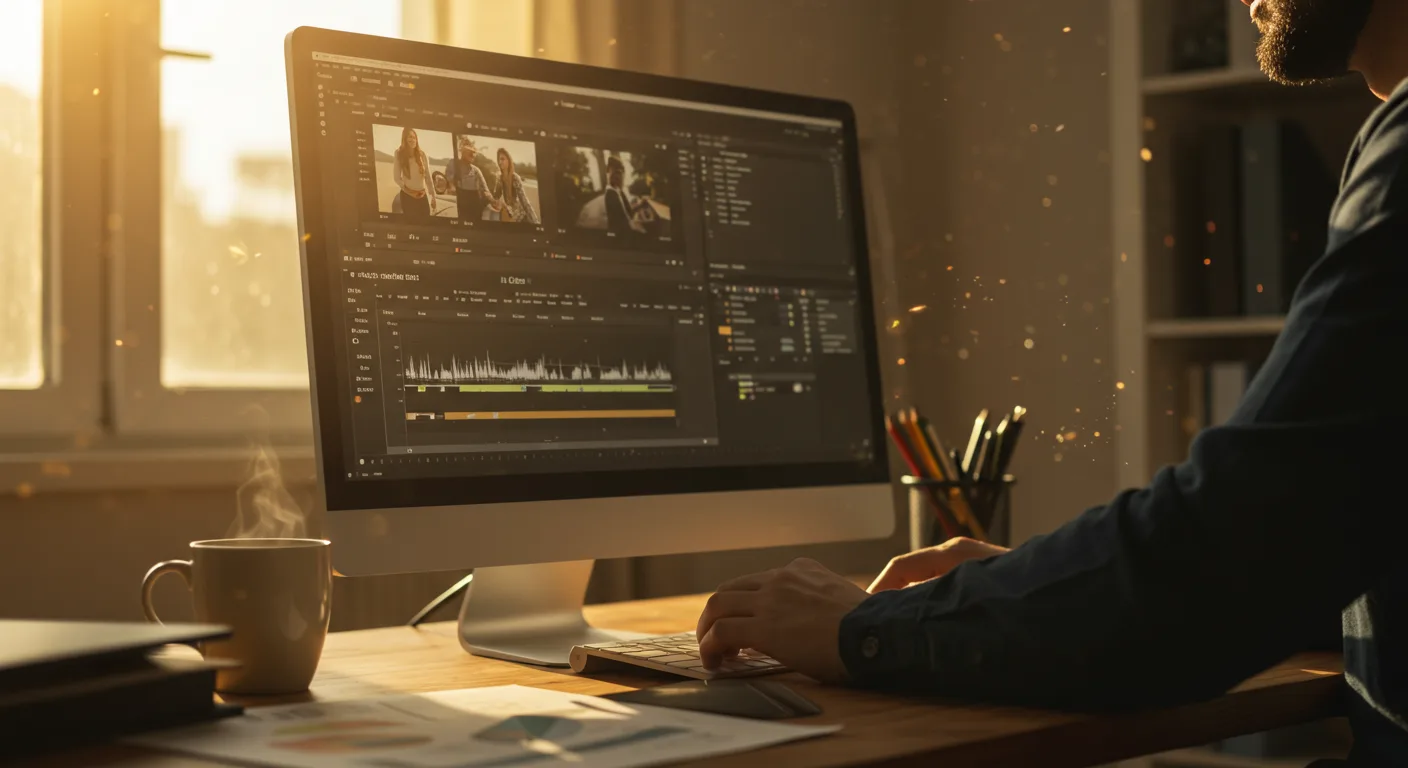
Mastering Marketing: A Beginner’s Guide to Tutorials on Video Editing Software
Are you ready to unlock the potential of video marketing? Learning the ins and outs of video editing can seem daunting, but with the right tutorials on video editing software, even a complete novice can create compelling content that drives results. The key is finding the right resources and understanding how to apply those skills to your specific marketing goals. Think video editing is just for filmmakers? Think again.
Why Video Editing Skills are Essential for Marketers
Video is no longer a “nice-to-have” – it’s a core component of any successful marketing strategy. According to a recent report from Nielsen, consumers spend an average of 18 hours per week watching video content online. That’s a lot of eyeballs. From social media ads to explainer videos on your website, video can significantly boost engagement, brand awareness, and ultimately, conversions. Looking to maximize your impact? Dive into expert insights for marketing.
Here’s what nobody tells you: simply having video isn’t enough. Poorly edited videos can damage your brand’s credibility faster than you can say “buffering.” Grainy footage, jarring transitions, and inconsistent audio scream “amateur,” and that’s the opposite of what you want your brand to project. That’s why mastering even the basics of video editing is essential for marketers who want to make a real impact.
Choosing the Right Video Editing Software and Tutorials
The first step is selecting the right video editing software for your needs and budget. Several options are available, ranging from free, user-friendly programs to professional-grade suites.
- Free Options: For beginners, software like DaVinci Resolve (free version) offers a surprisingly powerful set of features. It’s a great starting point to learn the fundamentals without a financial commitment.
- Subscription-Based Software: Adobe Premiere Pro is an industry standard, known for its comprehensive features and integration with other Adobe Creative Cloud apps. However, it comes with a monthly subscription fee.
- User-Friendly Options: Final Cut Pro (Mac only) is known for its intuitive interface and powerful performance.
Once you’ve chosen your software, it’s time to find the right tutorials. Here’s where I’ve seen marketers go wrong: they jump straight into advanced techniques without mastering the basics. Start with tutorials that cover the fundamentals: If you’re using Premiere Pro, be sure to level up your marketing videos now.
- Understanding the interface: Learn where all the tools are located and what they do.
- Importing and organizing footage: Master the process of bringing your video clips, audio files, and images into the software.
- Basic editing techniques: Learn how to cut, trim, and arrange clips on the timeline.
- Adding transitions and effects: Experiment with different transitions and effects to enhance your videos.
- Working with audio: Learn how to adjust audio levels, add background music, and remove unwanted noise.
- Exporting your video: Understand the different export settings and choose the right format for your intended platform.
Instead of searching “Premiere Pro editing tricks,” search “Premiere Pro basics for beginners.” Trust me.
Essential Video Editing Techniques for Marketing Videos
While the specific techniques you’ll use will vary depending on the type of marketing video you’re creating, some fundamental principles apply across the board:
Looking to create short-form video ads? Boost ad performance now.
- Keep it Concise: Attention spans are short. According to a 2024 IAB report, the ideal length for a social media video ad is 15-30 seconds. IAB
- Grab Attention Immediately: The first few seconds are crucial. Use a compelling visual or a captivating hook to draw viewers in. Think about A/B testing different intros to see what resonates best with your target audience.
- Tell a Story: Even short marketing videos should tell a story, however simple. Create a narrative arc that engages viewers and keeps them watching.
- Use Visuals to Reinforce Your Message: Don’t just show talking heads. Use b-roll footage, graphics, and animations to illustrate your points and make your video more visually appealing.
- Optimize for Mobile: Most people watch videos on their phones. Make sure your videos are optimized for mobile viewing by using vertical or square aspect ratios and adding captions for viewers who watch with the sound off.
- Add a Clear Call to Action: Tell viewers what you want them to do after watching your video. Do you want them to visit your website, sign up for your email list, or follow you on social media? Make it clear and easy for them to take action.
Case Study: Boosting Engagement with Targeted Video Editing
I had a client last year, a local bakery in the Buckhead neighborhood of Atlanta, who was struggling to get traction on social media. They were posting beautiful photos of their pastries, but engagement was low. We decided to create a series of short, behind-the-scenes video showcasing the baking process.
We used iMovie (a very simple program!) to edit the videos, focusing on quick cuts, vibrant colors, and upbeat music. We also added text overlays with key information, such as the names of the pastries and the bakery’s address (309 Buckhead Ave NE). The results were impressive. Within a month, the bakery’s Instagram engagement increased by 40%, and they saw a noticeable uptick in foot traffic to their store. The videos were also shared on Nextdoor, which drove even more local awareness.
Advanced Techniques and Further Learning
Once you’ve mastered the basics, you can start exploring more advanced video editing techniques:
- Color Grading: Learn how to adjust the colors in your videos to create a specific mood or style.
- Motion Graphics: Add animated text and graphics to make your videos more dynamic and engaging.
- Green Screen: Use a green screen to place your subjects in different environments.
- Sound Design: Create a professional-sounding audio track by adding sound effects and music.
To continue your learning journey, consider these resources: For creative inspiration, transform your marketing.
- Online Courses: Platforms like Coursera and Udemy offer a wide range of video editing courses taught by industry professionals.
- YouTube Channels: Many video editors share their knowledge and expertise on YouTube. Search for channels that focus on the specific software you’re using.
- Industry Events: Attend industry events and workshops to network with other video editors and learn about the latest trends and technologies.
The Atlanta Film Festival also offers workshops throughout the year (check their website for the 2027 schedule!), and the Atlanta Chapter of the American Marketing Association often hosts speakers on digital marketing topics, including video.
Frequently Asked Questions
What’s the best video editing software for a complete beginner on a tight budget?
DaVinci Resolve (free version) is an excellent choice. It offers a robust set of features without costing a dime, and there are plenty of free tutorials available online.
How long should my marketing videos be?
Ideally, keep your social media videos between 15-30 seconds. For longer-form content, aim for a maximum of 2-3 minutes to maintain audience engagement.
Do I need expensive equipment to create high-quality marketing videos?
Not necessarily. While professional equipment can certainly enhance your videos, you can create compelling content with a smartphone, a decent microphone, and good lighting. Focus on the quality of your content and storytelling.
What are some common mistakes to avoid when editing marketing videos?
Avoid jump cuts, poor audio quality, inconsistent branding, and failing to include a clear call to action. Also, don’t forget to optimize your videos for mobile viewing.
How important is audio in video editing?
Audio is just as important as visuals. Poor audio can ruin an otherwise great video. Invest in a good microphone and learn how to adjust audio levels, remove noise, and add background music to create a professional-sounding audio track.
Ready to transform your marketing efforts? Don’t just passively watch tutorials on video editing software — actively practice the techniques you learn. Start with a small project, like editing a short video for your company’s Instagram, and gradually work your way up to more complex projects. The sooner you begin applying these skills, the sooner you’ll see the return on your investment.


